Google Chrome comes pre-installed on almost every Android smartphone by default, but it’s far from the only viable option. Some people need a smarter browser with a built-in AI assistant, others want privacy without tracking, and some just want a fast browser for Android that won’t lag on a budget phone. I’ve gathered five alternatives that I actually use myself or regularly test. Each has its own pros and its own annoying moments — I’ll be honest about those too.

We’ve collected amazing browsers that can replace Chrome on Android
Yandex Browser — A Convenient Android Browser with AI
In short, the Yandex app is the most logical choice for Russian-speaking users. You can download Yandex Browser for Android for free from Google Play or RuStore, and it immediately picks up everything you need for life on the Russian internet: Zen, Weather, maps, news. It has a built-in AI assistant called Alice, which can briefly summarize long articles and translate videos with voice in real time — a useful feature when you need to quickly understand what an English video is about.
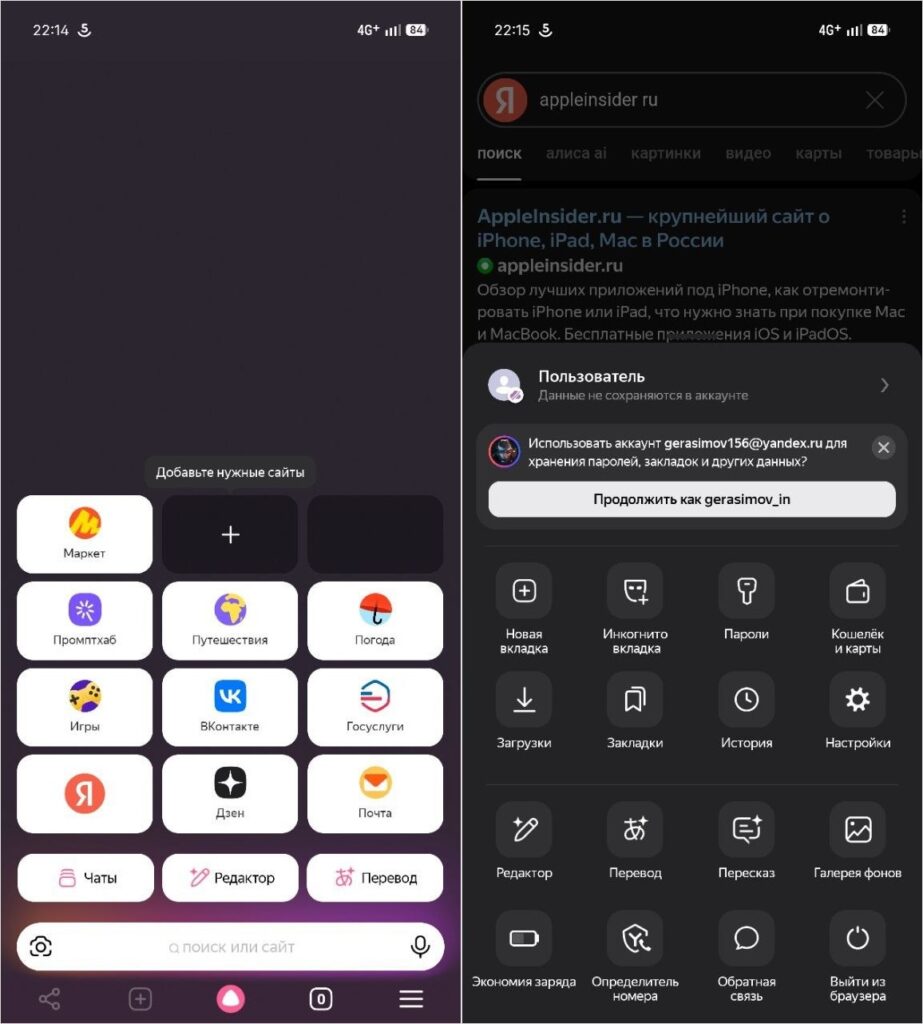
Yandex Browser impresses with its functionality and Alice AI
Among the nice features — reading mode, a built-in ad blocker, and protection from suspicious websites. The browser warns you if a page tries to download something without permission. But there are downsides too. The app is quite heavy — it takes up over 300 MB and genuinely lags on older phones. Plus, the built-in Zen ads and promo blocks on the start page annoy many users.
Yandex Browser Lite — A Lightweight Browser for Low-End Smartphones
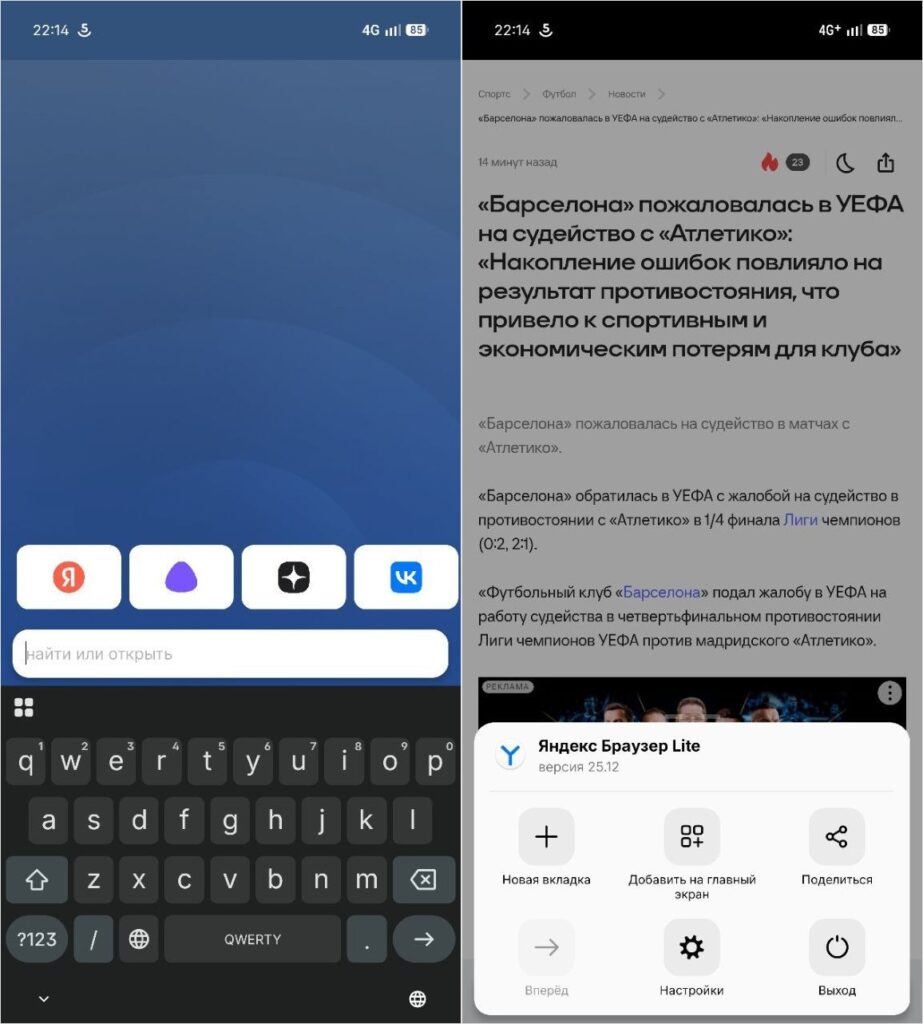
The lightweight version of Yandex Browser is ideal for cheap low-end phones
For older and budget devices, there’s a separate version — Yandex Browser Lite. It’s several times smaller than the main version, launches almost instantly, and saves data by compressing pages. Features here are minimal: it’s Yandex Browser without Alice, no complex widgets, but there’s search, tabs, and basic protection. If you have a smartphone with 2–3 GB of RAM — go with this version, the speed difference is noticeable from the first minutes.
Firefox — A Fast Browser with Extensions and Open Source
Firefox for Android remains the best choice for those who love to customize everything. The main feature — extension support right on mobile. You can install uBlock Origin and forget about ads forever, add the Dark Reader extension for dark mode on any website, or attach a password manager. Chrome doesn’t have this and never will.

Firefox — one of the best browsers to replace Chrome
Cross-device syncing works through a Mozilla account — bookmarks, history, and open tabs transfer from computer to phone in seconds. Privacy is also top-notch: third-party trackers, cookies from external sites, and cryptominers are blocked by default.
A non-obvious downside — some websites (especially banking sites and services with captchas) sometimes work poorly. Firefox uses its own Gecko engine, not Chromium, and developers don’t always account for this. However, there’s a special version called Firefox Focus with only private tabs. Cool, right?
Firefox Nightly — Beta Browser for Developers
If you want to get new browser features before everyone else — there’s Firefox Nightly. This is a daily-updated beta version where all experimental features are tested: new privacy mechanisms, interface experiments, accelerated engine versions. I keep it as my main browser — extensions that won’t come to the main Firefox for months already work there.
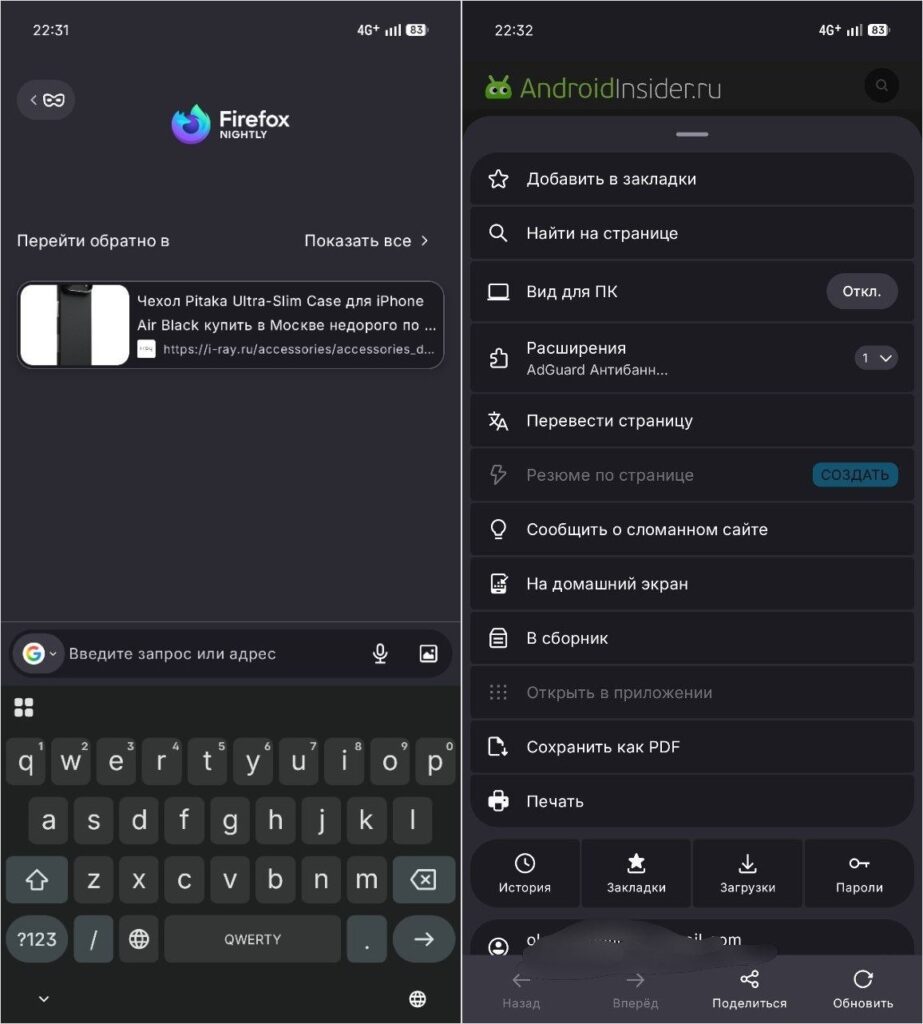
The developer browser is darn good. Constantly updated and doesn’t glitch
There are almost no downsides except for the flood of updates pouring in like a cornucopia on Google Play. And a couple of times the devs went overboard with tab gesture controls. Otherwise, over six months of use I got all the new features first, including a proper interface that barely exists in other Android browsers.
Comet — An AI-Powered Browser from Perplexity
A fresh player on the market. Comet is a browser with AI from the company Perplexity, which launched on Android in November 2025. The idea is that the AI assistant is built right into the browser and can not only answer questions but perform tasks: summarize the contents of all open tabs at once, search for information by voice, and block ads.
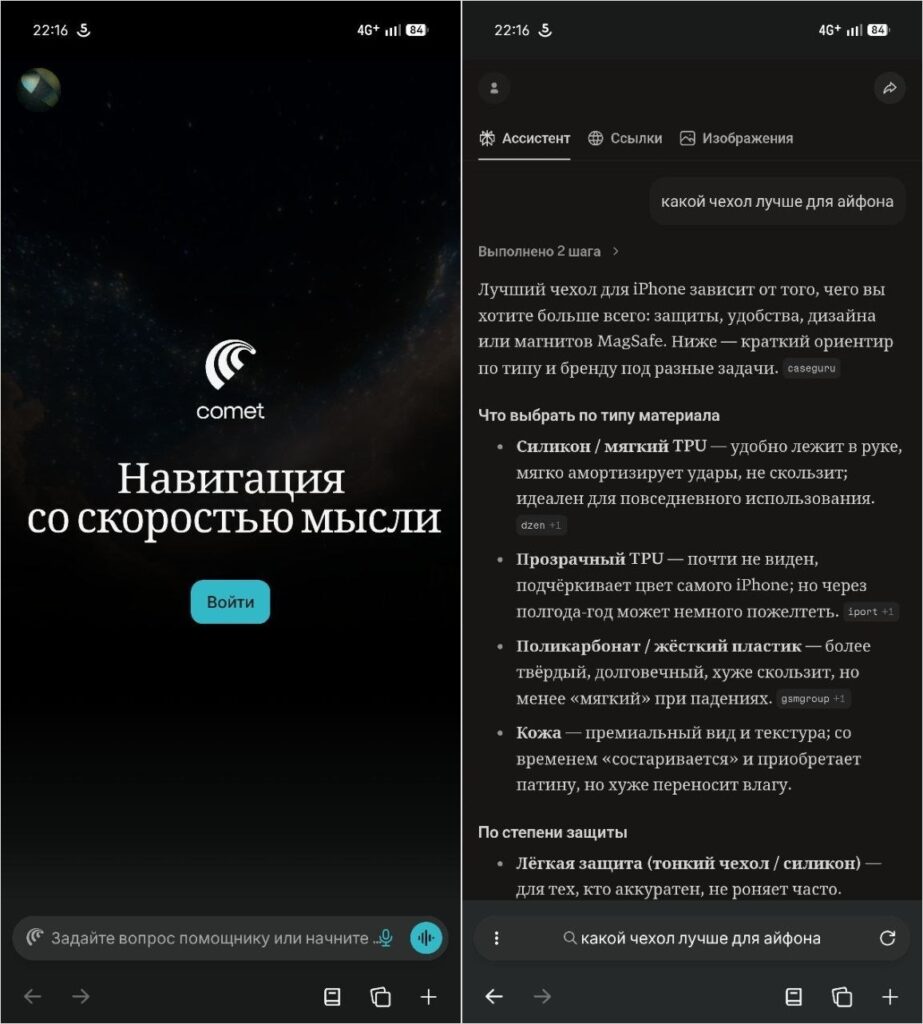
How about a foreign browser with AI?
It works really impressively — you can