In the first beta of macOS 27 Golden Gate, developers found several changes that indirectly point to a touchscreen MacBook. Apple added tools that allow apps to distinguish finger touches from mouse clicks, and Liquid Glass elements on a touchscreen behave differently: they animate and glow brighter, just like in iOS. Officially, everything was done for a different feature, but Apple itself hints that it’s not just for that.
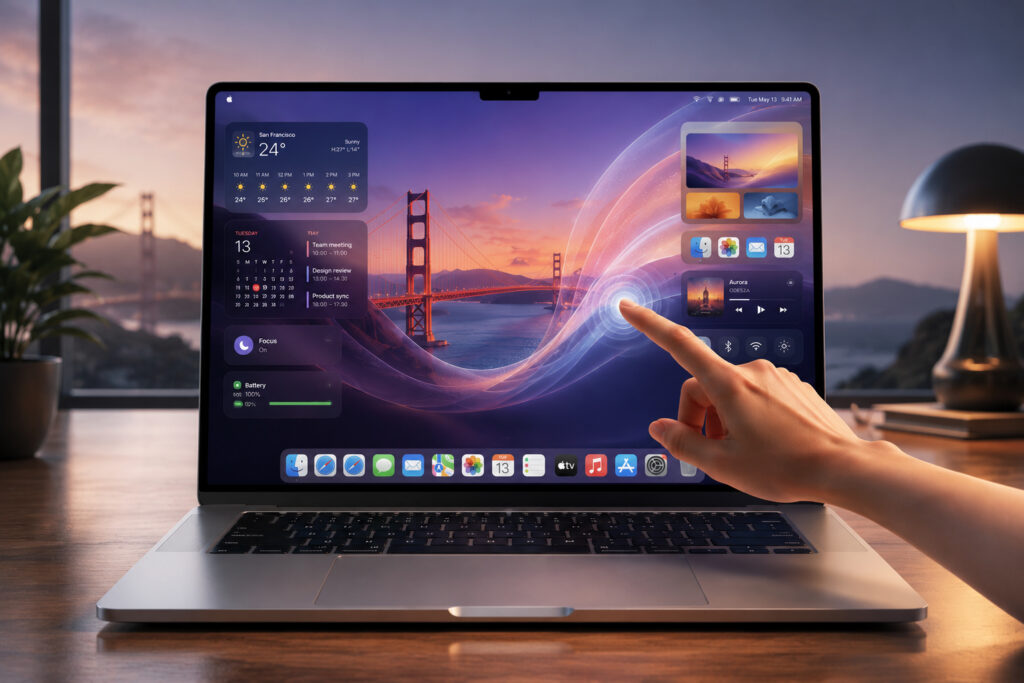
The touchscreen MacBook is now very close
New Features in the First Beta of macOS 27 Golden Gate
When Apple prepares new hardware, traces of this work almost always remain in beta versions. The company asks developers in advance to support a new capability but doesn’t reveal its true purpose, so that third-party apps work with the device right after release.

macOS Golden Gate hints at a revolutionary touchscreen MacBook
Officially, the new touch input tools are related to Sidecar, the mode in which an iPad works as a touchscreen external display for Mac. But in its own documentation, Apple explicitly states that these features are “not just for the Sidecar display.” What else could it be besides a touchscreen MacBook, which according to rumors will launch later this year?
Gestures and Touches in macOS 27: What Changed for Apps
After the presentation at WWDC26, Apple released a technical note with new touch input tools in macOS 27. Among them are so-called gesture recognizers that allow an app to respond to touches separately from mouse clicks.
In the documentation, Apple detailed how touches should translate into familiar actions:

People increasingly instinctively reach for the laptop screen with their finger
- touching the screen works the same as a mouse click
- touch and drag works like trackpad scrolling
- long press brings up the context menu, like a right-click
- two-finger pinch zooms in and out, just like on a trackpad
There’s also a separate tool: it allows an app to determine whether a connected display supports multi-touch. And although Apple writes that this is needed for the Sidecar touchscreen display, it immediately adds a caveat about “not just Sidecar.” In other words, the tools are designed for any touchscreen displays, even though the entire note is supposedly only about Sidecar.
People increasingly instinctively reach for the laptop screen with their finger, and the preparation of such tools looks like Apple’s response to this habit.
New Liquid Glass Animations in macOS Golden Gate
The second hint will be noticed by anyone who has already installed the beta. Liquid Glass panels and buttons are no longer static, as they were in macOS Tahoe and older versions. When working through Sidecar, elements stretch, animate, and glow exactly the same way as on iOS.
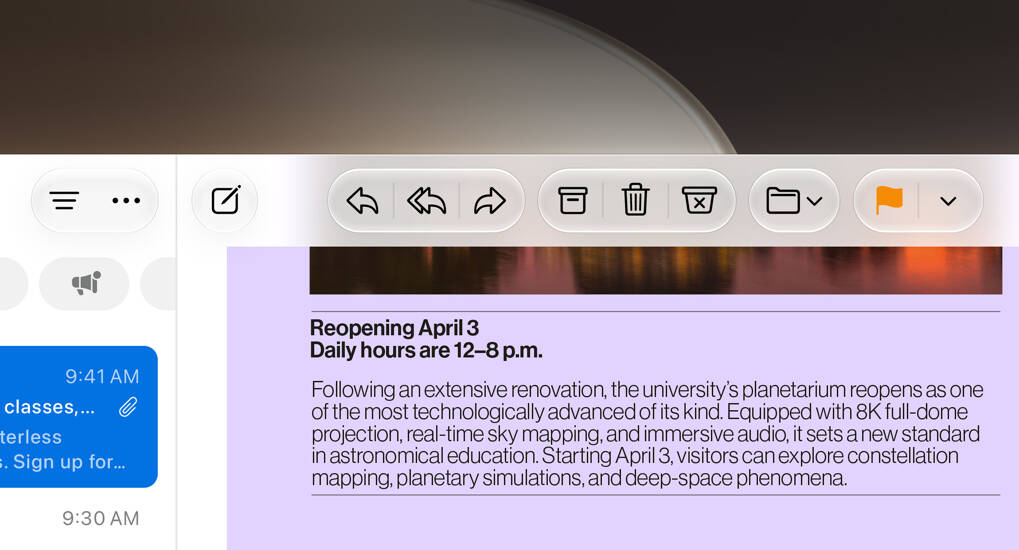
Interface elements are highlighted to make them easier to tap with a finger
Developer Steve Troughton-Smith showed that the panel in Podcasts flashes bright white when touched, and buttons in Calculator stretch when dragged with a finger. The effect is also present when dragging with a mouse, but far less pronounced.
Segmented controls, like the “Day / Week / Month / Year” selector in Calendar, have also become noticeably livelier, just like on iPhone. In macOS Tahoe, they barely moved, but now they show that same “bubble” Liquid Glass effect when switching and dragging. All of this is more logically explained by preparation for a screen that will be touched with fingers rather than a mouse.
iOS 27 Revealed App Preparation for a Foldable iPhone
This isn’t the only hint at future hardware in the current update cycle. In the iOS 27 beta, traces of a foldable iPhone were found, which according to rumors will be called iPhone Ultra. This would be the first iPhone with a variable screen size: a narrow external display unfolds into a display twice as wide, roughly the size of an iPad mini.
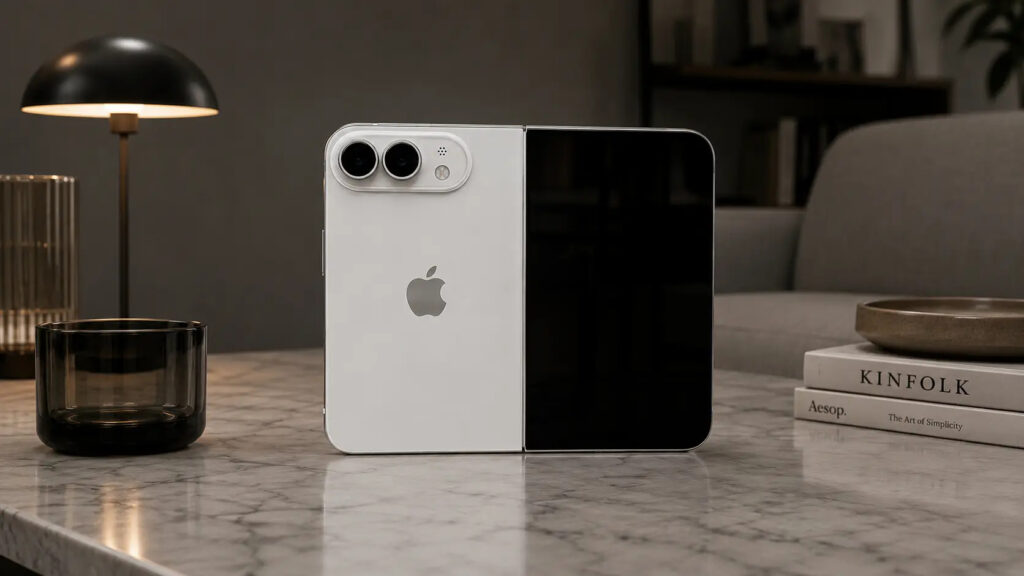
New OSes also confirmed the imminent release of a foldable iPhone
By coincidence, Apple added a set of tools that allow developers to check how their iPhone apps behave at different screen sizes and aspect ratios. The iPhone simulator on Mac can now be freely resized. Designer Sam Henri Gold found references to “foldState” and “angleDegrees” in iOS 27, meaning fold state and opening angle, as well as counting the number of built-in screens. Currently, Apple has no device that folds or has more than one display.
How Realistic Are the Touchscreen MacBook Rumors
It’s important not to overstate things here: these are circumstantial clues from a beta version, not an announcement. Apple has not officially confirmed either a touchscreen MacBook or a foldable iPhone, and formally all changes are explained by Sidecar. But the caveat “not just for Sidecar” in their own documentation, combined with rumors of a launch later this year, paints a fairly convincing picture.
If you’re currently looking at a new MacBook, you shouldn’t drastically change your plans because of these findings — there are no specific models, prices, or dates yet. But it’s worth keeping an eye on the topic: judging by the preparation of developer tools, a touchscreen Mac has stopped being a fantasy and has moved into the stage of real preparation.