When we choose a smartphone, we dig into every last spec: which processor, how much RAM, what kind of display. But buying a TV usually comes down to just checking the screen size. And that’s a mistake, because inside a modern TV there’s the same kind of hardware as in a phone — the manufacturer just keeps quiet about it. Today we’ll break down what to look for when choosing a TV so you don’t end up buying junk.
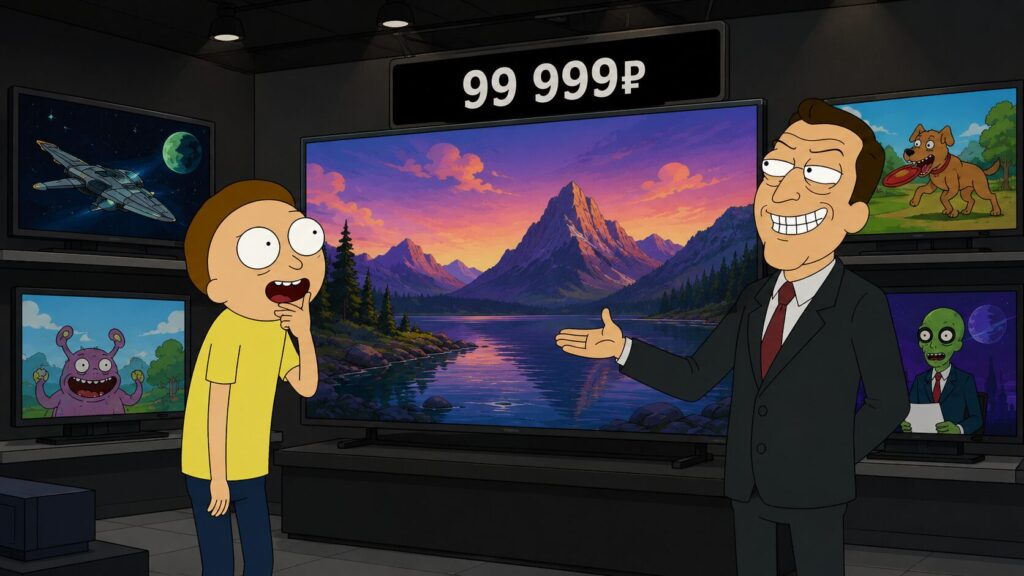
Here’s what specs the manufacturer keeps quiet about
Which TV Panel Type Is Best
The first thing they hide from you is the actual TV panel type. The product listing proudly says QLED or just 4K, but doesn’t mention whether you’re looking at IPS, VA, or OLED — and the difference in contrast is night and day. Simply put, which panel is best? It’s straightforward.
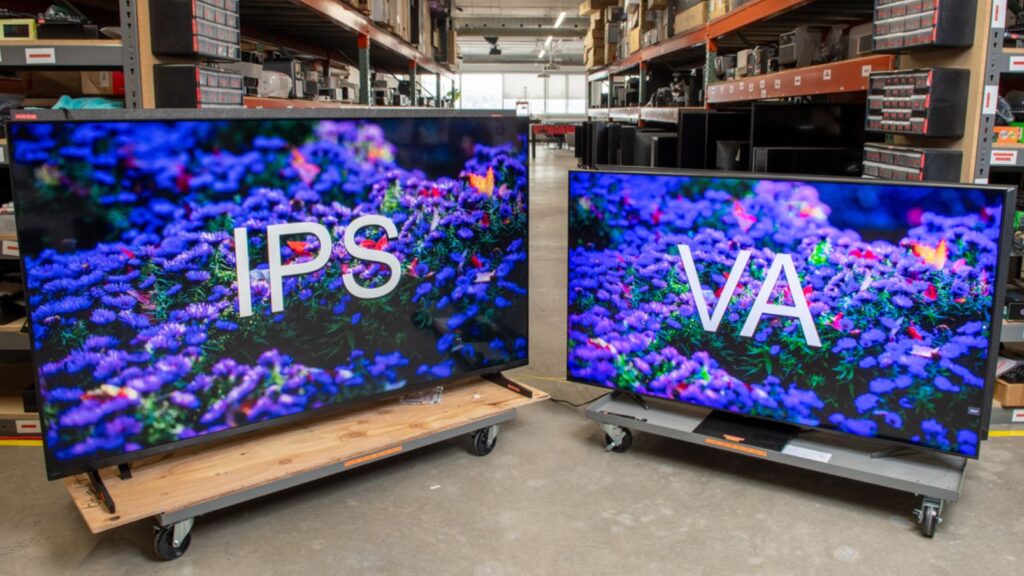
Always check the panel type
- IPS delivers accurate colors and wide viewing angles, but weak blacks — so in a dark room the picture looks grayish.
- VA, on the other hand, excels at deep blacks and contrast, but colors fade when viewed from the side.
- OLED beats everything in picture quality with perfect blacks, but costs noticeably more.
For a large group and a bright room, go with VA. For movies in the dark and a bigger budget, look toward OLED. Leave IPS as a last resort. Also pay attention to the panel model number — it’ll definitely come in handy if you ever decide to re-flash the TV’s firmware.
Why You Should Check the Smart TV Screen Coating
The TV screen coating is almost never mentioned, and that’s a shame. A glossy panel gives a vibrant picture in a dark room, but during the day it turns into a mirror where you see yourself and the window instead of the movie. A matte coating reduces glare but can slightly blur the image.
If your room has a large window or bright lamps, this invisible spec will ruin your experience more than any difference in resolution.
Processor and RAM in a TV
Here’s where things get really interesting. Inside a TV sits a chip similar to those in budget phones, but the TV processor usually isn’t even named in the specs. It directly determines whether the interface flies or takes three seconds to think after every button press. The situation is rough since powerful smartphone-grade processors aren’t made for TVs, but you should still check the chip name for the following reasons.
Chipset specs and RAM size affect performance speed and longevity
- Flagship Samsung, LG, and Sony TVs feature their own proprietary image processing chips, and they handle picture quality, upscaling, and HDR noticeably better than budget models — even though specs sheets don’t really let you compare them.
- Budget models running Android and set-top boxes typically use Amlogic chips. Pay attention to the model: S905X4 is a solid mid-ranger, while S928X and S905X5 are newer and faster.
- MediaTek chips are increasingly common. A more versatile manufacturer, their chips are often found in good TVs (including mid-range Sony and Philips models). They usually offer a bit more computing power and handle games and multitasking better.
By the way, some players like HiSense offer decent performance on their own hardware.
Built-in storage in a Smart TV also matters — with a modest 8 GB, you’ll run out of space for apps after installing just a couple of streaming services.
Which Android TV Version and How Long Will It Be Updated
This is the same pain as with Android smartphones. The manufacturer writes a vague “Smart TV” but doesn’t specify whether it’s full-fledged Android TV or Google TV, or a stripped-down launcher with ads that’s slow and tracks you. Even more important is the question of Android TV updates: almost no one promises how many years the TV will receive new system versions and security patches.
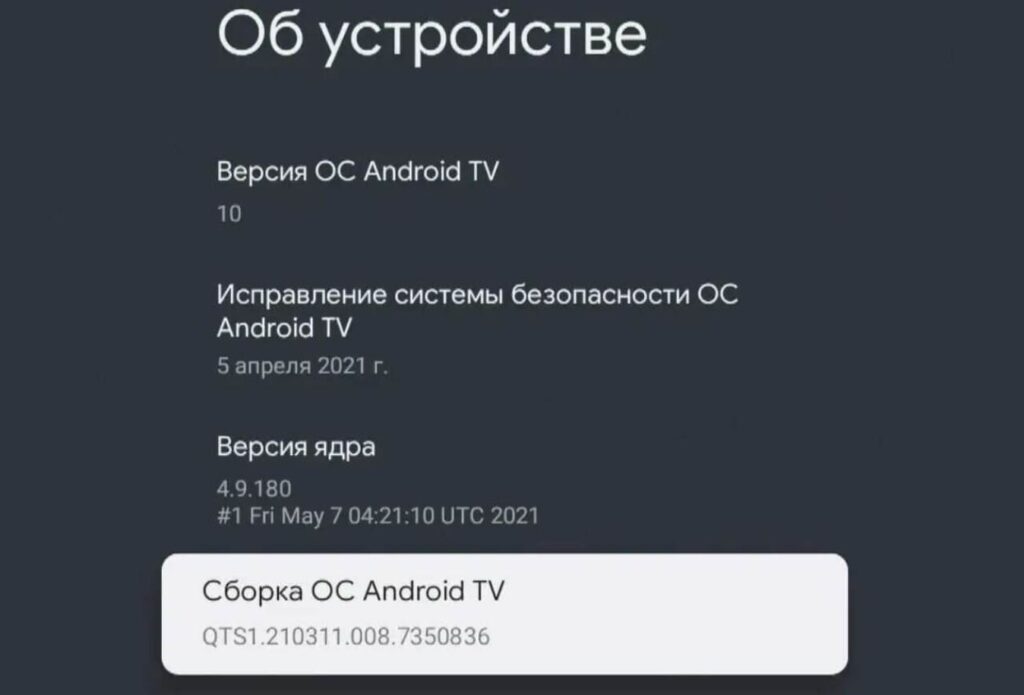
The newer the version, the better it will work. And it might even get updated
Buy a TV on an outdated version, and in a couple of years some apps will simply stop running on it. It’s gotten to the point where the variety of systems on the market keeps growing.
What Wi-Fi Version Does the TV Have
A small detail no one checks — and then wonders why streaming keeps buffering. The Wi-Fi version in a TV determines whether it can handle smooth 4K wirelessly or will constantly buffer. Cheap models often only support the slow 2.4 GHz band, crowded with neighbors’ networks, while support for the faster 5 GHz band is quietly omitted from specs. For a modern Smart TV that lives on online services, this matters far more than it seems. Stable internet also affects convenience in the small things.
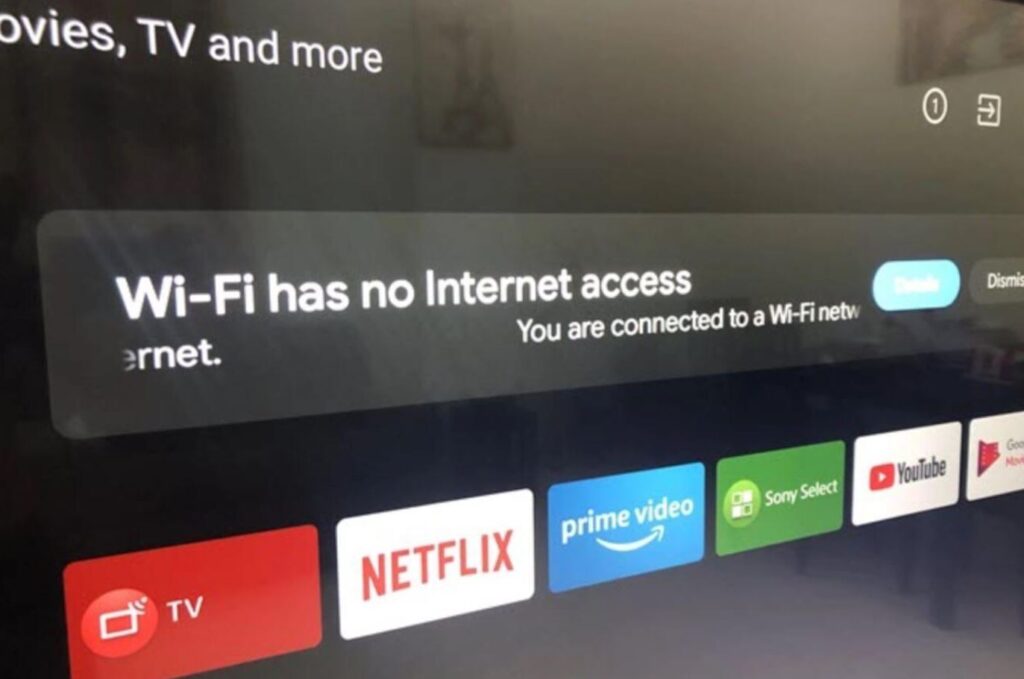
Wi-Fi version directly affects data download speed and signal quality
And finally, pure marketing. The same TV is sold under different names and model numbers, sometimes at different prices — exactly like smartphones are rebranded for different markets. So don’t fall for a flashy model name — compare the actual specs: panel type, brightness, processor, and memory. Sometimes a neighboring model from the same factory costs less and only differs by a sticker. So choose your TV by what’s inside.