A smart home without internet is a topic that concerns more and more people. Connection outages, unstable service at a country house, or simply a desire not to depend on cloud services — the reasons vary, but the question is the same: will all this smart technology work if the internet goes down? In this article, we’ll examine what exactly will continue to function, which protocols and ecosystems provide autonomy, and how to build a system that doesn’t need access to the global network.
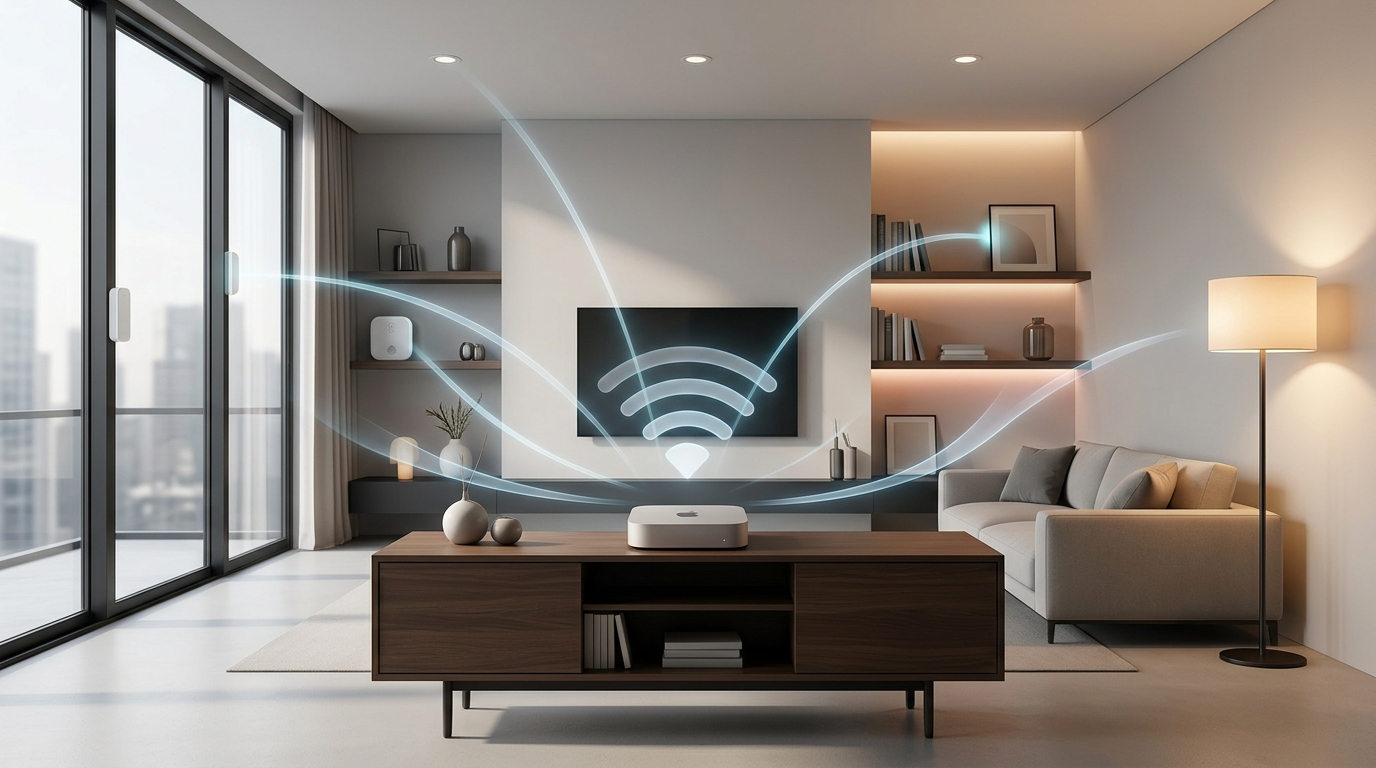
Will a smart home work without internet?
How a Smart Home Works and Whether It Needs Internet
To understand what happens when the internet goes out, you need to understand how a smart home is structured internally. All systems can roughly be divided into two types — cloud-based and local.
Cloud-based systems are the most common and simplest option. You download an app, connect a light bulb or smart plug to Wi-Fi, and all control goes through the manufacturer’s servers. A command from your smartphone flies to the cloud, gets processed there, and returns back to the device. Convenient, but there’s a catch: without internet, the connection to the server breaks, and the device loses its “smarts.”
Local systems work differently. The control center is a hub — a small device (a separate box, a smart speaker with a built-in module, or a mini-computer) that stores all scenarios and processes commands right in your home. Devices communicate with the hub via special protocols — Zigbee, Z-Wave, Thread, or Matter — and don’t contact external servers. Internet is only needed for initial setup, updates, and remote access from outside.
Does a Smart Home Work Without Internet: Zigbee, Z-Wave, Matter, and Wi-Fi
The answer to the question “will a smart home work without internet” is largely determined by the protocol on which the system is built. Different protocols depend on the cloud to varying degrees.
Zigbee is one of the best options for autonomous operation. It’s an energy-efficient wireless protocol that creates its own mesh network: devices help each other transmit signals, extending the coverage area. A Zigbee hub is required, but internet is not. Zigbee sensors run on batteries for years, and scenarios are executed locally.
Z-Wave is an analog of Zigbee that operates on a different frequency (868 MHz in Europe). It also builds a mesh network and doesn’t depend on the internet. Less common in Russia, but features good device compatibility within the ecosystem.
Matter is a modern universal standard supported by Apple, Google, Amazon, Yandex, Samsung, and others. It works over Wi-Fi or Thread and allows devices from different manufacturers to communicate with each other. The key advantage: Matter devices can also work locally, without contacting the cloud, if the hub supports it. But for Matter over Wi-Fi, the router needs to remain powered on — even if there’s no internet.
Wi-Fi (cloud-based) — most budget smart devices (light bulbs, plugs, sensors from Tuya, Smart Life, and similar platforms) are controlled through the manufacturer’s cloud. When the internet is disconnected, they turn into ordinary “dumb” appliances: you can turn them on or off with a button, but not through an app or scenario.
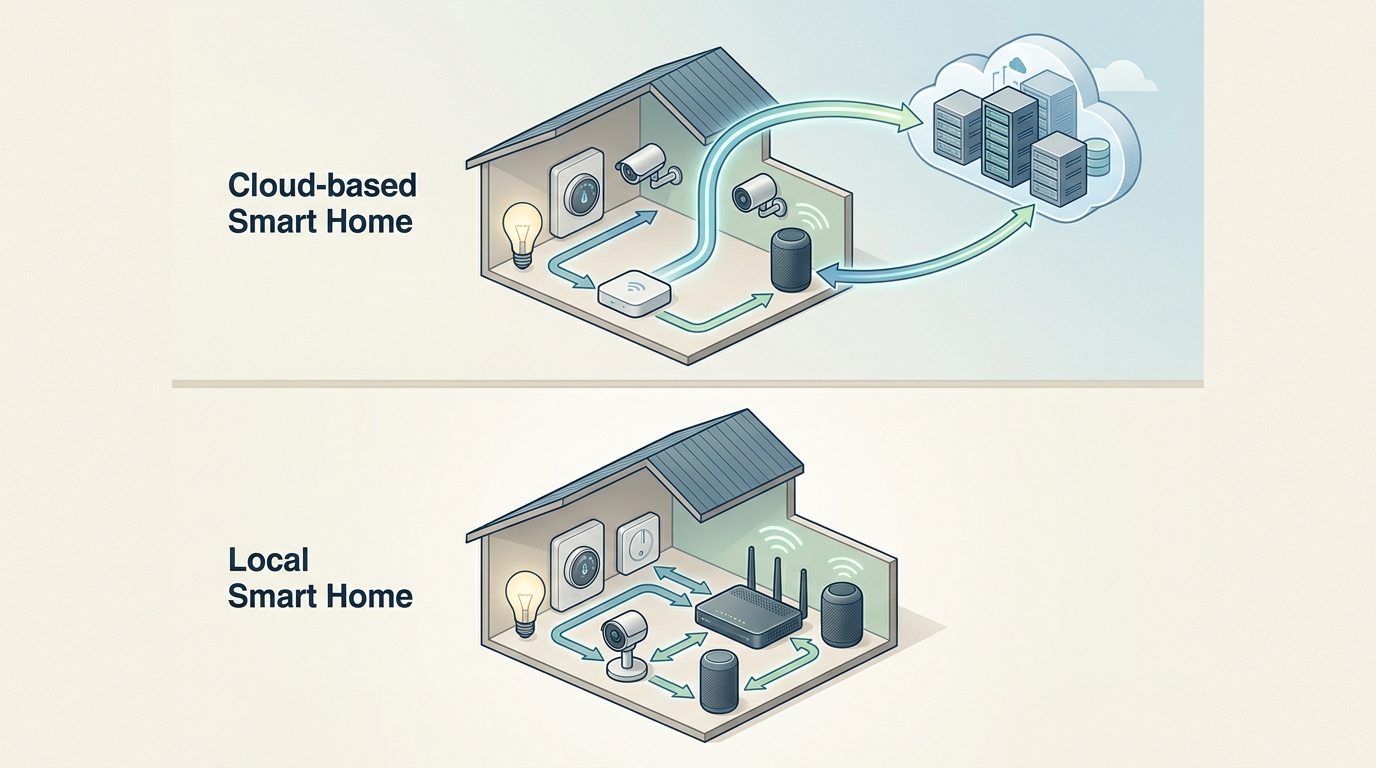
A cloud system depends on an external server, while a local one processes everything inside the home
Does Yandex Smart Home Work Without Internet: What Alice Can Do Without a Network
The “Home with Alice” ecosystem is one of the most popular in Russia, so the question “will Yandex smart home work without internet” is asked especially often. The answer: it will partially work, but with limitations.
Devices using Zigbee and Matter protocols will continue to work without internet if connected to a Yandex Station or Yandex Hub. Local scenarios (for example, “if the motion sensor triggers — turn on the light”) will execute autonomously. However, there are important nuances:
- Voice control without internet is supported only by certain speakers — they process basic voice commands locally, thanks to a built-in neural processor.
- Other speakers without internet cannot recognize voice, but they support execution of automatic Zigbee and Matter scenarios.
- Regular Wi-Fi devices (light bulbs, plugs without Matter or Zigbee support) stop responding to commands from the app when the internet is disconnected.
- Creating new scenarios without internet is not possible — server access is required for that.
- Quick commands, sensor readings in the app, and composite commands consisting of two actions also require a connection.
At the same time, Zigbee devices in the Yandex ecosystem can work even without a Wi-Fi router — they only need a radio connection to the hub. Matter devices, however, need a working router, although internet access through it is not required.
Does Apple HomeKit Work Without Internet and What’s Available Without a Network
Apple HomeKit was originally designed with a focus on local control and privacy. HomeKit devices communicate with each other via Wi-Fi within the home network, and the signal is not sent to remote Apple servers to execute commands. This means that without internet, but with a working router, you can control devices through the Home app on your iPhone while on the same network.
Local automation scenarios (for example, “turn on the light when the motion sensor triggers”) will continue to work if you have a home hub — an Apple TV, HomePod, or iPad configured as an automation center. These scenarios are stored on the hub and executed without contacting the cloud.
What won’t work in HomeKit without internet:
- Siri voice commands — speech recognition requires access to Apple’s servers.
- Remote control from outside the home network.
- Adding new devices and creating new scenarios.
- Devices that need a connection to the manufacturer’s cloud to execute commands (depends on the specific gadget).
How to Build a Smart Home Without Internet Using Home Assistant
For those who want complete autonomy and are willing to spend time on setup, there’s Home Assistant — a free, open-source platform for managing a smart home. This is the most flexible option for creating a smart home without internet on your own.
Home Assistant is installed on a mini-computer (Raspberry Pi, Orange Pi, an old laptop, or a specialized controller) and becomes the local control center for the entire system. All scenarios, automation rules, and data are stored on your device — nothing goes to the cloud.
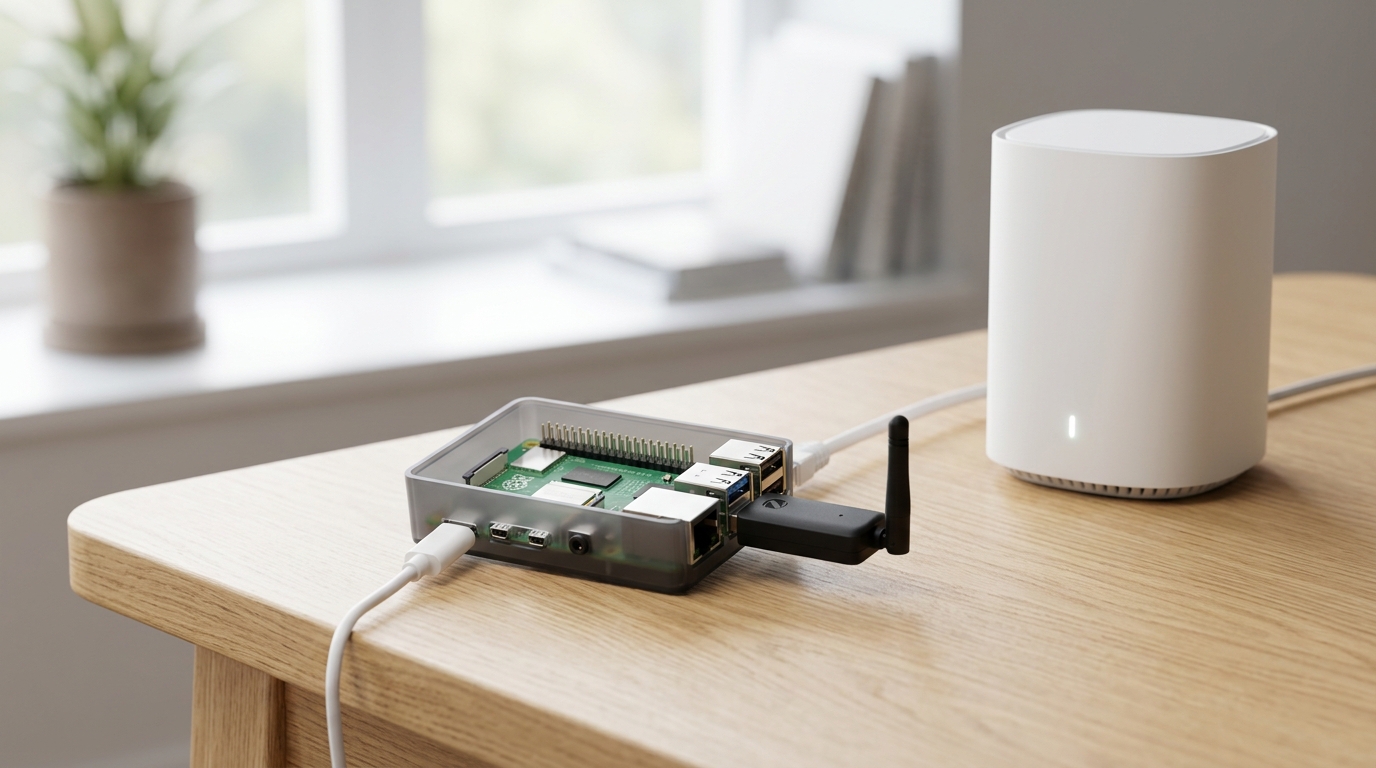
Raspberry Pi with a Zigbee coordinator — the foundation of a fully local smart home
How to build an autonomous smart home with Home Assistant:
- Buy a mini-computer (Raspberry Pi 4 or equivalent) and install Home Assistant on it.
- Connect a Zigbee coordinator (a USB stick, such as Sonoff Zigbee Dongle or ConBee II) for communication with wireless devices.
- Add Zigbee devices: motion sensors, temperature sensors, door open sensors, smart plugs, switches, and light bulbs from Aqara, IKEA, Sonoff, and other brands.
- Set up automation scenarios through the web interface or the Home Assistant app.
- Disconnect the internet on your router and verify that all automations work correctly.
The advantages of this approach: full control over your data, instant device response (no cloud delays), independence from manufacturer policies. However, technical knowledge is required for setup, and voice control without internet remains limited — built-in local voice engines exist but still lag behind in quality.


