Apple has updated its technical documentation and officially confirmed what tests have shown since launch: the proprietary N1 wireless chip in the MacBook Pro M5 Pro, M5 Max, and MacBook Air M5 supports Wi-Fi 7 but doesn’t operate at the standard’s full capacity. Channel width is limited to 160 MHz instead of the 320 MHz available under the Wi-Fi 7 specification. For most users, this doesn’t change anything right now, but it’s worth understanding the difference.
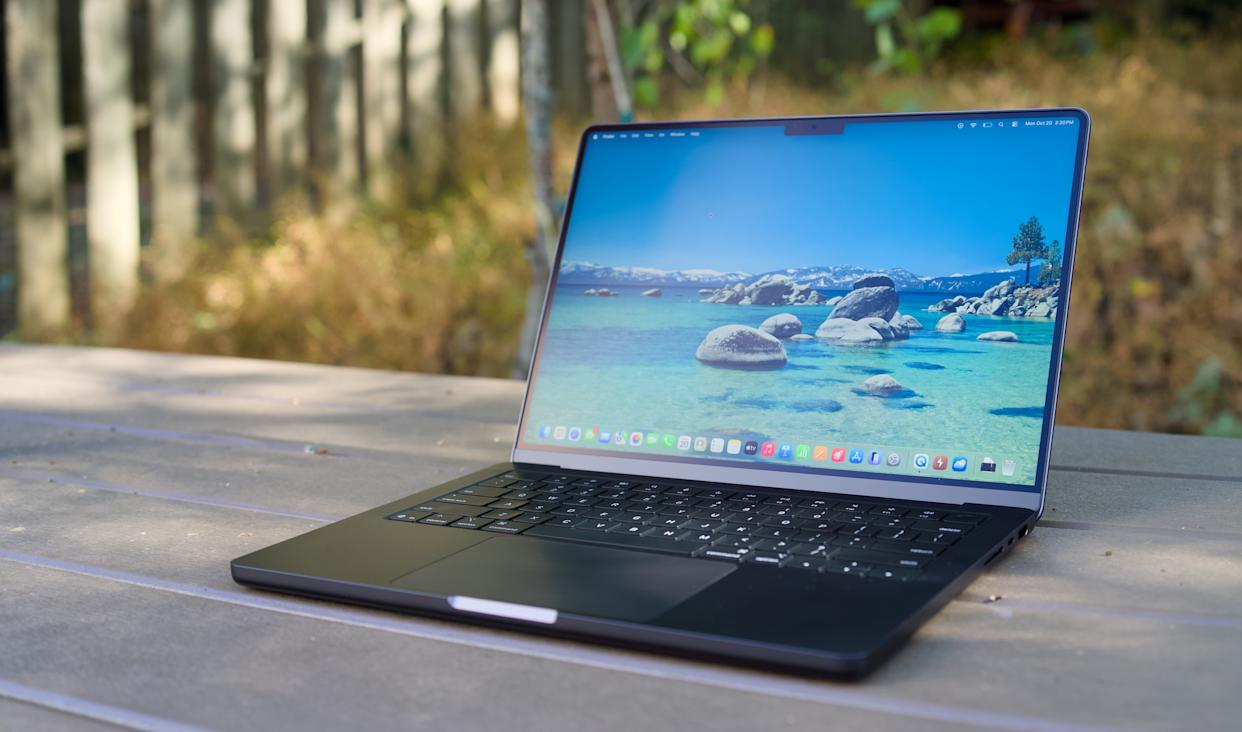
New MacBooks have a few surprises. Image: engadget.com
Wi-Fi 7 — What It Is and How It Differs from Wi-Fi 6
Wi-Fi 7 (also known as the 802.11be standard) is the latest generation of wireless connectivity, which in theory promises speeds many times higher than the previous Wi-Fi 6. One of its key features is support for 320 MHz wide channels. In simple terms: the wider the channel, the more data can be transmitted simultaneously. Going from 160 MHz to 320 MHz is roughly like expanding a highway from four lanes to eight.
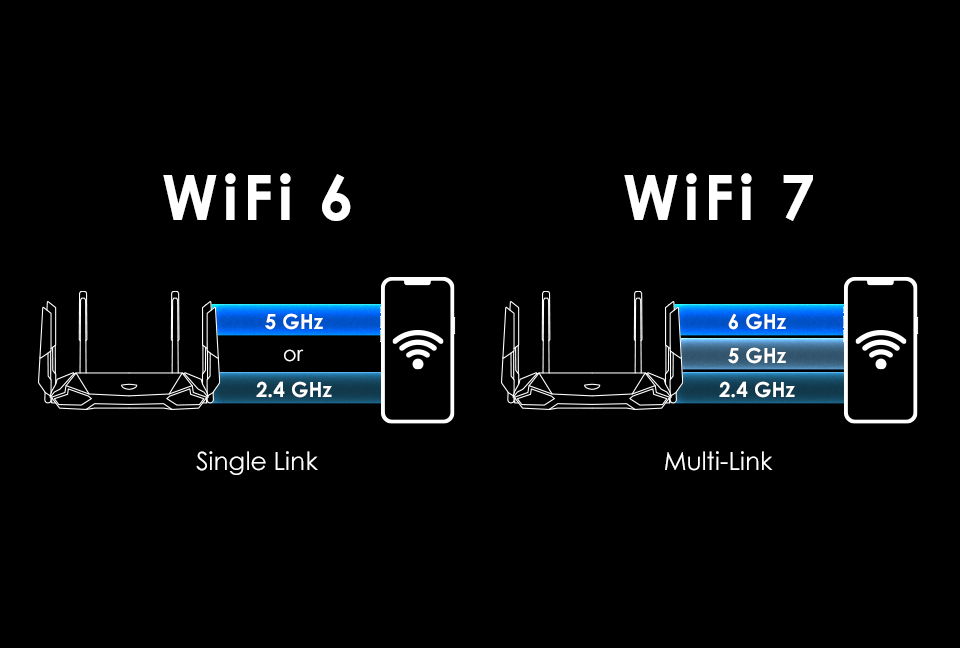
Multi-Link should make the connection more stable and faster. Image: habr.com
In addition, Wi-Fi 7 supports MLO (Multi-Link Operation) technology — the ability to simultaneously work across multiple frequency bands (2.4 GHz, 5 GHz, and 6 GHz), which improves stability and reduces latency. The theoretical throughput of Wi-Fi 7 can reach 46 Gbps, but in practice, real speeds are, of course, significantly lower.
So, Apple uses its own N1 wireless chip in the new MacBook Pro and MacBook Air. And it supports Wi-Fi 7, but only with channels up to 160 MHz. That’s half the maximum width provided by the standard.
Wi-Fi Speed on MacBook Pro M5 Pro and M5 Max
According to Apple’s updated documentation, the 14-inch and 16-inch MacBook Pro models with M5 Pro and M5 Max are equipped with two antennas (2×2 MIMO configuration). The maximum theoretical connection speed is 2,400 Mbps. In practice, under good conditions, you can expect roughly two-thirds of that — about 1.6 Gbps. That’s fast, but far from the ceiling of the Wi-Fi 7 standard.
For comparison: previously, some MacBook Pro models used three antennas (3×3 MIMO), which provided higher throughput. The current generation is a step back in this regard.
There is good news though: Apple confirmed that the MacBook Pro with M5 supports MLO technology. That’s the ability to work simultaneously across multiple frequency bands. However, it’s worth noting that MLO doesn’t yet work with all routers and access points, and sometimes creates more problems than it solves.
MacBook Air M5 or MacBook Pro M5 — Is There a Difference in Wi-Fi Speed?
An interesting point: the MacBook Air with M5 and the N1 chip shows the same Wi-Fi speeds as the MacBook Pro. A few years ago, the MacBook Pro was noticeably faster in this regard. Now there’s parity — which is generally good for Air owners but may disappoint those who expected the Pro model to have an advantage in wireless connectivity.
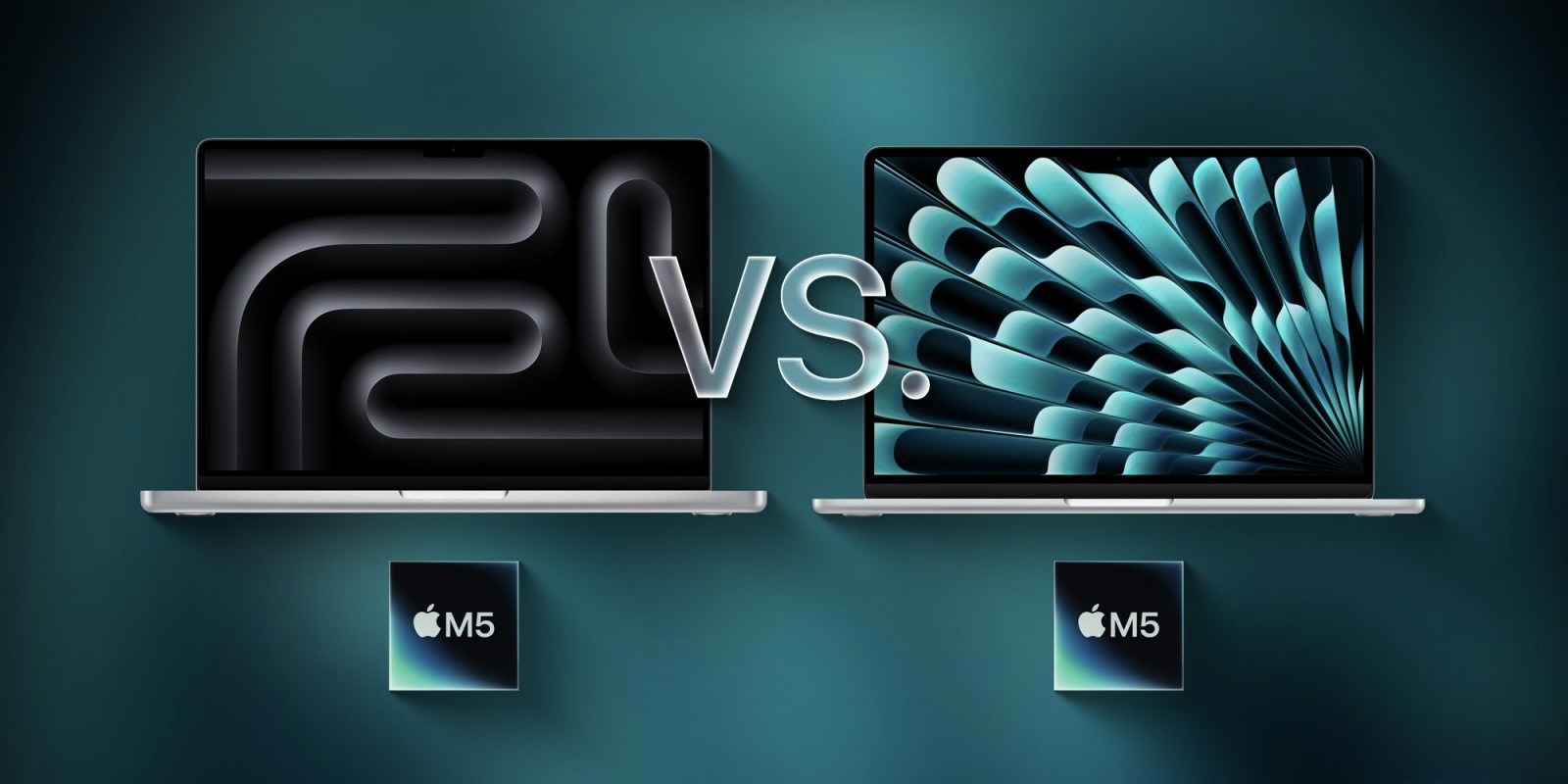
Air on M5 shows the same speeds as Pro. Image: 9to5mac.com
It’s also worth mentioning the MacBook Neo: it uses a chip from MediaTek (instead of the usual Broadcom) rather than Apple’s own, but its Wi-Fi functionality matches the level of previous MacBook Pro models with M4.
Will Apple Remove the Wi-Fi Limitation Through a macOS Update?
Regularly update your Mac to new versions of macOS, and perhaps you’ll be lucky. Image: macrumors.com
Since N1 is Apple’s own development, it’s currently impossible to determine precisely whether the 160 MHz limitation is hardware-based (built into the silicon) or a software choice. There are precedents: relatively recently, a macOS update allowed many MacBooks with Broadcom chips to work with 160 MHz channels in the 5 GHz band on Wi-Fi 6 — even though they were previously limited to 80 MHz. This doubled speeds for some users.
So theoretically, Apple could “unlock” 320 MHz channels through a future macOS update — but this is currently just speculation, not fact. Apple has made no promises on the matter.
The 6 GHz Band for Wi-Fi in Russia — Does It Work or Not?
Another important detail: 320 MHz wide channels only work in the 6 GHz band. And the situation with this band varies significantly across countries.
In Europe, the 6 GHz band for Wi-Fi is narrower than in the US, which means channels in this range can overlap if multiple access points are operating nearby — reducing real-world speeds. Additionally, military radars can automatically limit channel width to 80 MHz.
In Russia, the situation is even more complicated. The 5.9–6.4 GHz band for Wi-Fi was formally allocated by the GRFC, and in 2025 the regulator permitted the use of 6 GHz indoors. However, practical implementation has been delayed due to legal inconsistencies: devices supporting this band formally required registration. Many router manufacturers still disable 6 GHz support in firmware for the Russian market.
This means that even if the MacBook Pro supported 320 MHz channels, using them in Russia today would be extremely difficult. First, the 6 GHz band needs to become fully operational, and that requires both a new router with Wi-Fi 7 and the appropriate legal framework.
MacBook Pro M5 — Price in Russia and Is It Worth Buying?
To understand the scale of the investment: the MacBook Pro 14 with M5 Pro starts at $2,199 (approximately 237,000 ₽ in Russia), and the MacBook Pro 16 with M5 Max — from $3,899 (approximately 420,000 ₽ in Russia). In Russian retail, MacBook Pro M5 Pro prices start at around 250,000 ₽ and can go up to 520,000 ₽ and higher for top-tier M5 Max configurations.
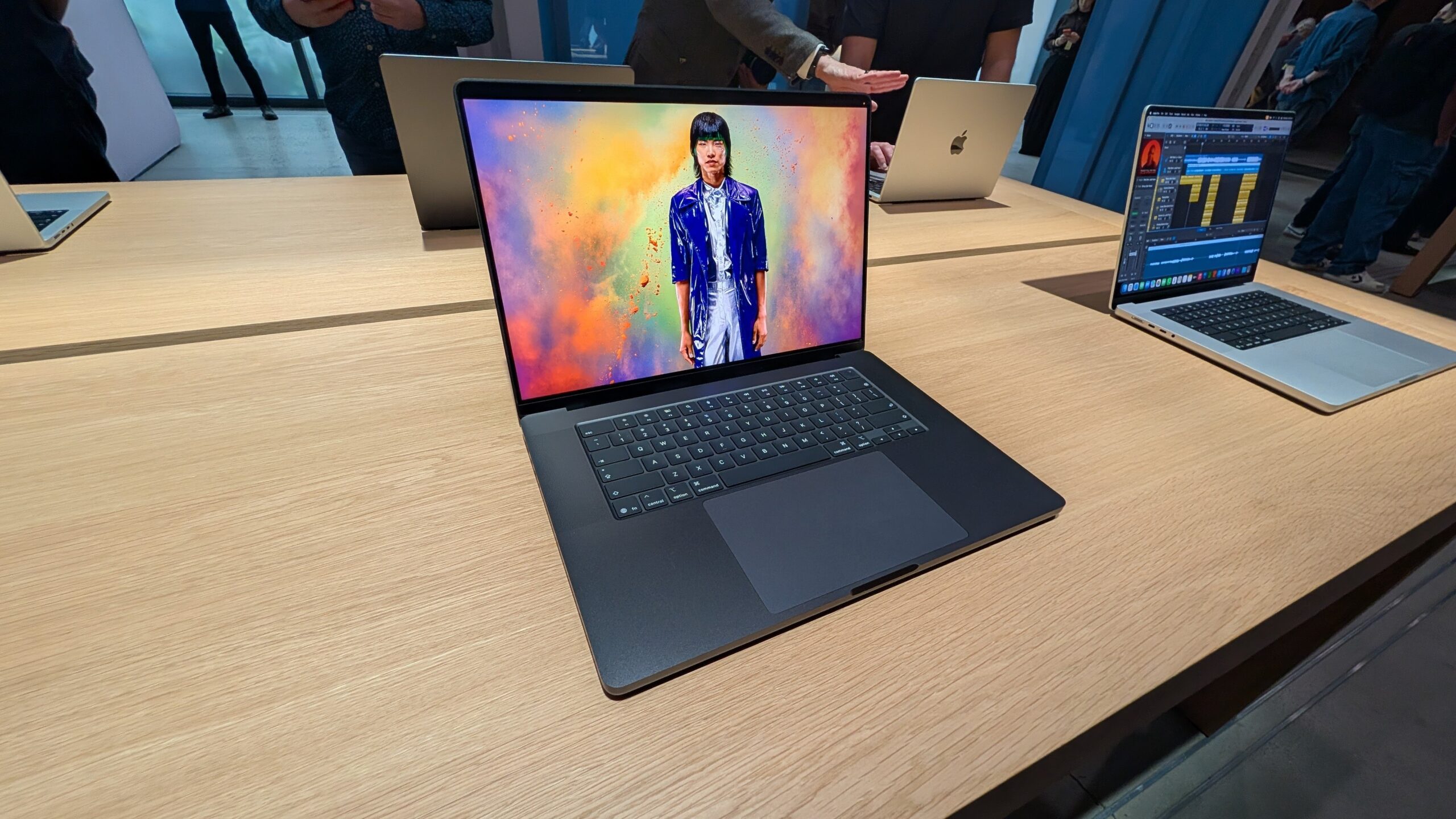
Choose MacBook Pro and don’t worry about anything. Image: uk.pcmag.com
At this price point, users have every right to expect full support for current standards. But in this case, the Wi-Fi limitation is more of a formal shortcoming than a real problem. Here’s why:
- The vast majority of home and office routers in Russia currently run on Wi-Fi 5 or Wi-Fi 6. Routers with full Wi-Fi 7 support —