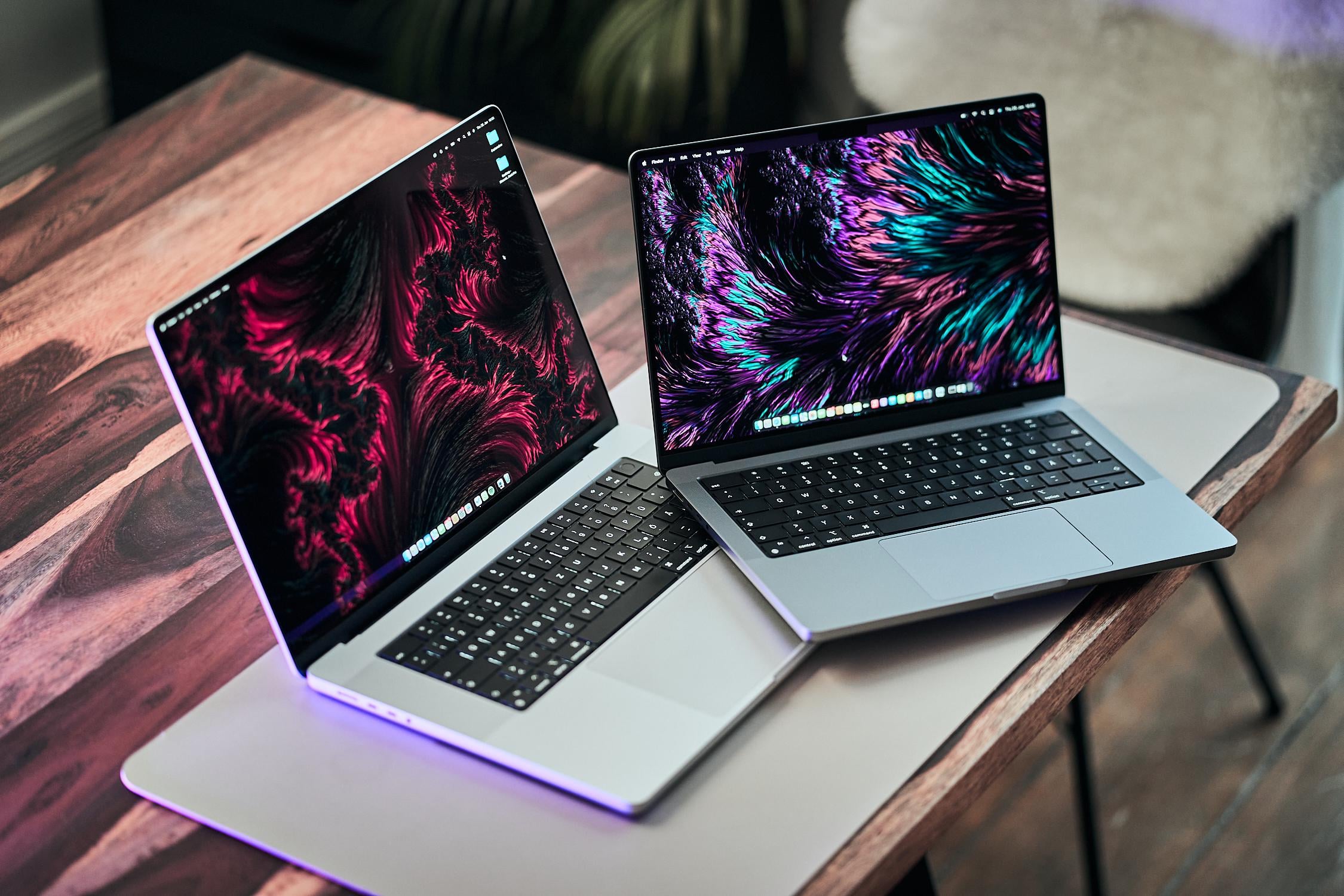
A comparative test of the 14-inch MacBook Pro with M5 Pro and the 16-inch model with M5 Max has appeared online — and the performance gap turned out to be much larger than one might expect from the difference in chip specifications. The reason isn’t the processors themselves, but the cooling system, which physically prevents the smaller model from operating at full power.
Deciding which MacBook Pro to choose. Image: reddit.com
Why MacBook Pro 16 Is Faster Than MacBook Pro 14
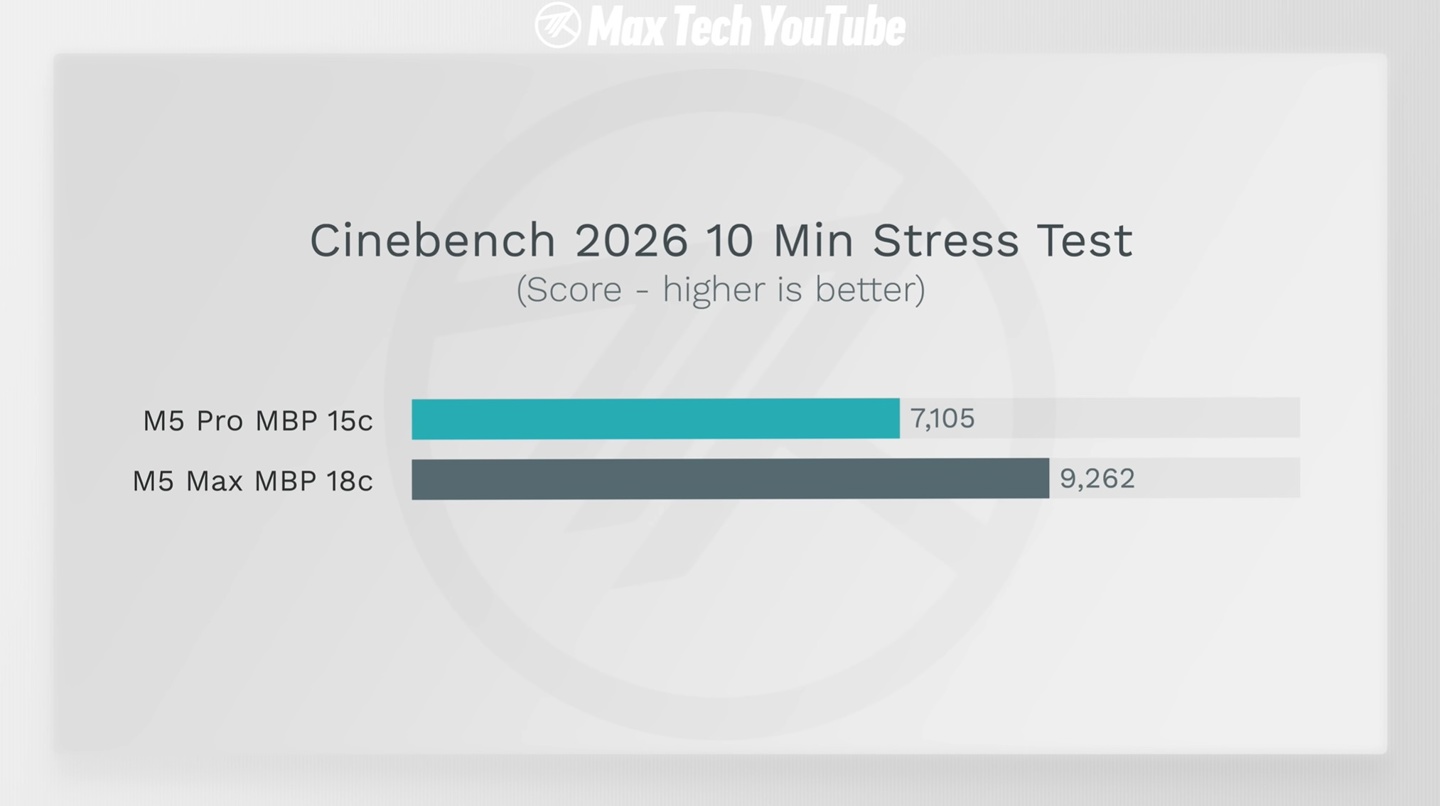
In the Cinebench 2026 benchmark, which stresses the processor by rendering a complex 3D scene, the 14-inch MacBook Pro with M5 Pro (15 CPU cores, 16 GPU cores) scored 7105 points. The 16-inch model with M5 Max (18 CPU cores, 40 GPU cores) scored 9262 points — a difference of 30.35%.
What limits the M5 Pro in the 14-inch chassis
At first glance, the M5 Max has three more CPU cores, which explains the gap. But three additional cores out of fifteen represent roughly a 20% increase with ideal scaling. A 30% gap indicates that it’s not just about the number of cores.
Why the MacBook Pro 14 Overheats
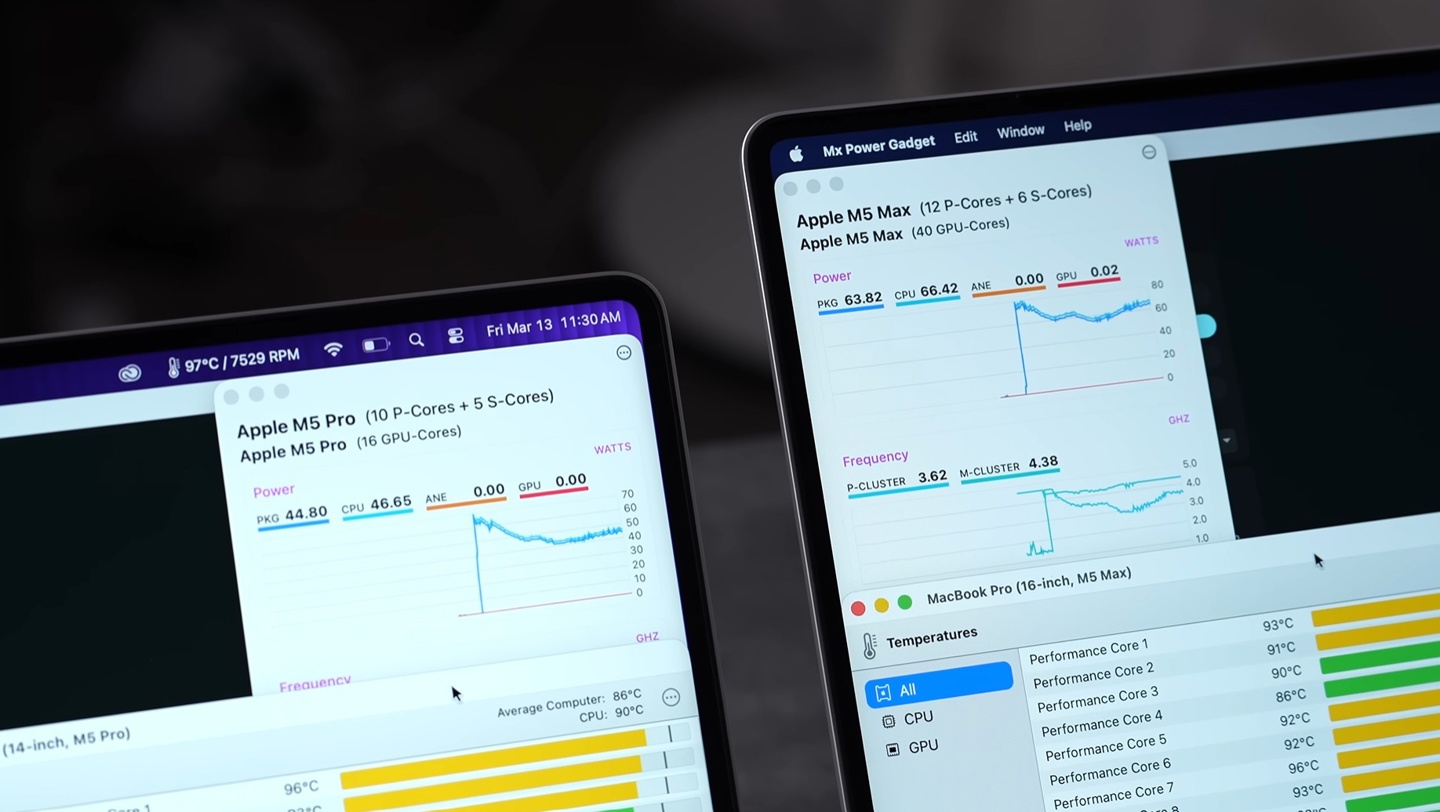
Monitoring data revealed a key figure: M5 Pro power consumption in the 14-inch chassis was limited to approximately 45W. For comparison, the M5 Max in the 16-inch model operated steadily at 64W, with its performance cores reaching frequencies of 3.62 GHz.
The graph shows everything
For several years now, Apple has been using the same conservative cooling design in the MacBook Pro: one heat pipe and two compact fans. For the 16-inch chassis with its larger internal volume, this is sufficient to dissipate heat under heavy loads. In the 14-inch model, there’s less space, and the chip is forced to reduce power consumption to avoid overheating.
Testing showed that even at maximum fan speeds, the 14-inch MacBook Pro with M5 Pro couldn’t come close to the results of the 16-inch model. This is an important detail: the problem is hardware-related and cannot be solved through software or third-party fan control utilities. It’s about the physical limit of heat dissipation in a compact chassis.
Who Needs the MacBook Pro 16
If you work with text, email, a browser, office tasks, and even moderate photo or video editing, you’ll likely never hit this limit. Throttling manifests in scenarios involving prolonged maximum load: 3D rendering, high-resolution video processing, compiling large projects, and training AI models.
The problem isn’t new — even the base M5 MacBook Pro with a single fan exhibited throttling under heavy loads. But in the case of the M5 Pro, which has significantly more cores and performance, the unrealized potential feels even more frustrating, especially considering the price. In Russia, the 14-inch MacBook Pro with M5 Pro starts at 269,990 rubles in major retail chains.
What to Choose: MacBook Pro 14 or 16
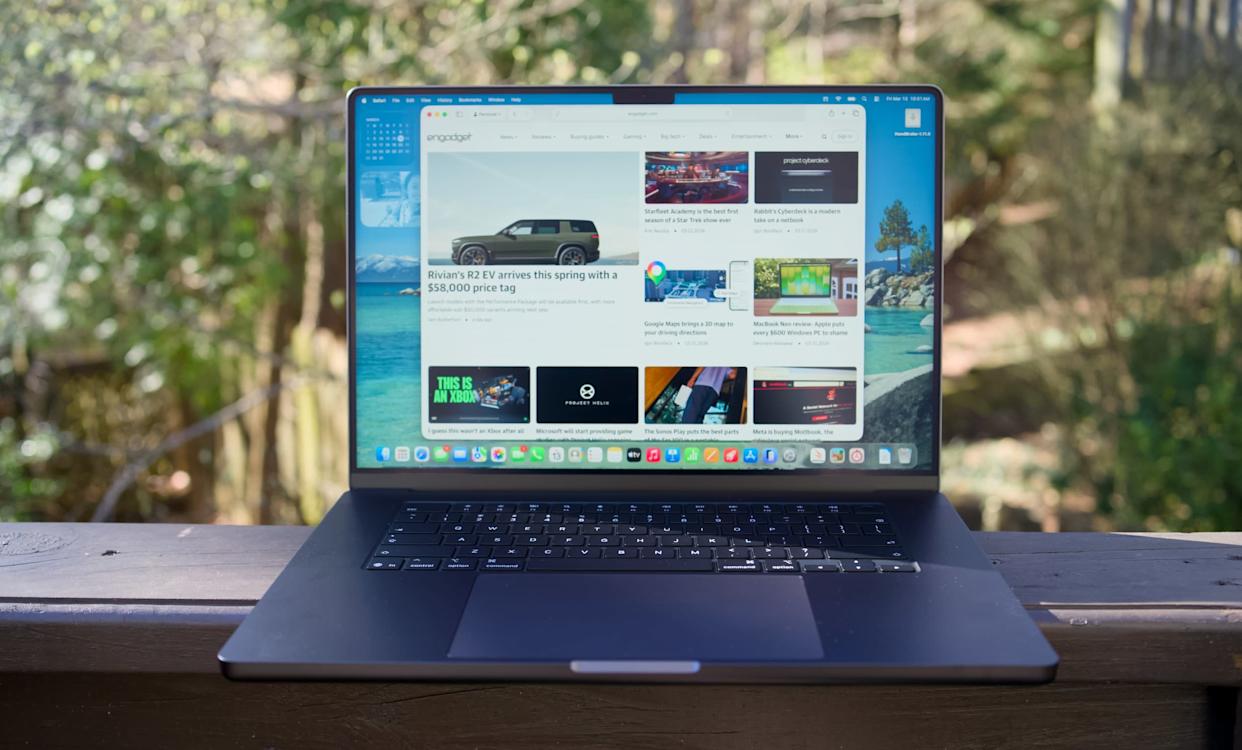
If your work involves regular heavy computational tasks — yes, the 16-inch model will objectively better unlock the potential of the higher-end chip. A larger chassis = better heat dissipation = stable performance without forced power throttling.
Want maximum power? Go with the 16-inch. Image: engadget.com
If portability matters more to you and peak loads happen occasionally and briefly, the 14-inch model will handle things just fine — for short tasks, the chip manages to deliver high performance before it starts overheating. But don’t count on fully realizing what you’re paying for during prolonged rendering.
Overall, the test results are a signal that Apple needs to reconsider its approach to cooling in 14-inch models. One heat pipe and two small fans have held up for several generations, but chip power is growing faster than this system’s capabilities.