Apple has released iOS 26.4, and this time the update should be installed as quickly as possible. No, it’s not about new emoji that appeared on iPhone, although that’s a fun topic too. The list of fixes includes more than 35 vulnerabilities, several of which directly affect the security of your passwords, banking apps, and personal data. None of the discovered vulnerabilities have been exploited by attackers so far, according to Apple’s data. But the nature of some of these issues is such that you shouldn’t delay installation.
Security comes first, so let’s update
Stolen Device Protection on iPhone — What Was Fixed in iOS 26.4
The most serious of the patched vulnerabilities (CVE-2026-28895) allowed bypassing the Stolen Device Protection feature. This is the very function that is supposed to make a stolen iPhone useless, even if the thief knows your passcode.
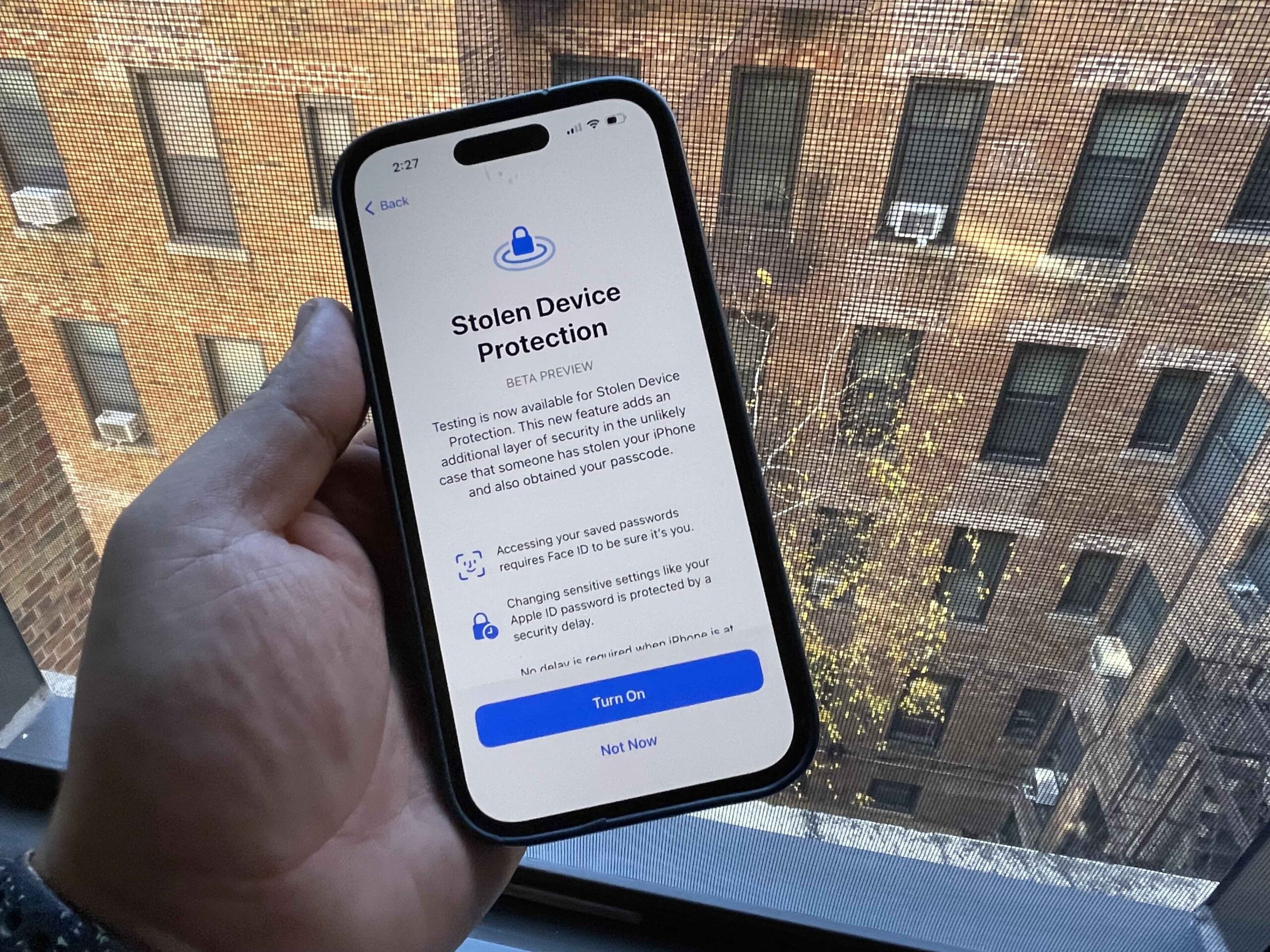
What was supposed to protect the iPhone actually made it less secure. Image: cnbc.com
The core of the problem: apps for which the user enabled Face ID requirement (via long-pressing the icon) could be opened by simply entering the device’s numeric passcode — without biometrics. This means if someone watched you enter your unlock code and took your iPhone, they could access banking apps, messengers, and everything you thought was protected by Face ID.
Important context: starting with iOS 26.4, Apple enables Stolen Device Protection by default. Previously, it had to be activated manually. But without this patch, the function itself had a serious hole. Apple now says the problem has been resolved through improved checks.
iPhone Keychain Vulnerability — Access to Passwords Without Face ID
The second notable vulnerability (CVE-2026-28864) concerns Keychain — the built-in storage where iPhone keeps all your passwords, encryption keys, and authorization tokens. According to Apple, due to insufficient access rights verification, an attacker with physical access to the device could reach the contents of the Keychain.
Apple reveals few details, but the fact itself is alarming. Keychain is essentially a vault for all your digital keys: from Wi-Fi passwords to banking app data. The vulnerability required physical access to the device, but that’s exactly the scenario that Stolen Device Protection exists for.
iPhone Mail Didn’t Hide IP Address — Privacy Settings Bug
Vulnerability CVE-2026-20692 revealed that two important privacy settings in the standard Mail app might simply not have been applied. These are the “Hide IP Address” and “Block All Remote Content” features.
If you enabled these options expecting that email senders wouldn’t learn your IP address and couldn’t track whether you opened an email — it might not have been working. Remote content (tracking pixels, external images) could load, revealing your IP and the fact that you read the message.
The default Mail app was exposing your IP
How widespread the problem was is unknown. But a situation where a security setting is enabled but doesn’t actually work is one of the most unpleasant for users. You simply can’t find out about it without special testing.
AirPrint Vulnerability — Apps Could Access Other Apps’ Data
Vulnerability CVE-2026-20688 allowed an app to escape its “sandbox” — the isolated environment in which each iPhone app runs separately from others and from the system. The problem was in the AirPrint component responsible for wireless printing.
For the average user, this means the following: a malicious app could theoretically gain access to data it wasn’t supposed to have — to other apps’ files or system resources. Escaping the sandbox is the first step in a chain of more serious attacks, which is why such vulnerabilities are always given special attention by security specialists.
Safari and WebKit Issues in iOS 26 — All iPhone Browsers Affected
WebKit — the engine powering Safari and all browsers on iPhone — received seven fixes plus a separate sandbox patch. Among the most serious:
Vulnerabilities were found and fixed across all of WebKit. Image: pcmag.com
- Same-origin policy bypass (CVE-2026-20643) — a mechanism that prevents one website from reading another’s data
- Content security policy bypass (CVE-2026-20665)
- Ability of a malicious site to process web content outside the sandbox (CVE-2026-28859)
The last point is especially important: it means that when visiting a specially crafted website, the browser could execute code without the usual security restrictions. Given that WebKit is used in all browsers on iPhone — not just Safari, but also Chrome, Firefox, and any others — this affects absolutely all users.
Should You Update Your iPhone to iOS 26.4
The good news: Apple states that none of the listed vulnerabilities were exploited in real attacks at the time the patch was released. But the bad news is that after the list of fixes is published, attackers get a detailed map of exactly what was vulnerable — and start looking for devices that haven’t updated yet.
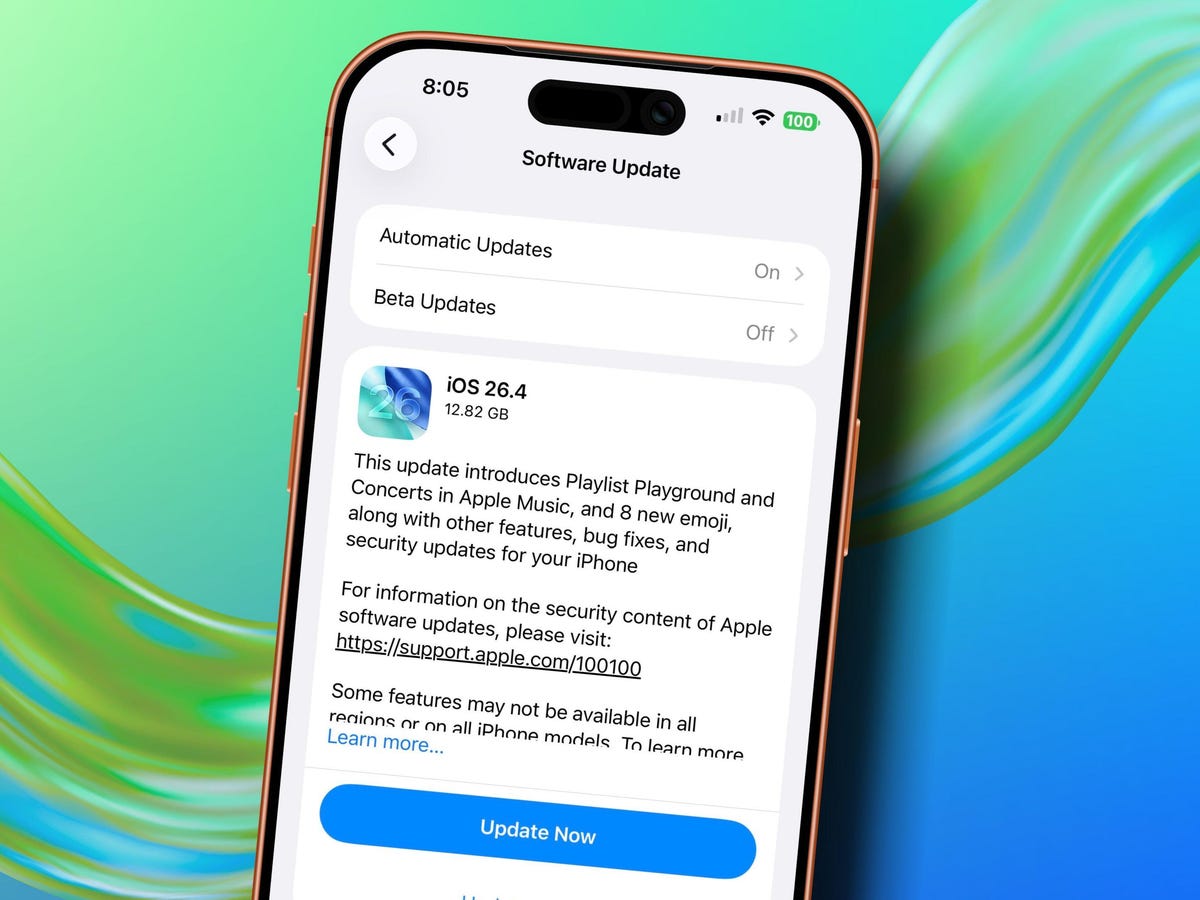
Don’t put off the update for later. Image: zdnet.com
The update is available on all devices that support iOS 26. The full list of patches for iOS 26.4, iPadOS 26.4, macOS 26.4, tvOS 26.4, and other platforms is published on Apple’s security page.
This is a case where the recommendation is unambiguous: update now. Bypassing Stolen Device Protection, access to Keychain, and silently non-functioning privacy settings — these are not ordinary bugs. If you use your iPhone as your primary device for banking, passwords, and email (and that’s nearly everyone), there’s no reasonable reason to delay installing iOS 26.4.


