AI agents — programs that can independently visit websites, collect information, send emails, and manage files — are rapidly becoming an everyday tool. Mac mini with M4 turned out to be one of the best home computers for running them, and the reason isn’t just the powerful chip. The combination of macOS, Safari, and Apple Account gives agents something that no cheap Linux mini-PC can offer: trust from websites and services. Let’s explore what real tasks Mac mini solves for beginner AI agent users, what CAPTCHAs have to do with it, and why this is worth paying attention to.
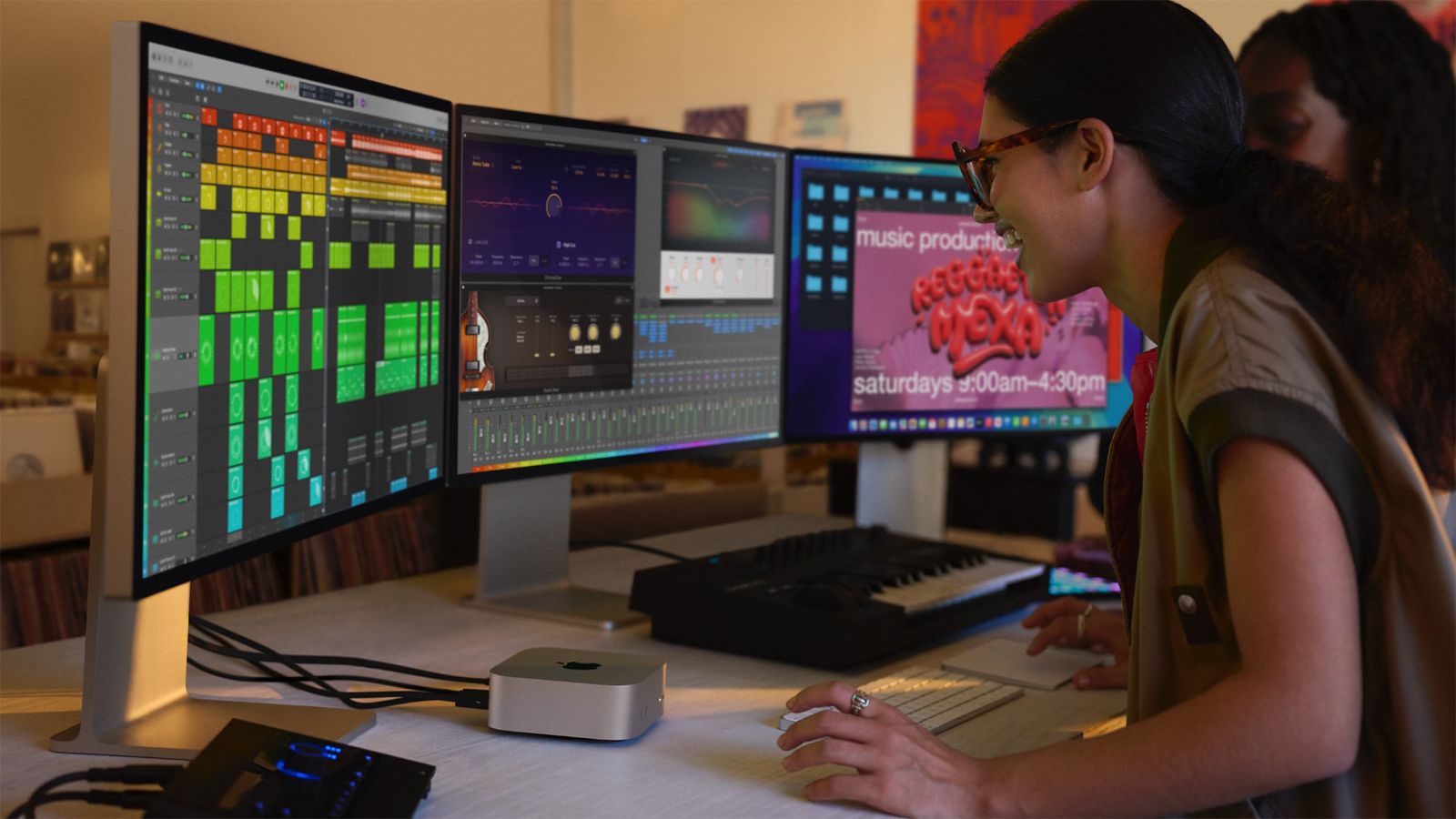
Good hardware is half the battle — the operating system matters too. Image: macrumors.com
What Are AI Agents and Why Do They Need a Whole Computer
In short: an AI agent is not just a chatbot, but a program that can take action. It can open a browser on its own, visit a website, click the right buttons, fill out a form, collect data, and return results. Among popular tools of this class are Claude Code (a development and automation assistant from Anthropic), OpenAI Codex, and OpenClaw — a viral personal AI assistant project that works through messengers.
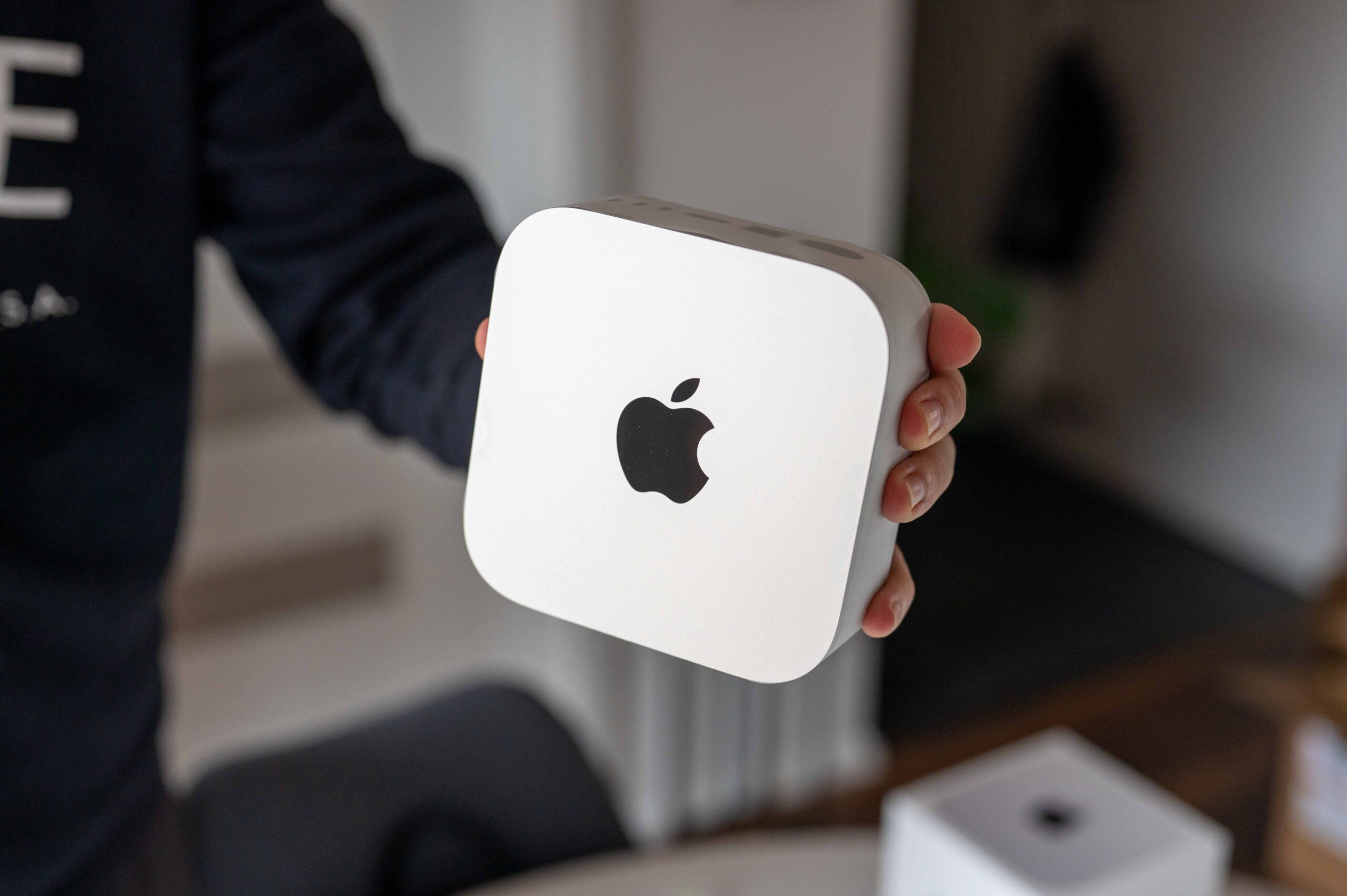
Why rent a server with questionable speed when you have a fast Mac mini. Image: letemsvetemapplem.eu
All these agents need a computer where they will “live”: receive tasks, execute them, and work in the background. You can rent a cloud server, but that’s expensive and complicated for a beginner. Or you can set up a quiet box at home — and Mac mini is perfect for this.
Why Websites Block Bots and What Mac mini Has to Do with It
The modern internet is designed so that websites constantly check: who is in front of them — a real person or a program. If a website suspects a bot, it will show a CAPTCHA (those pictures with buses and traffic lights), require authorization, or simply block access. For an AI agent that needs to browse websites automatically, this is a serious problem.
And this is where the advantage of macOS kicks in. An agent running on Mac mini through the native Safari gets something that a faceless script on a rented server doesn’t have: a full-fledged user environment linked to an Apple Account. To a website, such an agent looks not like a suspicious program, but like a regular person at a regular computer. This is a fundamentally different level of trust.
How the Automatic Verification Feature in macOS Helps AI Agents Bypass CAPTCHAs
Starting with macOS Ventura, Apple has a working Automatic Verification feature. It’s enabled by default and does the following: when a supported website wants to make sure there’s a real user in front of it, the Mac automatically confirms this through Apple Account — without any pictures or puzzles.
Here’s how it works:
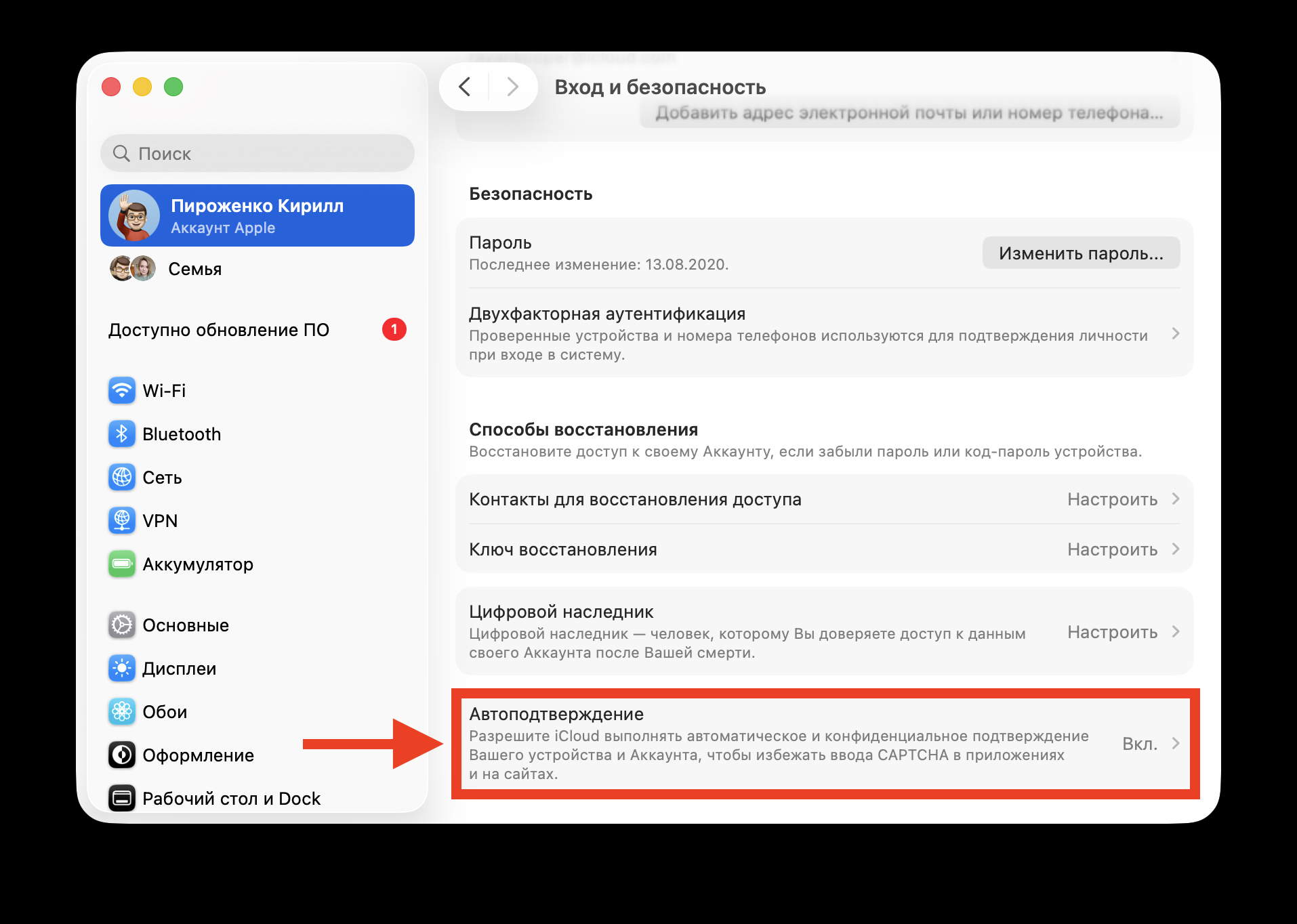
This feature in Apple ID settings will let agents work without any problems
- The website requests confirmation that there’s no bot
- Apple’s server verifies that the device and account are real
- The website receives a special token (a digital “pass”) confirming the user is real
- The website doesn’t learn your name, Apple ID, or browser history
For an AI agent, this is critically important. An agent working through Safari on Mac mini with a linked Apple Account automatically passes checks on supported websites. No need to solve CAPTCHAs, no need to use dubious workaround services. Of course, the feature doesn’t work on all websites — each resource must support this system. But the list is growing: Cloudflare and Fastly have already enabled support, and millions of websites operate through them.
Mac mini as a Home Server for AI Agents Instead of the Cloud
One of the main use cases for beginner agent users is running them at home, without renting cloud servers. OpenClaw, for example, works exactly this way: you install it on your computer, connect it to Telegram or WhatsApp, and can give commands to the AI directly from the messenger on your phone. The agent works as long as the computer is running.
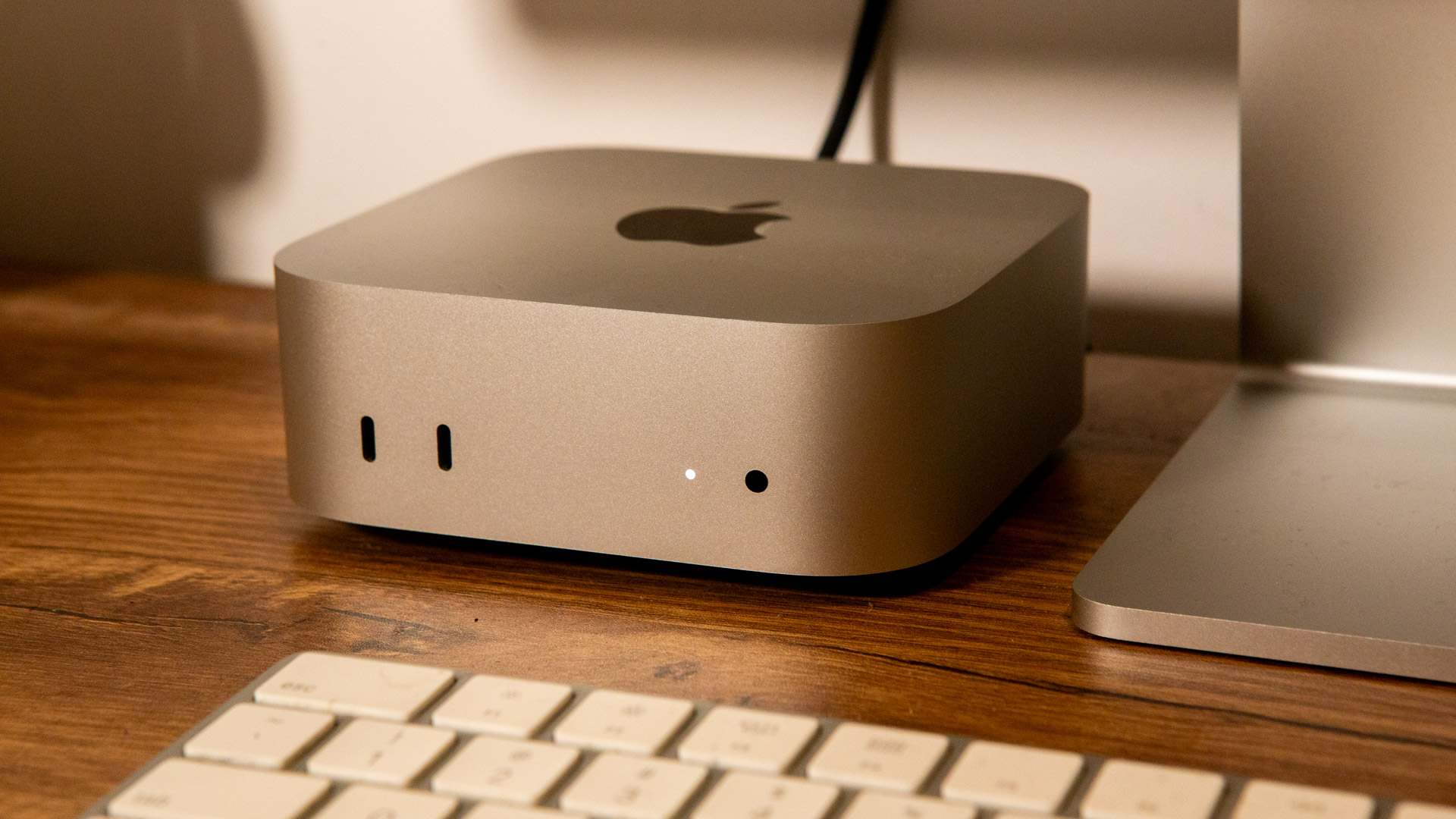
Want to use agents — get a Mac mini and you won’t go wrong. Image: t3.com
Mac mini is better suited for this than many alternatives for several reasons:
- Low power consumption — the computer can run 24/7 without running up the electricity bill
- Near-silent operation — the built-in cooling runs silently in most scenarios
- Compact size — five by five inches, can be placed behind a monitor or on a shelf
- Full macOS — not a stripped-down system, but a regular computer where you can work alongside the agents
At the same time, Mac mini remains your regular work computer. You don’t need to buy a separate machine “for AI experiments” — agents simply work in the background while you write texts, browse the web, or edit video.
How Much Does a Mac mini for AI Cost and Which Version to Choose
The base model Mac mini with M4 chip, 16 GB of memory, and 256 GB of storage costs $599 at Apple’s recommended price. For most AI agent tasks, this configuration is sufficient: 16 GB of unified memory is enough to work with several agents, a browser, and medium-sized local models simultaneously.
If you plan to run heavier local models, consider the version with 24 GB of memory — starting at $999. The version with M4 Pro and 48 GB of memory is suited for those who are already seriously working with multiple agents and large models, but costs significantly more. Important note: Mac mini only comes with a power cable. You’ll need to purchase a monitor, keyboard, and mouse separately.
How Mac mini Differs from Windows and Linux Mini-PCs for AI
Cheap mini-PCs running Windows or Linux can be purchased for less money. But in the context of AI agents, they have significant drawbacks: Linux doesn’t have native Safari or Apple Account, meaning no Automatic Verification and no advantage of a “human” browser. Windows is slightly better, but setting up agents is more complex, and bot detection protection is weaker.
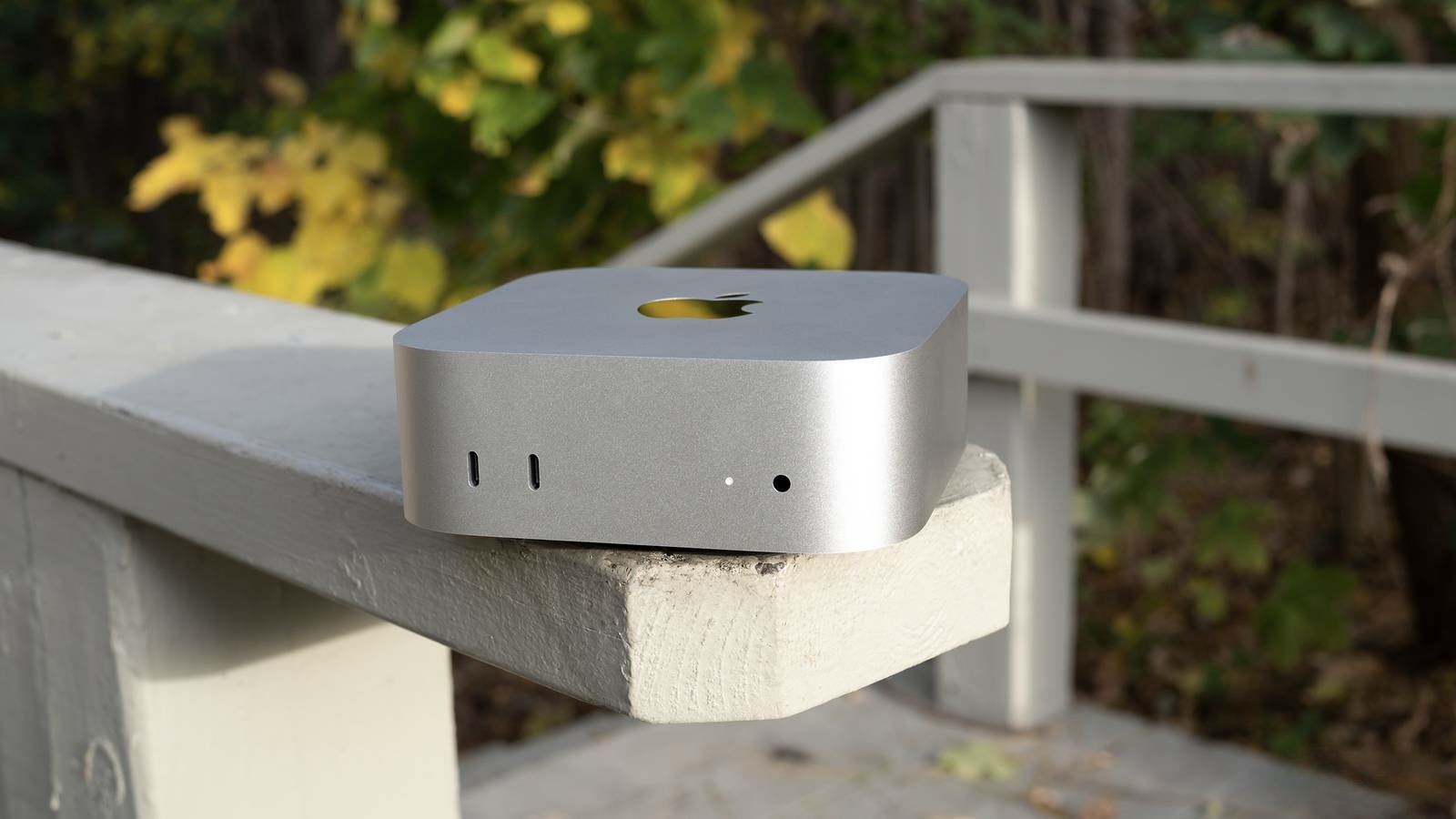
This little box will quietly work in a corner of your desk without extra noise. Image: pocket-lint.com