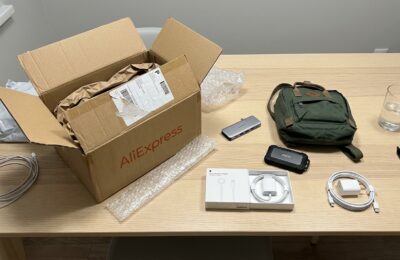
You bought a new MacBook Neo, grabbed your favorite USB-C hub, plugged it in — and nothing works as it should. No monitor, no normal data transfer speeds. Sound familiar? Unfortunately, some owners of Apple’s most affordable laptop have already encountered this issue. Not only do you need to choose the right charger for the MacBook Neo, but there’s also a problem with connecting peripherals. The thing is, the two USB-C ports on the Neo look identical, but one is 21 times slower than the other, and this breaks compatibility with an entire class of accessories.
Attention: MacBook Neo is incompatible with some USB-C hubs for MacBook, and here’s why
How the USB-C Ports on MacBook Neo Differ
At first glance, the MacBook Neo looks like a younger sibling of the MacBook Air: aluminum body, 13-inch screen, two USB-C ports on the left. But while the Air and Pro both have full-fledged Thunderbolt 4 ports, the Neo is much more complicated. It’s important to know which USB-C port on the Neo is for what and what limitations each has.
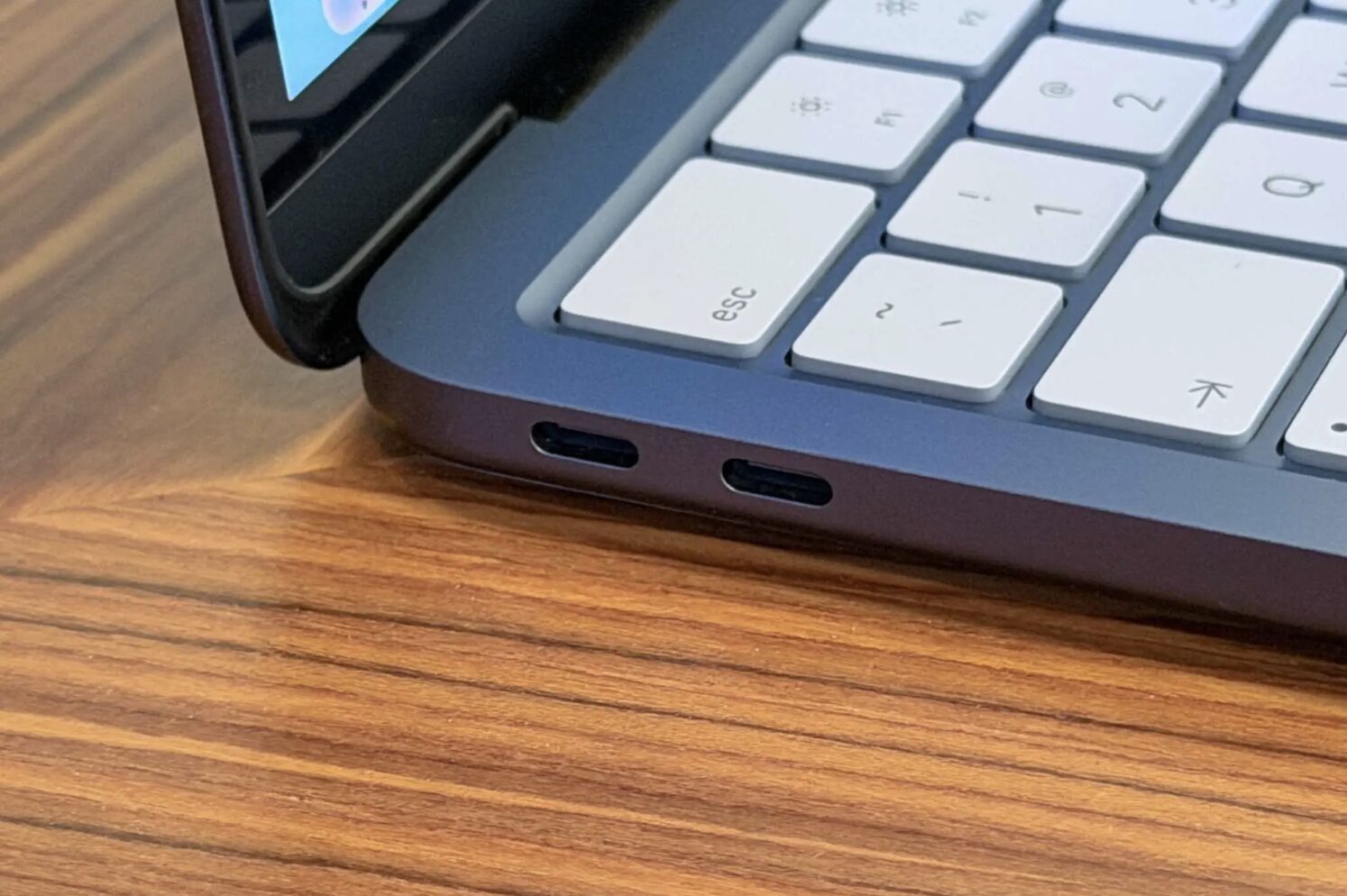
Both ports on the MacBook Neo look identical. Apple didn’t add any markings, but macOS will warn you if you plug into the wrong one. Image: macworld.com
The rear port (closer to the screen hinge) supports the USB 3 standard with data transfer speeds up to 10 Gbps. This is the one you can use to connect an external monitor with up to 4K resolution at 60 Hz, a storage drive, or a hub. The front port (closer to the user), however, operates on the USB 2 standard — just 480 Mbps. It’s fine for charging or connecting a wired mouse, but nothing more.
For comparison, the difference between the ports is more than 20 times. Even USB-A connectors on most hubs transfer data 10 times faster than the front USB-C port on the MacBook Neo. The reason lies in the limitations of the A18 Pro chip, which was originally designed for the iPhone and supported only one USB-C port with fast data transfer. Apple had to “add” a second port through engineering workarounds, which is exactly why it turned out so slow.
Which USB-C Hubs Don’t Work with MacBook Neo
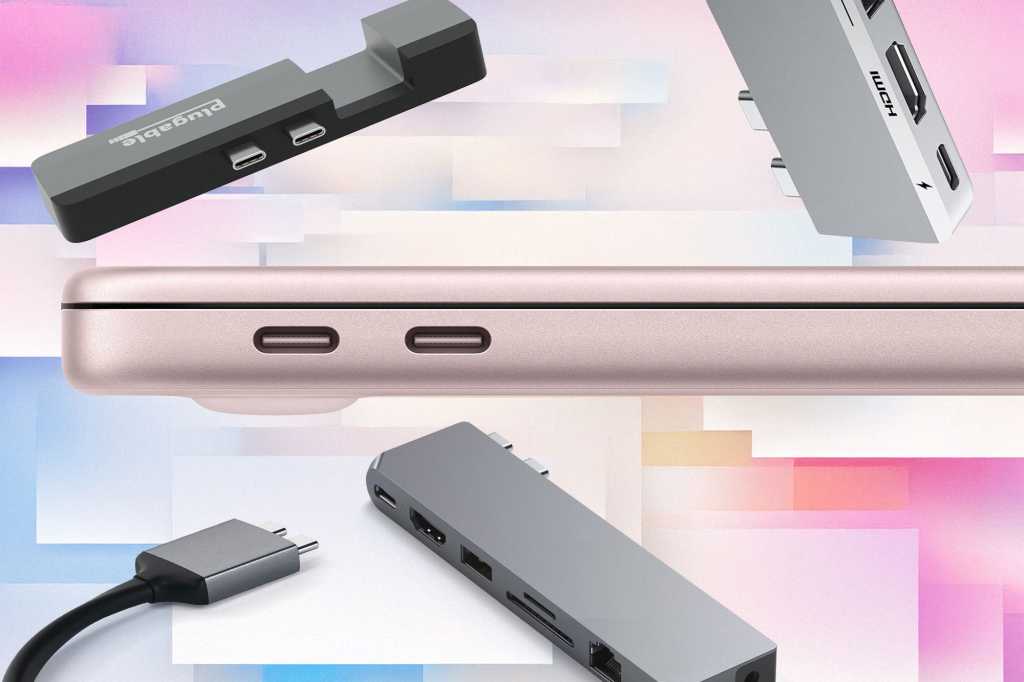
The problem doesn’t affect all hubs, but a specific type — those with a dual USB-C connector. These models connect to both MacBook ports simultaneously: one plug handles charging, while the other handles data transfer and video. On MacBook Air and Pro, where both ports are equally fast, this works perfectly. But on the Neo, the front port is physically incapable of transmitting a video signal. Among the incompatible hubs are three popular models:
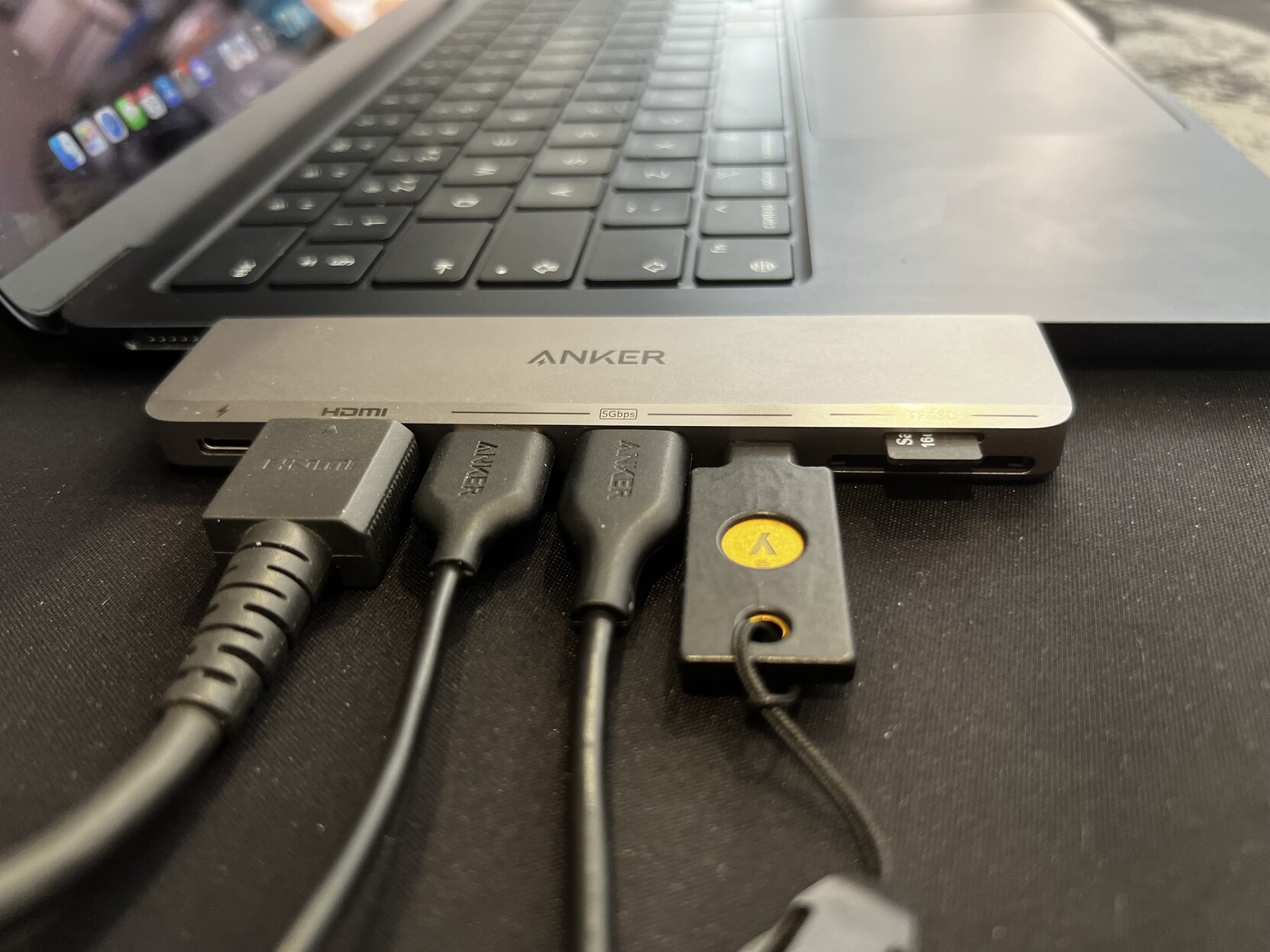
These compact hubs that “hug” the MacBook look neat, but they’re the ones that don’t get along with the Neo due to port speed differences. Image: gadgetoid.com
- Anker 547 USB-C Hub (7-in-2) — a hub with seven ports (USB-C for data, two USB-A, HDMI, SD and microSD slots) that typically uses the rear MacBook port for charging and the other for data and video. On the Neo, that second port simply can’t handle it.
- Satechi Pro Hub Max — a similar design with a dual USB-C connector, Ethernet port, and 4K HDMI support.
- Plugable AMS-5IN1E — a five-port hub whose manufacturer has already confirmed limited functionality with the Neo.
Simply put, if a hub plugs into both USB-C ports simultaneously, it will almost certainly not work properly with the Neo. HDMI won’t output an image, and the speed of all other ports will drop to USB 2.0.
Which USB-C Hub to Buy for MacBook Neo
The good news: most regular hubs with a single USB-C connector are perfectly compatible with the Neo. The USB-C standard is backward compatible, so even hubs designed for Thunderbolt or USB 4 will connect and work — of course, at the maximum speed of the Neo’s port itself, which is up to 10 Gbps.
The main rule: connect the hub to the rear port (the one closer to the hinge). Leave the front port for charging. By the way, Apple has taken care of users: if you accidentally connect a monitor or hub to the “wrong” port, macOS will display a warning.
Here are specific models that definitely work:
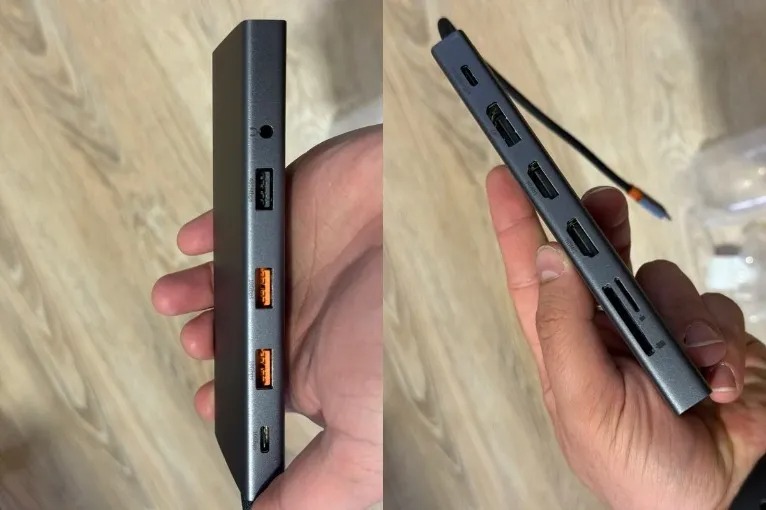
This hub has just one plug, so there won’t be any connection problems
- Anker 555 USB-C Hub — connects with a single USB-C cable and handles tasks perfectly through the Neo’s rear port.
- Satechi OntheGo 7-in-1 — a compact multiport adapter with a single connector.
- Baseus 13-in-1 USB-C Hub — affordably priced and offers 13 ports at once.
In fact, any hub with a single USB-C plug will work. Just make sure you plug it into the rear port — and everything will be fine.
What to Do If Your Hub Doesn’t Work with MacBook Neo
If a dual-port hub is already sitting on your desk next to your brand-new Neo, don’t despair just yet. Plugable, for example, told Macworld journalists that they’re expecting to receive a MacBook Neo for testing all their devices. Accessory manufacturers are already aware of the issue, and it’s quite likely that updated hub versions accounting for the Neo’s quirks will appear in the near future.
But here’s what’s important to understand right now: this is not a bug — it’s a hardware limitation.
No macOS update will turn the front USB 2 port into a fast USB 3 port. The A18 Pro chip simply doesn’t support two full-speed USB ports. So if you critically need two fast ports or Thunderbolt support, you should consider the MacBook Air with Thunderbolt 4 or the MacBook Pro.
That said, for most tasks, one fast port is more than enough. The MacBook Neo wasn’t made for video editors with three monitors — it’s for people who need a reliable and beautiful laptop at a reasonable price. Now you just know which hub to buy for it.
The MacBook Neo at $599 is truly a breakthrough for Apple in the budget segment. But every affordable price has a flip side. Before buying accessories, check the hub’s specifications: if you see “dual USB-C connector” or “7-in-2 for MacBook,” be careful. And if you already have a single-connector hub — just plug it into the rear port and forget about any problems.