I’ve written before about why VPN doesn’t work on Android: in Russia, the services themselves are blocked, providers throttle traffic, and protocols are detected and restricted. But in April 2026, a new development emerged that changes the picture completely. The Ministry of Digital Development instructed major Russian internet companies to independently track VPN usage among users and block access to services for those who use it. This is no longer operators cutting traffic — it’s your everyday apps spying on you and reporting back. Let me break down who’s doing this and what you can do about it.
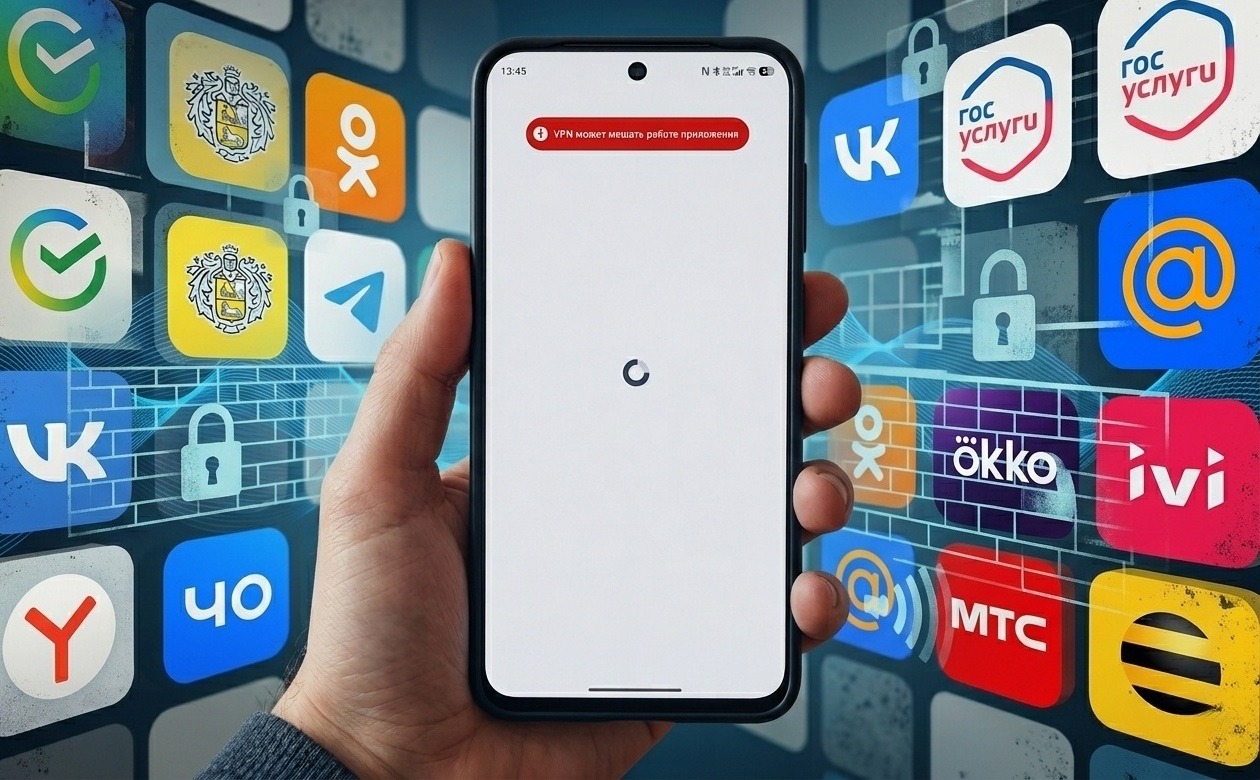
Russian apps now block users with VPN
VPN Blocking in Russia
In early April 2026, it became known that the Ministry of Digital Development held meetings with the largest Russian internet companies: Sber, Yandex, VK, Wildberries, Ozon, Avito, X5, and others — more than 20 platforms in total. The companies were instructed to restrict access to their services for users with VPN enabled by April 15, 2026. Non-compliance would have real consequences: loss of IT accreditation, cancellation of tax benefits, and removal from the “white list.” For most companies, this would effectively mean being unable to operate.
On April 7, the first cases were already recorded: users in Russia encountered problems on Wildberries, Ozon, and VkusVill websites while VPN was enabled. Sites slowed down, product cards wouldn’t load. Previously, services only warned about “incorrect operation with VPN,” but now they deny access to catalogs. In parallel, another initiative is being discussed: mobile operators want to charge extra for VPN usage. Pressure on users is mounting from multiple directions simultaneously. In other words, mass VPN blocking in Russia is moving to a new level: from passive restriction to active surveillance through apps you’ve installed on your phone yourself.
How an App Detects VPN on Android
This is important to understand, because it’s not magic — it’s specific technical methods. When an app detects VPN on Android, it uses one or more of the following methods:
- Checking network interfaces. VPN creates a virtual interface with characteristic names (tun0, ppp0, tap0). The app simply looks at the list of active network interfaces and sees it.
- Checking system settings. Android stores information about VPN connections in system variables. The app queries them directly.
- DNS and routing analysis. With an active VPN, DNS requests go through the tunnel, and the routing table looks different. The app analyzes this.
- List of installed apps. Some apps request the full list of VPN applications installed on the device, even if VPN is currently turned off.
- Behavioral analysis. Sudden country changes, atypical connection patterns, suspicious IP addresses — all of these are signals too.
MAX tracks VPN especially aggressively: the messenger obfuscates (intentionally hides) interface names in its code so that researchers can’t easily discover this capability. This means deliberate concealment of such “surveillance.” As they say, it’s not a bug, it’s a feature.
Which Apps Track VPN

You could say almost all of them. Image: rks.global
The research organization RKS Global conducted an analysis of 30 popular Russian Android apps in April 2026. The results are unpleasant: 22 out of 30 detect VPN, and 19 of them send VPN status to a server. Here is the full list of apps that track VPN on Android and transmit data to a server:
- Yandex Browser;
- Yandex Maps;
- Yandex Music;
- VKontakte;
- Odnoklassniki;
- VK Video;
- Sberbank Online;
- T-Bank;
- VTB Online;
- Alfa-Bank;
- Wildberries;
- Ozon;
- Samokat;
- MegaMarket;
- Kinopoisk;
- RuStore;
- Avito;
- 2GIS;
- RUTUBE;
- My MTS;
- MAX;
- VK Music.
Several participants on this list deserve special mention. Samokat and MegaMarket don’t just check whether VPN is enabled — they obtain a list of all VPN apps installed on the device, even if VPN is currently turned off. Yandex Browser uses the maximum number of detection methods and is the only one that searches for Tor on the phone. The very browser that offers incognito mode itself searches for anonymity tools on the user’s device. MAX tracks VPN and intentionally hides this in its code — interface names are obfuscated so researchers can’t easily detect the surveillance. However, there are apps where no traces of VPN tracking have been found: Yandex Market, Yandex Eats, Mail.ru Mail, MegaFon, Mir Pay, Gosuslugi, Yandex Go, Dzen. Not found yet, at least.
Which Apps Block VPN
Tracking and blocking are different things. Most programs on the list are still at the data collection and transmission stage. But apps are already not working due to VPN for some users. The first to actively block access when VPN is enabled were:
- Wildberries: the product catalog doesn’t load or works with significant delays.
- Ozon: similar problems accessing the catalog.
- VkusVill: the website slows down or stops opening.
- MAX: the MAX app blocks VPN and transmits data about VPN services used to developers. VPN providers have already faced IP address blocks on their servers specifically due to information from the messenger.
The list will expand. The Ministry of Digital Development’s deadline is April 15, 2026. Companies that haven’t yet implemented blocking are likely under serious pressure.
What to Do If an App Won’t Open Through VPN
If a needed app has stopped working, the simplest solution is to disable VPN before opening it. Simply minimizing isn’t enough: you need to actually disconnect, otherwise the tunnel continues running in the background.
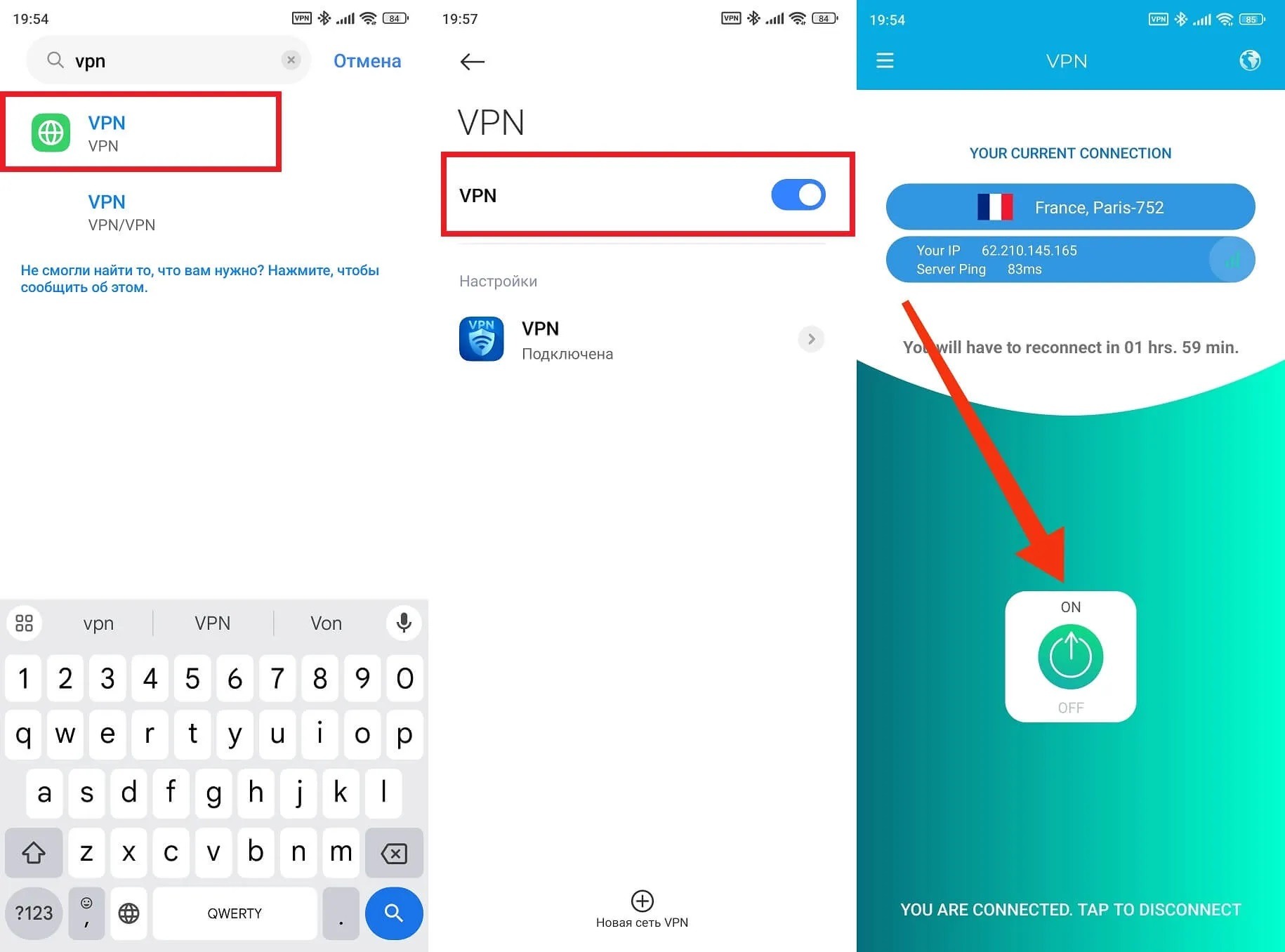
If you have VPN, it’s better to disable it