Sometimes there’s an awkward situation: the holiday has already arrived or worse — it’s passed, and the greeting still hasn’t been sent. Not everyone has the habit of preparing greeting cards in advance, and calling in the middle of the day or the next day can be inconvenient. In such cases, simple digital solutions come to the rescue. The MAX messenger has just introduced a convenient tool — a bot that allows you to quickly create and send a greeting card to any chat.

A fun greeting card builder has appeared in the MAX messenger. Image: myseldon.com
How to Create a Greeting Card via MAX
If you need to send a greeting quickly, the greeting card builder bot makes it as simple as possible. You don’t need to search for images online, download them, and send them manually — everything is assembled right inside the messenger. Here’s how it works:
- Go to the maxpostcards_bot “Greeting Card Builder” bot in the MAX messenger.
- Tap the bot launch button and press “Create a new card.”
- Select a template and card color.
- Add greeting text and a signature.
- Tap the “Finish” button and press “Share” if you want to send the card via MAX, or tap the down arrow to download it and send it through other messengers.
- Send the finished card to the desired person.
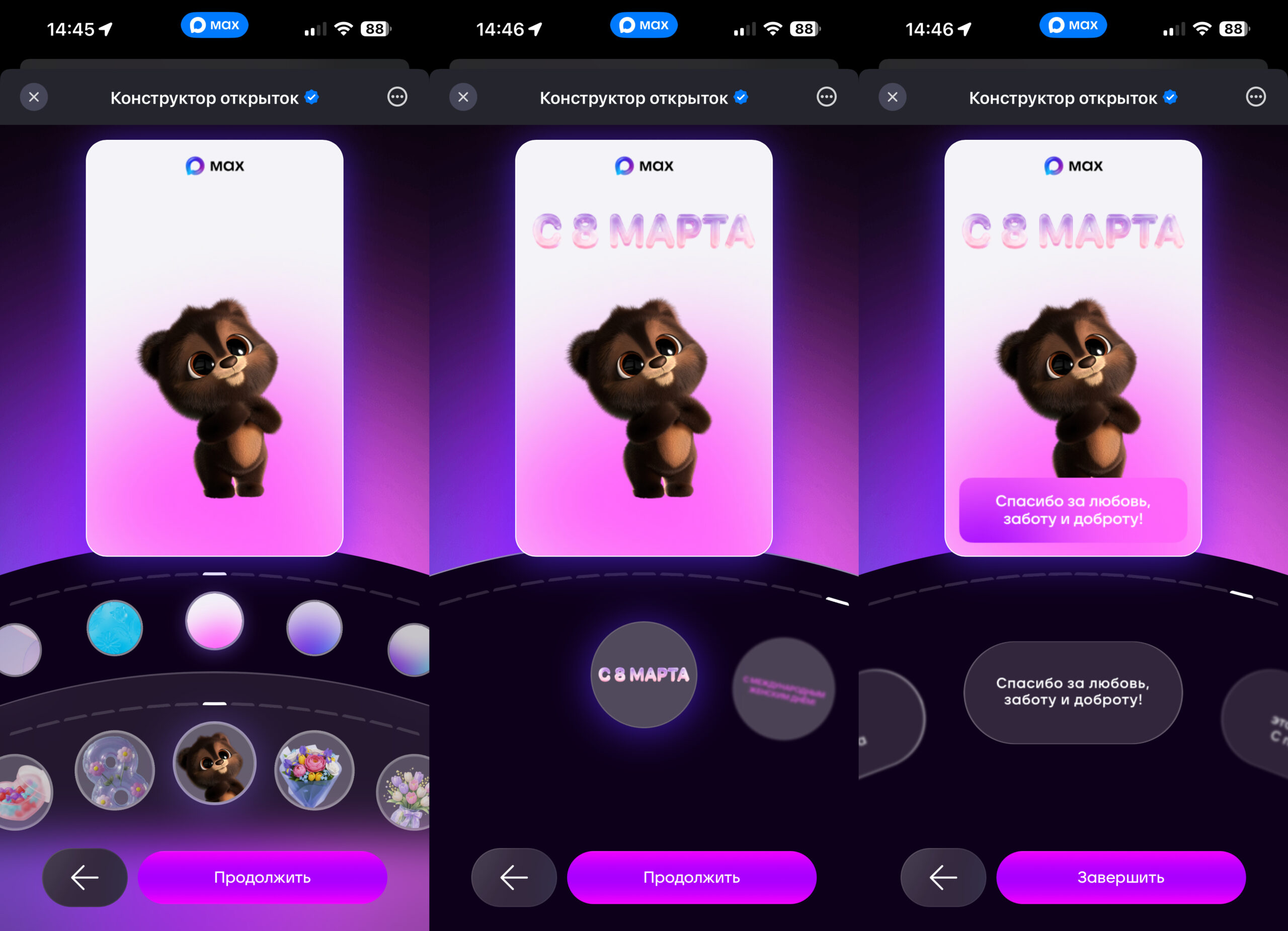
Choose a picture, color, and caption
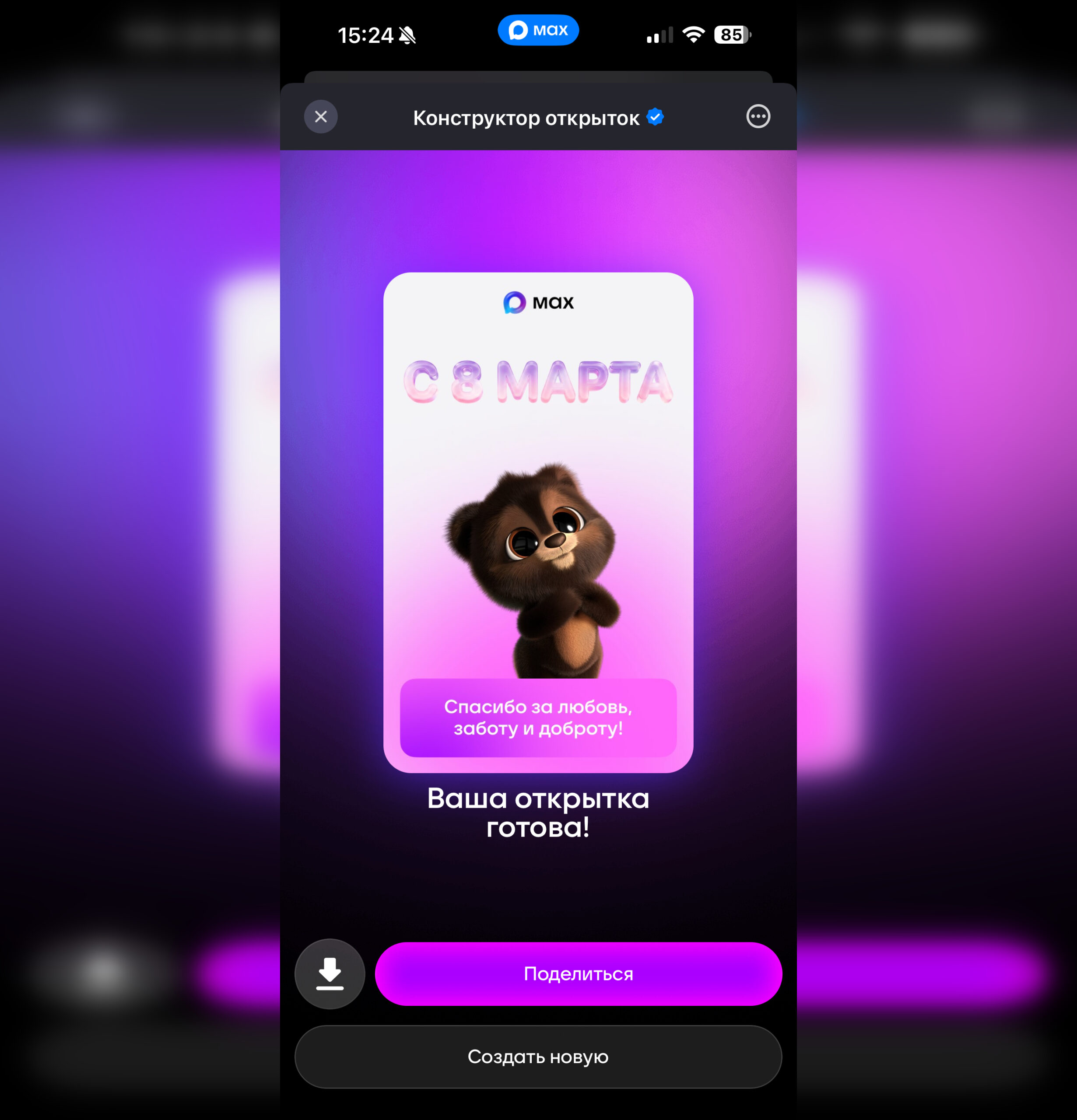
The finished card is sent with just one button
Templates for other holidays will appear in the bot closer to the relevant dates!
After that, the card is immediately delivered to the recipient’s chat. No additional apps or registrations are required.
What Cards Can You Create in the MAX Bot
The main idea behind the bot is to quickly assemble a greeting from ready-made elements so you don’t waste time on design. The user selects a template, writes a text, and the bot automatically generates a finished card. Available inside are:
- several holiday template options;
- instant card sending directly to a chat.
Unfortunately, there is no option to add your own text. Essentially, it’s a small greeting builder. It’s useful not only for those who forgot to send greetings in advance, but also for anyone who simply doesn’t want to spend time searching for nice images. In practice, such tools prove most useful precisely when there’s almost no time left.
So even if you remembered a holiday at the last minute, you can still send a beautiful greeting. Just open the card builder bot in MAX and assemble a card right in the messenger.
Where to Download Free Greeting Cards
Before you can send a card in MAX, you need to find one somewhere. The simplest way is to download an image directly from the internet. All you need to do is open a browser on your iPhone and use search. Here’s how:
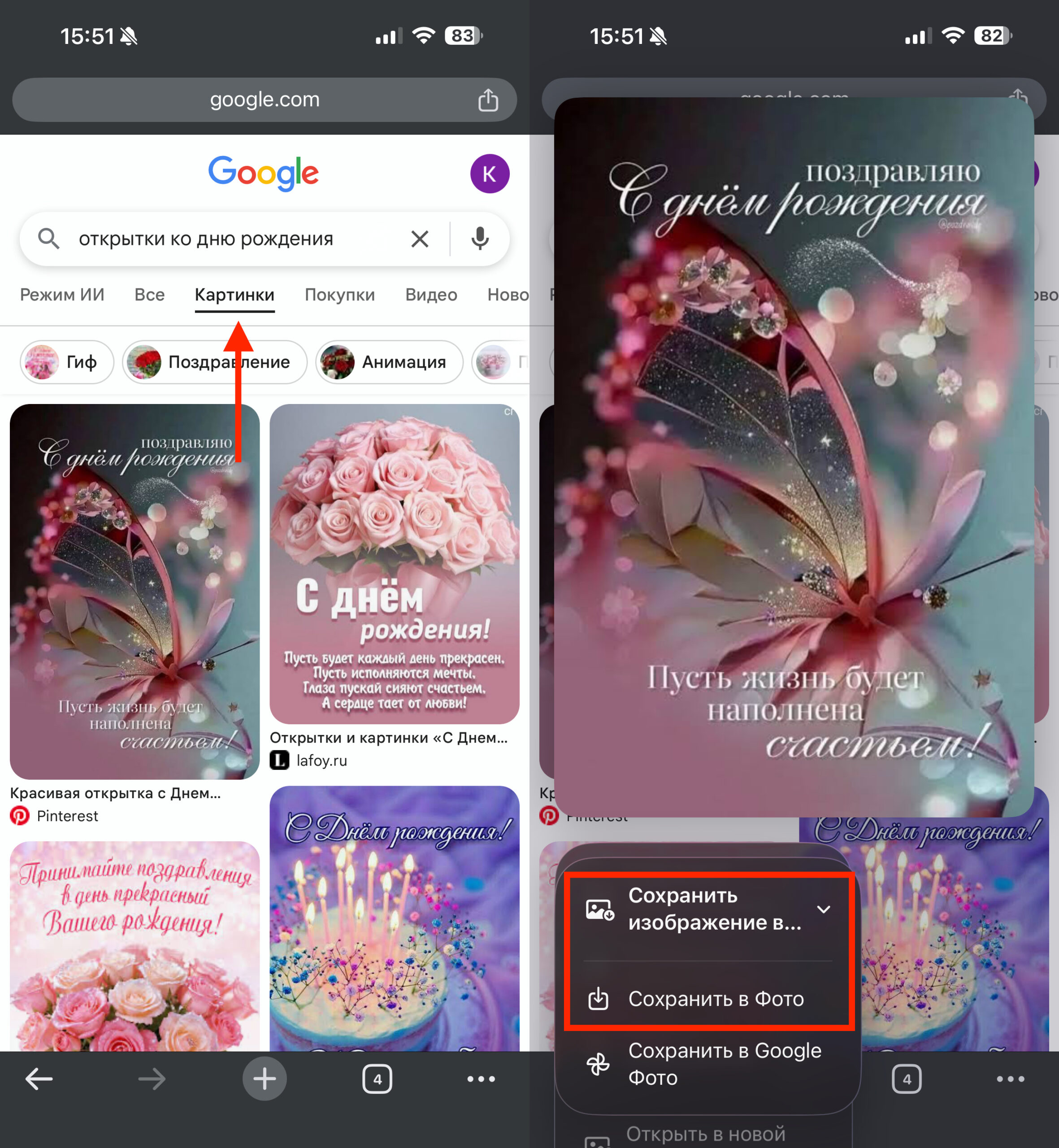
You can simply download greeting cards from Google
- Open Safari or any other browser on your iPhone;
- Enter a query, for example: “March 8 greeting cards,” “birthday congratulations,” or “New Year’s card”;
- Switch to the “Images” tab;
- Tap on the image you like;
- Press and hold on the image and select “Save to Photos.”
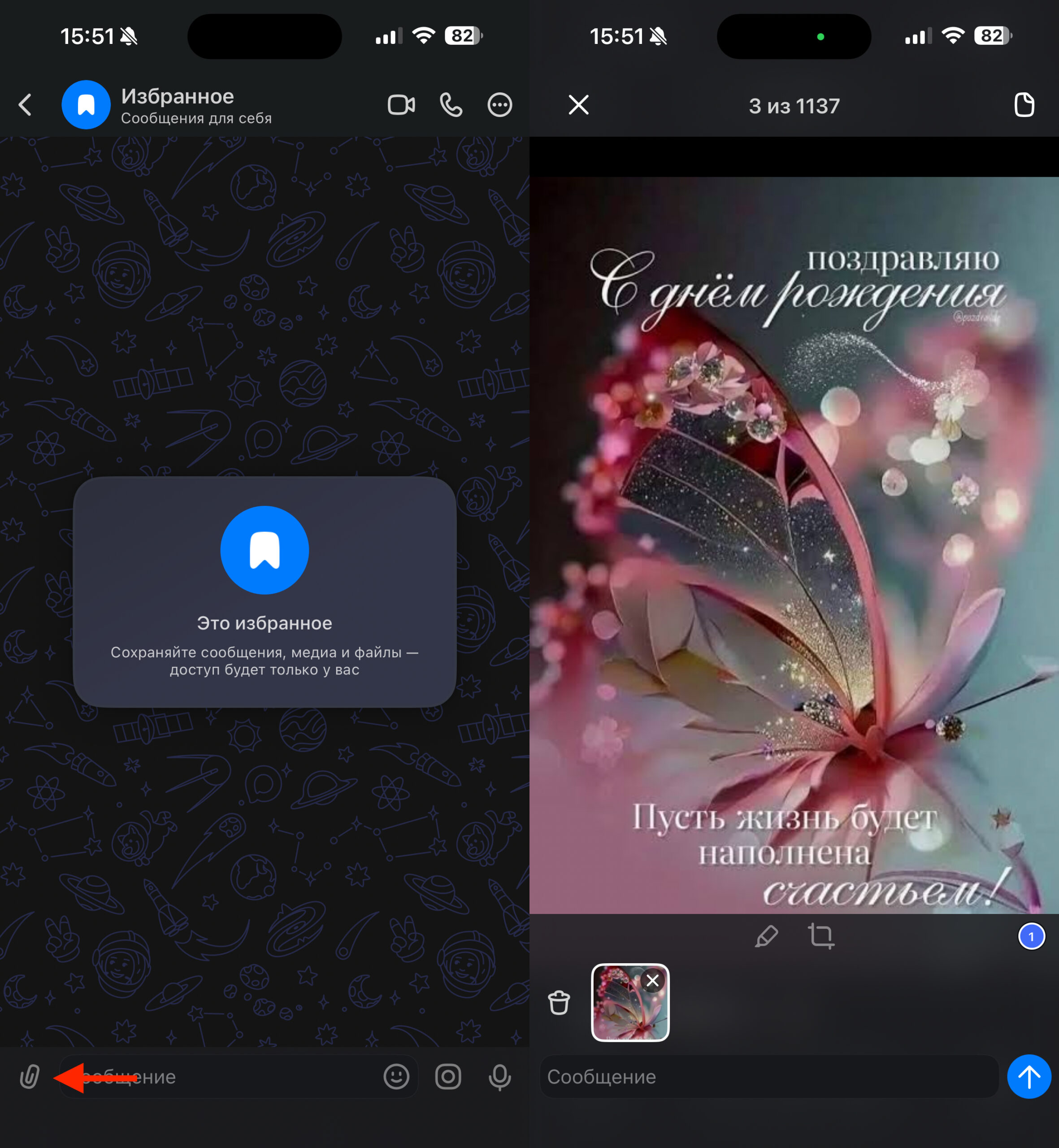
After that, the card will appear in the Photos app on your iPhone, and you’ll be able to send it to any MAX chat.
Free Greeting Card Apps
If you don’t want to search for images online, you can use special greeting card apps. The App Store has dozens of programs where greetings are already sorted by holidays and categories. Here are the two most interesting apps in this category:
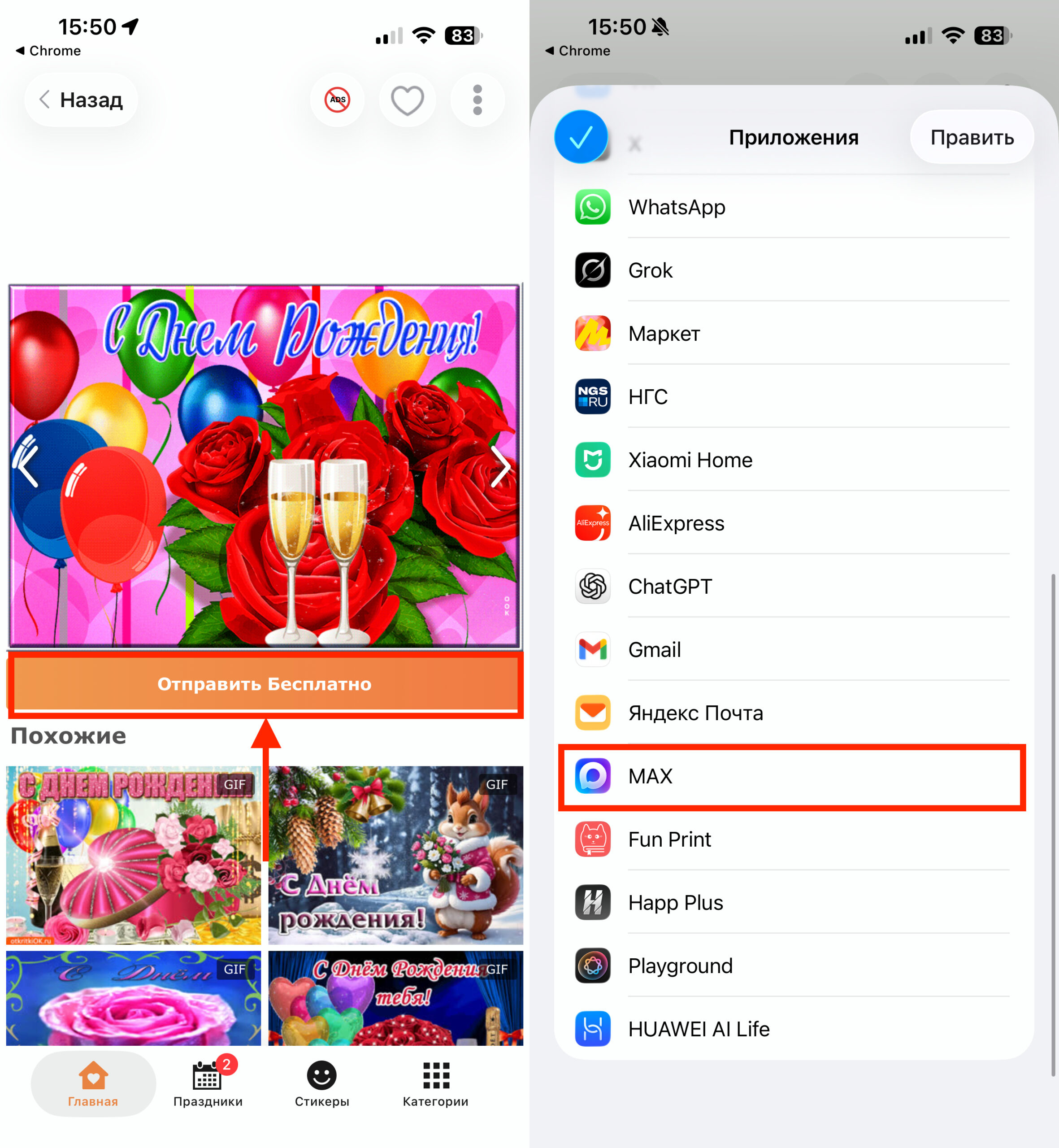
Tap the “Send” button, choose the messenger, the chat, and you’re done
Simply open the app, choose a card, and tap the send button. After that, just select the MAX messenger and the desired chat.
How to Send a Greeting Card in MAX
If the card is already saved on your iPhone, sending it in MAX takes just a few seconds. There are two convenient ways. The first — through the Photos app:
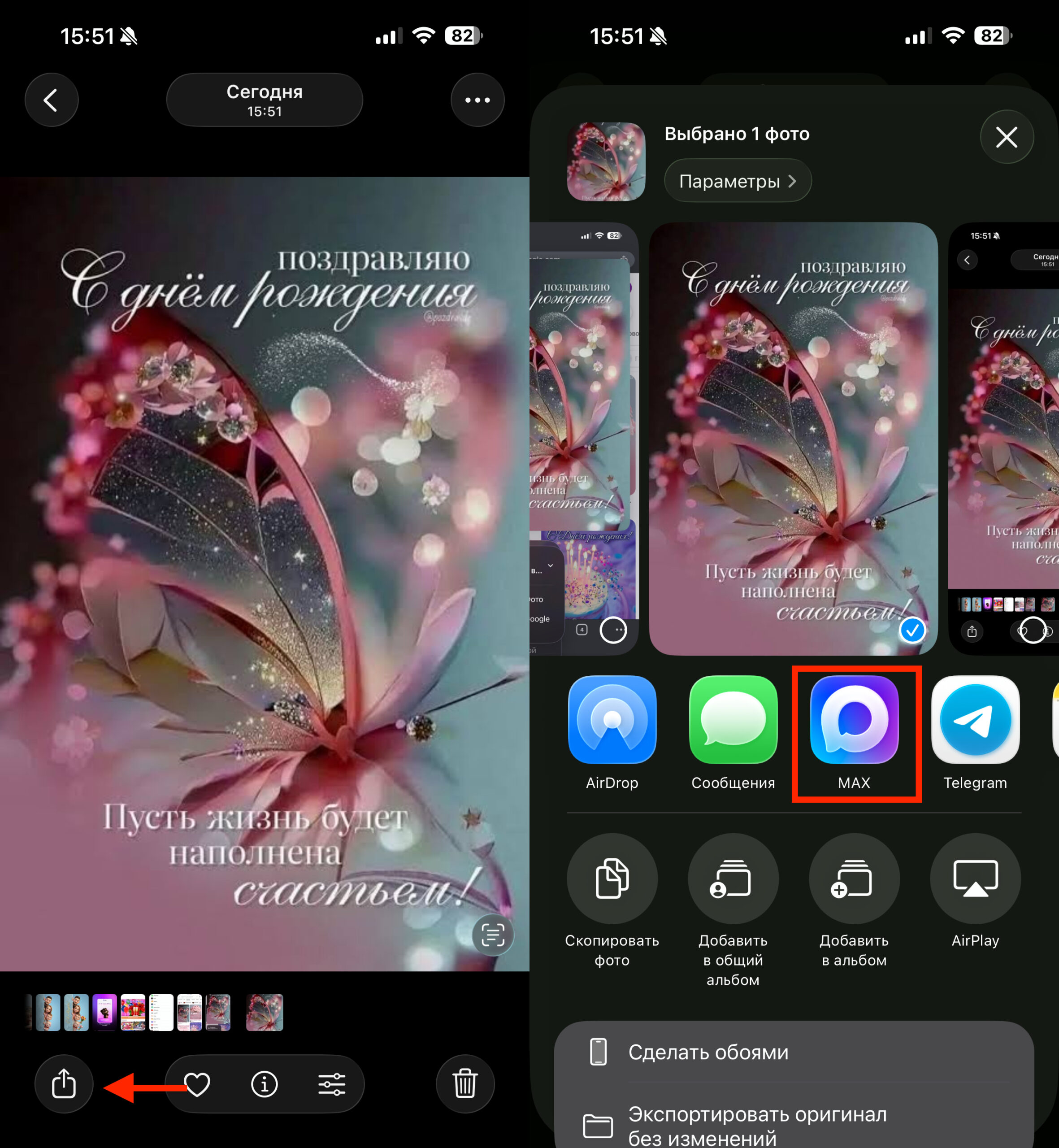
You can send a card directly through the Photos app
- Open the Photos app on your iPhone;
- Select the saved greeting card;
- Tap the “Share” button;
- Select the MAX messenger;
- Choose the desired chat and send the image.
The second way — directly from a MAX chat: