There’s less and less time until the iOS 27 presentation, and it’s gradually becoming clearer what exactly Apple plans to focus on this year. While many previously expected noticeable changes in the system’s appearance, everything now points to a more restrained scenario. It seems that Cupertino isn’t rushing to overhaul Liquid Glass, even despite the debates surrounding this interface. The company has already added several settings for the new iOS design and will continue to do so going forward.

iOS 27 will keep Liquid Glass. Deal with it. Image: 9to5mac.com
For many users, this could come as a surprise. After criticism over readability and the overall feeling of a “too glassy” design, it was logical to assume that Apple would start rolling back the idea in the next major update. But fresh data suggests otherwise: Liquid Glass will most likely stay with us for a long time, and all changes will be targeted and gradual.
Why Apple Won’t Abandon Liquid Glass in iOS 27
According to the latest information, iOS 27 won’t bring any major visual changes to Liquid Glass. Internal builds of the system reportedly already show that Apple isn’t preparing a large-scale redesign for either iPhone or Mac. This fits well with the company’s overall approach, which rarely abandons major visual decisions after just one generation of the system.
And this is quite understandable. Liquid Glass wasn’t just a cosmetic interface tweak but one of the key design ideas of recent years. Apple invests too much time and resources in such things to then quickly acknowledge the concept as unsuccessful and completely redo it within just a year.
Why Users Don’t Like Liquid Glass on iPhone
The main complaint about Liquid Glass from the very beginning was fairly simple: in some places the interface looks beautiful but isn’t always easy to read. Transparency effects, glare, and visual depth do make the system more spectacular, but sometimes interfere with quickly perceiving information. This is especially important in those parts of the interface that you use dozens of times a day.
That said, it can’t be said that the design was a failure for everyone without exception. Liquid Glass has its own audience who consider it more lively compared to the previous flat design. The problem is rather that Apple hasn’t yet found the ideal balance between spectacle and practicality, which is why the debate around this design is unlikely to end anytime soon.
What Liquid Glass Settings Appeared in iOS 26
Apple didn’t completely ignore the criticism though. After the release of iOS 26, the company already added several settings that allow users to somewhat customize the system’s appearance. A Tinted mode appeared in iOS 26.1, and iOS 26.4 gave the option to disable the characteristic Liquid Glass glare effects.
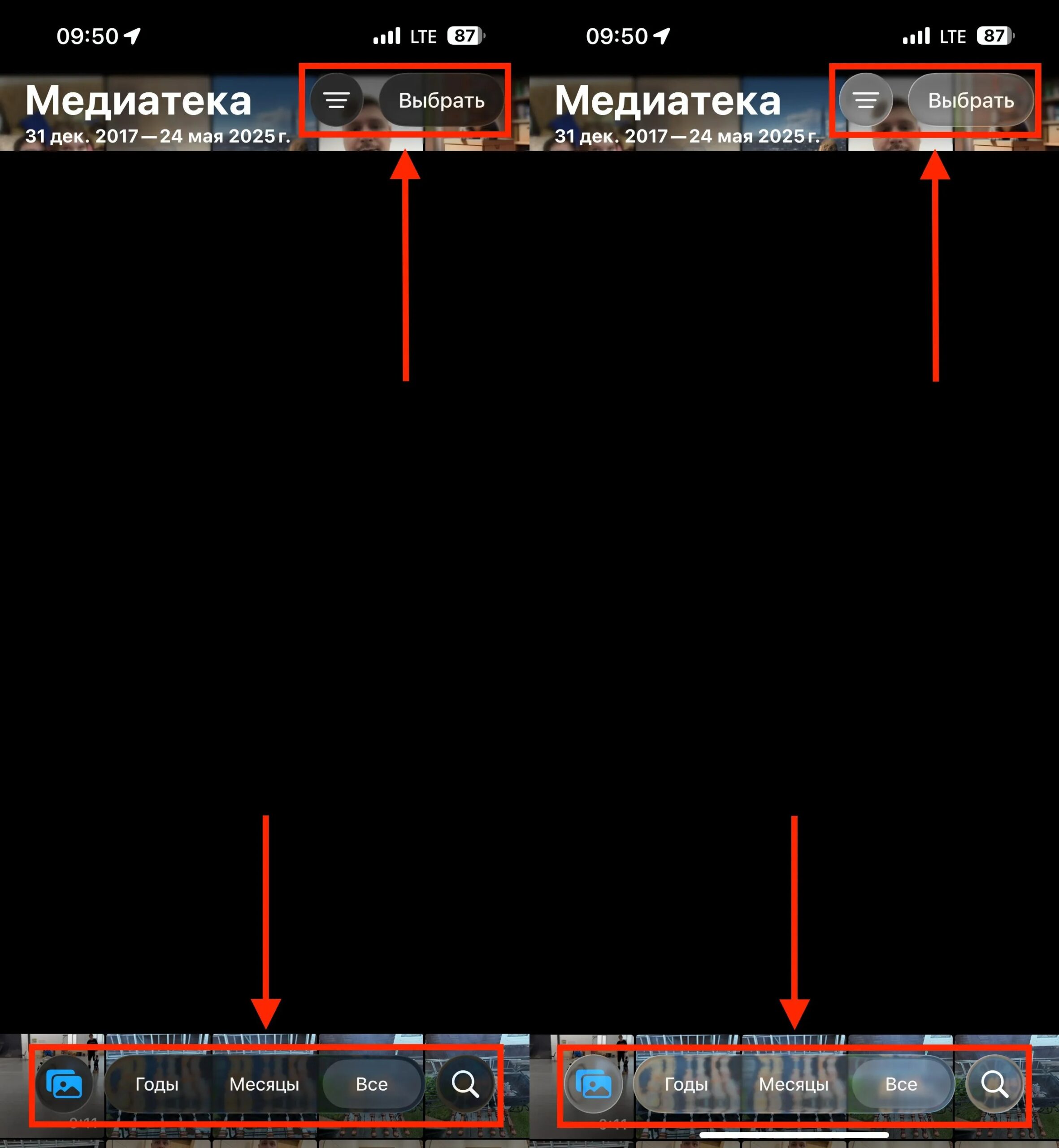
Disabled Liquid Glass on the left. Only here, you didn’t have to look closely to see the difference
So Apple’s direction is already clear. Instead of breaking the entire iPhone interface and reassembling it from scratch, the company is moving along the path of minor refinements. This approach is very much in its spirit: first release a big idea, then spend several years polishing it to a state that satisfies most users.
What’s New for Liquid Glass in iOS 27
The most interesting detail in this whole story isn’t about a redesign but about a new customization option. According to available data, Apple was already working on a system slider during the development of iOS 26 that would allow fine-tuning the strength of the glass effect throughout the entire system. Something similar is already used for the clock on the lock screen, but applying this principle to the entire interface turned out to be more difficult.
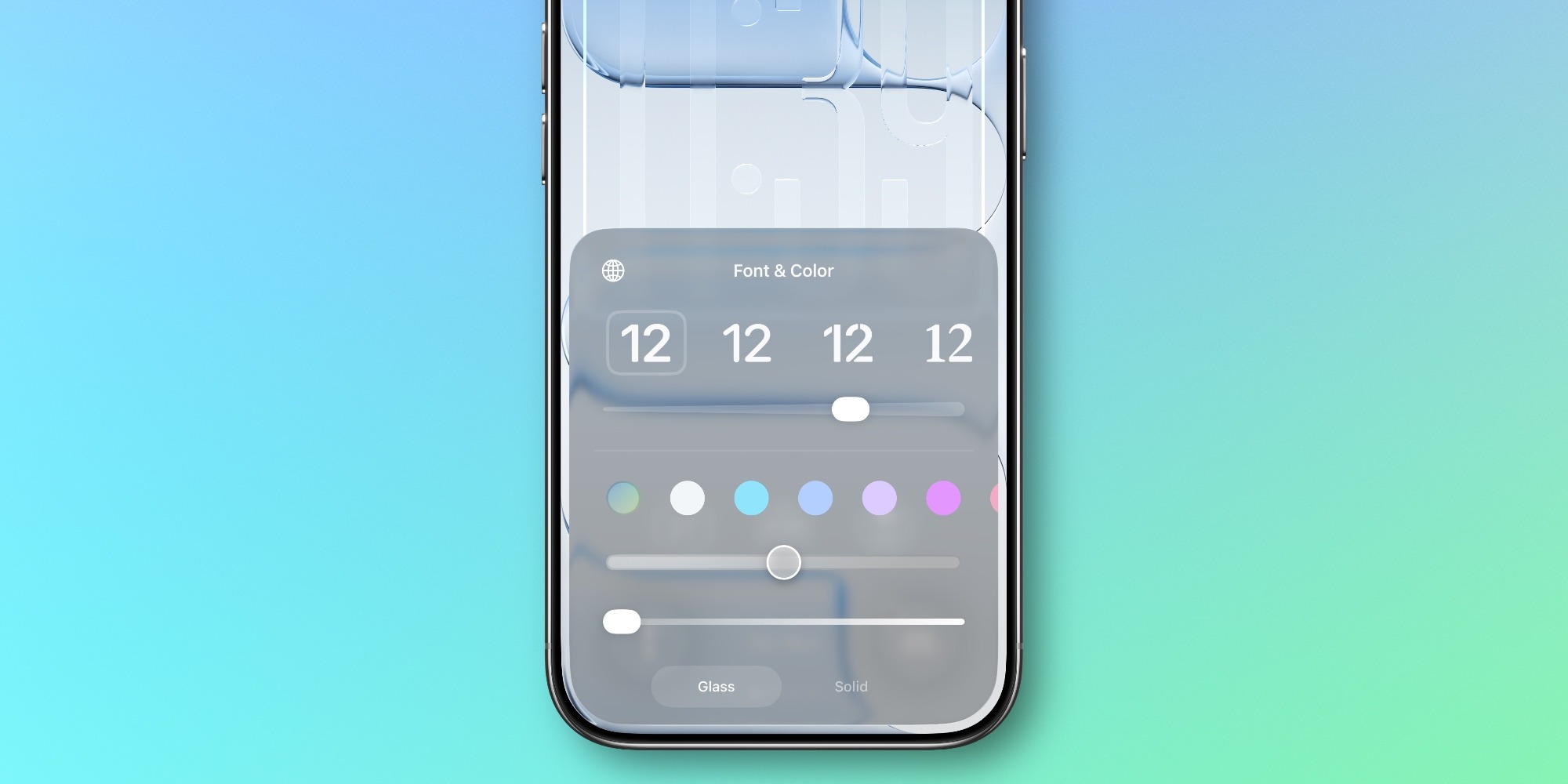
A slider will appear, like on the lock screen, for flexible Liquid Glass customization. Image: 9to5mac.com
If Apple does solve this engineering challenge, iOS 27 could receive a truly useful new feature. And then the conversation about Liquid Glass will immediately change, because users will have not just a choice between two conditional modes, but a proper fine-tuning tool. Simply put, the interface won’t fundamentally change, but it will be able to better adapt to the tastes and habits of individual users.
How Liquid Glass Will Evolve in Future iOS Versions
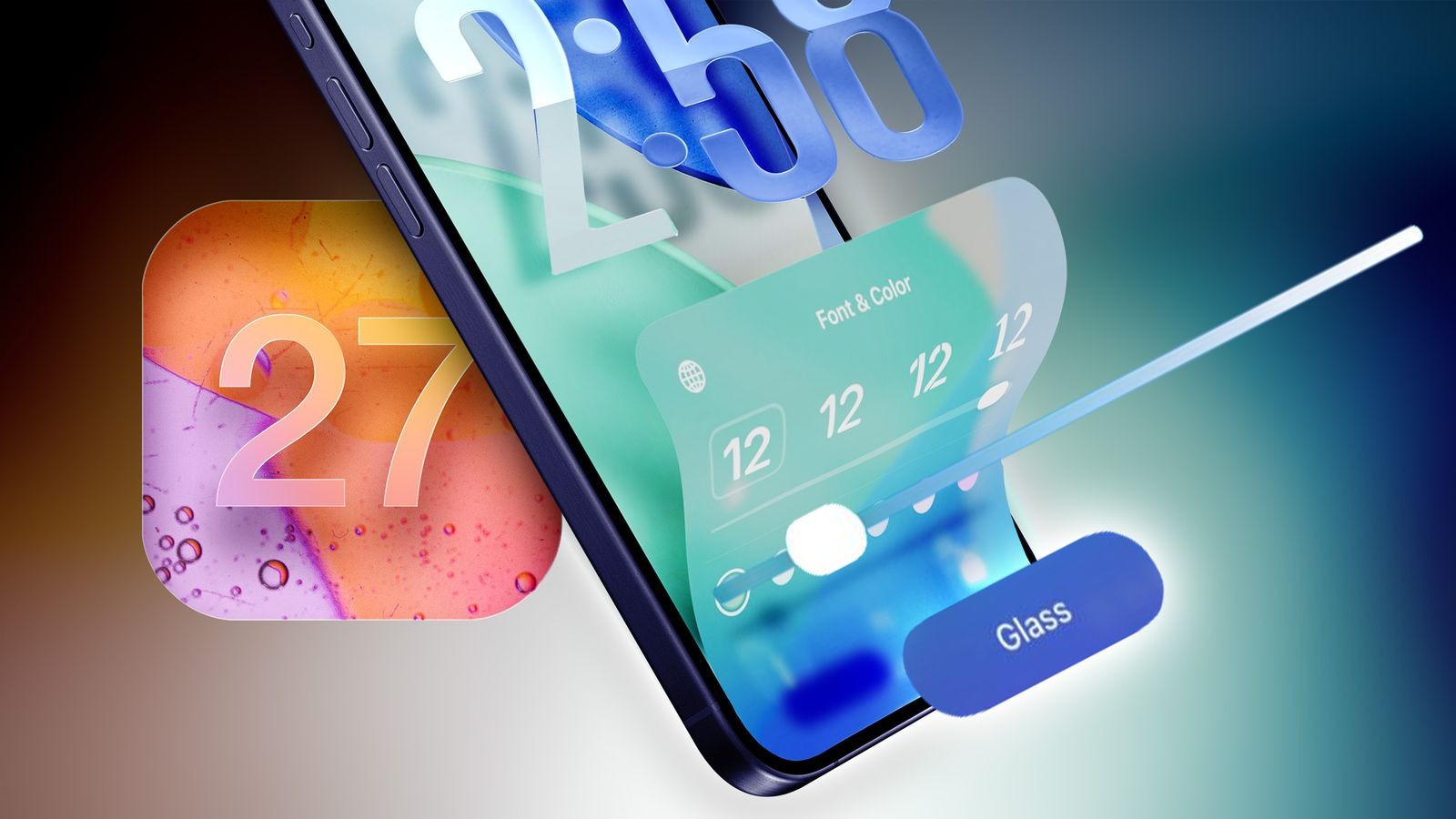
Perhaps the new slider will win over more Liquid Glass fans. Image: macrumors.com
The most important thing here is that Apple apparently views Liquid Glass as a long-term part of the visual identity of its systems. Even the change in design leadership hasn’t led to a sharp reversal so far. This indirectly confirms that the company still believes in the chosen style and has no plans to remove it anytime soon.
Therefore, expecting a design revolution from iOS 27 is probably not realistic. It’s much more realistic to count on gradual improvements, new toggles, and more refined transparency, contrast, and glare adjustments. For some users, this will be a disappointment, while for others it will be good news, because the system will retain its familiar look but become slightly more convenient in the details.


