Apple has for the first time applied a fundamentally new approach to processor assembly in the M5 Pro and M5 Max chips — the so-called Fusion Architecture. Instead of placing all chip components on a single plane, as before, Apple has started stacking them on top of each other — like floors in a building. This yielded such a performance boost that the new MacBook Pro 14″ turned out to be unable to handle it. But that makes it all the more interesting to explore what’s under the hood.
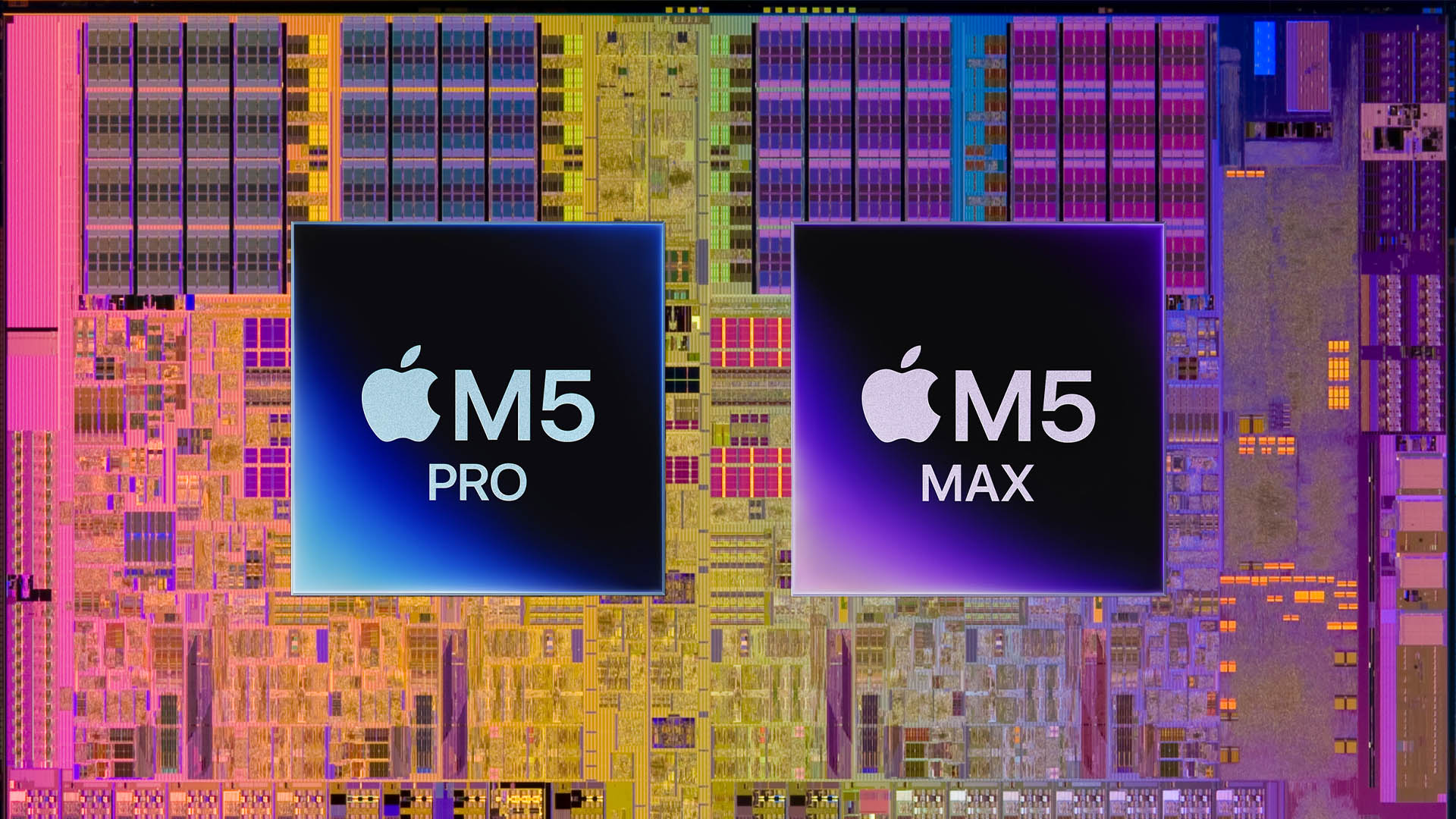
Apple’s new processors are fundamentally different from what came before
What Changed in the Apple M5 Pro and M5 Max Architecture Compared to M4
To understand the essence of this innovation, imagine a regular chip as a city where all buildings stand on the same level and are connected by roads. The farther apart important facilities are — processor core, graphics, memory — the longer it takes for data “packages” to travel between them and the more energy is spent on delivery.
Now Apple has essentially started building a “multi-story city”: components are placed not only side by side, but also on top of each other. This dramatically reduces the distance between them. Data travels a shorter path, uses less energy, and the entire chip runs faster.
According to Anand Shimpi, an Apple engineer, the company gained experience with this type of assembly while creating the M2 Ultra and M3 Ultra chips, where two identical processors were joined into one using UltraFusion technology. But the approach in M5 Pro and M5 Max is different: here, different functional blocks are deliberately distributed across two separate dies, each responsible for its own tasks.
Why the M5 Pro and M5 Max Processors Are Better Than M4
In the processor industry, vertical stacking (also called “3D packaging”) is considered one of the most promising yet most complex technologies. Until now, Apple, like most other companies, used flat placement of blocks — when everything sits on a single substrate, like toppings on a pizza.
The transition to “multi-story” assembly provides several important advantages:
- Faster data exchange between components — as if instead of driving across the entire city, you simply took an elevator one floor up
- Less energy lost on signal transmission
- The ability to fit more power into a compact form factor — this is especially important for laptops
There is also a potential downside: when components are stacked on top of each other, heat from each “floor” adds up. It’s like placing two working hot plates on top of each other — the bottom one gets very hot. But judging by the first tests, the M5 Max showed lower temperatures in stress tests than its predecessor, the M4 Max — which means Apple found a way to deal with this problem.

Early tests show that the M5 Max runs cooler than its predecessor
Apple M5 Processors — Comparing the Approach with Previous Generations
All previous Apple Silicon chips — from M1 to M4 — used a so-called monolithic architecture. This means the entire processor was manufactured as a single piece of silicon. The approach is reliable and proven, but it has a ceiling: the more powerful the chip, the physically larger it is, which complicates manufacturing and increases the defect rate.
In the M5 Pro and M5 Max, Apple transitioned to a “chiplet” design — where the processor is assembled from several separate dies. The analogy is simple: instead of carving a huge part from a solid piece of wood, you assemble a structure from several perfectly fitted blocks. Each block can be made and tested separately, then joined together.
As Shimpi himself explained:
Previously, in Ultra chips, we connected two identical processors. Now we’ve distributed different functions across two different dies. They are not mirror copies — each has its own tasks.
Is It Worth Upgrading to a MacBook with M5 Pro
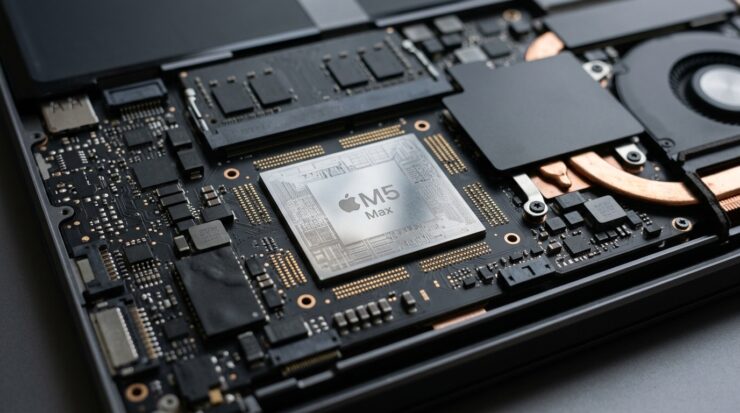
The M5 Max chip is Apple’s first processor with a fundamentally new assembly architecture
For the average user, vertical die stacking isn’t something you need to think about when buying. But it’s precisely what’s behind the improvements you’ll actually notice:
- A laptop with M5 Pro or M5 Max can run faster at the same or lower temperatures — meaning fans will kick in less often
- More efficient data transfer within the chip can positively impact battery life
- The new architecture opens the path for Apple to create even more powerful chips in the future without a proportional increase in power consumption
If you have a Mac with M3 Pro or M4 Pro and you’re happy with its speed, it’s not worth rushing for an upgrade just because of the new architecture alone. But if you work with heavy video, 3D graphics, or machine learning tasks and are considering an upgrade — the M5 Pro and M5 Max truly promise a noticeable leap, not just in raw benchmark numbers, but in everyday comfort: quieter, cooler, longer battery life. However, for now this is more of a well-founded expectation than a proven fact — we’re waiting for independent tests and confirmation from Apple.


