Each of us confirms at least once a day that we’re not a robot. CAPTCHAs, Cloudflare checkboxes, selecting images with bicycles — all of this has long become part of the everyday internet. But now this habit is working against Mac users — and this isn’t paranoia: malware for Mac has already infected tens of thousands of computers, and modern schemes are only becoming more sophisticated. The new ClickFix attack disguises itself as a standard CAPTCHA check and tricks people into installing malware themselves through Terminal.
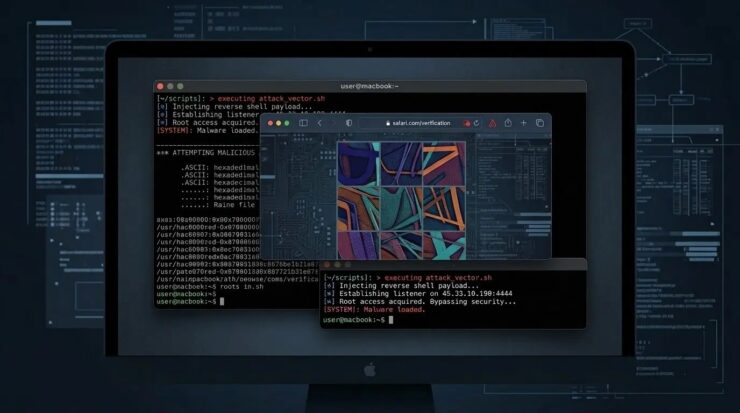
Virus disguised as CAPTCHA: how hackers lure Mac users into Terminal
What Is ClickFix and Why Is This Attack Dangerous for Mac
ClickFix is a new attack vector that combines fake “I’m not a robot” verification windows with malicious code delivery. The victim is shown a page indistinguishable from a standard Cloudflare or Google reCAPTCHA security screen. But instead of the usual request to select images or check a box, the page asks you to open a system tool and paste a command into it.

The offer to pass a “verification” looks like a system notification, which is why it inspires trust. Image: securelist.ru
The thing is, running such a command downloads malware from a remote server and launches it directly on the device. Stolen data can include passwords, browser information, and cryptocurrency wallets. Security experts note that the technique is rapidly spreading through compromised websites, malicious advertisements, and phishing campaigns.
Classic CAPTCHA systems were designed to distinguish humans from bots. Many websites use checks like Cloudflare and Google reCAPTCHA to filter automated traffic. Attackers exploit precisely the users’ familiarity with these security screens. Fake verification pages appear after visiting a compromised website or clicking on malicious advertising.
Can the ClickFix Virus Be Detected
Researchers first identified ClickFix campaigns in 2024, when attackers began experimenting with malicious code delivery methods through copy and paste. Unlike classic viruses that rely on file downloads or attachments, ClickFix convinces victims to run the malicious command themselves. The absence of obvious downloads helped this tactic spread rapidly.
The scale of the problem is impressive. According to analysts, the number of ClickFix attack detections grew by more than 500% between 2024 and 2025. Security experts consider this technique one of the fastest-growing threats in the field of social engineering.
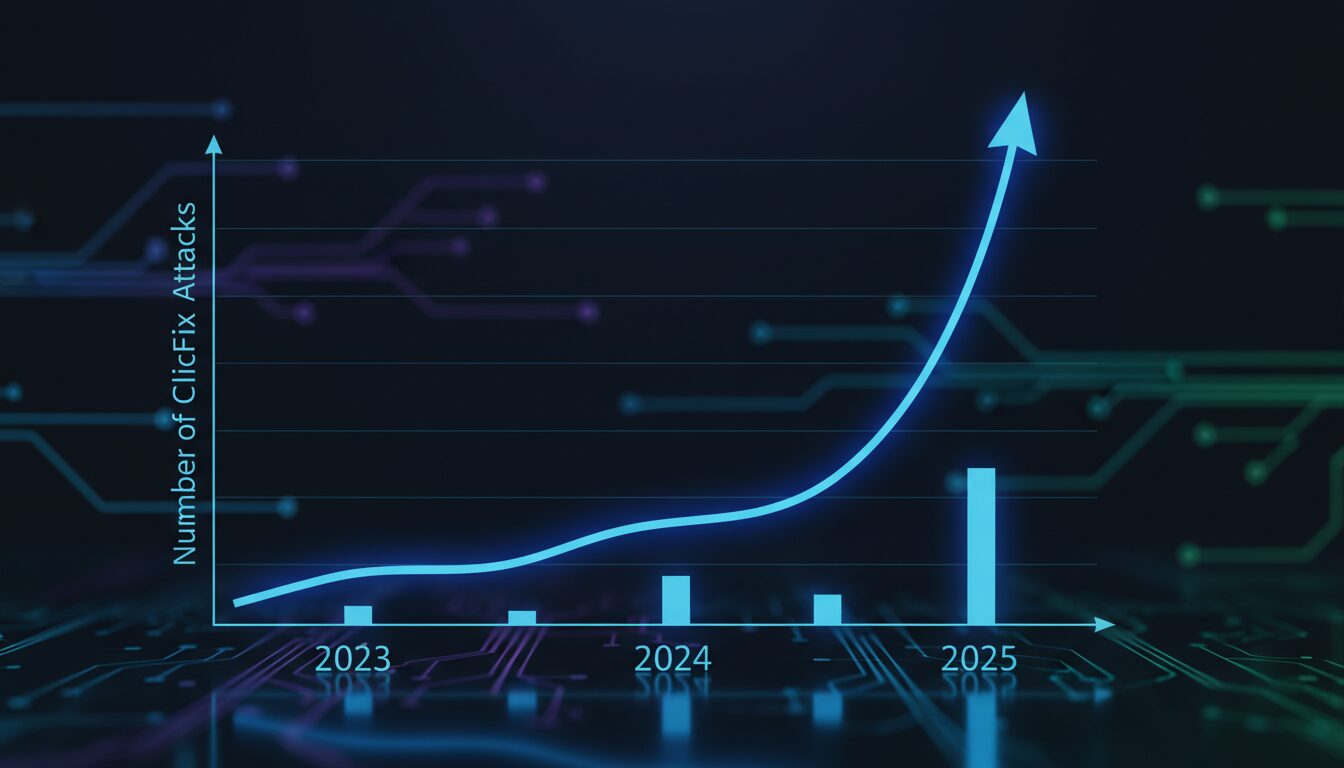
500% growth in a year — no startup can boast such numbers. Unfortunately, hackers don’t need investors
The latest versions of hacks through “captcha” have become significantly more sophisticated. Fake CAPTCHA pages now use countdown timers and video instructions to walk the victim step by step through the infection process. Other variants even use JavaScript to automatically copy malicious commands to the user’s clipboard, increasing the likelihood of successful infection.
This is why ClickFix has become so difficult to detect. Notably, the first viruses for Mac on the M1 chip appeared for the same reason — macOS protection is designed for software vulnerabilities, not for the user’s own actions.
How ClickFix Infects Mac
Interestingly, the first ClickFix malware targeted Windows, but researchers are now detecting variants designed specifically for macOS. For example, some malicious pages detect the visitor’s operating system and display instructions tailored for Mac users.
The attack scheme looks like this: the victim is asked to press Command-Space to open Spotlight, then launch Terminal and paste a command copied from the web page. Once executed, the command can install data-stealing malware such as Atomic macOS Stealer. This malware can steal browser credentials, cookies, and cryptocurrency wallet data from infected Macs.

Terminal is a powerful tool. But in inexperienced hands, it can become a gateway for attackers
Here’s what’s important to understand: Macs are not protected from such attacks because ClickFix relies on user behavior, not software vulnerabilities. The built-in macOS antivirus can prevent infection, but it won’t stop a person who deliberately executes a malicious command. Simply put, this isn’t a system hack — it’s a psychology hack, because from a technical standpoint, the user themselves launched a legitimate program and entered the command themselves.
How to Protect Yourself from Fake CAPTCHAs and ClickFix Attacks
The most reliable sign of a fake is simple. Real CAPTCHA systems never ask users to open Terminal, PowerShell, or any other command-line interface and paste commands to pass verification.
If a verification window asks you to run commands or paste text into a system tool — you’re almost certainly looking at a malicious page. The safest response is to immediately close the tab.
Fake CAPTCHAs most often appear on compromised websites, in malicious advertisements, or on phishing pages that imitate legitimate security checks. Don’t interact with unexpected verification requests or suspicious pop-up windows.
Updating browsers and operating systems reduces risk, but that’s not the full extent of protection — keeping track of what apps collect about you on Mac is also worthwhile. After all, the main defense is awareness, because ClickFix attacks rely on deception, not software vulnerabilities.
ClickFix attacks are an excellent reminder that the most reliable security system is useless if the user opens the door to attackers themselves. No antivirus will help if a person manually pastes malicious code into Terminal. Tell this to those who don’t read cybersecurity articles — they are the ones who most often become victims.


