Apple has officially confirmed: in nearly four years since Lockdown Mode was introduced, no device with this feature enabled has been successfully compromised by spyware. The statement came amid a leak of powerful hacking tools that can hack hundreds of millions of iPhones running older versions of iOS. Let’s break down what Lockdown Mode is, who needs it, and whether it’s worth enabling.
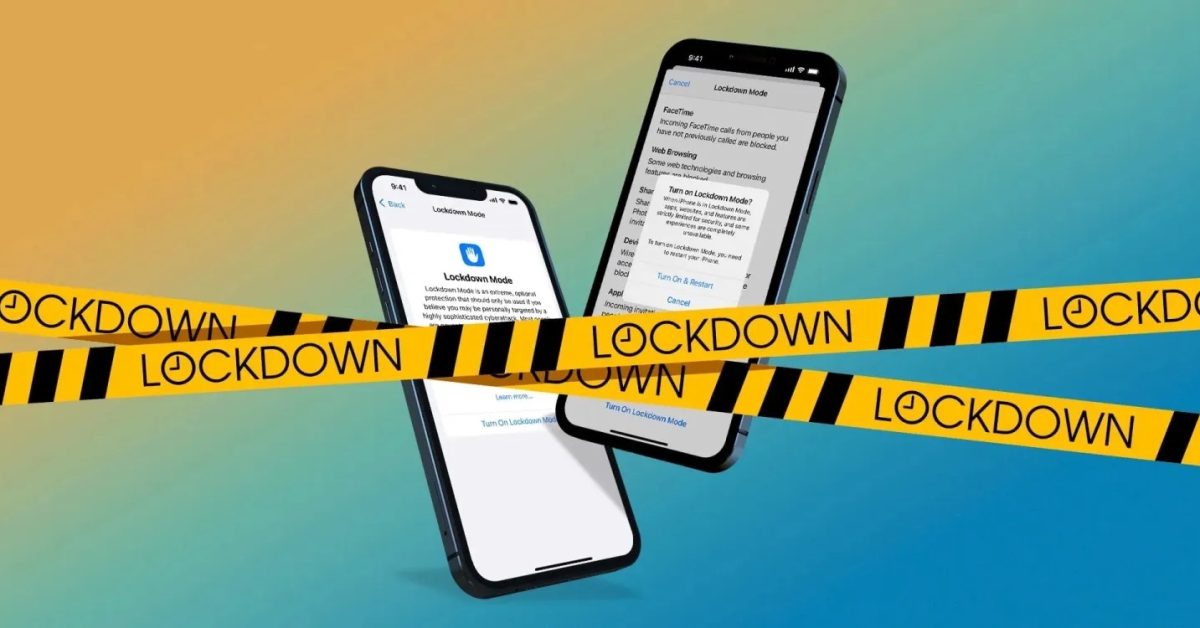
Apple confirmed: devices with Lockdown Mode have never been hacked. Image: 9to5mac.com
What Functions Does Lockdown Mode Disable on iPhone
Apple introduced Lockdown Mode in 2022 — it’s a set of protective measures that disables certain iPhone features and other Apple device functions that are most commonly exploited in spyware attacks. According to Apple, this is an extreme form of protection designed for those whose work or status may make them targets of sophisticated digital threats. Most people never encounter such attacks.
Apple provides the ability to lock down iPhone from external attacks. Image: security.apple.com
When the mode is enabled, the device works noticeably differently. Here are the main restrictions:
- Messages: most attachments are blocked, except for photos, videos, and audio. Links and their previews don’t work
- Websites may load slower or look unusual — complex web technologies and fonts are blocked
- Incoming FaceTime calls are only accepted from people you’ve already communicated with in the past 30 days
- Location data is removed from photos when shared, and shared albums are disabled
- The device won’t connect to unsecured Wi-Fi networks, and 2G and 3G support is disabled
- To connect an iPhone to a computer or accessory, the device must be unlocked
Regular calls, text messages, and emergency SOS calls continue to work without restrictions. Simply put, the phone remains a phone but stops being an “easy target” for sophisticated attacks.
iPhone Spyware — What Threats Are Relevant in 2026
Apple’s statement wasn’t made by accident. Cybersecurity researchers discovered a series of attacks targeting Apple users worldwide using hacking tools called Coruna and DarkSword. These tools were used by both state-sponsored spies and cybercriminals to steal data from iPhones and iPads.
A leak of hacking tools puts millions of iPhones with old software at risk
Some of these tools leaked into the public domain, potentially putting hundreds of millions of iPhones and iPads with outdated software at risk. According to Apple’s own data, about a quarter of all iPhone and iPad users are still running iOS 18 or earlier versions. With more than 2.5 billion active devices, that means hundreds of millions of potentially vulnerable people.
Apple stated that it is aware of the vulnerability affecting devices running older versions of iOS and released an emergency update on March 11 for devices that cannot update to the latest version. A company spokesperson added that Lockdown Mode also blocks these specific attacks. Notably, even the advanced Coruna attack suite, upon detecting that Lockdown Mode is enabled on a victim’s device, simply aborts the hacking attempt — it doesn’t even try to bypass it.
How to Enable Lockdown Mode on iPhone
Lockdown Mode is available on devices running iOS 16 and later, iPadOS 16 and later, watchOS 10 and later, and macOS Ventura and later. Enabling it is straightforward:
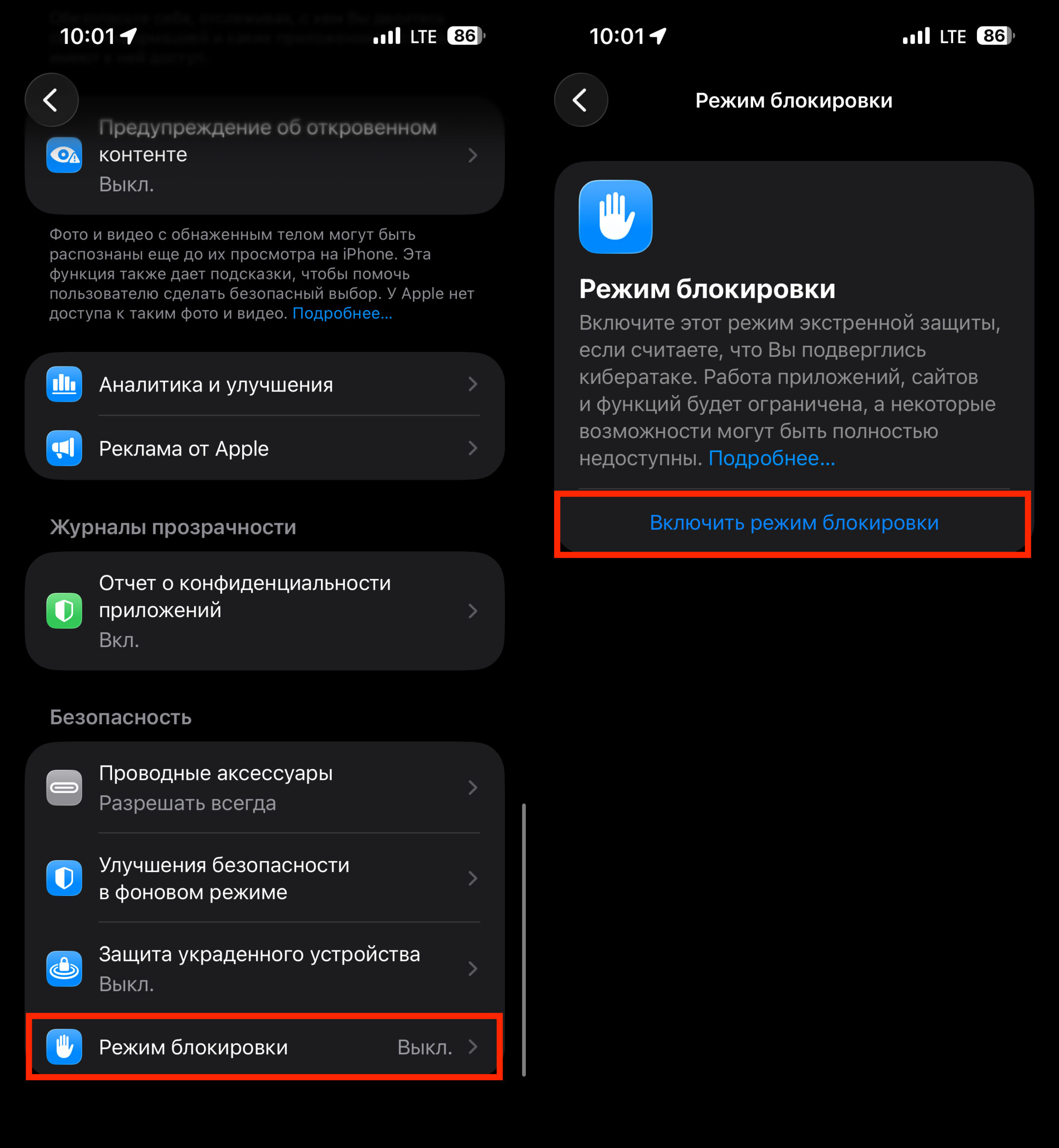
A few taps and you’re safe
- Open Settings → Privacy & Security → scroll down to Lockdown Mode and tap “Turn On Lockdown Mode”
- Read the warning about restrictions and confirm your choice
- Enter your device passcode
- The iPhone will restart — after that, the mode is active
If you have an Apple Watch paired with your iPhone, Lockdown Mode will be enabled on the watch automatically. Enabling it isn’t permanent: you can disable the mode at any time using the same method, but a device restart will be required. If a website stops working properly, you can add it to exceptions directly from Safari — it will load normally while Lockdown Mode remains enabled.
Who Needs iPhone Lockdown Mode
Apple created Lockdown Mode specifically to protect people who may become targets of state-sponsored spyware — such as products from NSO Group, Intellexa, and Paragon. Targets of such attacks include journalists, activists, politicians, and even members of royal families. You should consider enabling the mode if you are:
- A journalist or editor working with sensitive information
- A human rights defender or public activist
- A lawyer or politician handling confidential cases
- Someone who has received a notification from Apple about a potential targeted attack
From 2021 through April 2025, Apple notified users in more than 150 countries worldwide about potential spyware attacks. If you received such a notification — enable Lockdown Mode without hesitation.
For most users, standard iPhone security measures are sufficient
For most regular iPhone users, standard security measures are more than enough. The most important thing is to update iOS on time. It’s possible that Lockdown Mode may someday be bypassed without Apple or independent researchers detecting such an attack. But for now, this is the most serious public confirmation of the mode’s effectiveness.
How to Protect Your iPhone from Hacking Without Lockdown Mode
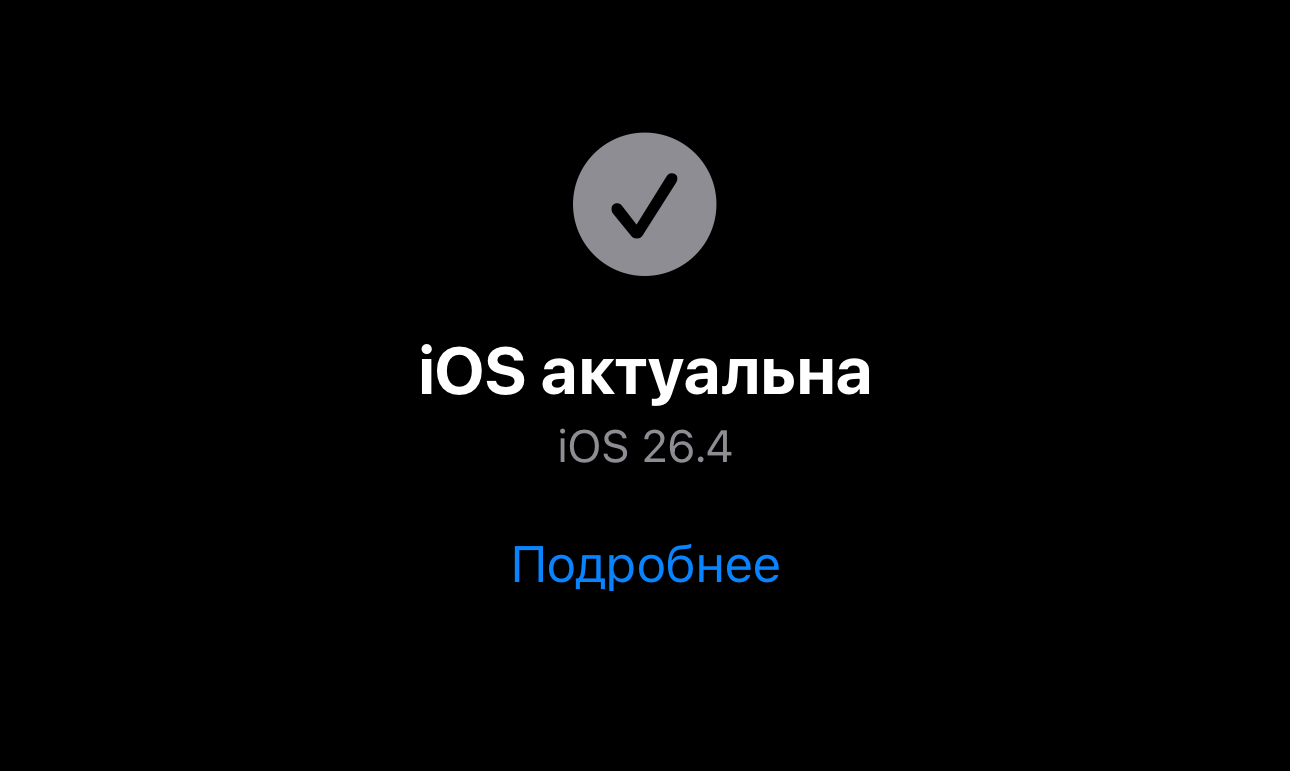
See the message that iOS is up to date? That means your smartphone is already protected
If you’re a regular iPhone user without elevated risks, the most important step is to update iOS to the latest available version.


