Apple has made an exception for Russian iCloud+ users: even after a paid subscription ends, cloud data will remain accessible. This is a direct consequence of the payment cutoff situation — starting April 1, 2026, it is no longer possible to top up an Apple ID balance from a mobile account in Russia. Let’s break down what’s behind this decision, who it affects, and what to expect in practice.
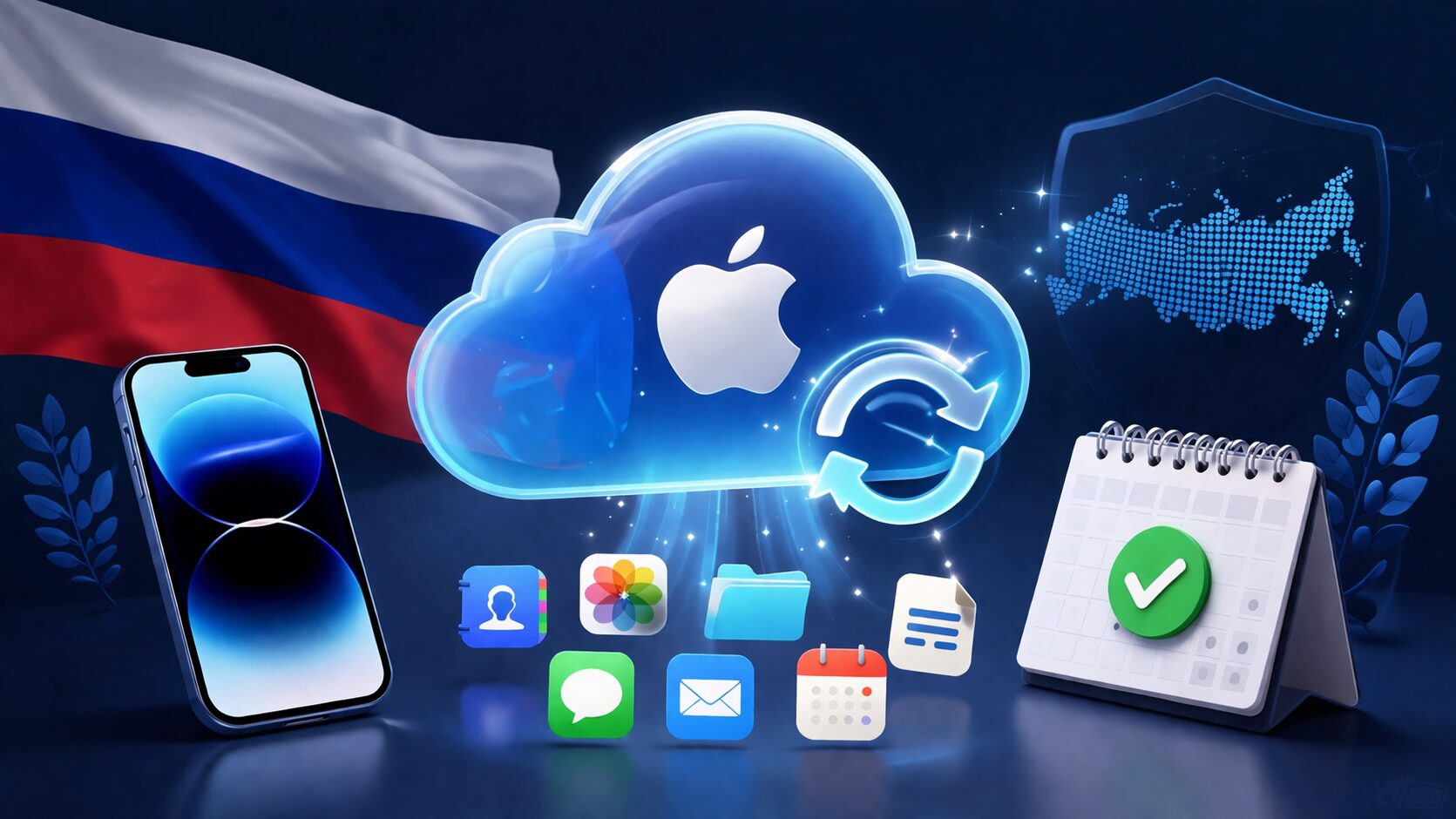
Apple decided not to delete Russian users’ data from iCloud
What Apple Promised iCloud+ Users in Russia
In its statement, Apple explicitly stated: iCloud+ user data will remain accessible after the subscription ends. Users will be able to manage their storage and download photos and videos from iCloud. In support communications, the company clarified that this condition applies exclusively to accounts set to the Russian region.
This is an unusual step. Normally, when an iCloud+ subscription ends, the account reverts to the free tier with a 5 GB limit, and after 30 days, data exceeding the limit may be deleted. For Russia, Apple has apparently suspended this mechanism — at least for now.
Why Mobile Carrier Payments for Apple ID Were Disabled in Russia
Starting April 1, 2026, Russia’s “Big Four” carriers — MTS, Beeline, MegaFon, and T2 — disabled the ability to top up Apple ID from a mobile phone balance. The decision was made at the level of the Ministry of Digital Development: the agency wants to force Apple to restore deleted Russian apps to the App Store and restrict payments for VPN services.

A company with a universal bank development strategy. At OTP Bank, everyone can find the best solution for themselves and their business. Everything will be
Mobile carrier billing remained the last convenient payment method for millions of users after Russian bank cards stopped working in the App Store back in 2022. Now this channel has been cut off as well — not by Apple, but at the initiative of Russian authorities.
Apple itself confirmed: starting April 1, 2026, payment processing for purchases in the App Store and other Apple media services in Russia is no longer available. If there are no funds on the account balance, making new purchases and renewing subscriptions is impossible.
Which Apple Subscriptions and Services Are Affected in Russia
The restriction affects more than just iCloud+. Here is the full list of services that cannot be paid for or renewed without funds on the balance:

Senators proposed tightening requirements for foreign marketplaces
- iCloud+
- Apple Music
- Apple TV+
- Apple Arcade
- Apple Fitness+
- Apple One
- Apple Podcasts subscriptions
- App Store purchases and subscriptions
- iTunes Store purchases
- Ringtone and sound purchases
Apple clarifies: if there are remaining funds on the account balance, they can be used for purchases and subscription renewals until they run out. App Store promo codes can also be redeemed.

Apple services affected by payment restrictions
iCloud Data Storage After Subscription — What Will Actually Change
The main question: what will happen to photos, documents, and backups when the iCloud+ subscription expires? It’s important not to be misled by elegant wording.
Apple promises to preserve access to already uploaded data. You will be able to view and download your files. But there’s a significant catch: if the volume of stored data exceeds the free 5 GB limit after the subscription ends, you won’t be able to upload anything new to iCloud.
In practice, this means:
- New photos and videos will stop uploading to iCloud
- iPhone backups will no longer be created automatically
- Data synchronization between devices may be disrupted
- iCloud Mail may work with limitations
Simply put, the storage switches to “read-only” mode: old data stays, new data doesn’t appear. This is better than complete data deletion after 30 days, which normally threatens users upon non-payment. But it can’t be called fully functional iCloud usage.
How to Save Your iCloud Data and What to Do Right Now
Even though Apple promises not to delete data for Russian accounts, relying solely on this is risky. The company can change the terms at any moment, and cloud storage without synchronization loses half its purpose.
Here’s what you should do right now:
- Check the next billing date for iCloud+ — go to Settings → your name → iCloud → “Manage Storage”
- Download photos and videos from iCloud to a computer or external drive — this is the most valuable content stored there
- Make a local iPhone backup via Finder (Mac) or iTunes (Windows)
- If you need to keep the subscription — buy an Apple gift card and top up your account balance before the paid period ends
Downloading photos from iCloud to an external drive is the most reliable way to preserve your data
Apple gift cards for the Russian region can still be found through specialized online services, but according to IT industry sources, this channel may also be cut off in the foreseeable future. An alternative is changing your Apple ID region to another country (such as the US or Turkey) with subsequent payment using gift cards from the appropriate region. However, changing the region requires zeroing out your balance and canceling all active subscriptions.
Who in Russia Benefits Most from iCloud+ Data Preservation After Subscription Cancellation
Those who benefit the most are people who paid for iCloud+ through their mobile carrier balance and didn’t manage (or weren’t able) to top up their balance in advance. If your cloud stores years of photo archives, documents, or backups — Apple’s decision gives you time to calmly download everything rather than scrambling with a 30-day deadline.
For those already using the free 5 GB tier and not paying for subscriptions through the App Store, the situation is entirely irrelevant.
However, users of Apple Music, Apple TV+, Apple Arcade, and third-party subscriptions purchased through the App Store won’t see any leniency — all these services are disabled immediately upon a failed payment, without any grace periods.
Overall, the situation looks like this: Apple is trying to soften the consequences for users who are hit by restrictions through no fault of their own. But this is a temporary measure, not a solution to the problem. If your iCloud data matters to you — don’t rely on promises and make a local backup. That’s the only guarantee that depends solely on you.


