When you buy a new smartphone, the system runs as fast and clean as possible. But two years pass, the device receives several major Android updates, dozens of security patches, and hundreds of app updates. At this point, many users start noticing that the smartphone feels a little different than it did on the first day. The interface changes, some features work differently, and sometimes the system starts behaving less predictably. And it’s not always about hardware “aging” — often the cause lies in the system itself and how it evolves over time.
Will the smartphone get worse or better after a couple of years of updates?
As a result, after several updates, the system may require more resources than when the smartphone was first released. On flagships, this is barely noticeable, but on mid-range models, it can sometimes be felt in the form of slower app launches or interface responsiveness. This is a natural process of system evolution that happens on any device.
New Features on Android Smartphones
Another noticeable change is the look and behavior of the system. Over two years of Android updates, the interface can change several times: quick settings panels, lock screen, notification menu, and privacy settings get redesigned. Sometimes entirely new features appear. For example:
- new security tools;
- expanded notification settings;
- additional camera capabilities;
- updated system design.
Because of this, after a couple of years, a smartphone can look and feel different than on the day of purchase. Think about it: new animations, icons, and wallpapers — everything is new.
Background Apps on Android
Over time, the system starts working with a larger number of services. Android constantly checks for app updates, syncs data, analyzes notifications, and performs numerous background tasks.

After 2 years, a lot of apps are running in the background
After several updates, the number of such processes increases. This can slightly affect energy consumption and performance. Sometimes users perceive this as the “smartphone slowing down,” although in reality the system is simply performing more tasks simultaneously.
System Files and Android Cache
Another characteristic of Android is the accumulation of temporary data. After system updates, app installations, and use of services, cache, temporary files, and other system data remain in memory.
Over time, there becomes quite a lot of them. This is exactly why after a couple of years of use, a smartphone sometimes starts working less smoothly. Especially if the device’s storage is gradually filling up. Sometimes a simple memory cleanup or system reboot helps restore the previous speed.
Security Updates on Your Phone
At the same time, there is an important thing that only gets better over time — Android security. Each system update brings security patches that close vulnerabilities. Over two years, a smartphone can receive dozens of such fixes.
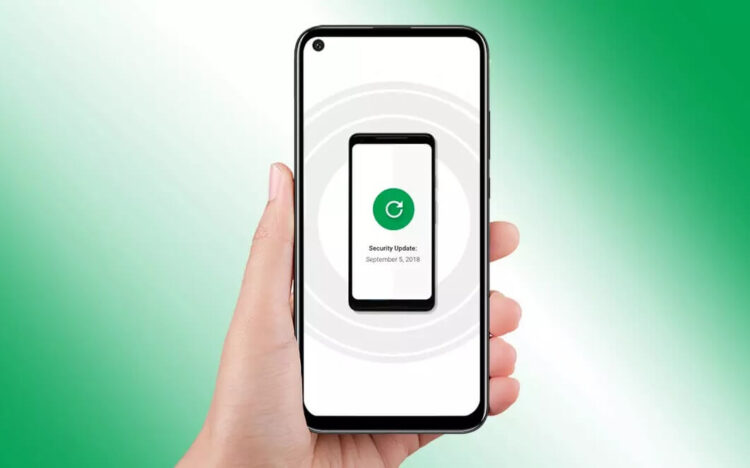
The smartphone becomes better protected against threats
As a result, the system becomes more secure than when the device was first released. This is exactly why regular Android updates are important even when they barely change the system’s appearance.
How Android Works After 2 Years
In the end, after two years of updates, the system on your smartphone changes noticeably. It gains new features, becomes more complex, performs more tasks, and stores more data. Sometimes this can slightly affect performance speed, but at the same time the system becomes safer and more functional.
After two years, a smartphone usually feels a little different than on the day of purchase, but this is a natural result of Android’s evolution, not a sign that it’s time to replace the device.


