Many people buy a new smartphone and instead of selling the old one, they put it in a drawer, thinking it might come in handy as a backup. And then a question arises that few people ask before they face the problem: what actually happens to a phone while it sits turned off? Will the photos, contacts, and apps be preserved? Will the battery die? Will the smartphone turn into a useless brick after a year of sitting idle? Let’s figure it out, because there are more nuances here than you might think.
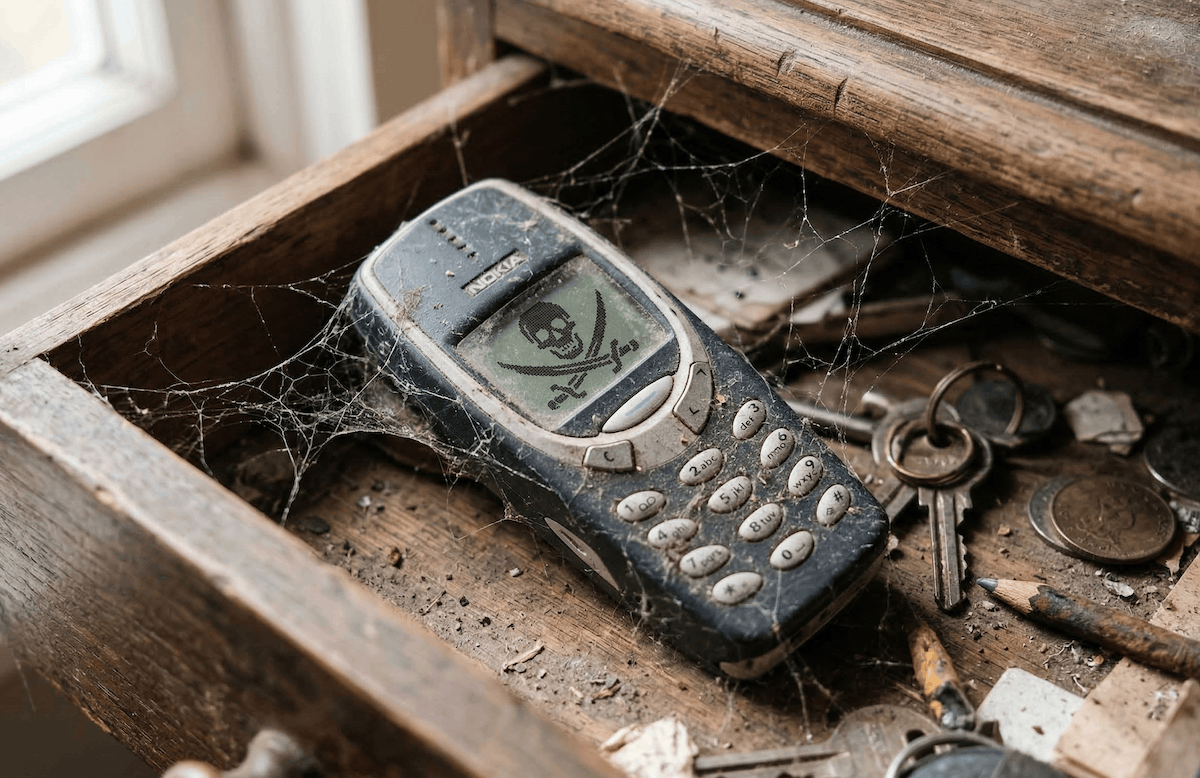
You can’t just throw a phone in a drawer and forget about it if you want to use it later.
What Happens to a Phone If You Don’t Use It for a Long Time
Let’s start with the main point. A smartphone sitting idle is not in hibernation, and time doesn’t pause for it. Even when turned off, processes continue inside it, albeit slow ones. The battery gradually discharges on its own — this is called self-discharge, and there’s no escaping it. A lithium-ion battery loses approximately 2–5% of its charge per month simply due to internal chemical reactions. This means a phone left with a full charge could end up practically at zero after six months.
As for data on flash memory, things are significantly calmer, but not without risks. The smartphone’s internal memory (NAND flash) stores information without power. This isn’t RAM, which resets when you turn off the device. Your photos, videos, contacts, apps, and everything else are physically written into memory cells and won’t disappear after months of sitting idle. But not everything is so smooth. As they say, there’s a nuance.
Will Data Disappear from a Phone During Long-Term Storage
In short — no, it won’t disappear. At least not within a timeframe that has any practical significance. Flash memory can store data without power for years. Manufacturers typically guarantee data retention on NAND chips for 5–10 years at room temperature. In practice, this means that if you put your phone in a drawer for a year or even two, all your files will stay in place. Although, I recently dug up my Sony Ericsson W810i, which I hadn’t used for about 15 years, and the photos were gone.
What can actually create the illusion of data loss is that when you turn on the phone after a long period of inactivity, the system may start updating, apps will want to sync, and your Google account or Apple ID will ask you to re-enter your password. If you’ve forgotten the password or changed it on another device during that time, access to cloud data may be temporarily lost. The files themselves are still there — the system just thinks someone else is trying to log in. Often it’s this account situation that creates more problems than any memory degradation.
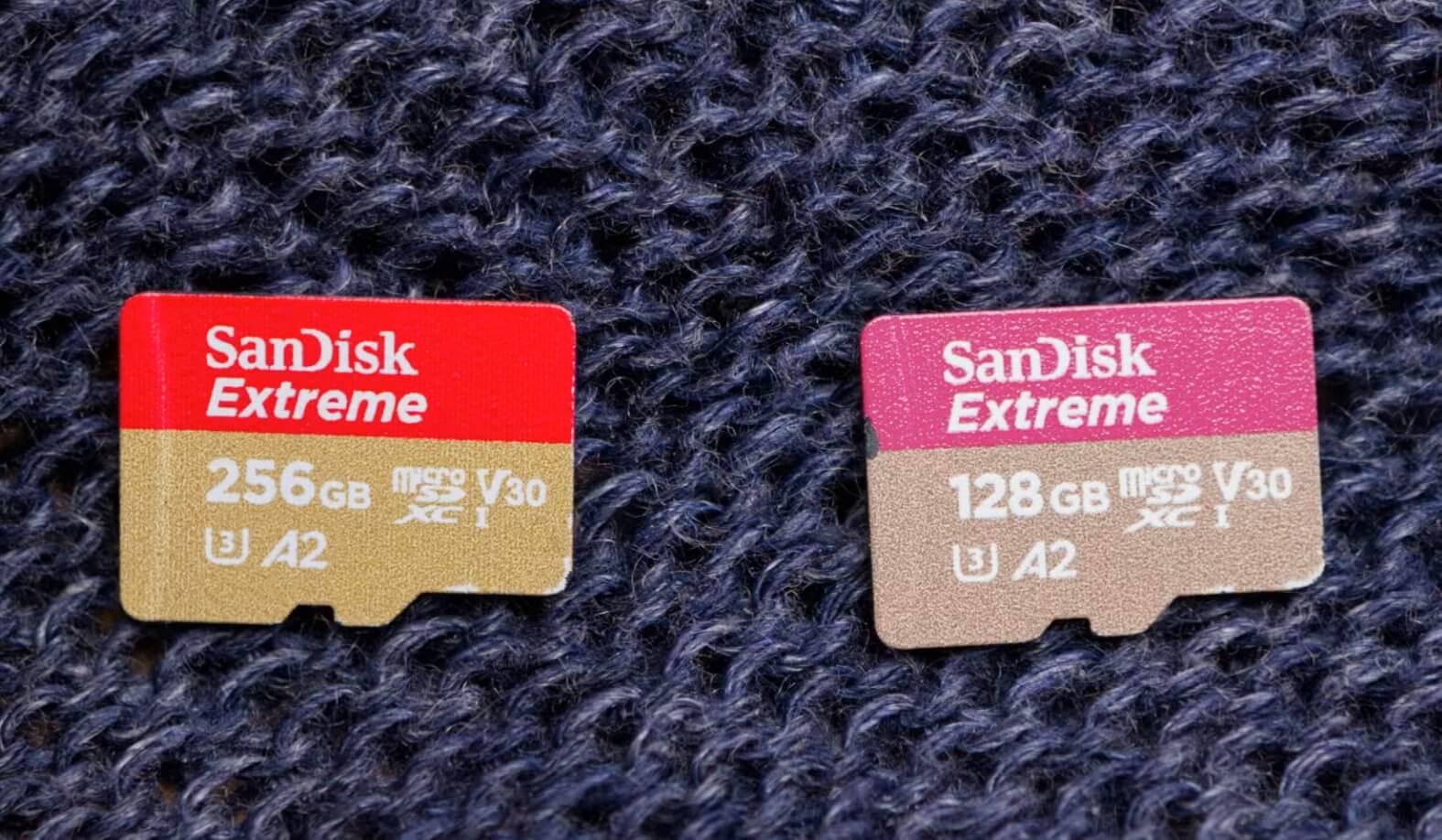
Memory cards hold data worse than built-in memory.
A separate note about microSD cards, if one is installed. Memory cards have many drawbacks, and they are less reliable than the smartphone’s built-in memory. During long-term storage in unfavorable conditions (heat, humidity), the risk of data loss on them is much higher. If you’re storing something important on a card, it’s better to copy everything to the cloud or a computer before storage. The card itself can either lose data or completely fail. I’ve experienced both.
Phone Battery During Storage. How Not to Kill the Battery
This is where things get really interesting, because the battery is the main victim of long-term storage. And the problem isn’t that it will discharge, but how far it will discharge.
Lithium-ion batteries really don’t like deep discharge. If the charge drops below a certain threshold (usually around 2.5–2.7 volts per cell), the battery controller may simply lock it for safety reasons. After that, the phone won’t turn on even when connected to a charger. More precisely, it may show absolutely no signs of life, and you’ll think it’s broken. In practice, it looks like this: you put the phone on the charger, and it just lies there dead. No indicator, no vibration. Sometimes leaving it on the charger for 20–30 minutes helps, and the controller “wakes up.” But if the battery has been sitting in deep discharge for several months, it’s not always possible to restore it. That’s how I lost my iPhone 4s.
The optimal charge level for storage is 40–60%. I didn’t make this up — it’s the recommendation of virtually all battery manufacturers. At this charge level, the chemical degradation processes proceed at the slowest rate. A full charge during storage is also harmful, though not as critical as a full discharge. If you plan to put your phone away for a long time, charge it to half, turn it off, and check it every couple of months, recharging to the same 40–60%. Or just charge it to 100% if you’re afraid you won’t keep track. That’s better than a complete discharge.
What Temperature to Store a Smartphone At. Important Conditions
Temperature is the second most important factor after charge level. And it’s simple: the hotter it is, the worse it is. A lithium-ion battery degrades significantly faster at high temperatures. Storing it in a car in summer, on a windowsill in direct sunlight, or near a heating radiator — these are all surefire ways to kill the battery within a matter of months.
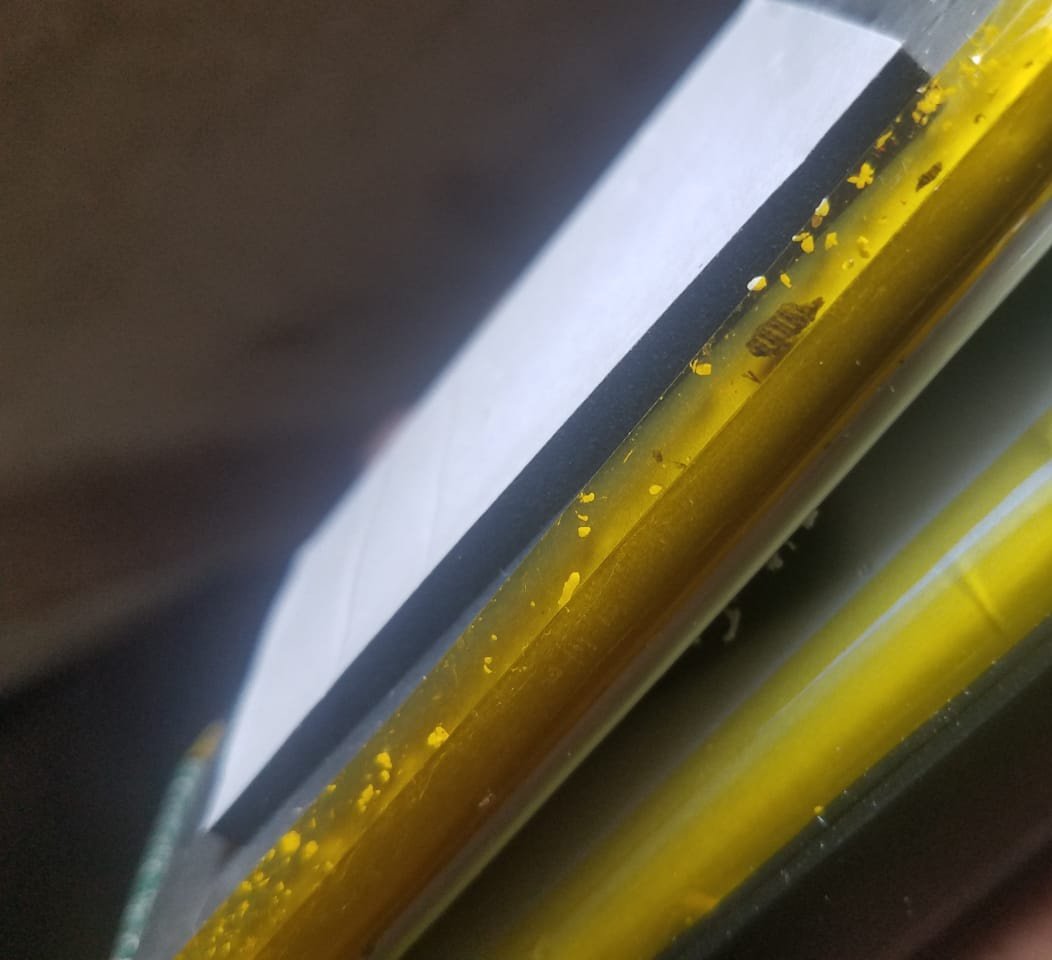
An overheated phone is prone to battery swelling and fire.
The ideal temperature for storing a smartphone is 15 to 25 degrees Celsius. Normal room temperature works just fine. The main thing is to avoid extremes. Severe cold is also undesirable, though less destructive than heat. At sub-zero temperatures, a lithium-ion battery temporarily loses capacity but returns to normal after warming up. However, at temperatures above 40 degrees Celsius, degradation accelerates irreversibly. Honestly, most phones in storage suffer specifically from heat, because people leave them in places they then forget about.
Humidity also matters. Storing a smartphone in a damp basement or bathroom is a bad idea. Condensation can form inside the case and cause contact oxidation. A dry, cool, and dark place is the best option. A dresser drawer in the bedroom works perfectly.
Should You Remove the SIM Card and Memory Card Before Storage
A question that’s asked less often than it should be. The SIM card, which also has its own lifespan, is worth removing, and here’s why. If your plan has a monthly fee, the carrier will continue charging money as long as the number is active. When the balance goes negative, the number will eventually be blocked, and then disconnected entirely. Different carriers have different timelines, but on average, a number can be reclaimed after 3–6 months of inactivity. If the number is important to you, either switch it to a minimal plan or periodically turn on the phone and perform at least one action (send a text, open a page in the browser, make a call) so the carrier sees activity.
With the memory card, it’s simpler. You don’t have to remove it if the storage conditions are normal. But if it contains important data, I’d recommend making a backup to a computer or the cloud. We’ve already established that microSD cards are less durable than built-in memory. The probability of data loss over a year or two is minimal, but it doesn’t hurt to play it safe. Plus, you can use the card in another device while the old phone rests.
How to Prepare a Phone for Long-Term Storage. Step-by-Step Instructions
If you’ve decided to put your smartphone away for a long time, spend ten minutes on preparation. This can truly save the device from turning into a useless brick.
First — back up all your data. On Android, this means a Google backup (settings, apps, contacts) plus separately copying photos and videos via Google Photos or to a computer. On iPhone — a backup via iCloud or iTunes. Even if the data won’t disappear, having a copy in the cloud is simply more reassuring.
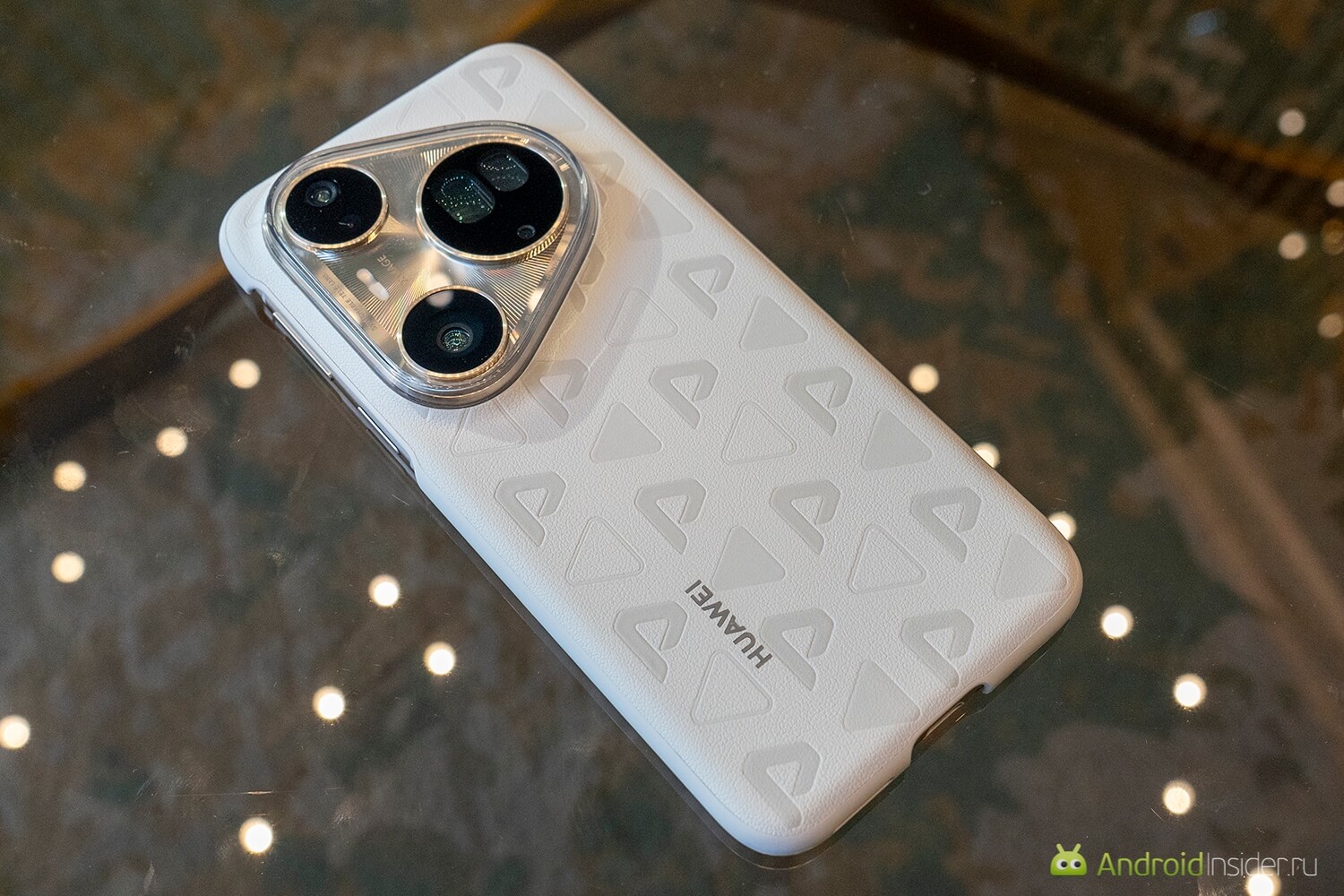
Modern phones are less susceptible to degradation than older ones.
Second — sign out of accounts that are linked to two-factor authentication, or make sure that you have alternative ways to access them.