VK has launched a paid subscription for its video service — “VK Video Premium.” The news came quietly, without loud announcements, but everyone immediately had questions. What exactly does the VK Video Premium subscription offer, is it worth the money, and does it make sense to pay if you’re used to using the service for free? I’m breaking it all down — from what’s included in the subscription to an honest answer about whether you even need it.
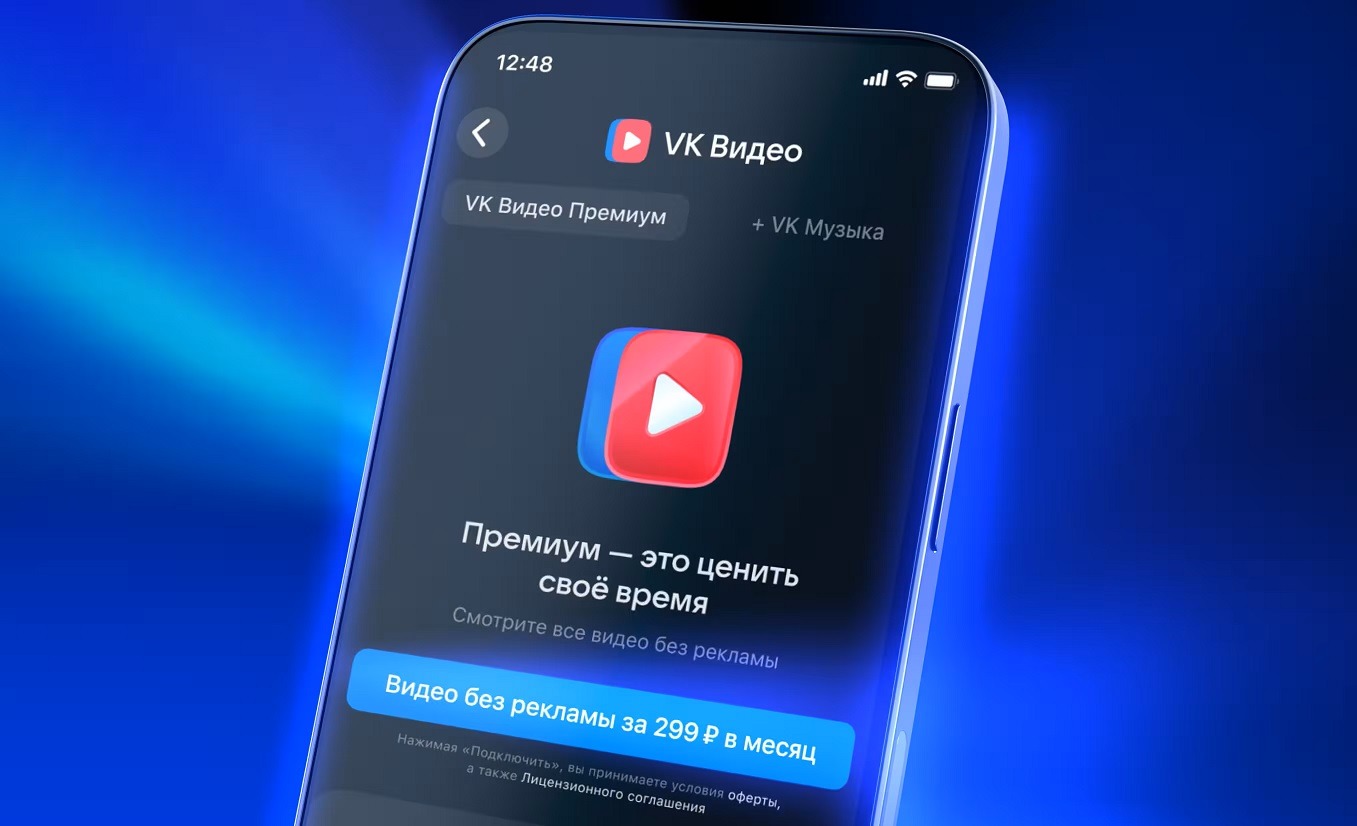
Overview of the new subscription from the VK team. Image: VK
What Does the VK Video Premium Subscription Offer
The main and essentially the only thing the ad-free VK Video subscription offers is the removal of ad inserts during viewing. No pre-roll ads before videos, no mid-roll pauses, no banners. It works on all devices: in the browser, in the mobile app, and on Smart TV.
An important nuance worth knowing in advance: the subscription can only disable ads on VK Video that are inserted by the platform itself. If a content creator has embedded a sponsored integration directly into their video, you’ll see it regardless. This is standard practice for all video hosting platforms, and the subscription has nothing to do with it.
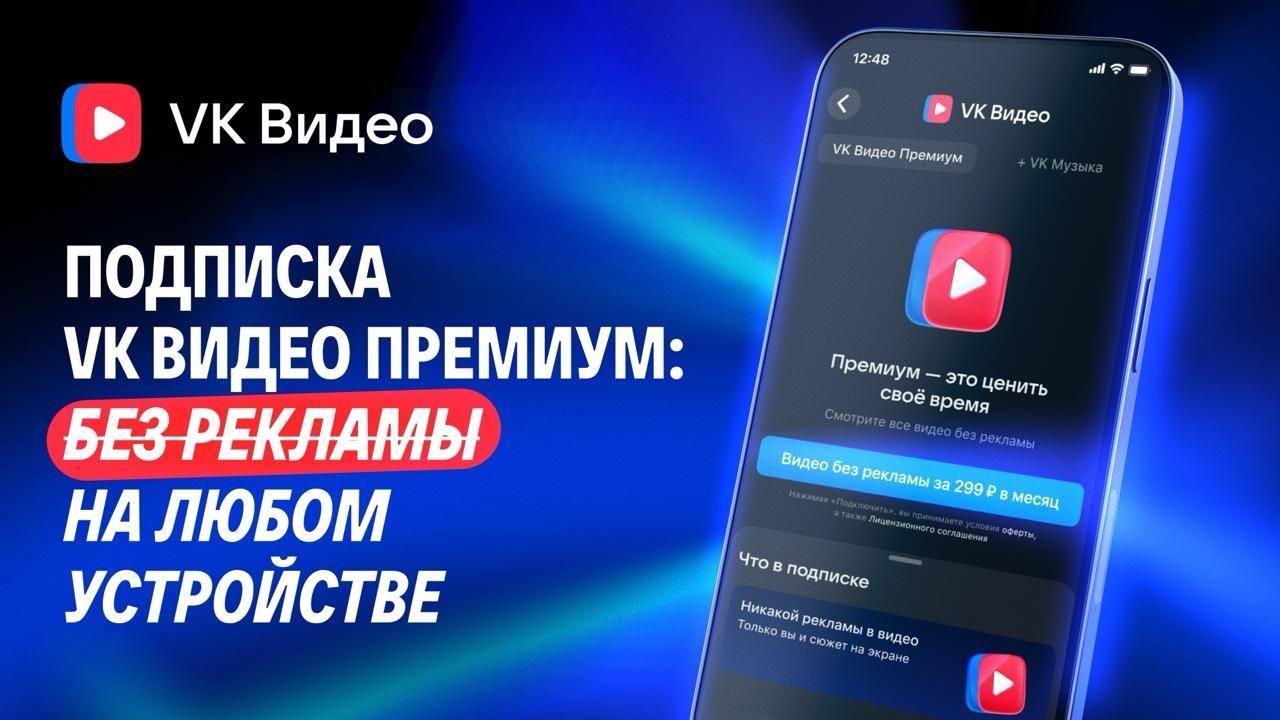
The subscription removes ads and nothing more. Image: VK
There are no other bonuses for now. No exclusive content, improved picture quality, or priority access to new releases. Just ad-free VK Video and nothing else. VK promises to expand the subscription’s features in the future, but there are no specifics yet.
How Much Does VK Video Premium Cost
The VK Video Premium price is 299 rubles per month. This is the basic plan for the video service only.
There’s a second option: for 399 rubles per month, VK Music is added to the subscription — a streaming service with music, podcasts, and audiobooks. If you already use VK Music separately, the combo plan is clearly a better deal. Paying an extra 100 rubles to get a second ad-free service is a reasonable option for those who are invested in the VK ecosystem.
VK Video without a subscription isn’t going anywhere. You can continue using the service for free with ads, just as before. There are no forced transitions to a paid plan.
How to Purchase a VK Video Subscription
You can sign up for a paid VK Video subscription in several ways. For example, through the VK Video mobile app on Android:
- Open the VK Video app on your smartphone.
- Go to your profile settings.
- Find the “VK Video Premium” or “Subscriptions” section.
- Choose the plan you need (299 rubles or 399 rubles with VK Music).
- Confirm payment using your preferred method, including VK Pay.
Through a browser:
- Go to vkvideo.ru or open the “VK Premium” mini-app on VKontakte.
- Choose a plan and click “Subscribe.”
- Confirm payment.
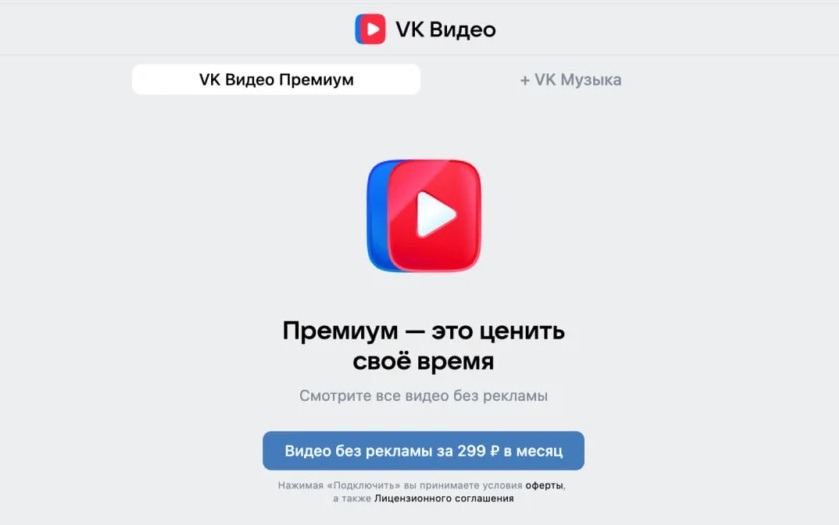
You can pay on any device that has VK Video
You can cancel the subscription at any time: go to your profile settings, open the “My Subscription” section, click “Manage Subscription,” and select “Cancel.” Money for remaining days is not refunded, but the subscription continues to work until the end of the paid period.
Is VK Video Premium Worth Subscribing To
Honest answer: it depends on how actively you use VK Video on Android and how much ads annoy you.
The subscription makes sense if:
- you watch VK Video regularly: movies, shows, blogger content;
- you watch on a TV, where ad blockers don’t work;
- you already use VK Music separately, and the combo for 399 rubles is cheaper than two separate subscriptions.
The VK Video Premium subscription is probably not needed if:
- you visit VK Video only occasionally;
- you use a browser on your computer with AdBlock — blockers still handle VK Video ads for now, although VK is actively fighting this;
- you primarily watch content from creators who embed integrations directly into their videos: the subscription doesn’t affect such ads.
A comparison with YouTube Premium is inevitable: it costs significantly more and also only removes platform ads. Against this backdrop, 299 rubles for a VK Video subscription looks modest. The other question is that the platforms differ significantly in their content offerings. If you’re not particularly fond of the Russian service’s content, there’s no pressing need to pay.