If you’ve ever opened the main VKontakte app and found yourself lost among clips, stories, music, and an endless feed — you’re not alone. With every update, the developers add so much that simply writing “hi” to a friend turns into a quest. So, VK Messenger is a separate app from VKontakte. Almost like VK Video, but for messaging, with nothing unnecessary: just chats, calls, and contacts. No news feed, no recommendations, no ads — accordingly, the app weighs noticeably less and runs faster.
Understanding what VK Messenger is for and how it differs from regular VKontakte
What Is VK Messenger and Why Do You Need It
Essentially, these are the same messages from VK, but placed in a separate shell. Everything syncs: write in the messenger — see it in the main app, and vice versa. The monthly audience is about 70 million people, so this is far from a niche product. If all you need from VKontakte is messaging — VK Messenger was designed exactly for that.
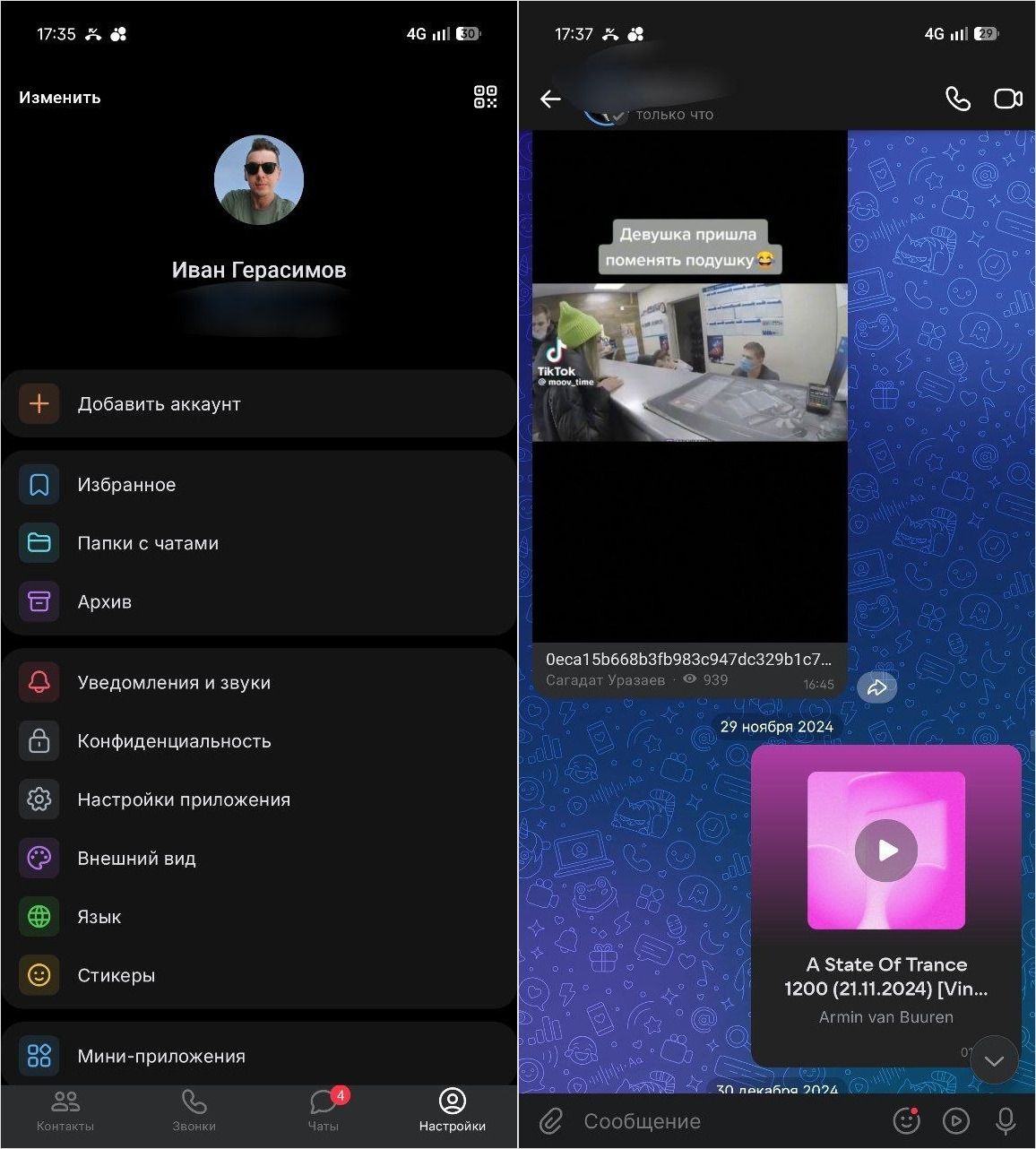
VK Messenger has a streamlined interface
In the App Store comments, by the way, people still joke that “this version of VKontakte has practically no VKontakte in it — and that’s wonderful.” Also, VK Messenger has no news feed filled with ads and minimal content from your subscriptions — just chats and the ability to open shared posts and listen to music. As a result, the app runs fast, doesn’t distract you from tasks, and doesn’t drain your phone battery. However, there are no security settings: to change your password, you’ll need to go to the regular VK app or the web version.
How to Download VK Messenger on iPhone and Android
This part is simple. The VK Messenger app is free and available on all platforms.
A separate registration in VK Messenger is not required: log in with your VKontakte account (VK ID) and immediately see all your chats. You can also pull contacts from your phone book to message by phone number those who aren’t on your VK friends list — convenient when you’ve exchanged numbers upon meeting rather than profile links.
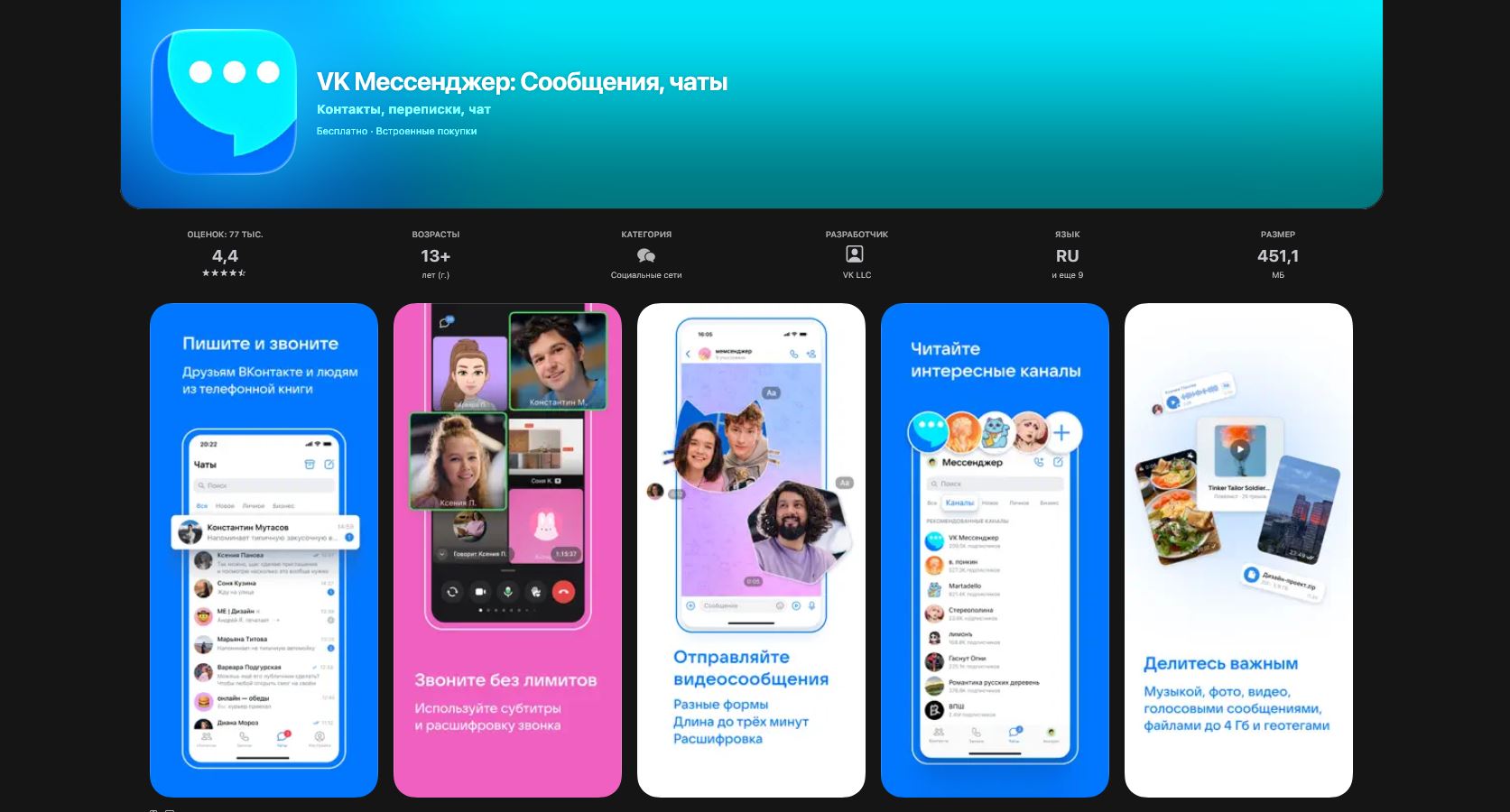
The app can be downloaded on iOS, Android, or Mac
In addition to mobile versions, there’s a web version of VK Messenger at web.vk.me — it opens in any browser and requires no installation. For those who need VK Messenger for computer, there’s a desktop app for Windows and macOS — you can download it from the official site vk.me/app. Syncing between devices works via the cloud, though sometimes with a couple-second delay — tolerable, but noticeable if you’re used to instant synchronization in Telegram.
Key Features of VK Messenger
It might seem that VK Messenger for iPhone is just a stripped-down version of the main app, but that’s not entirely true. The feature set here is quite serious. To start with, only in VK Messenger can you hide your last seen time. By turning it off, others will see “Was online recently” — just like in Telegram and MAX.
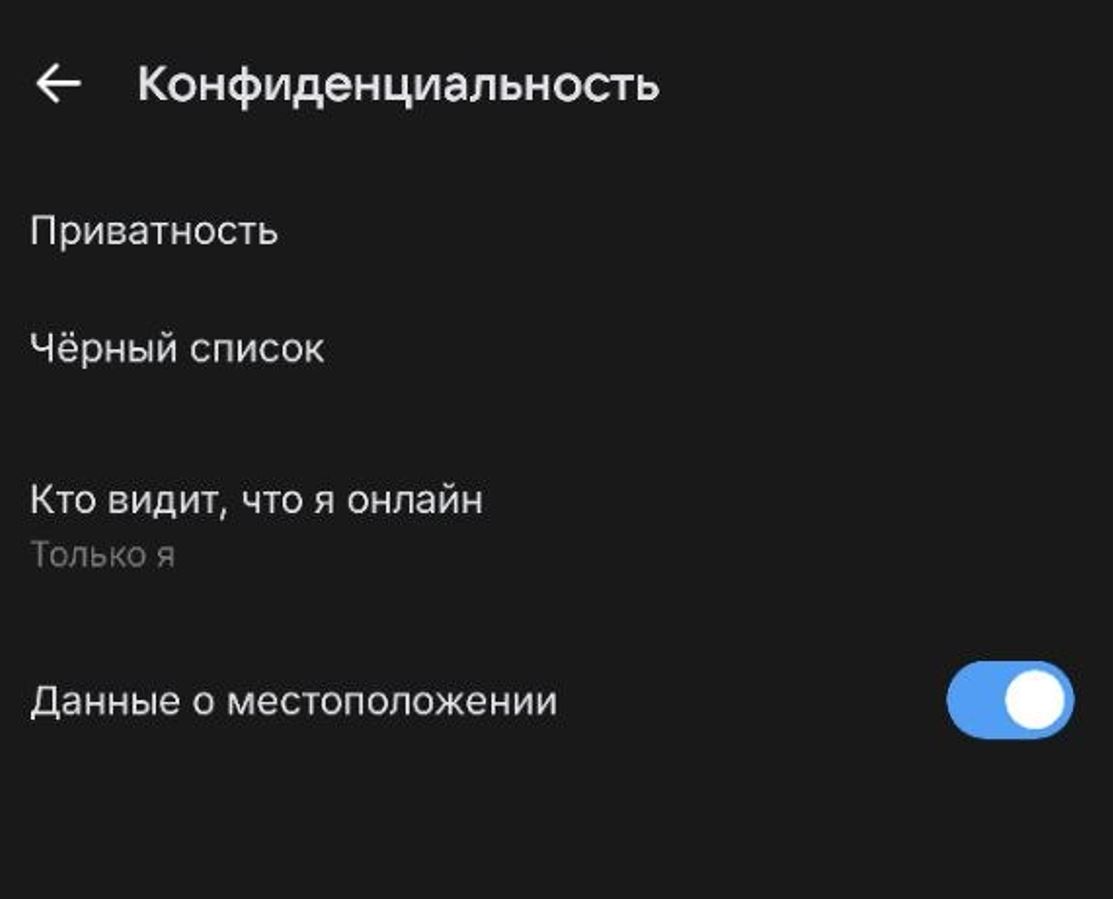
You can hide your last seen time
For example, text and voice messages feature built-in text transcription: you can read them when it’s inconvenient to listen. The recognition is powered by VKontakte’s neural networks, by the way — the accuracy is pleasantly surprising, something Telegram could envy. But that’s not all.
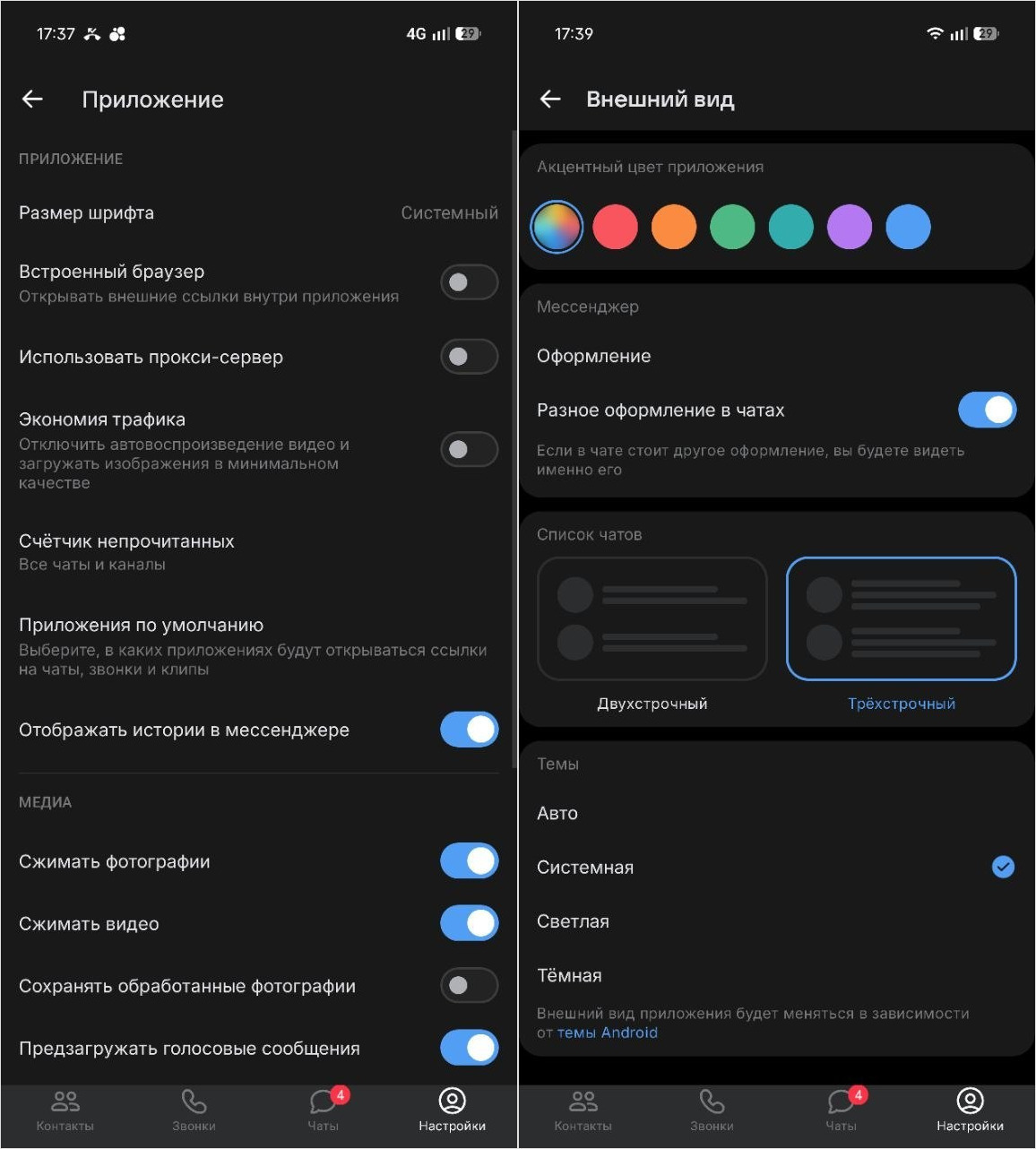
VK Messenger has a quite extensive set of settings
Calls in VK Messenger — both audio and video — work without time limits or participant caps; you can set up a group video chat and talk as long as you want. The call quality here is truly among the best — even FaceTime didn’t have this level of quality.
- Nice touches include: chat folders — just like in Telegram, to keep work conversations separate from personal ones. Disappearing messages — for when you want to joke in a serious chat without cluttering it.
- There are also phantom chats, where the entire history is automatically cleared after a set time. Stickers, reactions, file sharing up to 2 GB, polls in group chats, the ability to share your location, built-in message translation into several languages — everything is there.
- And most importantly: here you can hide your online status — an official invisible mode from VKontakte that doesn’t exist in the regular VK app. Previously, you had to resort to third-party clients for this, and it worked poorly.
Compared to Telegram, the messenger falls short in terms of bots and channels, and WhatsApp wins due to its international reach. However, VK Messenger makes up for it with its integration with the VKontakte ecosystem: music, videos, posts — everything can be forwarded directly from the social network. Worth mentioning separately is the Sferum educational profile — a closed educational space within VK Messenger where teachers, students, and parents communicate in a protected environment. For schools, the service has become a new standard.
How VK Messenger Differs from Telegram, WhatsApp, and MAX
We compared VK Messenger with Telegram, WhatsApp, and MAX. Check out the important differences if you think all these apps are more or less the same.
| Parameter | VK Messenger | Telegram | MAX | |
|---|---|---|---|---|
| End-to-end encryption | No (TLS) | Secret chats only | Yes, by default | AES-256 / GOST |
| Channels | VK Communities | Yes | Yes (channels) | Yes |
| Bots | Yes | Yes (developed ecosystem) | Limited | Yes |
| Max file size | 2 GB | 2 GB | 2 GB | 4 GB |
| Platforms | iOS, Android, Web, PC | All major | All major | All major |
| Registration | VK account (VK ID) | Phone number | Phone number | Phone / VK / Gosuslugi |
VK Messenger is best suited for those already living in the VKontakte ecosystem. Telegram is for those who value channels and bots. WhatsApp is convenient for international communication, although things are complicated with it in Russia — in 2025, calls through the service came under restrictions.


