You open a contact’s profile in your favorite messenger and see an unusual message with a red circle: “Uses an unofficial Telegram client, which may reduce the security of correspondence with this user.” This is exactly what the new warning looks like, which appeared in update 12.6.2. It’s not there by accident. It’s one of the consequences of Telegram ceasing to work in Russia. In order to continue using the app, millions of people started installing third-party messenger clients. And some of them turned out to be so dangerous they’d make even MAX envious. But what does the new Telegram warning mean, and how should you treat it? Let me explain step by step.
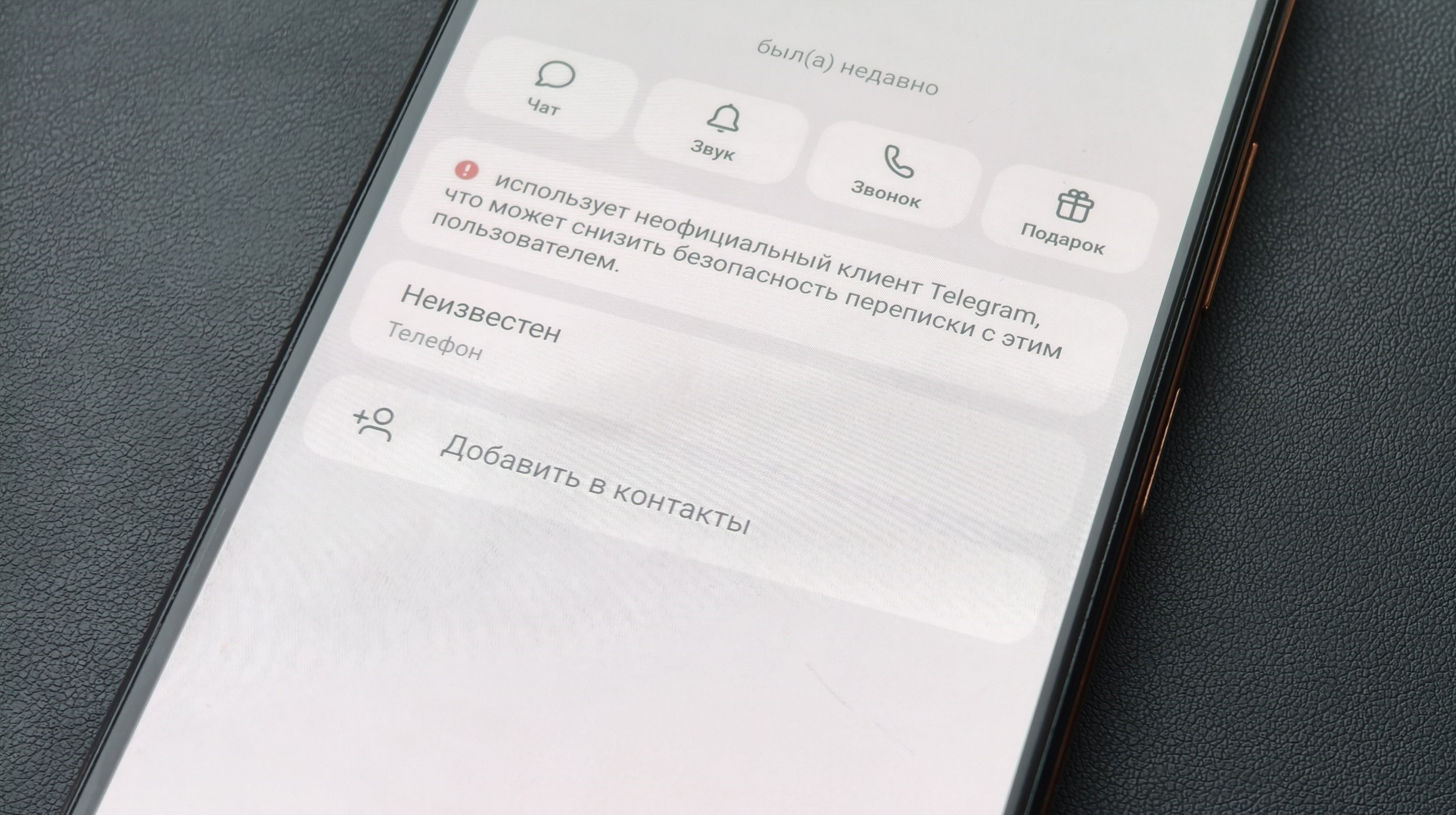
The label that makes you uneasy
Why Telegram Shows the Warning
To understand Telegram’s logic, you need to recall what happened in early 2026. After the messenger started being systematically throttled and restricted, people massively searched for ways to keep using it. Some changed their IP, others found third-party apps — Telegram clones that worked without restrictions. Among such apps was Telega, which shot to the top of downloads in just a few days.
Then something unpleasant came to light. Independent researchers published a technical analysis of Telega and found that the app was replacing Telegram server addresses with its own. All user traffic was passing through Telega’s own servers. This is called a MITM attack: someone stands between you and Telegram and sees everything you write. Few people knew what Telega really was when they were mass-downloading it.
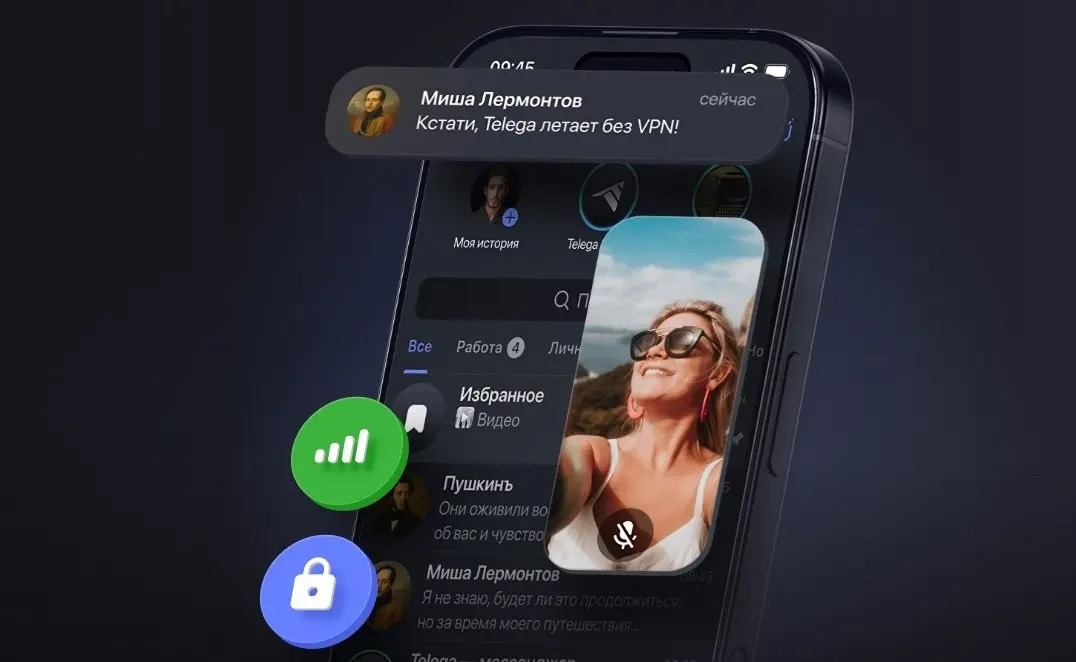
Telega turned out to be an unsafe app
Besides Telega, the company RKS Global investigated eight popular alternative Telegram clients and found problems in almost all of them. Durov’s team responded in this way: they didn’t block third-party clients but started warning users that their contact was using something non-standard.
What Is an Unofficial Telegram Client
The Telegram app is distributed with open source code. This means any developer can take this code, add their own features, and release their own version of the messenger. Such versions are called forks, mods, or alternative clients.
People install them for various reasons:
- they want features not available in the official app (for example, extended customization);
- the official Telegram messenger works poorly, while the third-party client functions stably;
- they simply don’t know they downloaded a non-original.
Among unofficial Telegram clients, there are fundamentally different products. Some are written by conscientious developers, the code is open, and there’s no hidden activity. Others are a real threat: they collect data, intercept traffic, and transmit information to third-party servers. Telling one from the other is virtually impossible for an ordinary user at a glance.
Is a Person with an Unofficial Telegram Client Dangerous
Honest answer: it depends on which specific client your contact has installed. If it’s something like Plus Messenger or another popular Telegram fork with open code and a years-long history — the risk is moderate. Such apps don’t intercept traffic and don’t replace servers. Although complete security isn’t guaranteed here either: the story of Nekogram, which was found to secretly collect phone numbers, illustrates this well.
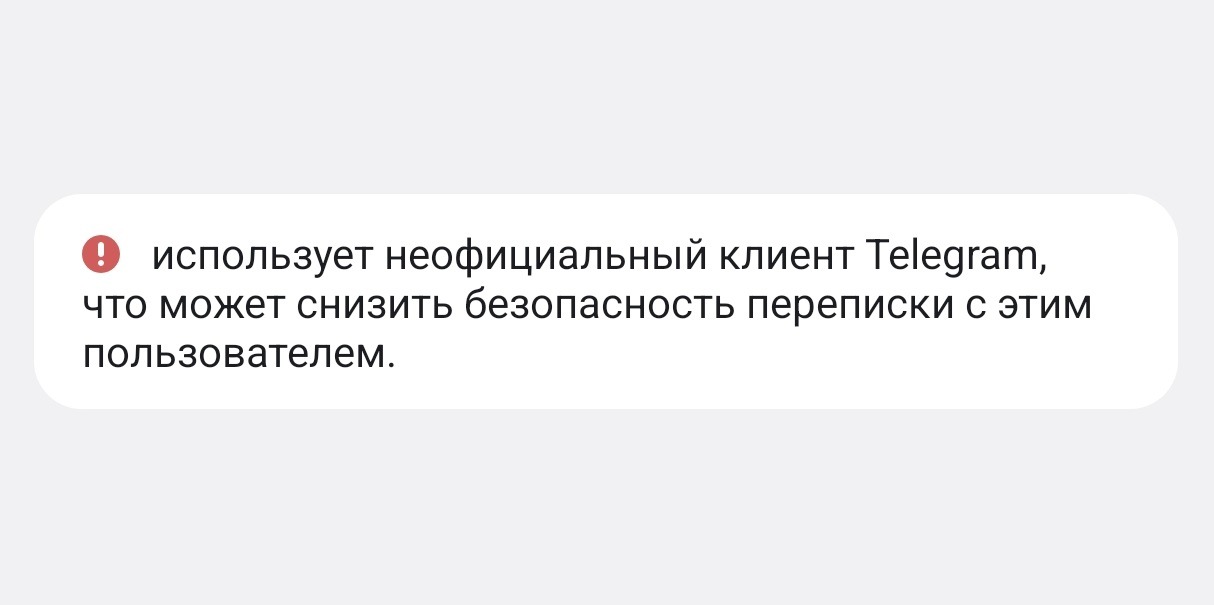
Beware of such contacts in Telegram
If your contact uses something like Telega, iMe, or Graph Messenger — it’s more serious. Research has shown that these apps send data to third-party servers, including Russian ones. Conversations with such a contact are potentially visible to third parties. An important point: it’s not just you who’s at risk if you installed a dubious alternative Telegram. Just one chat participant with an unsafe app is enough to put the entire conversation at risk. That’s precisely why Telegram decided to warn those who use the original.
There’s also a technical nuance: Telegram hasn’t yet clarified whether it shows the warning for all third-party clients without exception or only for those it considers unreliable. If the former — the warning will appear even for users of perfectly harmless apps, which creates unnecessary noise.
What to Do If Someone Uses an Unofficial Telegram
Several practical tips depending on the situation. If the warning appeared for someone you know, and it says they use an unofficial Telegram client:
- ask them directly which app they’re using;
- if it’s Telega — ask them to delete it and install the official client: this isn’t paranoia, it’s a reasonable request;
- if it’s one of the popular forks with open code — decide for yourself how much it concerns you;
- don’t send passwords, SMS codes, or other sensitive data in this conversation until you’ve figured things out.
If the warning appeared for a stranger who messaged you:
- be doubly cautious;
- don’t follow links from such conversations;
- don’t share personal data.
If the warning appears on your own profile — it means you’re using a third-party Telegram client. The simplest solution: delete it and install the official app. But you’ll have to solve the problem of Telegram being blocked in Russia on your own.


