Telegram has massively stopped working on older iPhones — users of certain Apple smartphone models are complaining that after an overnight update, the app shows a black screen and immediately closes. Reinstalling, rebooting, and VPN don’t help. It might seem like a new wave of Telegram blocking in Russia, but the reality turned out to be much more interesting.
Telegram crashes on older iPhones
Which iPhones Are Affected by the Telegram Issue
Based on numerous complaints, the problem affects older iPhone models running iOS 16 — these are devices that don’t receive iOS 17 or newer. Among those affected:
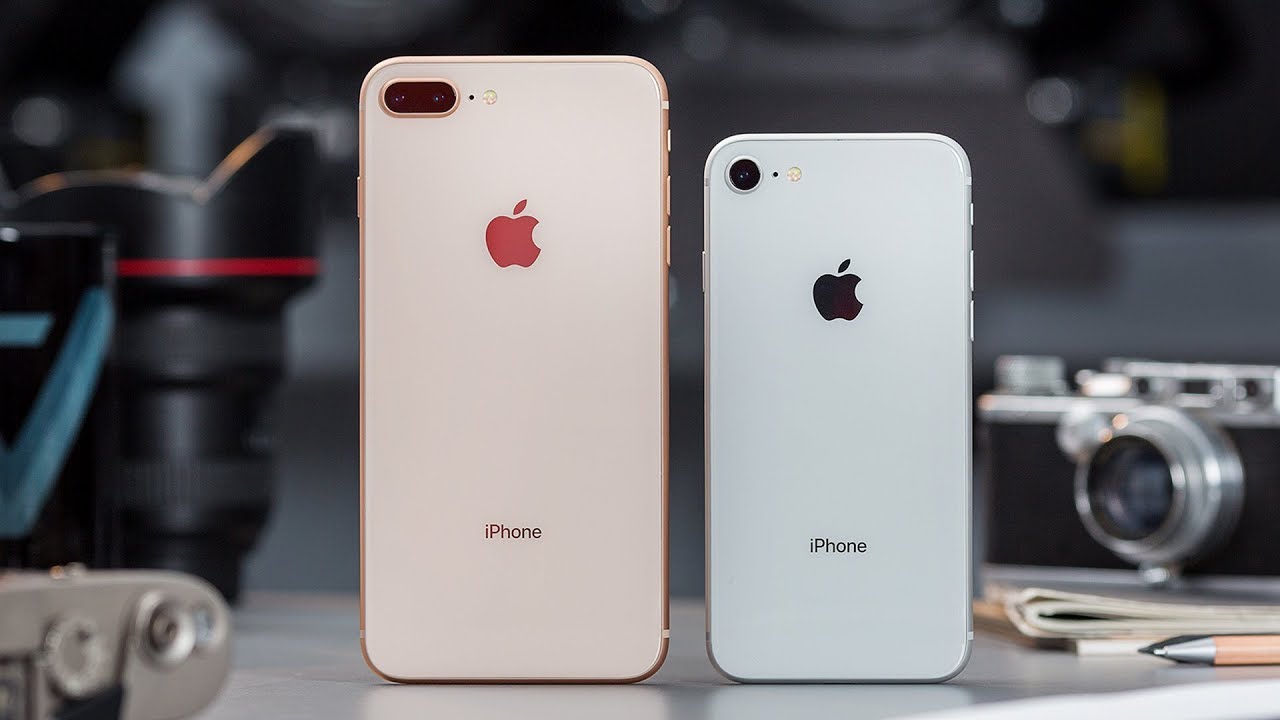
These older models were also hit by the bug
- iPhone 8
- iPhone 8 Plus
- iPhone X
All these models run iOS 16.7.x — the last available system version for them. The problem appeared in the morning after an automatic Telegram update through the App Store.
Notably, on iPhone 6, where the app hadn’t been updated overnight, Telegram continues to work (though it requires a VPN). This directly indicates that the cause is specifically the new version of Telegram, not blocking or iOS issues.
Why Telegram Crashes After the Update

Telegram simply won’t launch or crashes on older iPhones
The most likely cause is that Telegram developers released an update that either contains a bug on older devices or has effectively dropped support for iPhones with the A11 Bionic processor and below. This has happened before with other apps: a new version simply can’t function properly on outdated hardware or iOS versions.
It’s important to understand: Apple doesn’t allow rolling back apps to previous versions through the App Store. This means there’s no way to restore a working Telegram build using standard methods. There have been no official statements from the Telegram team regarding this issue. It’s unknown whether this is a bug or a deliberate decision.
How to Launch Telegram If It Crashes
Several options while the situation remains unclear:
- Telegram Web — open the address web.telegram.org in Safari browser. According to user reports, the web version works and allows you to read and send messages
- Wait for an update — if this is a bug, the Telegram team will most likely release a fix within the next few days. Enable automatic updates in the App Store so you don’t miss it
- Don’t delete the app — repeated reinstallation doesn’t solve the problem, and by deleting it you risk losing local data if you don’t have cloud chat storage configured
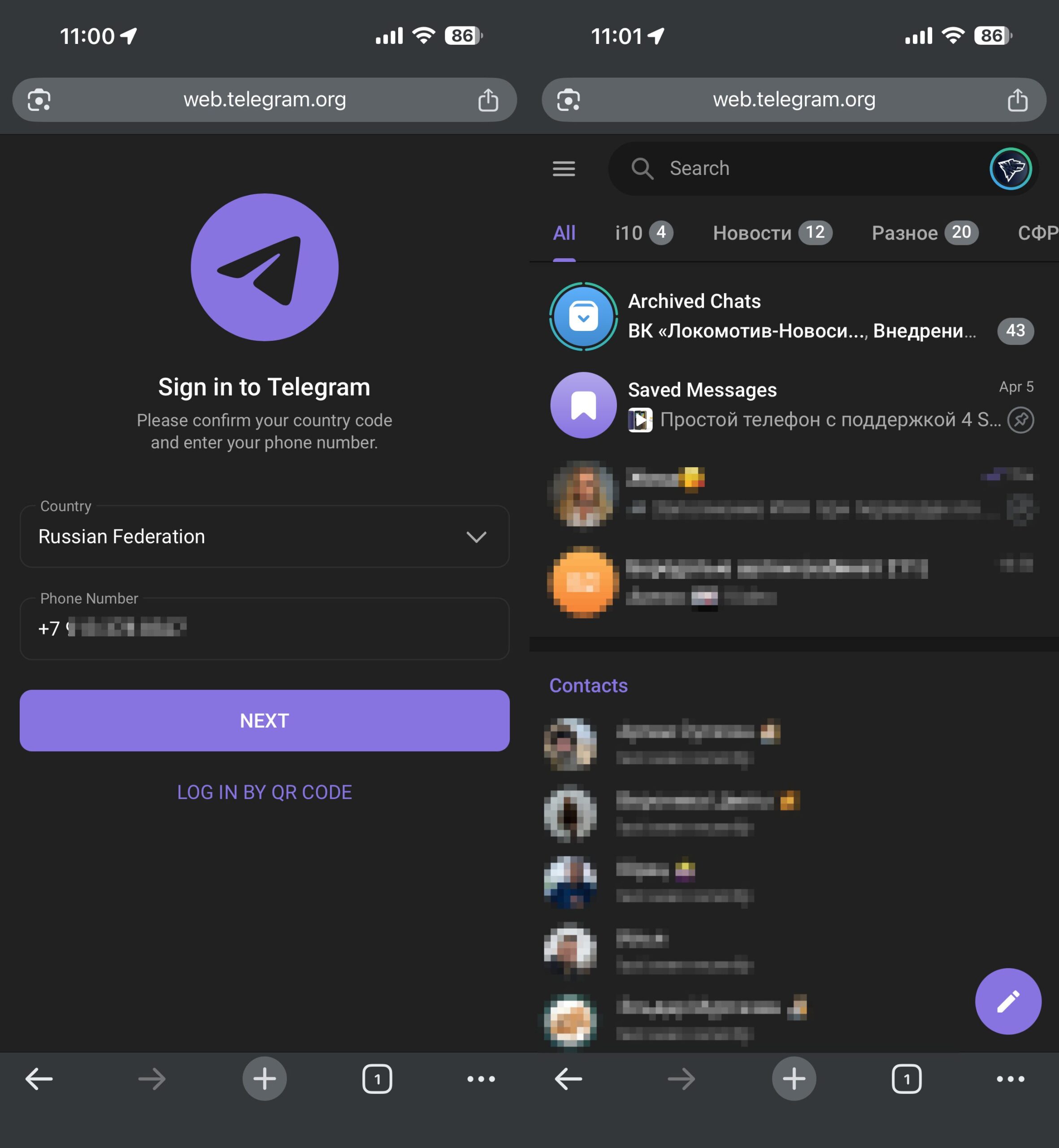
Go to Telegram Web, it works
Some users suggest rolling back the app version using the third-party program iMazing on a computer, but this method requires you to have a previous version of Telegram saved in a backup, which is extremely rare.
What Actions Won’t Fix Telegram
According to reports from users who encountered the problem, the following actions are useless:
- Restarting the iPhone
- Deleting and reinstalling Telegram
- Clearing the cache
- Resetting network settings
- Turning VPN on or off
- Updating iOS (these models already have the latest available version installed)
All of this confirms that the problem is on the app’s side, not the device or network.
When to Expect a Telegram Fix
If you have an iPhone 8, 8 Plus, or iPhone X — you’re in the risk zone. Models with iOS 17 and newer appear to be unaffected.
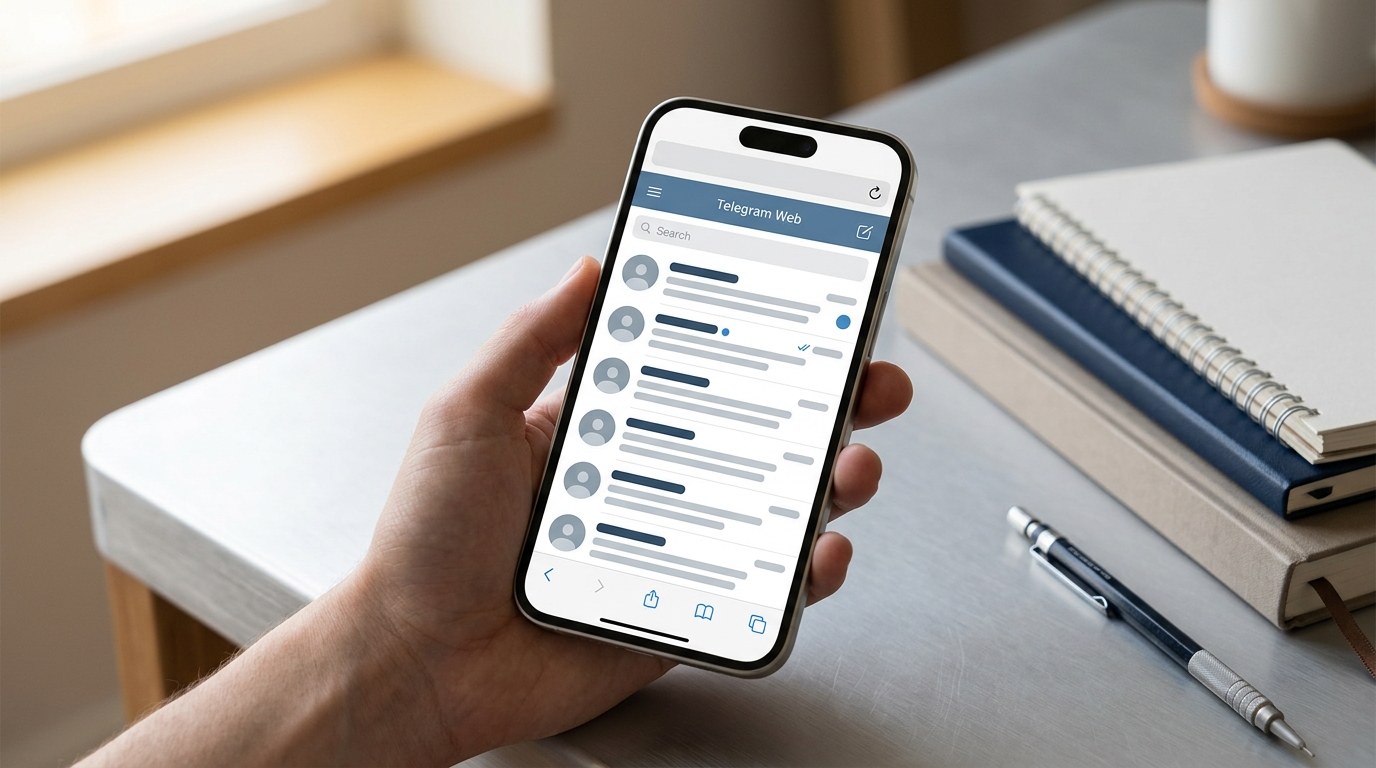
The web version of Telegram will save you until a fix is released
If Telegram is critically important for your work or communication, the web version at web.telegram.org is the only reliable option right now. It works in Safari and doesn’t require installation.
In the longer term, it’s worth considering that the iPhone 8 and iPhone X were released in 2017, and more and more apps will be dropping support for them. If this Telegram situation turns out to be not a bug but a deliberate developer decision, the only full solution will be upgrading to a newer iPhone — at least an iPhone XR or XS, which still receive iOS 17.