Telegram notifications stopped arriving — it seems like every other iPhone user in Russia has faced this problem since last week. Messages appear in chats, but push notifications on the lock screen stay silent for hours. Then a batch of ten missed messages arrives all at once, and you sit there wondering how many work tasks have already burned. Given that Telegram in Russia has been blocked for almost a month now, this shouldn’t be surprising, but it still leaves a bad taste.
Fixing Telegram notifications on iPhone
I had exactly the same issue. You open the lock screen, and there’s a “You have a new message” from five minutes ago, and another one, and another. The app itself only works with the help of special tools. Let’s figure out why this happens and what to do about it right now.
Reasons for Telegram Notification Problems in Russia
The root of the problem is neither in the messenger itself nor in iOS. Since February 2026, Roskomnadzor has been systematically throttling Telegram, and by the end of March, the share of failed requests to the messenger’s domains reached 80–90% depending on the region. At the same time, the agency also targeted proxy servers: according to industry publication sources, on April 1 their availability dropped sharply.
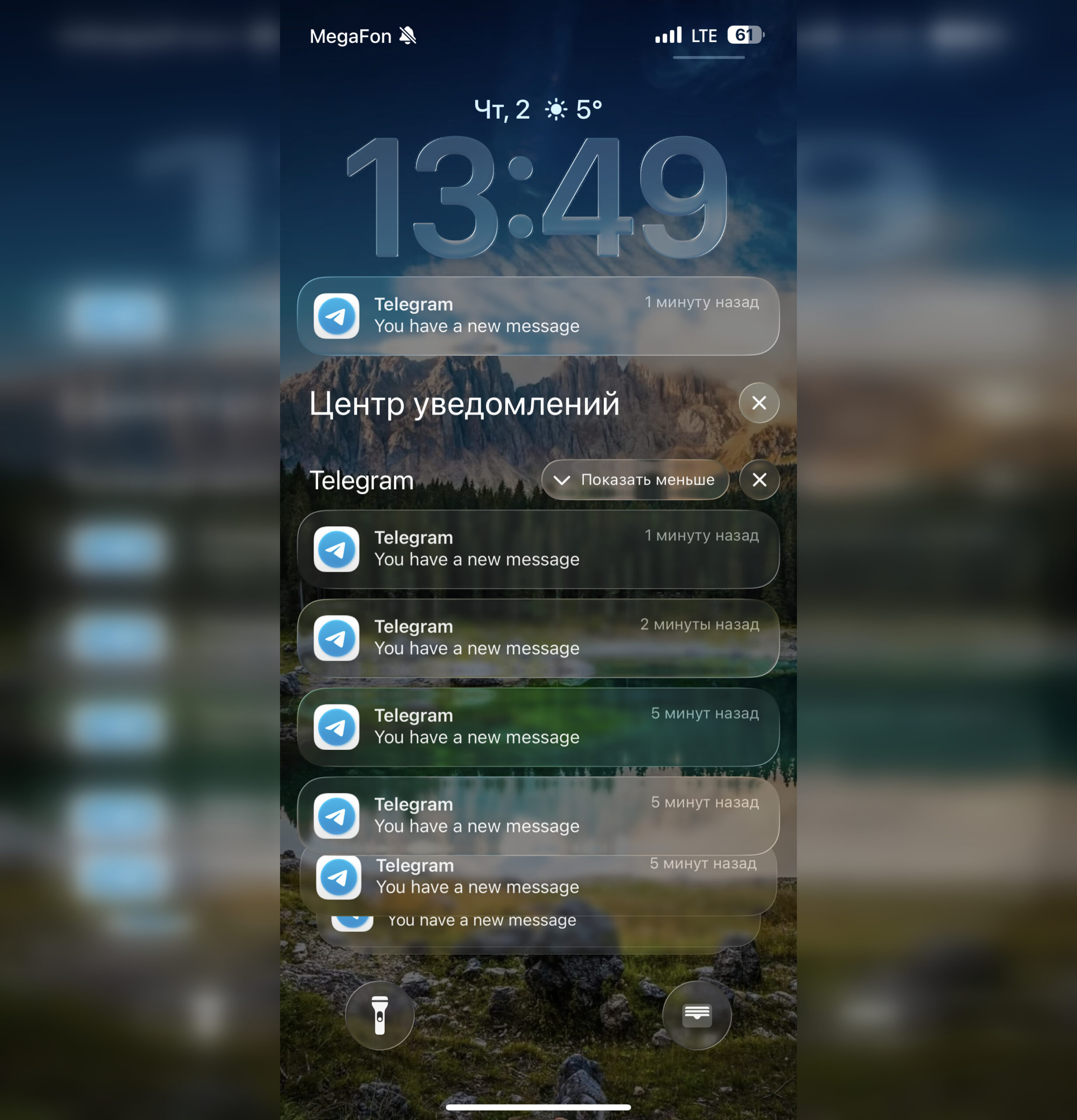
This is what many have been seeing for a week now
Now in simple terms, here’s how notifications are involved. Imagine that Telegram is a person who wants to pass you a note. They can’t come to your house themselves, so they hand the note to a courier — Apple — and the courier delivers it right to your hands. That’s how all iPhone notifications work: apps don’t reach out to you directly; they pass the message to Apple, and then Apple delivers it to your lock screen. That’s why push notifications from email and banking apps still arrive normally — Apple’s courier works like clockwork.
The problem is that Telegram can’t even reach the courier. Roskomnadzor has blocked the road between your phone and the messenger’s servers, and there’s nobody to hand the note to. Apple is ready to deliver it, but nobody brings it anything. That’s why the lock screen stays silent. Sometimes Telegram does manage to break through, but due to throttling, the messenger limits itself to a brief “You have a new message” without the content or sender.
Two Working Methods to Restore Telegram Notifications
There are exactly two methods, and both work. I tried both this week — here’s what helped.
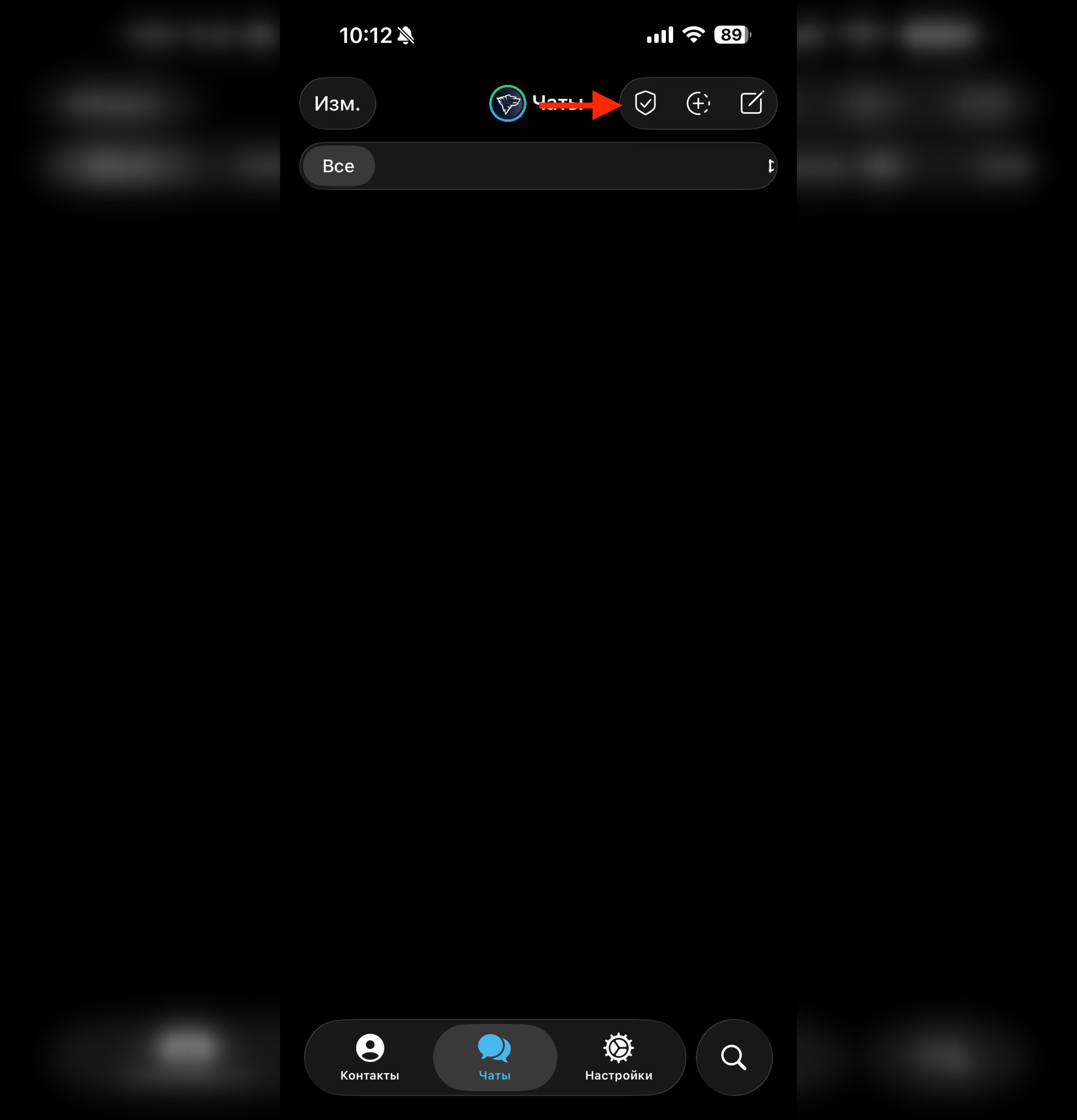
A working proxy solves the notification issue
First option — a working MTProto proxy. This is a mechanism built into Telegram, specifically designed for situations like this. The proxy connects directly in the messenger’s settings and doesn’t require any third-party apps: Settings — Data and Storage — Proxy Settings — Add Proxy. The main difficulty is finding a proxy that actually works and isn’t overloaded or already blocked. There are plenty of channels with up-to-date Telegram proxies; I use one of them, and notifications have been arriving consistently so far. As soon as a specific server stops working, I switch to the next one on the list.
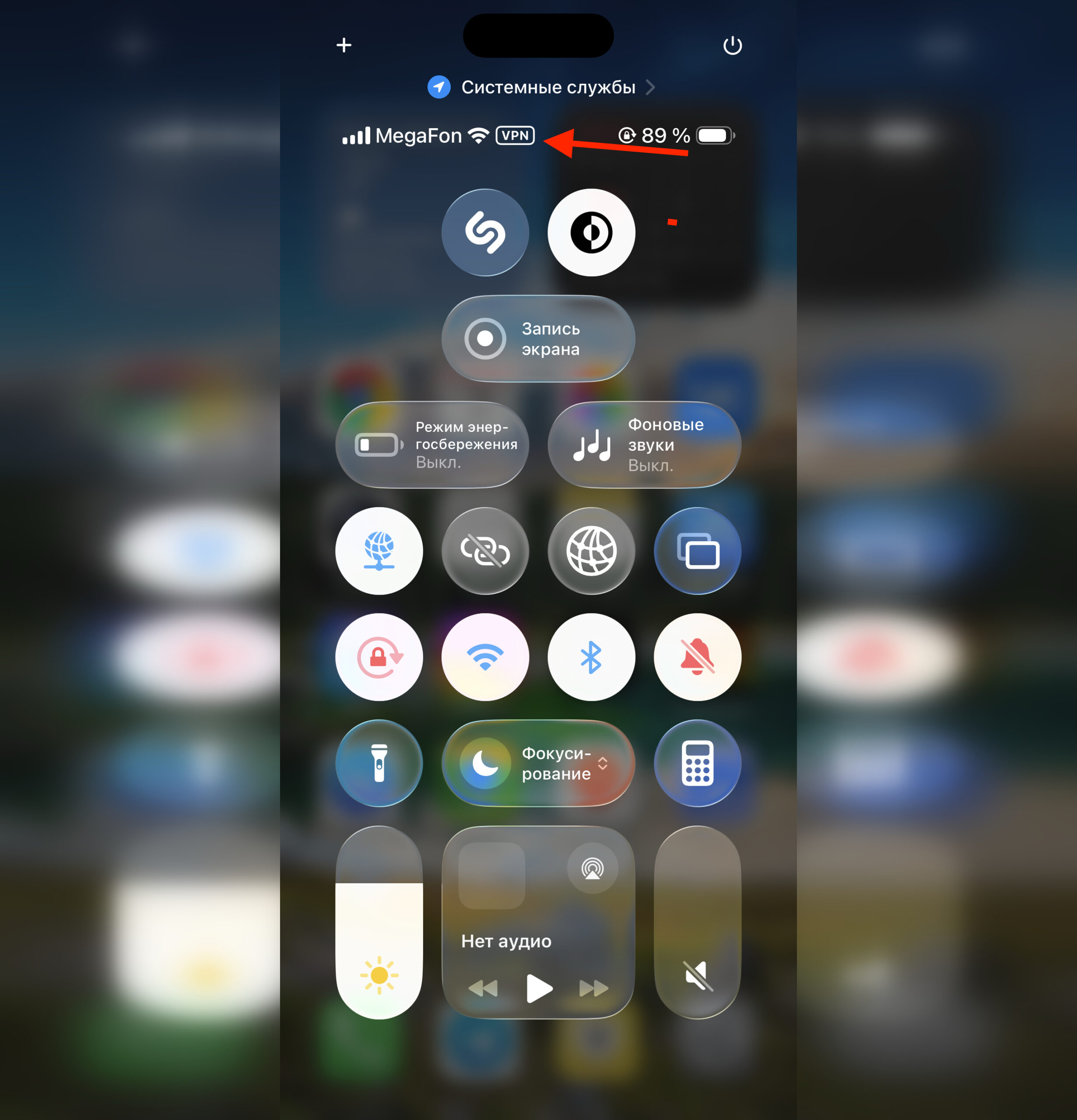
Or just keep this service permanently enabled
Second option — a permanently enabled foreign IP address. There’s a nuance here: it must be permanent. If, like me, you have your VPN launch tied to automation in Shortcuts that automatically turns it on and off when launching the app — with Telegram this almost certainly breaks push notifications. Tested from personal experience.
Telegram Notifications Not Arriving Even with a Foreign IP
If you’ve already enabled a foreign IP but notifications still aren’t coming through, Telegram has most likely cached the previous “bad” connection and can’t recover. This is resolved with a hard restart following this sequence:
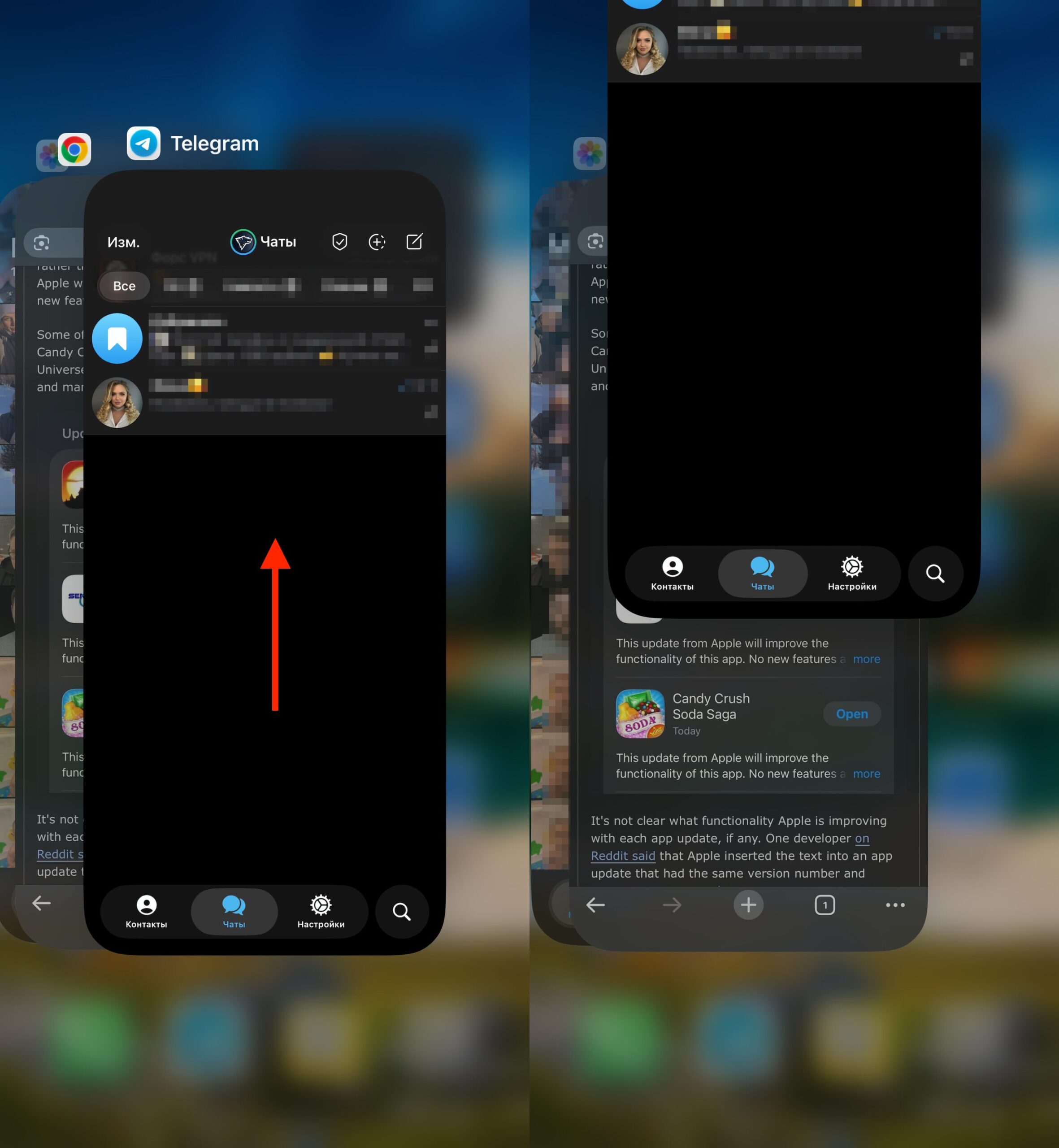
Telegram will definitely need to be restarted
- Disable all automations that control the VPN
- Enable the foreign IP manually and make sure it’s working
- Completely close Telegram by swiping it away in the app switcher
- Relaunch the messenger
After this sequence, my push notifications came back to life within literally a minute. The key point is a complete app restart, not just minimizing it. Telegram needs to re-establish the connection with its servers through the active tunnel.
Which Method to Choose for Restoring Telegram Notifications
If you use Telegram mainly for personal communication and don’t want all your smartphone traffic going through a VPN — go with a proxy. It works only within the messenger; other apps and websites load directly, with no extra drain on battery or connection speed. The only downside: proxy servers are also under pressure right now, and you’ll need to change the working one from time to time.
If Telegram is your work tool and notifications are critical, it’s more reliable to keep a foreign IP enabled at all times. The battery will drain a bit faster, but messages won’t get lost. The main thing is no automation that toggles it back and forth when launching or closing the app. Under current conditions, that’s a direct path to silent notifications.
The Telegram situation in Russia is changing fast, and what works today may stop working tomorrow. But for now, these two methods solve the notification problem for most iPhone users. I still use the messenger daily, and after a couple of tweaks, push notifications arrive just as reliably as before.


