When Telegram hasn’t been working properly in Russia for several months in a row, people start looking for a way out. Some gain access to Durov’s app through workarounds, some switch to other messengers, and some download an app with the appealing name Telega, thinking they’ve found the perfect solution. Here’s a separate discussion about the Telega messenger, because this app has its own story, and it’s an interesting one.
Here’s everything you need to know about the Telega app
Telega — What Is This App
The Telega messenger is a Telegram fork. Simply put, developers took the open source code of the official client, added their own layer on top, and released a separate app. Visually, it’s almost indistinguishable from the original: the same chats, the same channels, the same interface.
But why would you even need the Telega client if the original exists? Precisely because the original doesn’t work in Russia. Telegram’s block in Russia since the beginning of 2026 means slow file downloads, unavailable calls, and constant glitches. Telega promises to bypass this through its own proxy servers and replacement of voice calls with Odnoklassniki’s infrastructure. Yes, Odnoklassniki specifically. Remember this detail — it’s important.
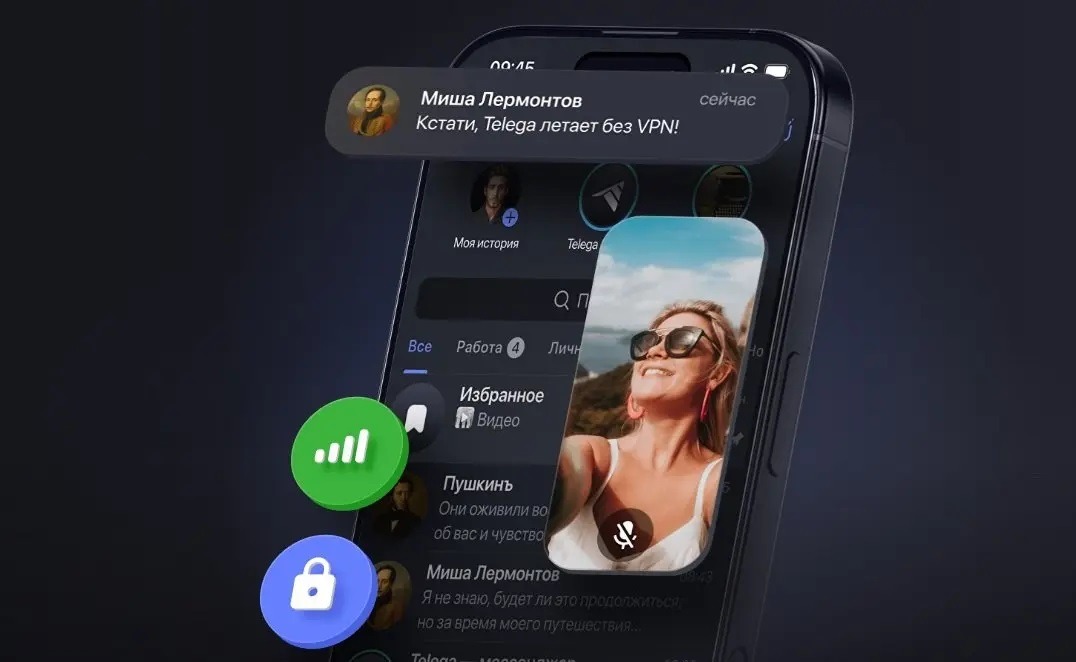
The app seems attractive, but is it reliable? Image: Telega
Sounds like a convenient solution, right? Install it and everything works. Unlike Telegram, which is almost completely blocked in Russia.
Who Created the Telega App
The history of Telega begins with the company JSC “Dal,” which was later renamed to JSC “Telega.” At first glance, it’s an ordinary Russian startup. But the devil is in the details.
In March 2026, it became known that in 2025 the company received 200 million rubles from its founders. At the same time, a curious clause was added to the charter of JSC “Telega”: a restriction on the board of directors’ authority when making deals with MKPAO “VK.” Simply put: VK cannot just buy the company or dictate terms without the knowledge of other shareholders. Why would you even write such a restriction into the charter if there’s no connection to VK? VK corporation denies any contacts with Telega. But the fact remains: the app’s code contains SDKs from Odnoklassniki, MyTracker from VK, and APIs from OK.ru. Coincidence?
What Does “Uses an Unofficial Telegram Client” Mean
If you open a contact’s profile in the official Durov app and see the inscription “Uses an unofficial Telegram client, which may reduce the security of correspondence with this user” — it means the person is using something like Telega. The label appeared in Telegram update 12.6.2 and was a direct response to the fork scandal.
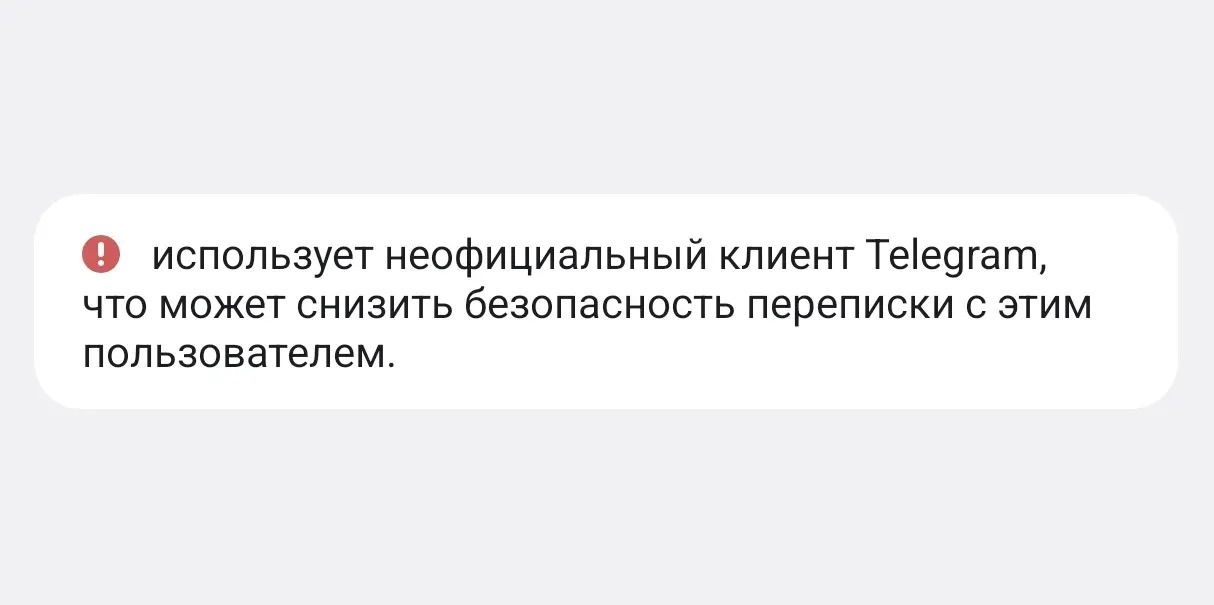
Official Telegram “rewards” Telega users with this label
Telegram doesn’t block third-party clients directly. After all, that would be harsh and would affect all forks, including legitimate ones. Instead, the messenger chose to warn users. As in: look, your contact is using something non-standard, and it may affect the security of your conversation. In short, the point is simple: you don’t know what exactly this app does with your data.
Why the Telega App Is Dangerous
This is where things get really interesting. Independent researchers conducted a detailed code analysis of the Telega app and found some unexpected things. Let’s start with the good news. Telega does not read the text of your messages — code analysis confirms this. Neither VK nor Odnoklassniki have access to the content of your conversations. Two-factor passwords don’t leak either. Secret chats retain end-to-end encryption.
Now the bad news, and there’s significantly more of it:
- All your traffic goes through Telega’s servers. The app replaces Telegram server addresses with its own proxies. Telega sees metadata: who you’re writing to, when, and how often.
- Calls in Telega are entirely routed through Odnoklassniki’s servers. That is, not through Telegram, but through VK. At the same time, SSL certificate verification in the calling module is disabled. This means that voice and video traffic can potentially be intercepted. Technically, this is called a MITM attack.
- The app tracks whether you’re using a VPN and sends this information to VK servers via the MyTracker analytics SDK. A “VPN on/off” parameter is automatically added to every event.
- 75 permissions. The official Telegram asks for significantly fewer. Telega’s list includes permission to install other apps, background geolocation, and clipboard reading. The clipboard is where passwords and SMS codes are often stored.
- App behavior can be changed remotely without an update through the store. Including disabling secret chats.
- Upon first login, Telega automatically subscribes you to the @dahlmessenger channel unilaterally and without consent.
In summary: your messages are safe, but everything else is not. Who writes to you, when, how often, whether you use a VPN — all of this ends up on the servers of a company with unclear ties to VK.
Why Telega Shows “You Are on the Waiting List”
If you downloaded Telega on Android and see the “You are on the waiting list” screen — this is a direct consequence of the events of March 2026. When news about Telega’s ties to VK and code vulnerabilities became widely known, the app unexpectedly received a huge influx of new users. People were downloading Telega right at that moment: some out of curiosity, some without understanding the situation.
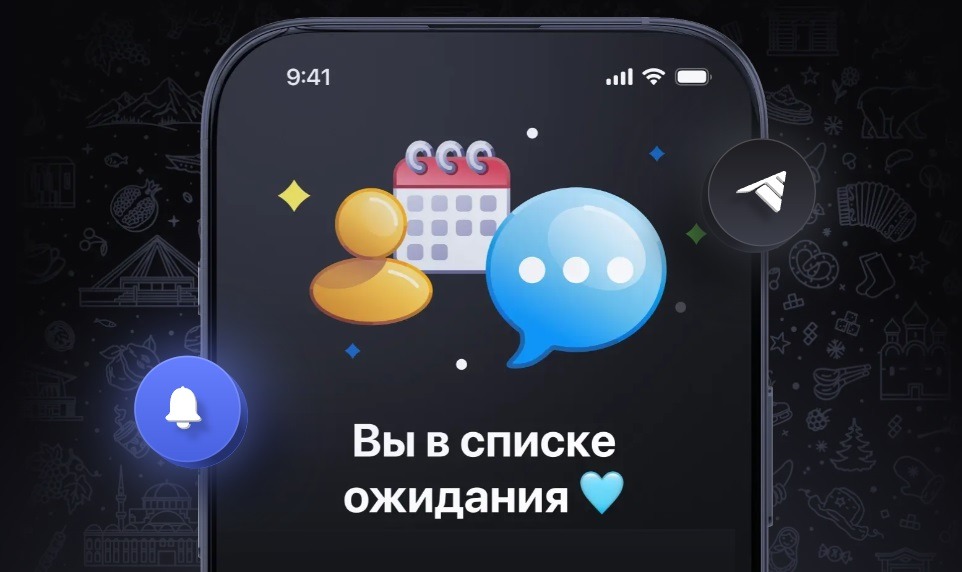
Telega restricted access for new users. Image: Telega
The developers explained the restriction simply: too many people wanting in, servers can’t handle the load. The waiting list catches those who haven’t yet authorized, and those who logged out or reinstalled the app. Already authorized users were advised not to log out to avoid losing their spot. A particular irony of the situation: right when everyone was writing about Telega, the app stopped letting new users in.
Should You Install the Telega App
No. Short and without options. Here’s why:
- all traffic goes through servers with unclear ties to VK (you don’t know who is doing what with your metadata);
- calls are processed by Odnoklassniki’s infrastructure with disabled certificate verification;