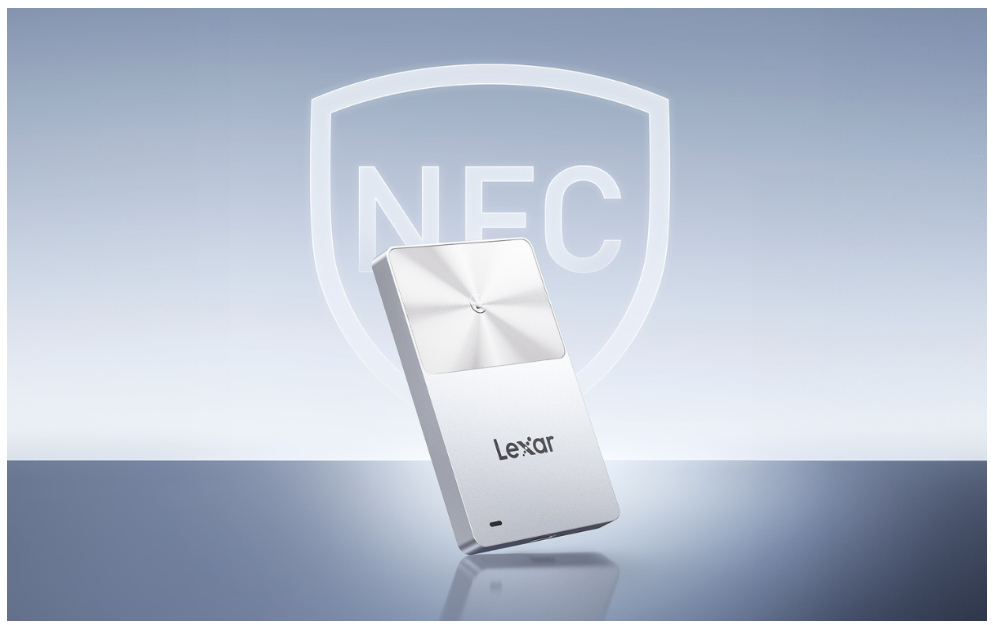
Portable drives have one unpleasant feature: they’re easy to lose. A small box containing a terabyte of your photos, documents, and work files slips off a shelf or falls out of a pocket, and whoever finds it can simply plug the drive into a computer and access everything. Lexar has solved this problem in its own way: their new TouchLock Portable SSD unlocks only with a touch of your iPhone, and without it, it turns into a useless piece of metal.
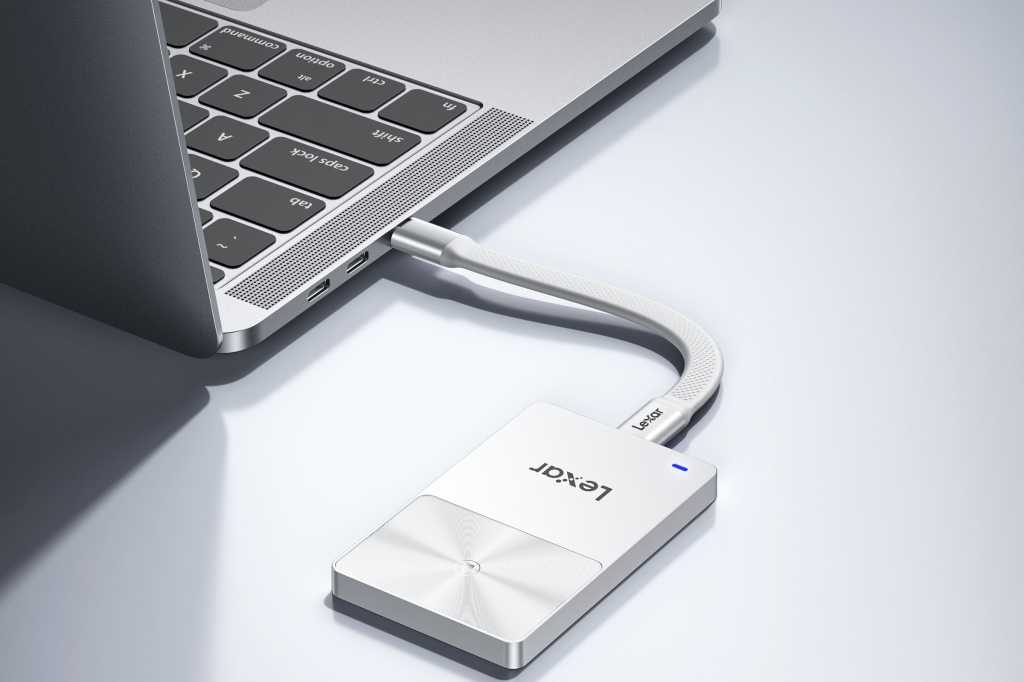
Lexar TouchLock Portable SSD — protected storage with NFC for iPhone, Mac, and the rest of your digital world. Image: macworld.com
What Is the Lexar TouchLock SSD
At first glance, the Lexar TouchLock Portable SSD looks like a perfectly ordinary portable solid-state drive in an elegant silver case. The USB-C interface allows you to connect it to Mac, PC, and mobile devices. But here’s what sets it apart from competitors: a built-in NFC chip and 128-bit AES hardware encryption.
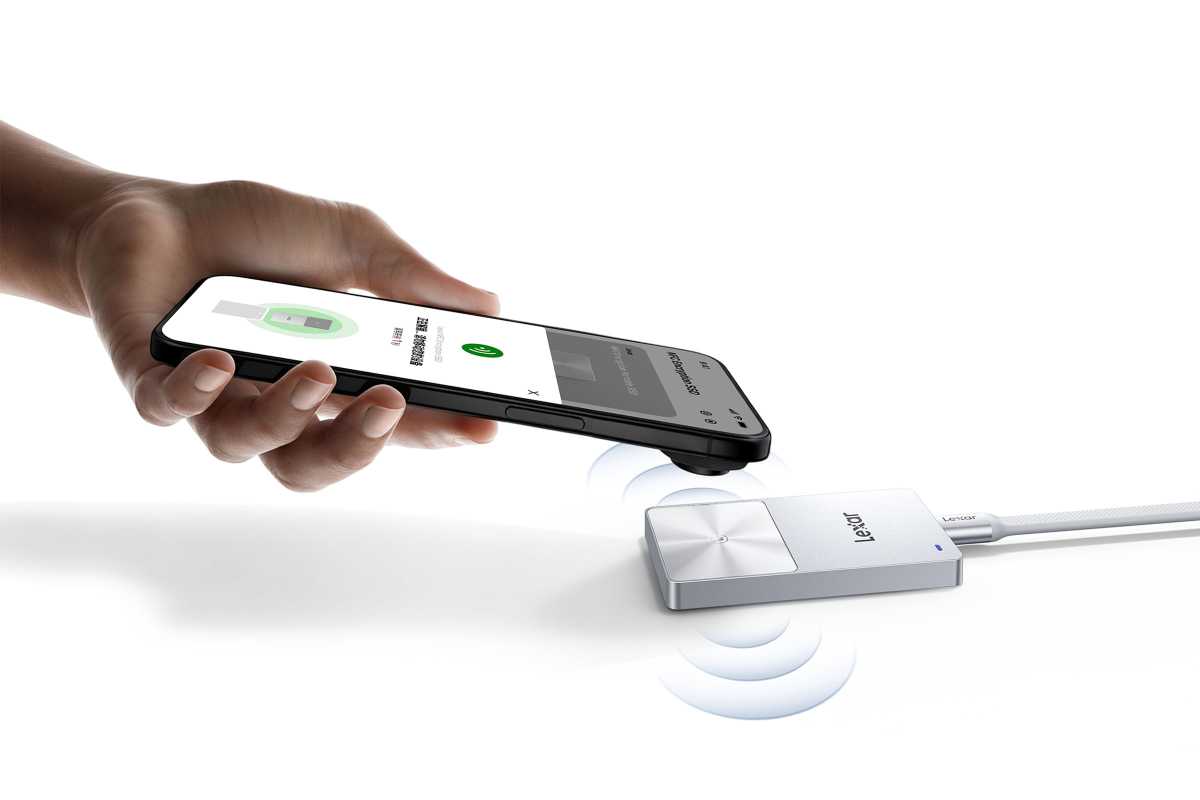
To access files, you need to tap your iPhone. Image: macworld.com
The thing is, when you connect TouchLock to a computer, it doesn’t appear on the desktop like a regular flash drive. The drive remains locked until you hold your iPhone against the NFC area on the drive’s housing. The Lexar app communicates with the drive via NFC and unlocks it, and the iPhone even vibrates with haptic feedback as confirmation. When you disconnect TouchLock, it automatically locks again.
Simply put, your smartphone becomes the key to a data safe. No passwords, no codes — just a tap of your phone. It’s as simple as making a contactless payment via NFC.
The entire drive weighs 40 grams — roughly the same as a few coins in your pocket. Except these "coins" hold up to a terabyte of data
How Reliable Is the Encryption in Lexar TouchLock
The main highlight of the TouchLock isn’t just the lock — it’s a two-level encryption system. The first level is NFC authentication: each drive is tied to a unique identifier, and only a registered smartphone can unlock it. The second level is hardware 128-bit AES encryption that protects files on the drive.
An important detail: it’s fundamentally impossible to use TouchLock without encryption. This isn’t an option you can disable in settings. Data access only works through NFC verification, which simultaneously removes the hardware lock. And if you lose both your paired phone and your password and recovery key, the drive cannot be reset or unlocked by any means. It simply becomes a beautiful paperweight.
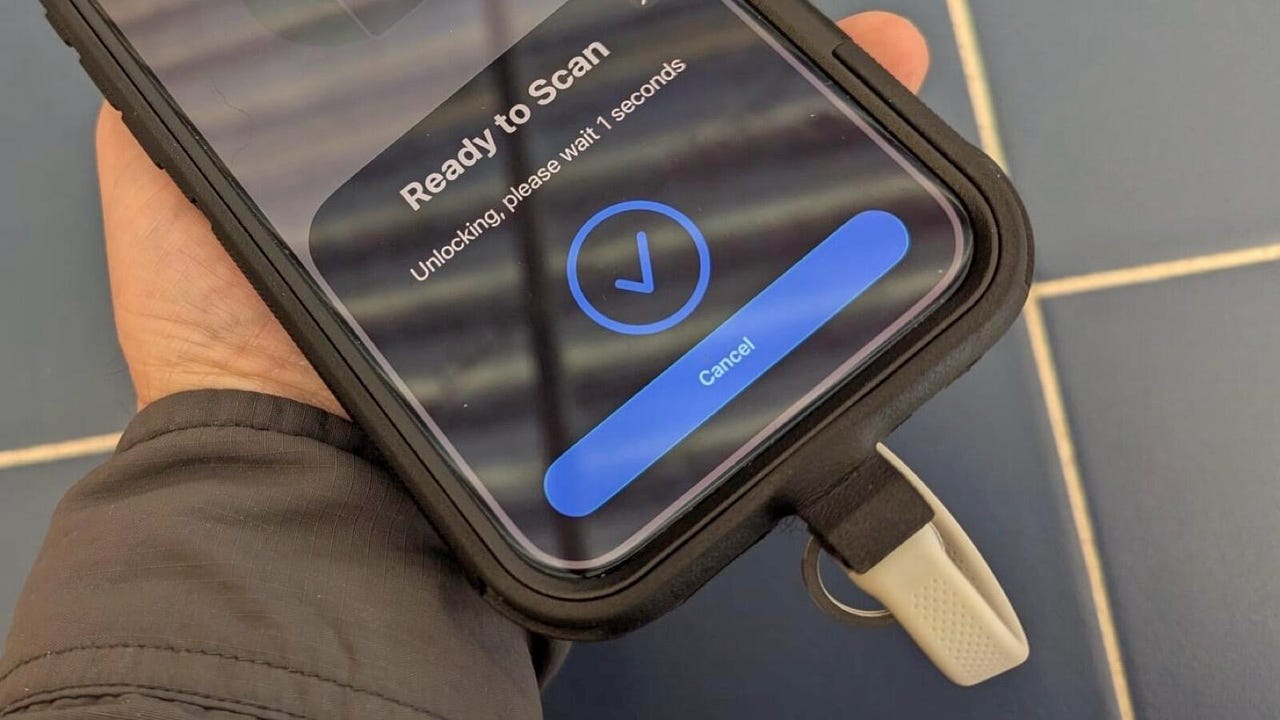
Until this message appears, there’s no access to files. Image: zdnet.com
That’s why Lexar strongly recommends saving the recovery key in a safe place — you won’t be able to view it again after completing the setup.
The Lexar app can also automatically back up photos and videos from your iPhone — completely offline, without any cloud services
TouchLock Read and Write Speeds in Real-World Tests
This is where things get interesting — and a bit controversial. TouchLock uses a USB 3.2 Gen 1 interface, and Lexar claims read speeds of up to 450 MB/s and write speeds of up to 420 MB/s. By today’s standards, that’s fairly modest: modern drives with USB4 and Thunderbolt 5 work several times faster.
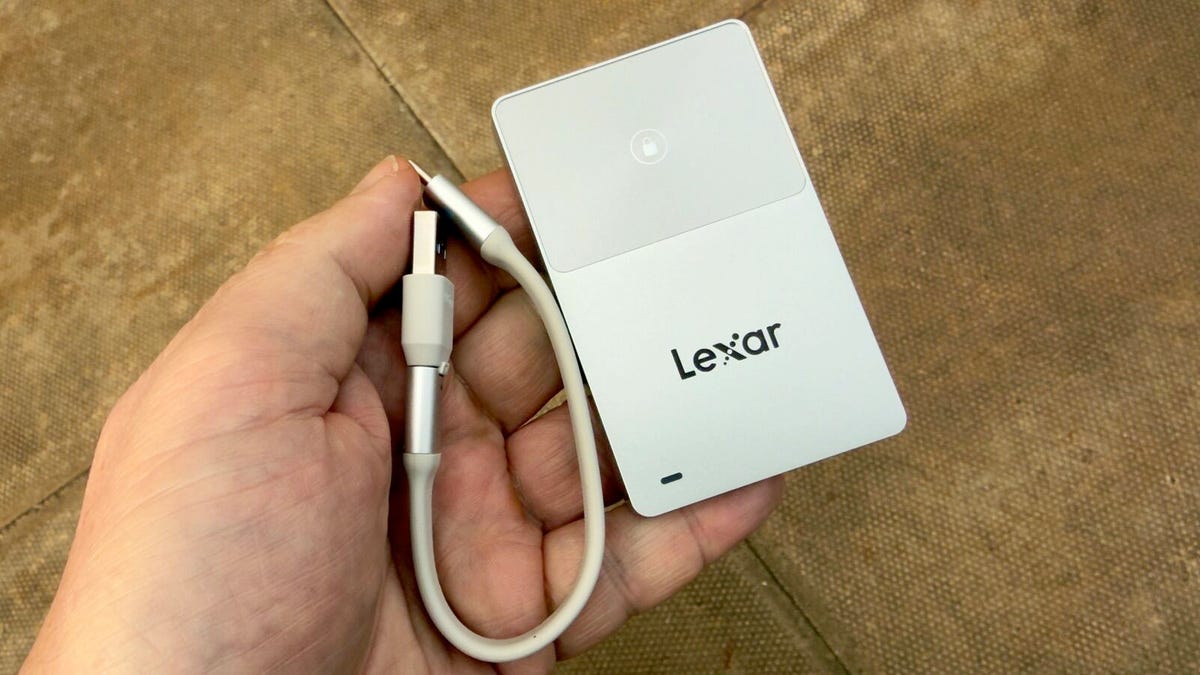
The SSD is about the size of a bank card, but a bit thicker. Image: zdnet.com
In real-world tests by reviewers at Macworld, the drive showed around 350 MB/s for both reading and writing. The reason is most likely the hardware encryption itself: it works on the fly and requires resources from the built-in controller.
But there’s a nuance. According to Lexar, TouchLock is still capable of handling direct Apple ProRes video recording in 4K at 60 frames per second (though it won’t manage 120 fps). And for routine tasks — Time Machine backups on Mac, backing up photos and videos from iPhone or iPad — this speed is more than sufficient.
A USB-C cable with a USB-A adapter is included — just in case your computer still remembers the good old ports
Portable SSD with Magnetic Mount — How It Works
The TouchLock comes in a compact silver housing just 7 mm thick, 53 mm wide, and 85 mm tall. The drive weighs 40 grams — easy to toss in a pocket or bag and forget about until you need it.
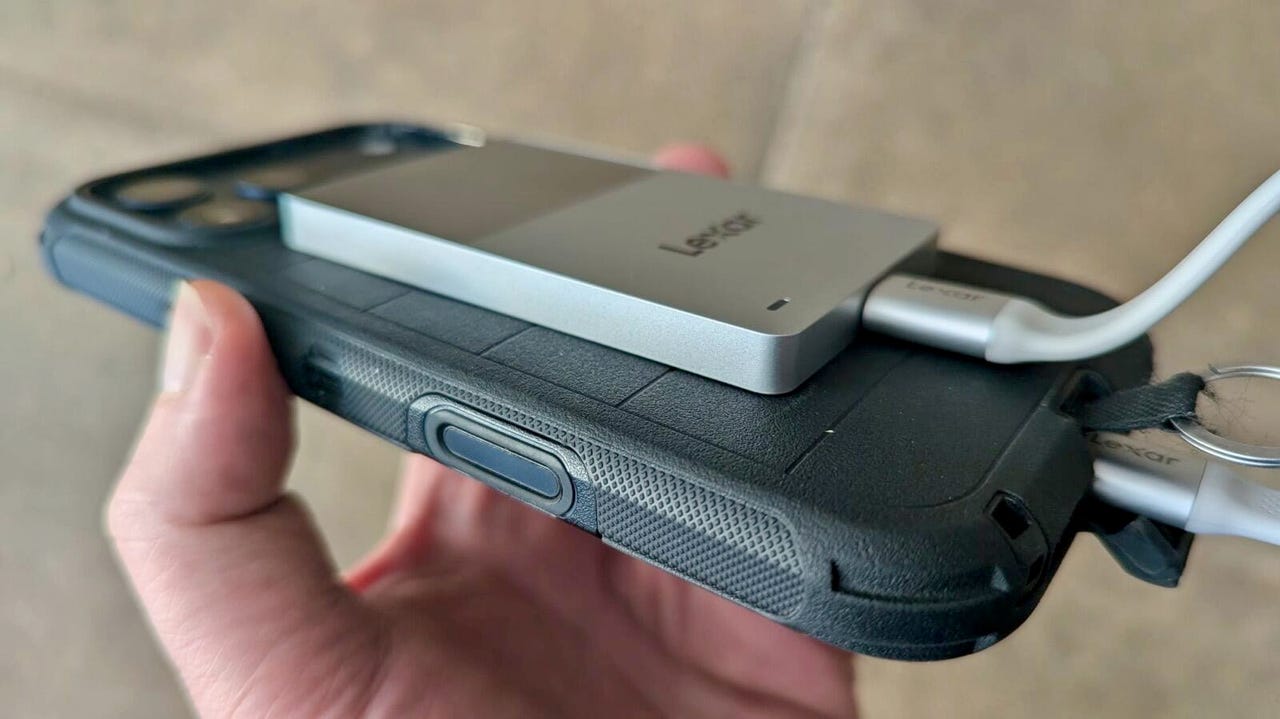
Equipped with MagSafe, so you can magnetically attach it to the back of your iPhone. Image: zdnet.com
On the back of the drive is a magnetic ring compatible with MagSafe. This means TouchLock can be attached directly to the back of your iPhone while working: copying photos, backing up video, or even direct recording. By comparison, most portable SSDs have to be awkwardly held or placed nearby, risking the cable being pulled out.
Lexar claims the drive can withstand drops from up to 2 meters. However, the company itself warns that drop damage is not covered by warranty. There’s no moisture or dust protection (IP rating) on the TouchLock — so for extreme trips, you might want to look at something more rugged.
As for compatibility, the drive works with Windows, macOS, Linux, Android, and iOS. The Lexar app is available on both Android and iOS, and besides NFC unlocking, it can automatically create backups of photos and videos — including Live Photos from iPhone. All of this works completely offline, without cloud servers and without collecting user data.
In terms of size, the TouchLock is comparable to a business card. Except business cards don't usually encrypt their data with a 128-bit key
How Much Does the Lexar TouchLock Cost and Is It Worth Buying
Two versions of the drive are currently available: 512 GB for $99.99 (£69.99) and 1 TB for $159.99 (£119.99). Lexar has also announced a 2 TB model, but it hasn’t gone on sale yet.
Who is this drive for? Primarily for iPhone owners who need simple and reliable storage for photo and video backups. For those who work with confidential documents while traveling. For anyone who wants to be sure: if the drive is lost, nobody will get to the files.