According to Bloomberg, in iOS 27 Siri will learn to process multiple commands in a single request — for example, you’ll be able to ask it to build a route and immediately send it to someone in a message. Until now, Siri could only execute one command at a time, and this was one of the assistant’s most frustrating limitations. The update will be part of a major Apple Intelligence upgrade that Apple is preparing for WWDC 2026. The conference kicks off on June 8, where iOS 27, iPadOS 27, and macOS 27 will be unveiled.
Now you’ll be able to combine multiple Siri commands into a single request. Image: macrumors.com
Multiple Siri Commands in One Request — How It Will Work
Currently, Siri works on a “one command — one response” basis. Even if you ask a complex question with two actions, the assistant either ignores the second part or gets confused. In iOS 27, this should change: Siri will be able to parse compound requests and execute them sequentially.
It’s long overdue for Siri to get smarter. Image: 9to5mac.com
In addition, Siri will receive several significant improvements:
- More personal context — the assistant will better understand who you are, what you use, and what you need
- On-screen content awareness — Siri will be able to see what’s currently open on your iPhone and work with it
- Cross-app functionality — you’ll be able to ask Siri to perform actions across multiple apps
- Internet access for answers — Apple calls this World Knowledge Answers; Siri will be able to search the web and summarize information
- Image generation through integration with Image Playground
All of these features are part of the Apple Intelligence update that Apple has been working on since June 2024. Essentially, the company is trying to transform Siri from a simple voice assistant into a full-fledged AI assistant.
Siri App as a ChatGPT Replacement — What Apple Is Preparing
Apple plans to turn Siri into a chatbot capable of competing with ChatGPT, Claude, and Gemini. All of these services have long been able to handle complex requests with multiple variables — for them, it’s a basic feature.
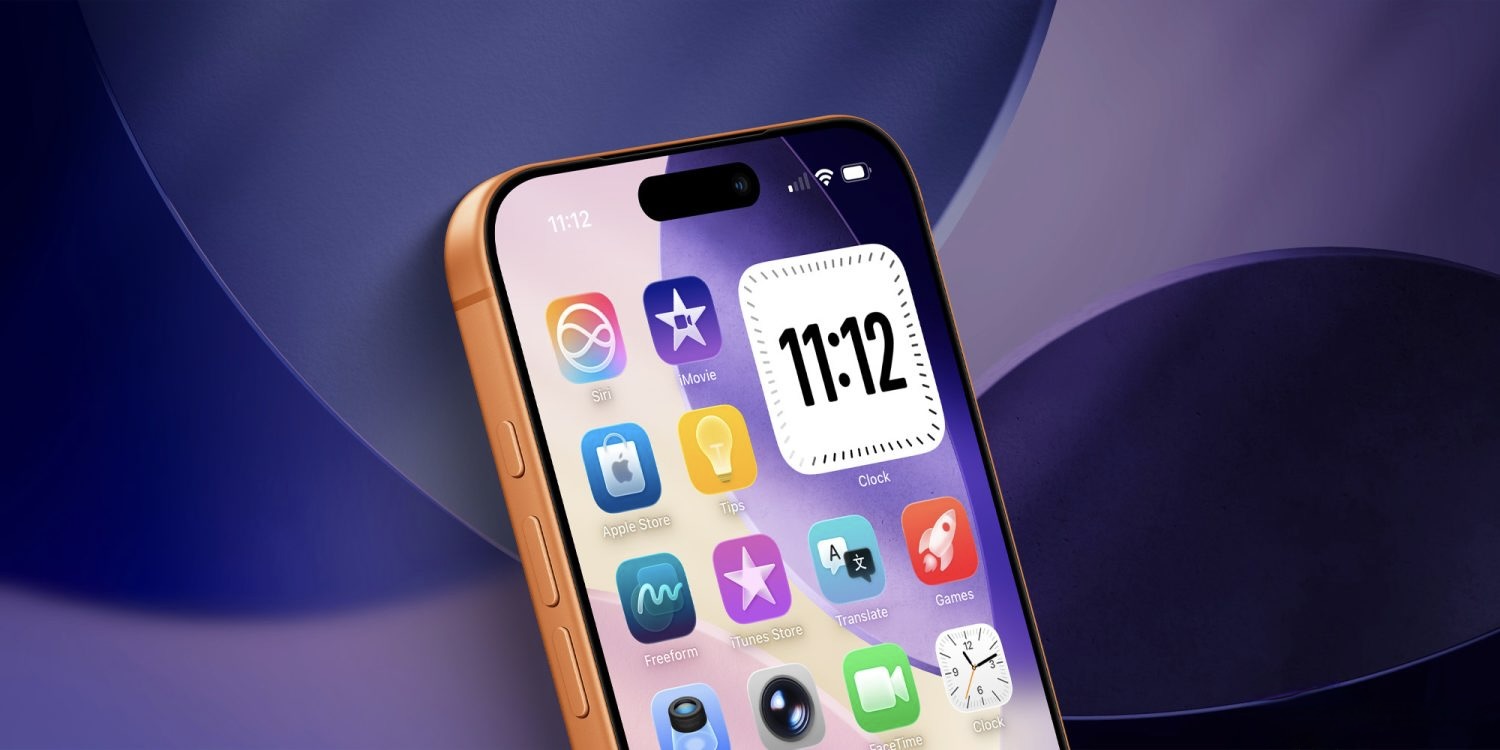
Siri will even get a dedicated app on the iPhone home screen. Image: 9to5mac.com
According to sources, Apple is developing a standalone app for the chatbot version of Siri. At the same time, the assistant will remain deeply integrated into iOS, iPadOS, and macOS — meaning you’ll still be able to summon it as usual, via voice command or button.
The standalone app is needed for extended conversations — when you need to do more than just send a message, but carry on a full conversation with AI, clarify details, and ask it to redo a response.
AI Text Autocorrect on iPhone — The New iOS 27 Keyboard
Apple is also testing an updated keyboard with AI features. In addition to regular typo corrections, it can suggest grammatical fixes and alternative phrasings right as you type.
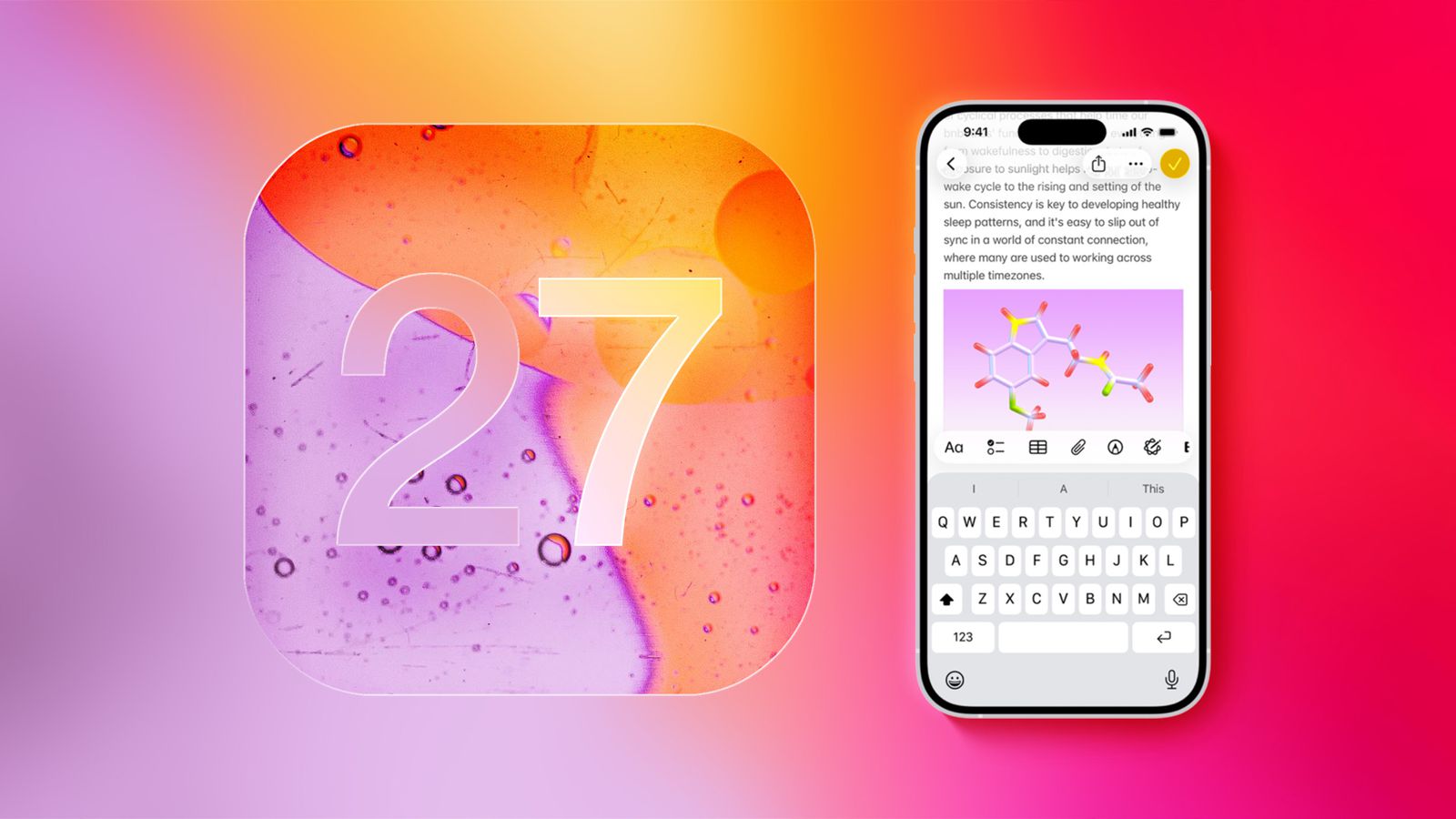
The keyboard in iOS 27 is also expected to get a serious upgrade. Image: macrumors.com
But there’s an important caveat here: Apple hasn’t yet decided whether this feature will make it into iOS 27. It’s still in the testing phase and could be delayed or canceled entirely.
When Will iOS 27 and the New Siri Be Released
Apple plans to unveil iOS 27 at WWDC on June 8, 2026. The smarter version of Siri is expected to arrive by September — presumably alongside the release of the final version of iOS 27 and new iPhones.
But there are caveats:
- It’s not guaranteed that all Siri features will be available right away in the first beta — some may appear later
- Certain capabilities may be postponed until a spring iOS 27 update in 2027 — this has already happened with Apple Intelligence, when features were rolled out gradually
- New Siri features will likely carry a “Preview” label, meaning Apple will warn in advance that they’re not yet fully polished
This is important to understand: an announcement at WWDC doesn’t mean everything will work right away. Apple has already established a pattern where AI features arrive in waves, sometimes with a six-month delay.
How to Disable Siri on iPhone — Step-by-Step Guide
While the new Siri hasn’t been released yet, many users are looking for how to disable the current version of the assistant. If Siri annoys you or gets in the way, here’s how to do it in iOS 26:
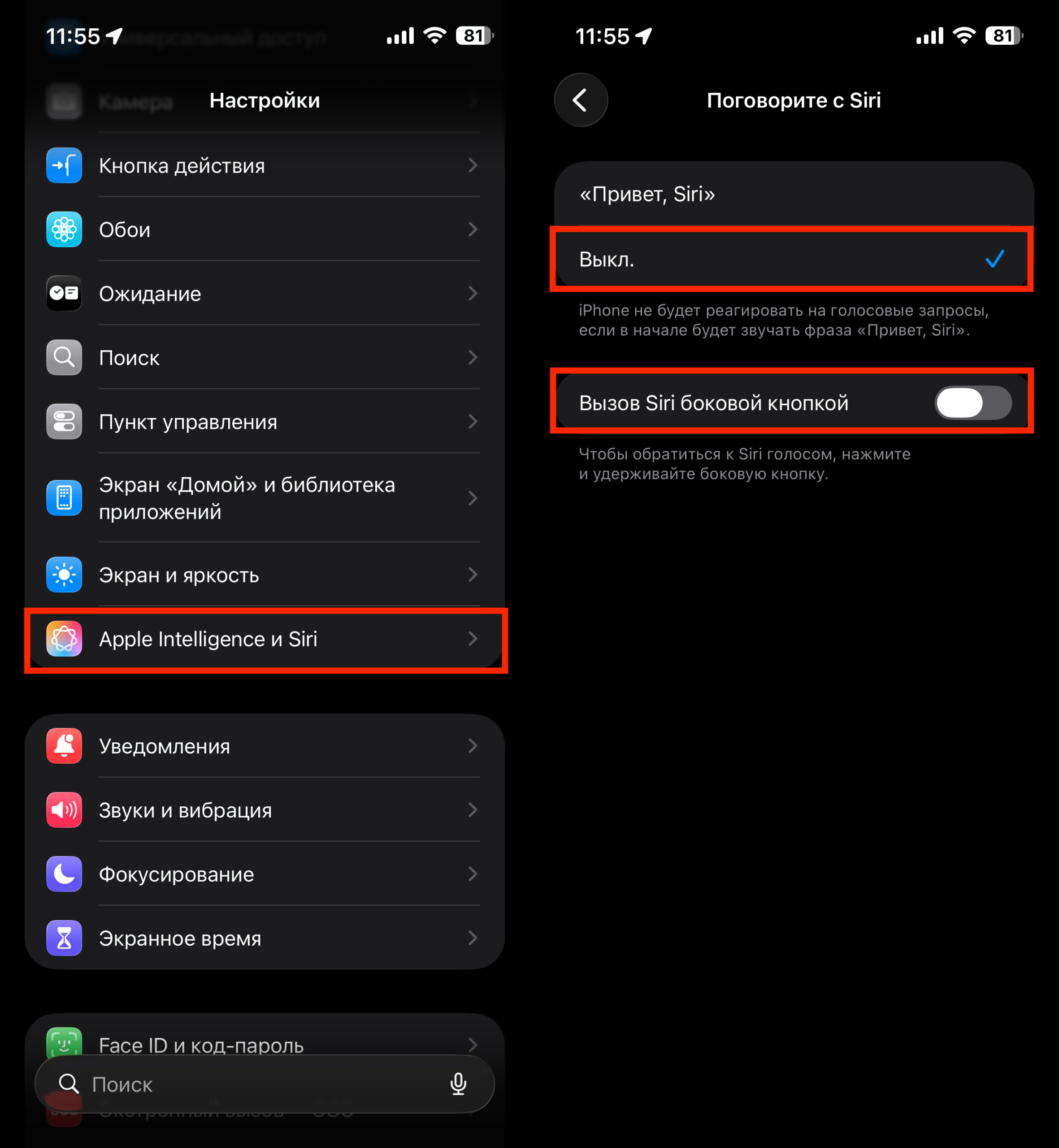
You can disable Siri, but you can’t delete it
- Open “Settings” — “Apple Intelligence & Siri”
- Under “Talk to Siri,” turn off “Listen” (or “Hey Siri”) so the assistant doesn’t respond to your voice
- Disable Siri activation via the side button if you want to prevent accidental triggers
You can’t completely remove Siri from the system, but you can minimize its presence.
Who Should Look Forward to the Siri Update in iOS 27
If you stopped using Siri long ago due to its limitations — the update in iOS 27 might give you a reason to try again. Compound requests, on-screen context awareness, and cross-app functionality are exactly what Apple’s assistant has been missing all these years.
But it’s worth maintaining a healthy dose of skepticism. Apple already promised a “smart Siri” as part of Apple Intelligence in the summer of 2024, and many features are still unimplemented or work with limitations. For now, everything we know comes from Bloomberg, not an official announcement. The real picture will be revealed at WWDC in June and, more importantly, through practical use in the fall. Those who already use ChatGPT or other chatbots for complex tasks definitely shouldn’t switch to Siri based on rumors alone — you need to see the results first.


