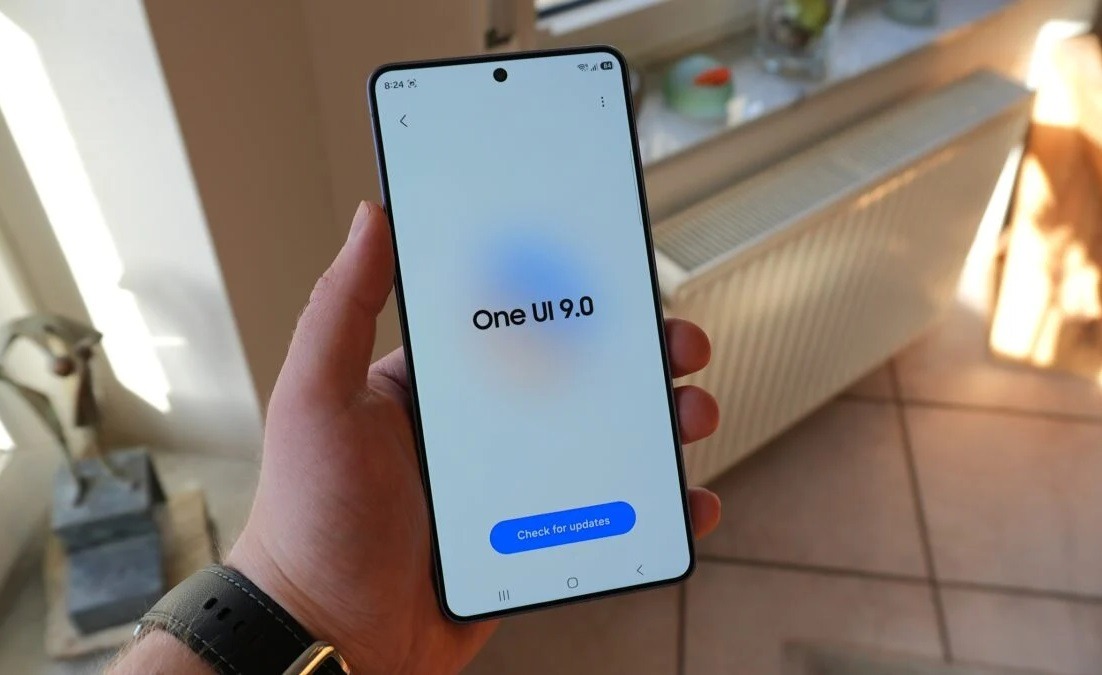
Samsung is preparing the One UI 9 update based on Android 17, and something interesting has already been found in its code. Traces of Memory Tagging Extension (MTE) technology were discovered in the Auto Blocker app. It sounds like a boring technical detail, but behind it lies a real dilemma: either your smartphone becomes more secure, or it runs faster. Both at the same time — most likely not. Samsung hasn’t revealed the details yet, but it’s already known what One UI 9 will differ from One UI 8.5, and MTE is far from the only change on the list.
You might be waiting for One UI 9 in vain. Image: sammobile.com
What Is MTE on Samsung Smartphones
MTE stands for Memory Tagging Extension — a memory tagging extension. It’s a hardware feature built into processors based on the ARMv9 architecture. In simple terms, MTE monitors how apps access RAM and blocks attempts to do so incorrectly.
The practical benefit is specific. MTE protects against an entire class of vulnerabilities that attackers use to hack apps and the operating system:
- UAF (use-after-free) — accessing already freed memory, through which arbitrary code can be executed on the device;
- buffer overflow, when data is written beyond the allocated memory area;
- memory corruption (a general class of bugs exploited in targeted attacks).
The technology already works on Google smartphones: Pixel 8 and newer support it. Samsung has not used it until now, even though flagship Galaxy devices on Snapdragon and Exynos have long been running on ARMv9 processors. Samsung’s latest update with MTE could become the first step toward serious hardware protection for Galaxy owners.
Why Samsung Smartphones Will Slow Down
Samsung itself warns in the app’s code: “This feature may reduce your phone’s performance.” This is rare honesty, as manufacturers usually don’t rush to publicize compromises. MTE runs constantly in the background, checking every memory access. This constant checking costs computational resources. In practice, this means a small but noticeable slowdown (especially in apps with intensive memory usage). That’s exactly why the feature will be disabled by default even on Pixel: Google also doesn’t enable MTE automatically, leaving the choice to the user through a hidden developer menu.
Samsung may start lagging after the update. Image:
Lim Reviews
How much Samsung slows down with MTE enabled is still unknown. Specific numbers will only appear after the stable version of One UI 9 is released and independent tests are conducted. If your Galaxy works slower after a Samsung update without any MTE involved, know that there can be other reasons for a smartphone slowing down over time.
When Will One UI 9 Be Released for Samsung
According to available information, the One UI 9 release date is summer 2026. Samsung traditionally rolls out major shell updates alongside new flagships or shortly after them. One UI 9 is based on Android 17, whose release is also expected in the summer.
The One UI 9 device list has not been officially published yet, but traditionally the update will be available for:
- current Galaxy S26 series flagships;
- Galaxy Z Fold and Z Flip of recent generations;
- older flagships within the seven-year support cycle.
The full list of models that will receive One UI 9 was recently revealed, but it has not yet been officially confirmed. As for MTE specifically, Samsung has not said whether the feature will be included in the final version. It was found in the code, and that’s not yet a guarantee of release. Samsung may well save it for future versions or limit it to flagship models only.
Should You Update Your Samsung Smartphone
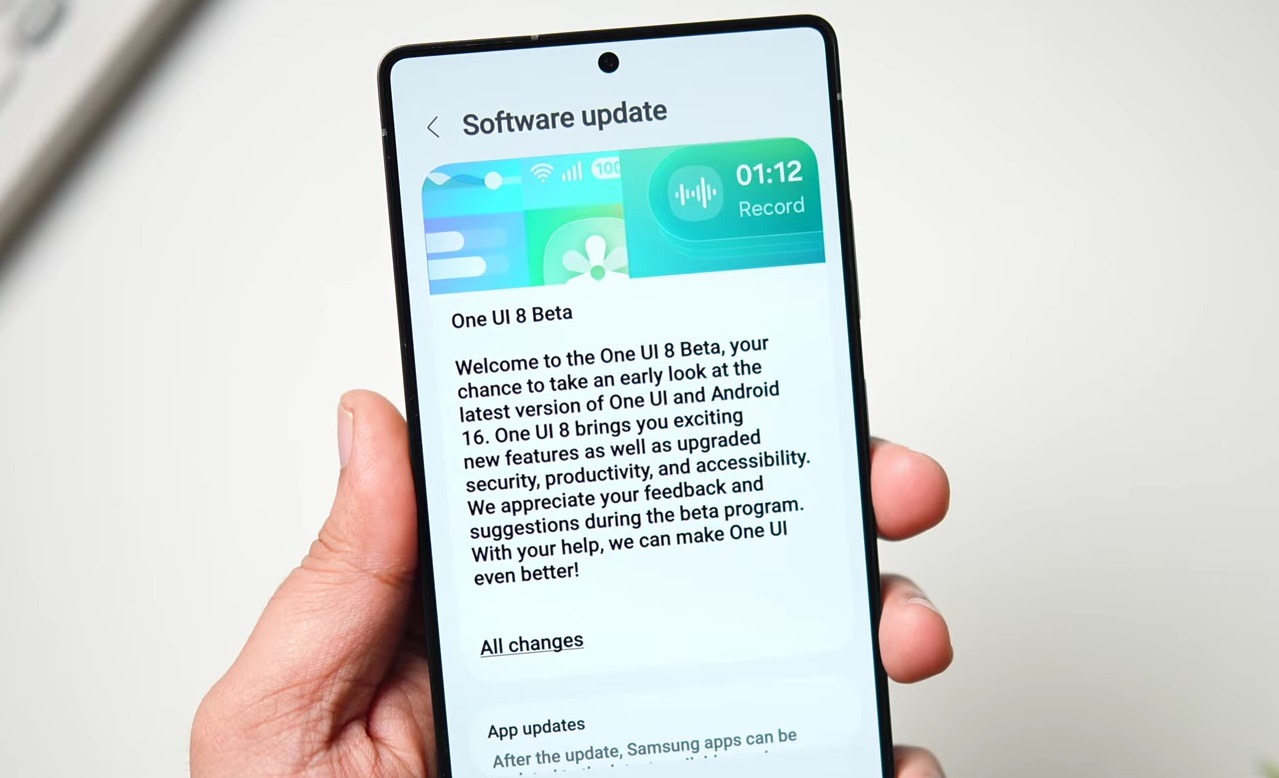
Speaking about Samsung updates in general — you should always update. Each version of One UI patches vulnerabilities, improves stability, and brings new features. Skipping major updates for the sake of perceived stability is a bad idea.
It’s still worth updating. Image: Mr Android FHD
Regardless, Samsung will give every user the choice: enable MTE or not. So you can decide for yourself based on your priorities:
- if you use your smartphone for banking apps and working with sensitive data, it makes sense to enable it and see how noticeably the speed changes;
- if gaming performance or interface responsiveness is important, leave it disabled;
- if you don’t want to think about it at all, you don’t need to do anything — MTE will be disabled by default.
Most users will never find or enable this setting — and that’s fine. MTE is clearly not for the mass audience, but for those who consciously choose maximum protection at the cost of a slight speed loss.


