Samsung spent a long time building a reputation as a reliable manufacturer. Seven years of updates, flagship hardware, Knox as the gold standard of corporate security. And then a story emerges that makes you wonder: is it even worth buying Samsung smartphones in 2026? Owners of some of the company’s devices are noticing that their Galaxy gets locked after a factory reset. Neither reflashing nor repeated resets help. Let me break down what’s happening and what to do about it.
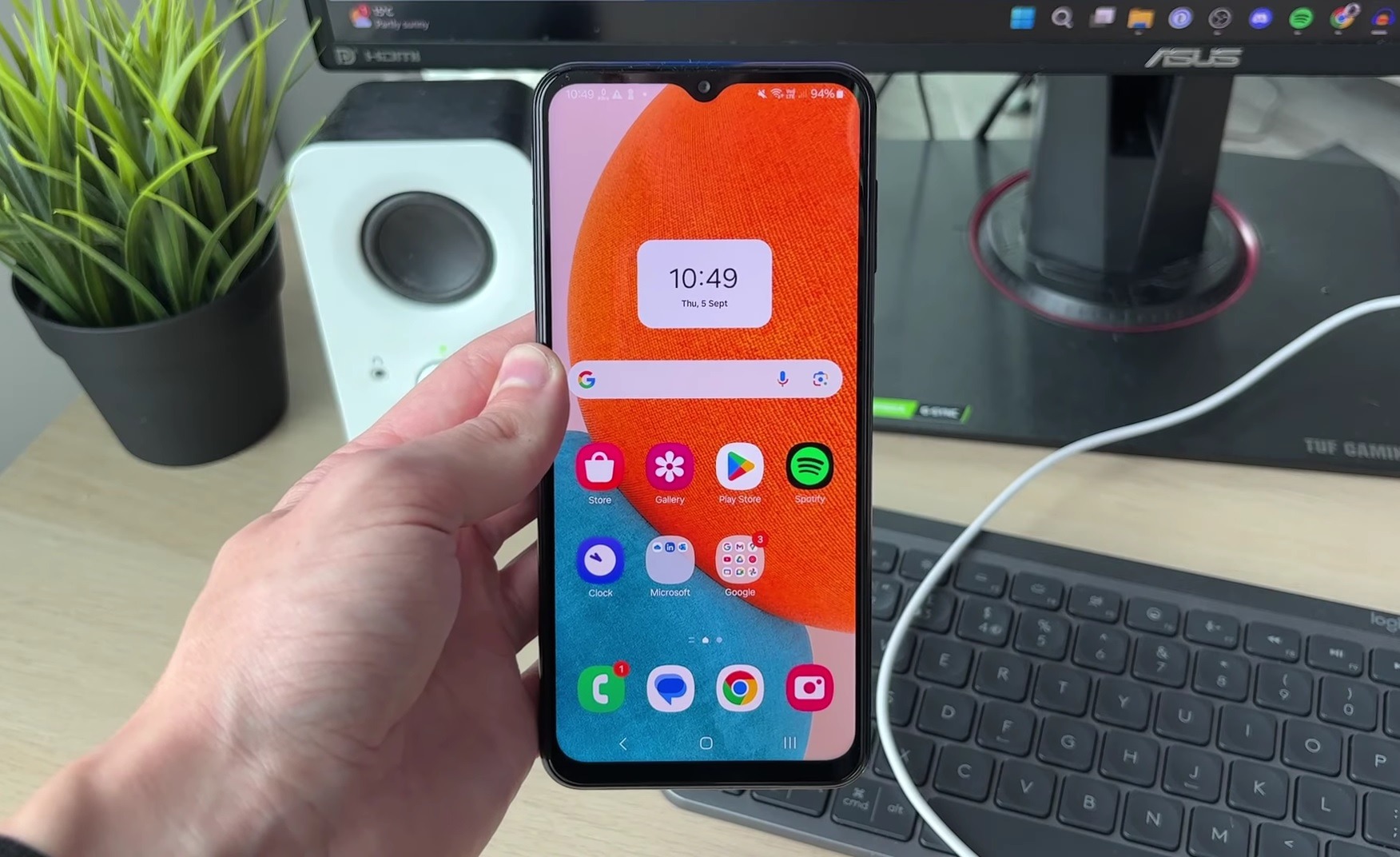
Some Samsung smartphones get locked after a factory reset. Image: GuideRealm
What Samsung Factory Reset Does
Samsung factory reset is a standard procedure performed for various reasons:
- the phone has become slow and glitchy;
- you’re preparing to sell the smartphone;
- you want a fresh start after a system update;
- the device ended up in someone else’s hands and you need to remove personal data.
Normally, a full Samsung reset does the following: deletes all personal data, apps, and settings, returning the phone to its factory state. After that, you go through the standard initial setup (connect to Wi-Fi, sign in to your Google account) and use the smartphone as if it were new. Samsung data reset was designed exactly for this purpose. There should be no surprises. That’s precisely why what’s happening with some devices is a genuine emergency.
What Happens to Samsung After a Reset
Several owners of the Galaxy S22 Ultra describe the same scenario. They perform a reset, begin the initial setup, connect to Wi-Fi, and instead of the standard Google sign-in screen, they see something completely different. A Knox Mobile Enrollment message appears on the screen: “This Galaxy S22 Ultra isn’t private.” The phone states that it is managed by an organization and that all data and activity are visible to a remote IT administrator.
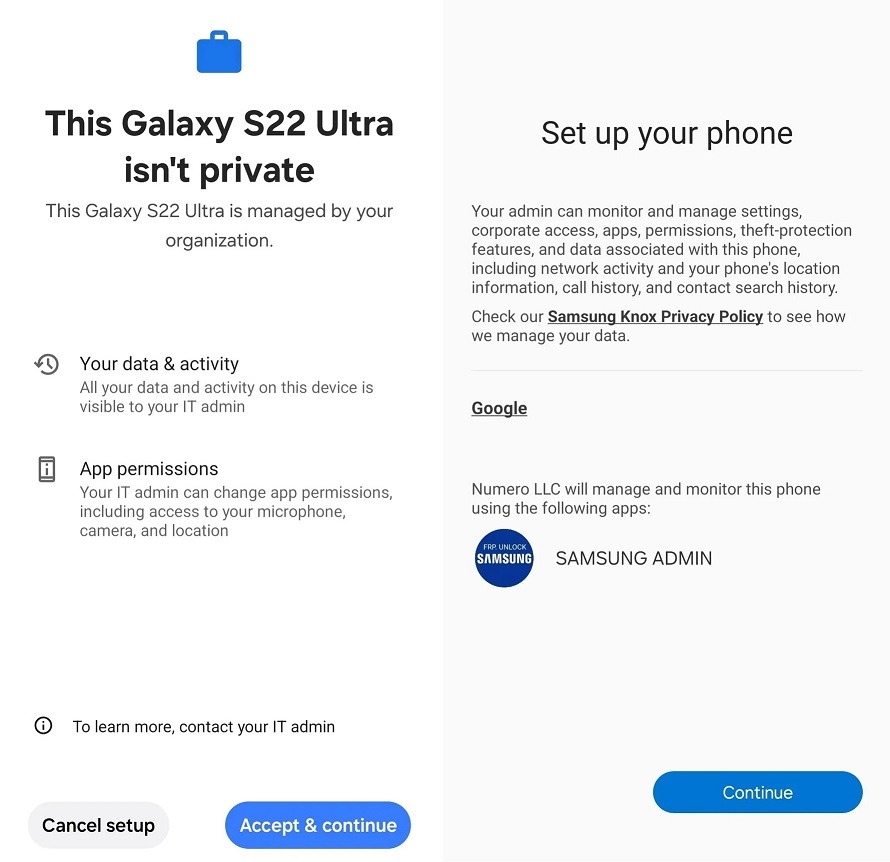
This is the message affected users see
These are not corporate devices. The affected users bought their smartphones from regular retail stores. They have no connection to any companies. The organization that supposedly manages their phones is Numero LLC. This name doesn’t appear in any registries. The admin app itself is written in all caps “SAMSUNG ADMIN” with a logo and the inscription “FRP UNLOCK SAMSUNG.” It looks like a typical gray-market scheme, not a legitimate corporate management system. In this state, the smartphone offers two options: accept management from the phantom administrator or be left with a phone that cannot be activated or used. Both options are a dead end.
Why Samsung Won’t Turn On After a Reset
The problem lies in how the Knox system works. During the initial setup, Samsung after a reset contacts its servers for verification. The servers check the device’s IMEI, and if it’s “registered” to an organization, they automatically push an MDM profile (mobile device management profile) to the phone. This happens before you even get a chance to sign in to your Google account. That’s why recovering a Samsung after a reset using conventional methods is impossible:
- a repeated Samsung Galaxy reset doesn’t help (the next time you connect to the internet, the servers push the same MDM profile again);
- reflashing via Odin doesn’t solve the problem either (the lock operates at the IMEI level in Samsung’s database, not at the firmware level);
- changing the SIM card won’t help (the IMEI remains the same).
How did personal phone IMEIs end up in the Knox database as corporate devices? There are several theories. First: someone’s authorized reseller account was compromised, and arbitrary IMEIs were uploaded to the corporate Knox portal through it. Second: attackers exploited a real vulnerability, CVE-2026-20978, in the KnoxGuard system that allows bypassing owner verification and changing corporate management settings. Third theory — indirect: the “FRP Unlock” inscription on the app hints that affected users may have previously used gray-market unlocking services that also collected device IMEIs.
What to Do If Samsung Doesn’t Work After a Reset
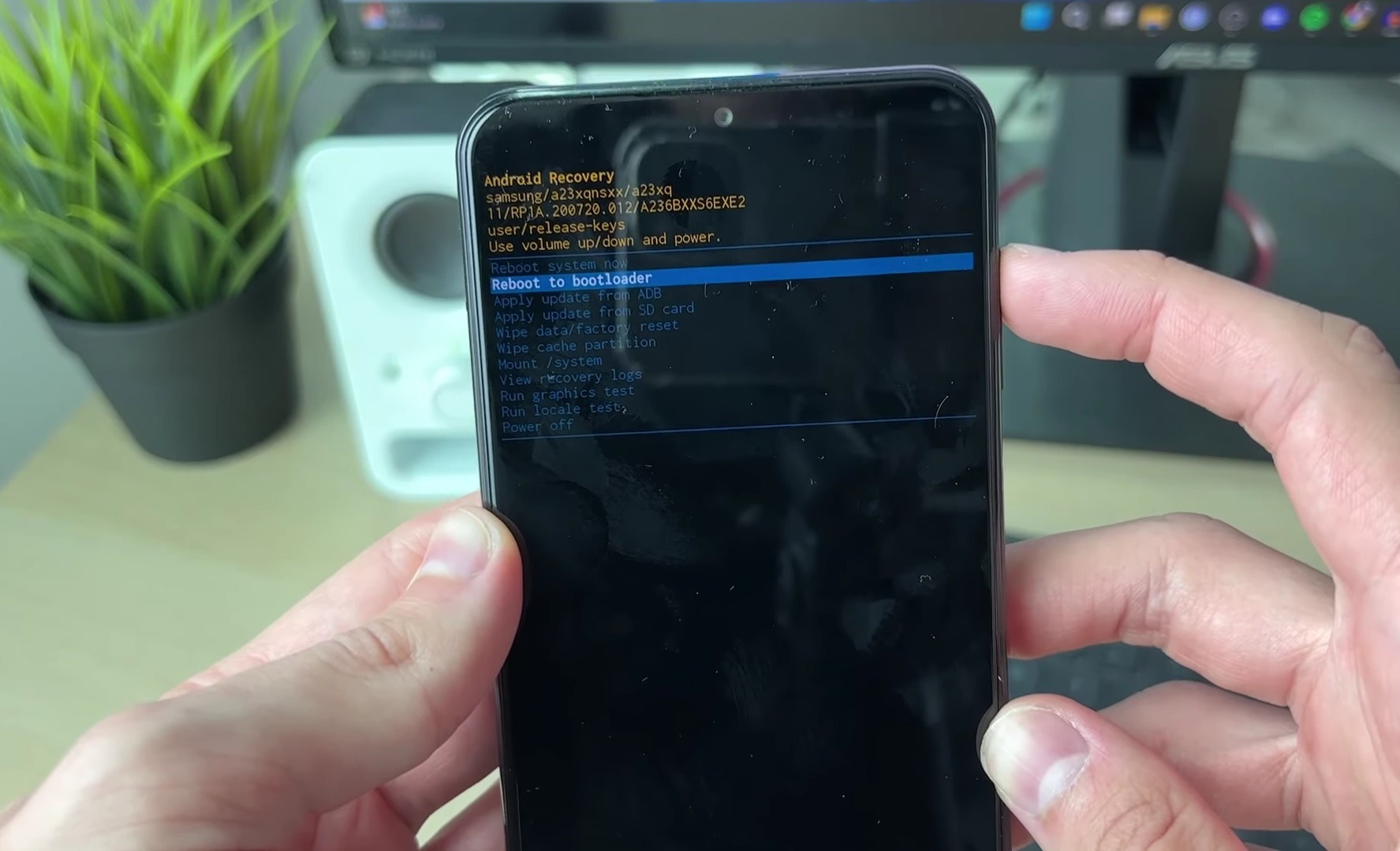
Solving the problem on your own won’t work. Image: GuideRealm
There is only one official path: contact Samsung support with original proof of purchase and request an “IMEI Unenrollment” — removal of your IMEI from the corporate Knox database. This is the only way to resolve the issue at the server level. The problem is that affected users get stuck in a vicious cycle:
- You contact Samsung Support.
- They redirect you to the Knox technical team.
- The Knox team says they don’t have the tools to modify corporate records.
- Knox sends you back to Samsung Support.
- The circle is complete.
If you find yourself in this situation, here’s what you can try:
- keep all proof of purchase: receipt, correspondence with the store, the box with the serial number;
- if phone support doesn’t help, try written requests: email and official forms on the Samsung website;
- when buying a used device, check the IMEI through the official Samsung website before performing a factory reset.
Samsung has not officially commented on the situation, and journalists at Android Authority have sent an inquiry to the company and are awaiting a response.
Should You Factory Reset Your Samsung?
If you’re planning to set up your Samsung after a reset, you should understand the risks. The problem hasn’t affected all devices — only specific Galaxy S22 Ultra units with certain IMEIs. This is not a widespread firmware bug but a targeted attack on specific serial numbers. Nevertheless, here are a few recommendations before performing a full Samsung reset:
- if the phone works fine and you just want to speed it up, consider alternatives: clearing the cache, removing unnecessary apps, resetting network settings without a full wipe;
- before selling the device, make sure the buyer has your original receipt (this may be needed if Knox issues arise);
- when buying a used Samsung, check the device status through the official Samsung website before agreeing on a price.
The Numero LLC story is not a reason to abandon Samsung, but it is a reason to pay closer attention to what’s happening with the Knox system.