The situation when your phone won’t charge is familiar to almost everyone. A smartphone may stop responding to a cable, not show the battery icon, or not turn on at all after being discharged. Sometimes the problem can be solved in a couple of minutes, but there are cases where the cause runs deeper. To avoid panicking prematurely, it’s important to determine exactly why charging isn’t working. In this article, we’ll examine why the situation occurs when your smartphone won’t charge and what you can do on your own.
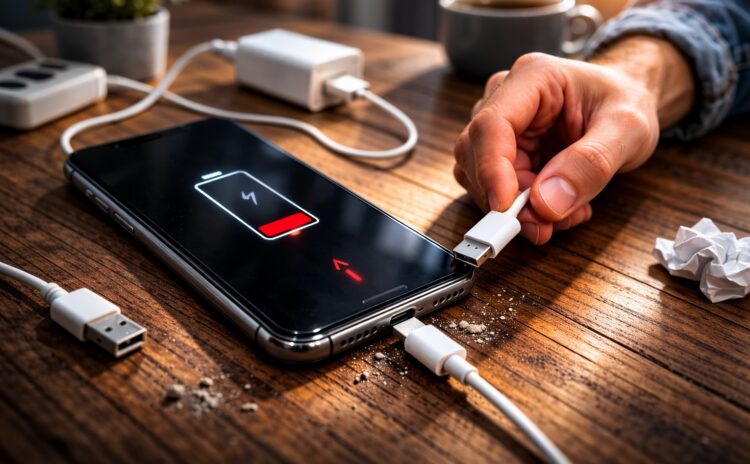
There is a way out, but not everyone will like it
Why Your Phone Won’t Charge
There can be quite a few reasons, and the battery isn’t always to blame. Sometimes a phone won’t charge from the charger due to a damaged cable or a weak power adapter. In other cases, the problem appears after a drop or dust getting into the port. It also happens that the phone doesn’t show it’s charging, even though power is being supplied, but the system can’t detect the connection.
Sometimes users notice that their phone won’t charge via USB when they connect it to a computer or laptop. This can happen because the port outputs too little current. In such a situation, it seems like the phone isn’t charging, although there simply isn’t enough power.
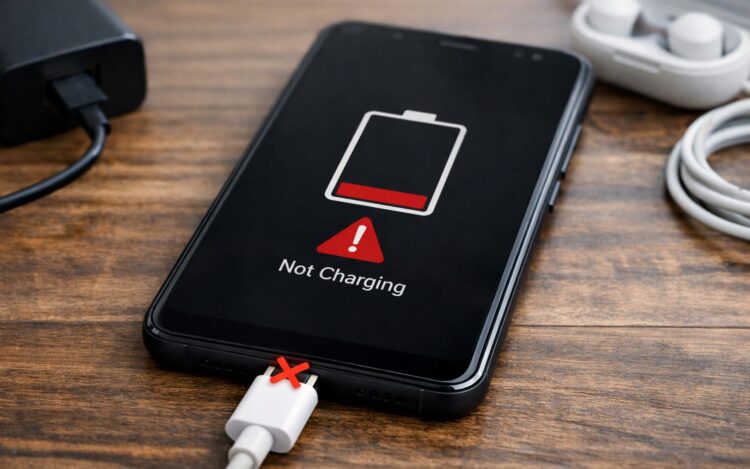
There are indeed many reasons why a smartphone won’t charge
There are also cases when a phone works but won’t charge, especially if an old cable or non-original power adapter is used. If the battery is heavily worn, it may feel like the phone battery won’t charge, even though charging is happening very slowly. Now let’s summarize the main causes:
- damaged cable or adapter;
- dirty charging port;
- insufficient power adapter wattage;
- deep battery discharge;
- Android system glitch;
- battery wear;
- device overheating or overcooling;
- power controller failure.
Sometimes the situation looks as if the phone won’t charge beyond one percent, even though the charger is connected properly. In other cases, it seems like Android won’t charge after an update or prolonged inactivity. Therefore, you should first check the simplest things and only then look for a serious malfunction.
What to Do If Your Phone Won’t Charge
If your phone died and won’t charge, don’t immediately assume it’s broken. In most cases, the cause turns out to be simple and can be fixed on your own. Sometimes a phone turned off and won’t charge due to deep discharge, and sometimes the problem is related to the cable or port. Below we’ll go through the main checks you should perform in order.
Check the Phone Charger
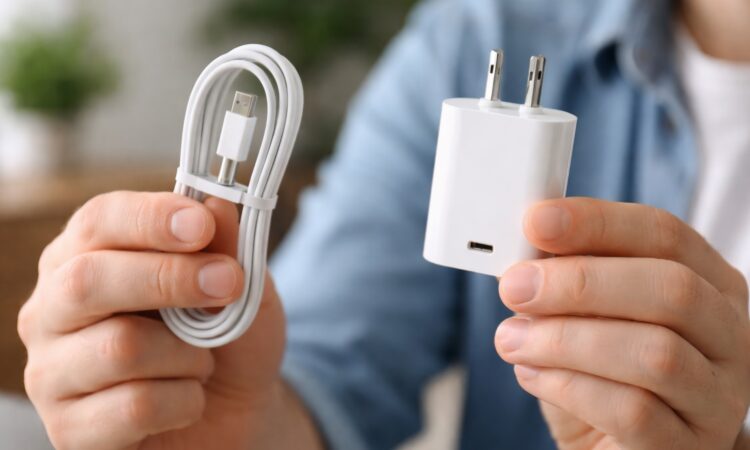
Be sure to check your smartphone’s cable and charger
The first thing you need to do is make sure the cable and adapter are working. Very often an Android phone won’t charge because of a low-quality power adapter or a damaged cord. It’s also important to remember: a weak charger may simply not deliver the required current, and then it seems like the phone doesn’t show that it’s charging, even though power is connected. To check, perform the following steps:
- Connect a different cable.
- Try a different power adapter.
- Plug the phone into a different outlet.
- Test the charger with another phone.
- Use the original power adapter.
- Don’t charge through an old computer USB port.
If everything works after checking, the problem was with the charger. This happens often, especially when a phone won’t charge through a computer or a cheap cable is used.
Checking the Phone’s Charging Port
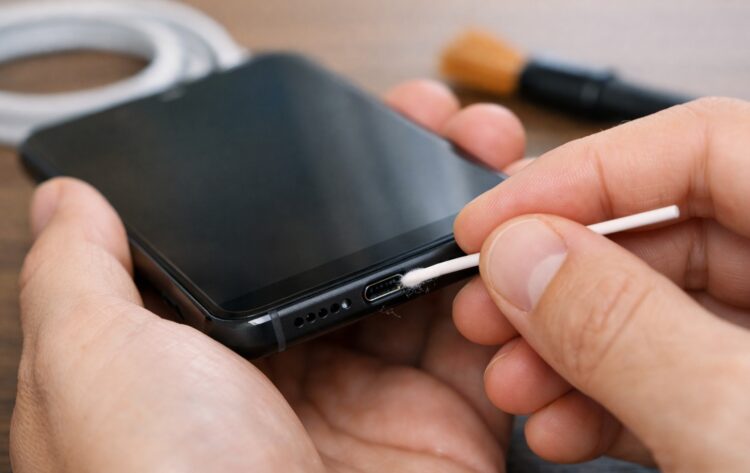
Cleaning the port certainly won’t hurt
The second common cause is a dirty port. Dust, lint from pockets, or small debris can interfere with the connection. As a result, the phone won’t charge from the charger, even though the cable is connected correctly. Sometimes due to poor contact, it seems like the phone doesn’t show it’s charging, or the charge only appears at a certain angle. To check the port, do the following:
- Disconnect the phone from the charger.
- Inspect the port under good lighting.
- Carefully remove dust with a wooden toothpick.
- Don’t use metal objects.
- If necessary, blow out the port.
- Reconnect the cable and check the charging.
After cleaning, the connection usually restores. Very often it’s specifically because of dirt that it feels like the phone won’t charge, even though there’s no serious damage.
Deep Phone Discharge
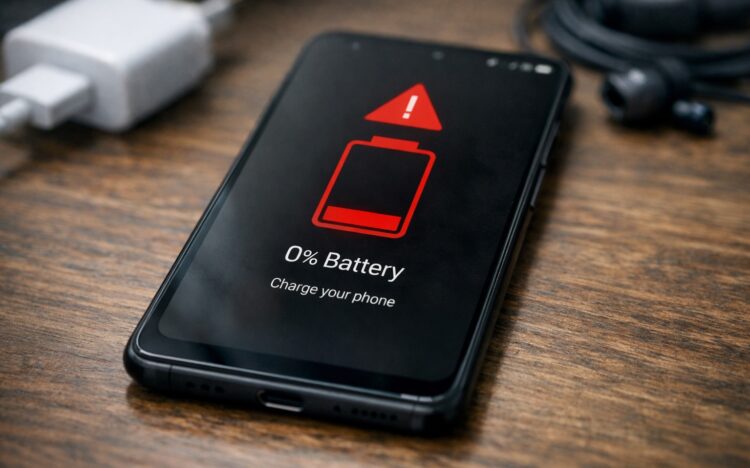
Deep discharge can lead to unfortunate consequences
Sometimes the battery discharges so deeply that the system can’t immediately turn on the screen. In such a situation, a dead phone won’t charge, even though power is already being supplied. This happens especially often if the device has been sitting turned off for a long time. Then the user thinks the phone died and won’t charge, although they just need to wait. To bring a device out of deep discharge, try doing the following:
- Connect the original charger.
- Leave the phone connected for at least 20 minutes.
- Don’t try to turn on the device right away.
- Try holding the power button for 10–15 seconds.
- If fast charging is available — use it.
- After the battery icon appears, wait until 5% charge.
After a deep discharge, the phone may take longer than usual to turn on. Sometimes it feels like the phone battery won’t charge, but in reality, the controller is simply slowly starting up the power supply.
If the Phone Still Won’t Turn On While Charging
If all checks didn’t help, the problem may be more serious. Sometimes a phone won’t charge via USB due to a damaged power controller or battery. In other cases, the device turns on but the charge doesn’t increase, creating the impression that the phone works but won’t charge even with a working charger.
You should contact a service center if the following signs appear:
- the phone doesn’t respond to the cable;
- charge only appears at an angle;
- the device gets very hot;
- the charge doesn’t increase;
- the phone turned off and won’t charge even from the original charger;
- the screen doesn’t show the battery icon.
In such cases, the cause may be in the battery, the port, or the power board. If you ignore the problem for too long, the situation may worsen, so it’s better to have the device checked as soon as possible, especially if the phone won’t charge beyond one percent or has completely stopped responding to cable connection.