Samsung is actively expanding its One UI 8.5 beta testing program. While developers are already busy preparing One UI 9 with its own innovations, the beta of the previous shell version continues to roll out to an increasing number of devices. The update is based on Android 16 QPR2 and brings noticeable changes to the interface, AI features, and security. Here’s a breakdown of what’s inside and how to download One UI 8.5 on your Samsung smartphone.
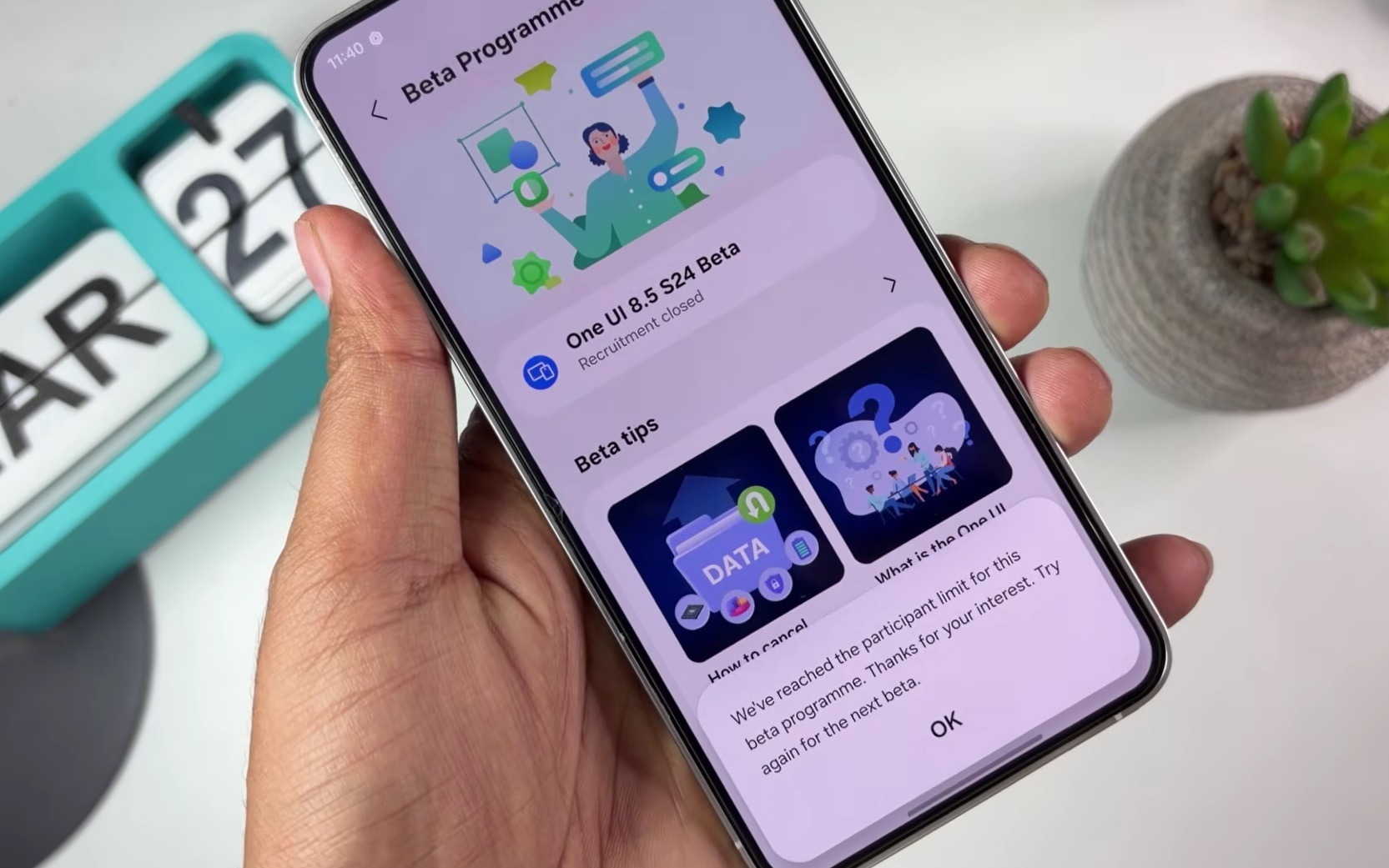
All the information about the One UI 8.5 beta. Image: Jossa’s World
What’s New in the One UI 8.5 Beta
A detailed overview of all One UI 8.5 features deserves a separate article, but the main changes are already clear. Here’s what the beta version brings:
- New quick settings panel. Redesigned visually and functionally (controls have become more convenient and faster).
- Updated icons and Liquid Glass effect. Built-in apps received a new visual style with a distinctive glass effect.
- AI replies in the Phone app. Samsung added automatic call responses powered by artificial intelligence.
- Advanced call filtering. The system can now automatically reject spam and scam calls.
- Priority notification display. Important notifications are shown first (others don’t get in the way).
- Now Nudges. A new AI feature that suggests relevant actions at the right moment.
- Dedicated Galaxy AI shortcut. Quick access to AI tools right from the home screen.
The list of changes in the One UI 8.5 beta may be adjusted before the final release: some features will go back for refinement, and new ones may be added. This is standard practice for beta programs.
Who Will Get the One UI 8.5 Beta
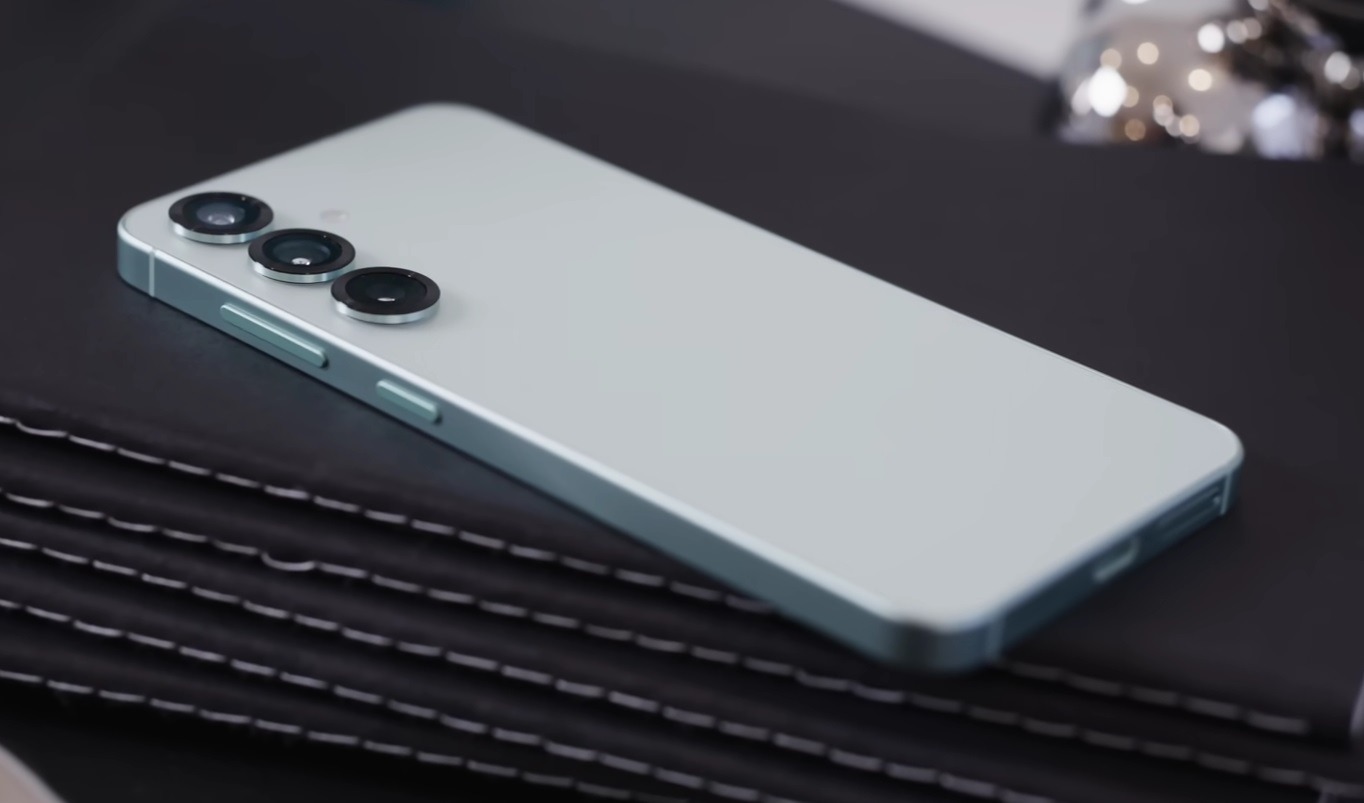
The update is available for flagship owners and a couple of budget models. Image: Marques Brownlee
Samsung is consistently expanding the list of devices. As of April 2026, the One UI 8.5 beta test is available for the following smartphones and tablets:
- Galaxy S25, S25+, S25 Ultra, S25 FE;
- Galaxy S24, S24+, S24 Ultra, S24 FE;
- Galaxy S23, S23+, S23 Ultra, S23 FE;
- Galaxy Z Fold 7, Z Fold 6, Z Fold 5;
- Galaxy Z Flip 7, Z Flip 6, Z Flip 5;
- Galaxy Tab S11, Tab S11 Ultra;
- Galaxy A36 — the first A-series smartphone in the One UI beta testing program.
The One UI 8.5 Beta program in Russia has not been officially launched. Owners of devices from Germany, India, Korea, Poland, the United Kingdom, and the United States can participate. If your Samsung account is registered in one of these countries, you have a chance. If not, wait for the stable release. According to preliminary data, the new Samsung firmware One UI 8.5 should be released as a stable version for most devices by the end of the second quarter of 2026.
How to Register for the One UI 8.5 Beta Test
To get One UI 8.5 Beta, you first need to register for the beta testing program through the Samsung Members app:
- Open the Samsung Members app on your smartphone.
- Sign in to your Samsung account (without this, you won’t have access to the program).
- On the main screen, find the banner inviting you to the One UI 8.5 beta testing program.
- Tap on the banner and register your smartphone in the program.
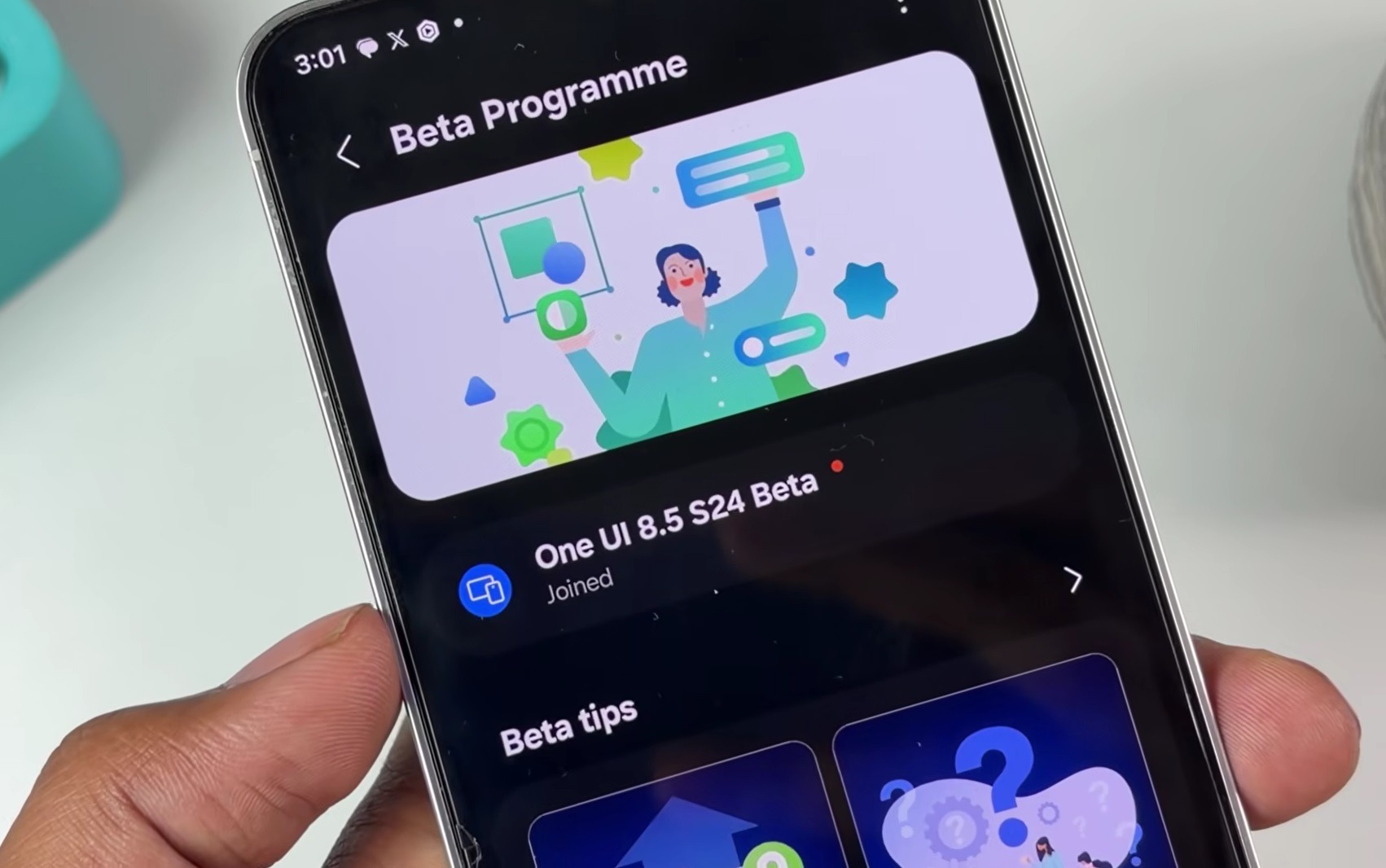
First, you need to become a beta testing program participant. Image: Jossa’s World
After registration, your device will appear in the participant database. The update will immediately become available for download, and you’ll be able to install it.
How to Install the One UI 8.5 Beta
After successful registration, you can install One UI 8.5 Beta through the standard updates section:
- Open “Settings” on your Samsung smartphone.
- Go to the “Software update” section.
- Tap “Download and install,” and the system will check for available updates.
- If the One UI 8.5 beta test is available for your device, the corresponding update will appear.
- Tap “Download” and wait for the download to complete.
- Confirm the installation and wait for the smartphone to reboot.
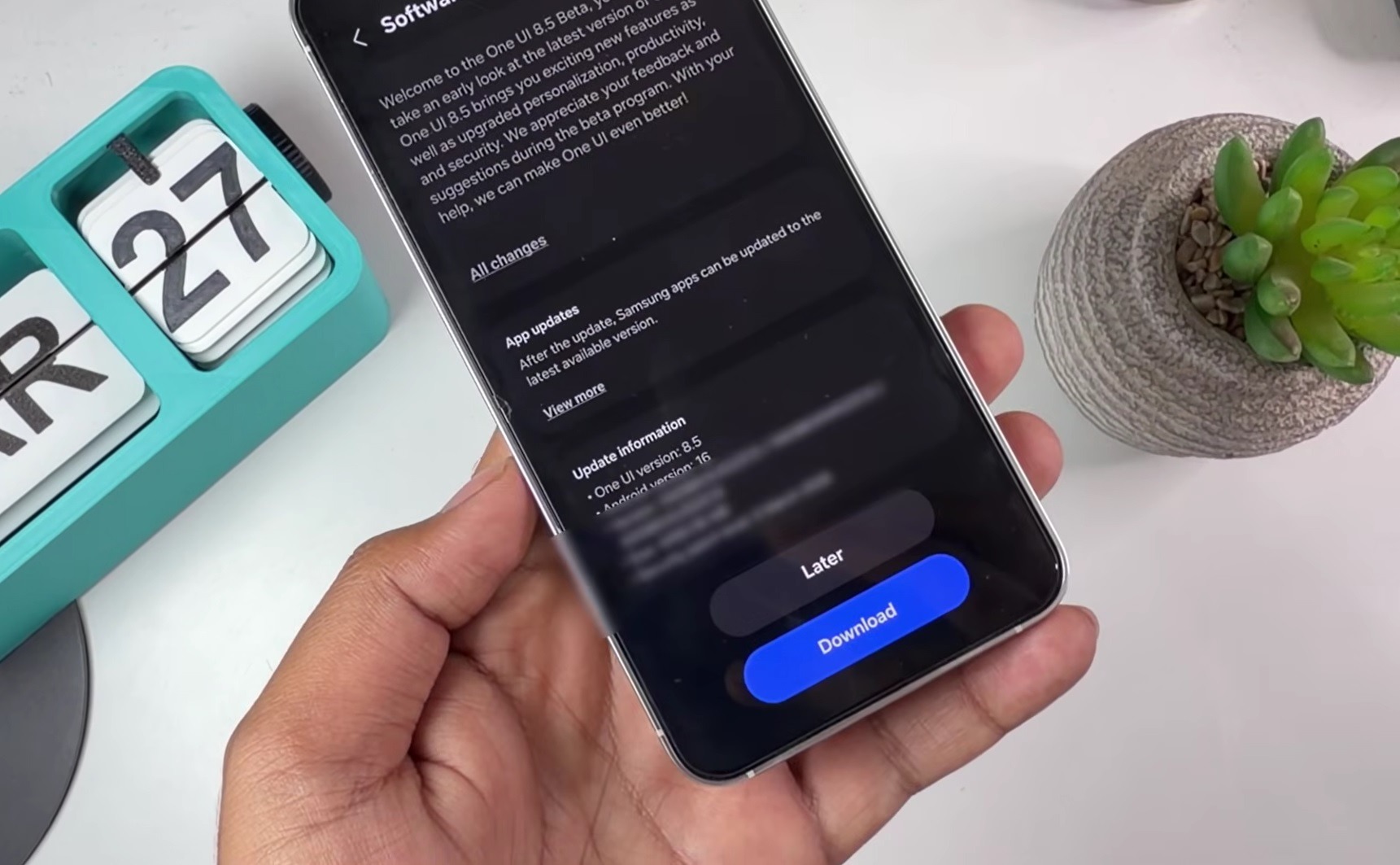
The update will be available in settings. Image: Jossa’s World
A few practical tips before installing. The update size is about 4 GB, so it’s better to download over Wi-Fi rather than mobile data. Charge your smartphone to at least 50% before starting the process (the update cannot be interrupted). After installation, smartphones with One UI 8.5 Beta may work unstably at first — this is normal for a beta version. If something goes wrong, you can revert to stable firmware through the same Samsung Members app.


