Apple has released macOS Tahoe 26.4 — the fourth major update to the Mac operating system. It was released alongside the long-awaited iOS 26.4 and other Apple operating systems. Among the key changes are the return of the compact tab bar in Safari, the ability to limit MacBook battery charging, and warnings about apps that will soon stop working. The update arrived six weeks after macOS Tahoe 26.3.
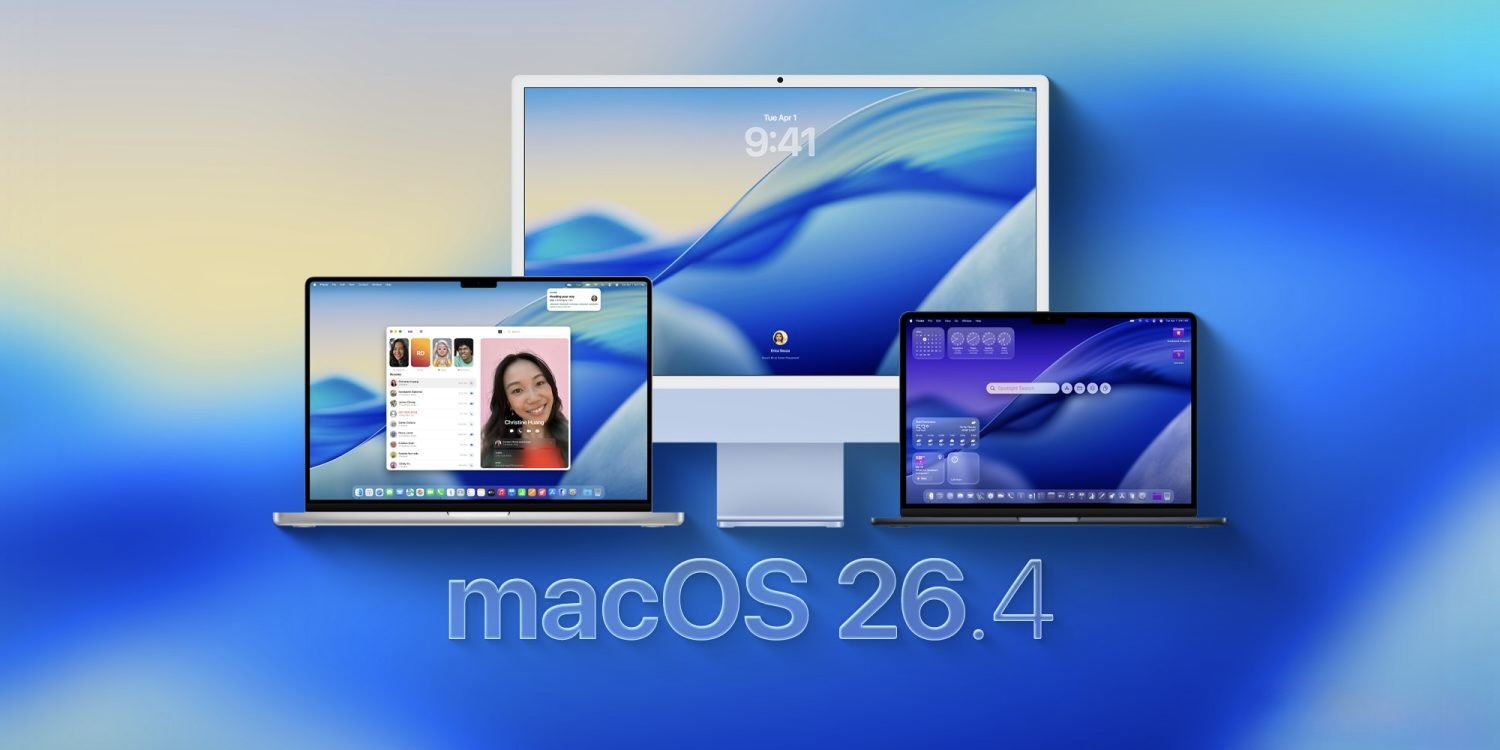
Been waiting for the update? Here it is. Image: 9to5mac.com
How to Enable Compact Tabs in Safari
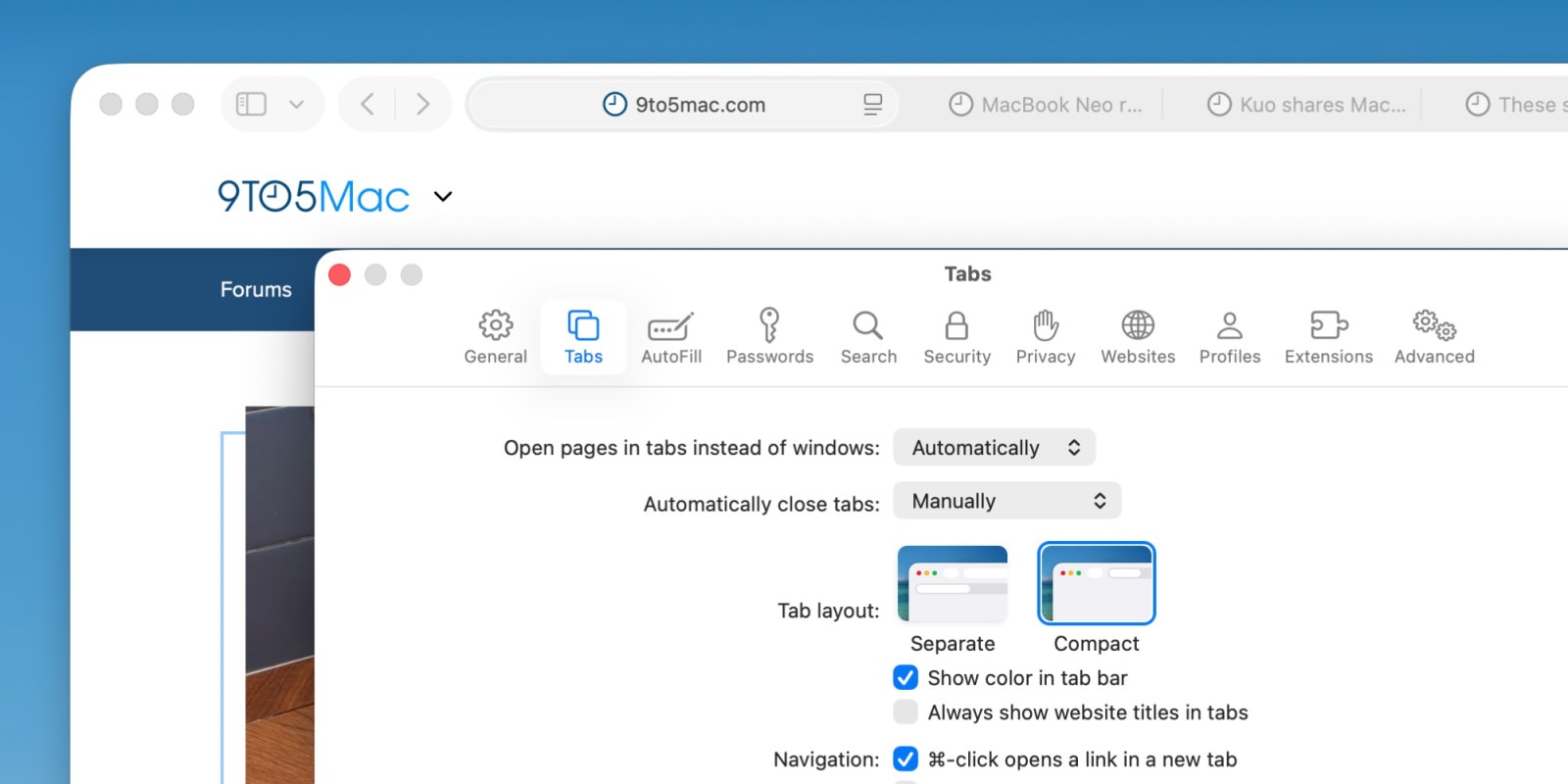
Compact tabs are back in Safari. Image: 9to5mac.com
Apple has brought back the Compact Tab Bar option in Safari. This setting makes the top of the browser thinner: the address bar and tabs are combined into a single strip, freeing up more screen space for the website itself.
For those who are used to the standard view with a separate address bar, nothing will change — the compact mode is enabled optionally. But if you work on a MacBook with a small screen and value every vertical pixel, it’s worth trying.
How to Limit MacBook Battery Charging, Like on iPhone
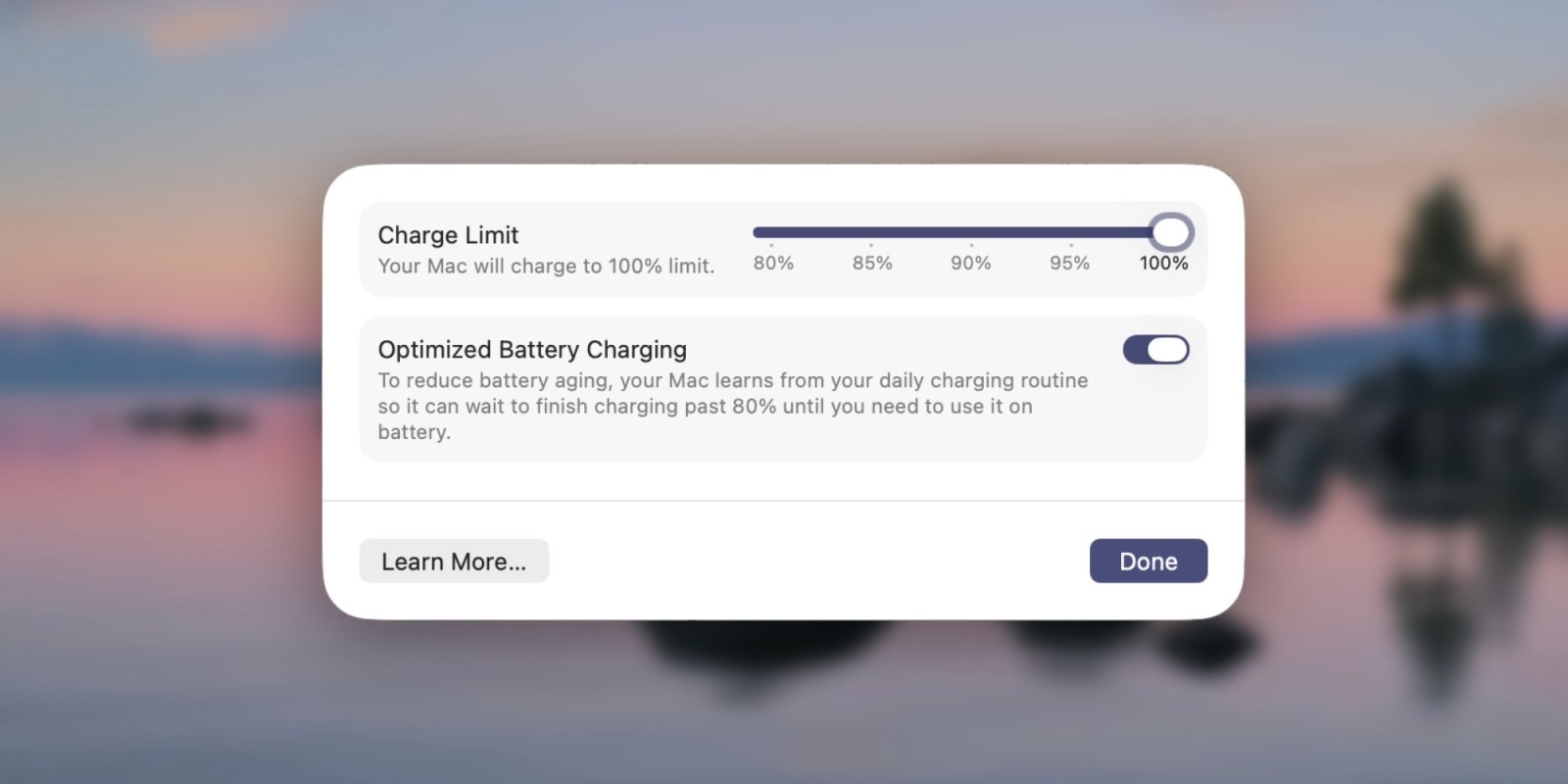
iPhone-like charge limit has arrived on MacBook. Image: 9to5mac.com
macOS Tahoe 26.4 adds the Charge Limit feature — you can now set a maximum battery charge level from 80 to 100 percent. Previously, a similar setting was already available on iPhone, and many Mac users had been waiting for it for a long time.
Why this matters: lithium-ion batteries degrade faster when constantly charged to 100%. If you spend most of your time working with your MacBook plugged in, limiting the charge to 80% will help extend the battery’s lifespan.
The feature is especially relevant for MacBook Air and MacBook Pro owners who use their laptop as a desktop computer with an external monitor. For those who are constantly on the go and charge their Mac only occasionally, changing this setting isn’t necessary.
Which Apps Will Stop Working on Mac and When
Starting with macOS Tahoe 26.4, the system will display warnings for apps that still run through Rosetta 2. Rosetta 2 is a built-in translator that allows Macs with Apple Silicon chips (M1, M2, M3, M4, M5) to run older programs written for Intel processors.
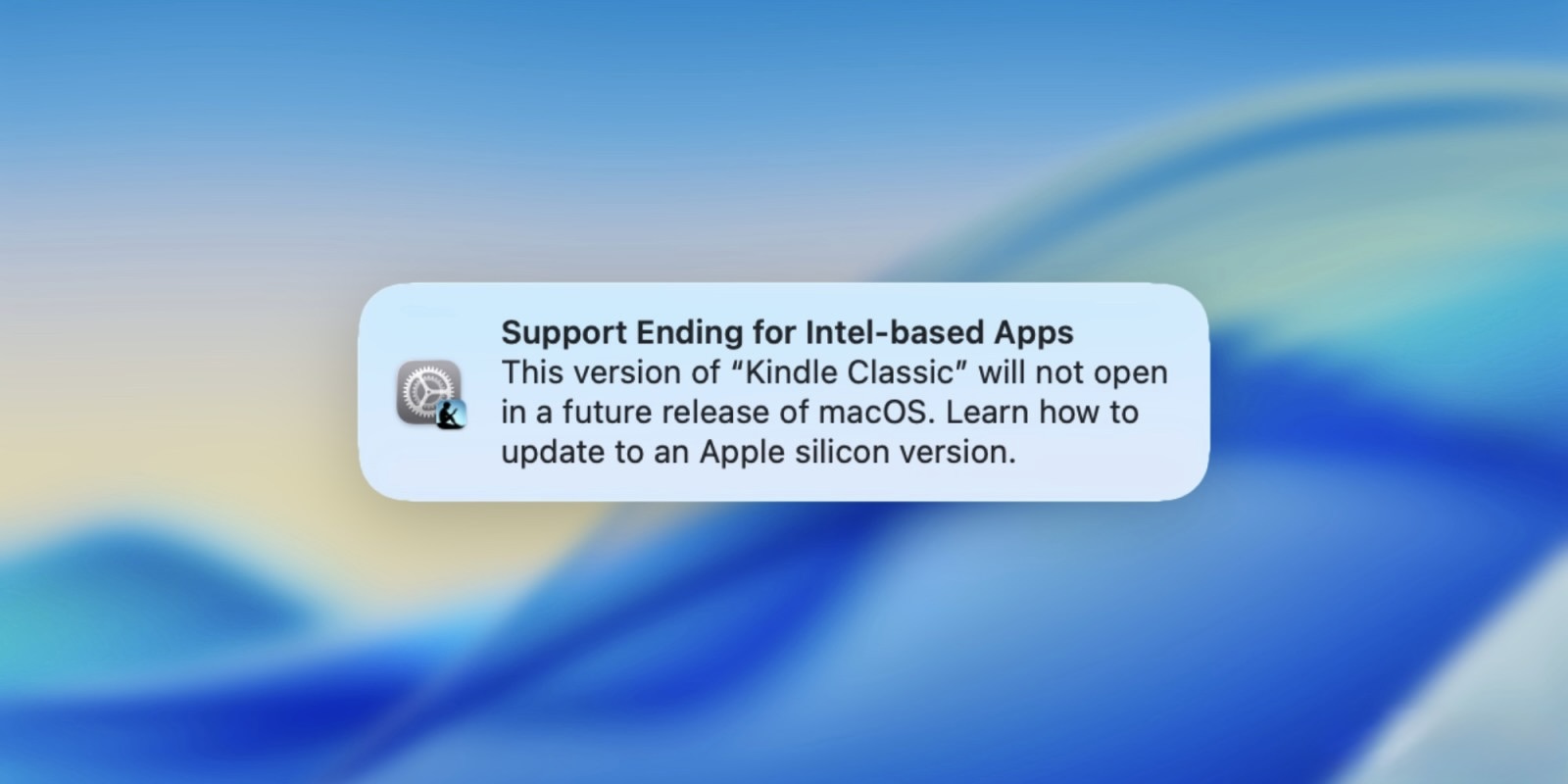
Intel apps will soon stop launching on computers with Apple chips. Image: 9to5mac.com
Apple plans to discontinue Rosetta 2 support as early as macOS 27, meaning such apps will simply not launch. If you see a similar warning when opening a program, it’s a signal that the developer needs to update the app, and you should look for an alternative in case they don’t.
This primarily affects niche or professional software that hasn’t been updated in a long time. Most popular apps already run natively on Apple Silicon.
New Features in macOS Tahoe 26.4
The update introduces eight new emoji symbols. Additionally, macOS 26.4 received the same Family Sharing changes as iOS 26.4: adult members of a family group can now use their own payment methods for purchases, rather than only the shared family one.

And of course, new emoji are here too. Image: 9to5mac.com
This removes an inconvenience familiar to many families with multiple adults: previously, all purchases were charged to the group organizer’s card. Now each adult member can pay for themselves while remaining in the family subscription. The update also introduces the Apple Creator Studio feature for the Freeform app — a tool for collaborative work with boards and notes.
Is It Worth Installing macOS Tahoe 26.4
To install it, open System Settings and select the Software Update section. The update is small, but a few things in it deserve attention.
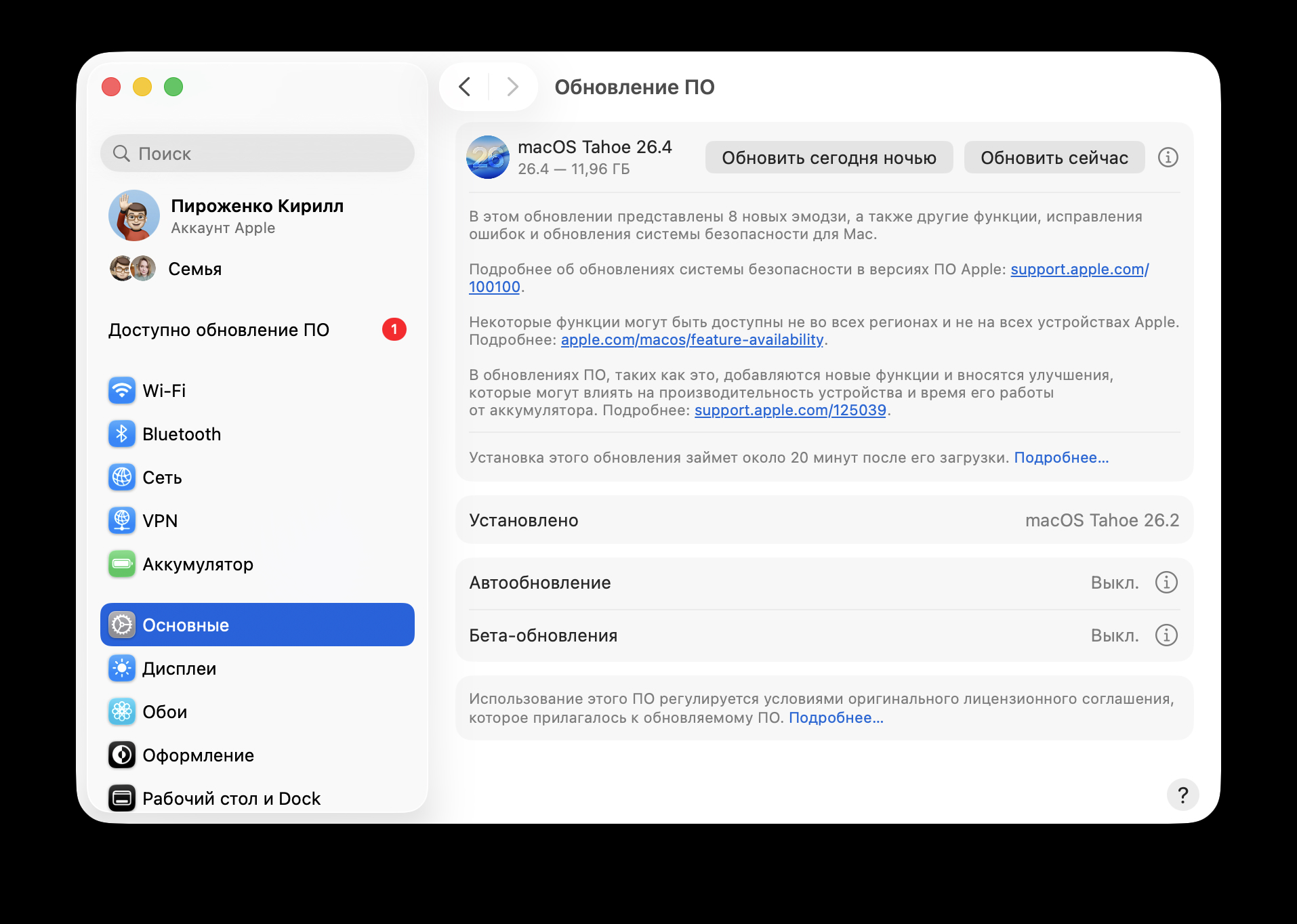
The latest firmware is already available for installation
If you work on a MacBook and it’s plugged in most of the time, the battery limit setting is a useful addition worth updating for. Compact Safari tabs will come in handy for those working on a 13–14 inch screen.
The Rosetta 2 warnings are no reason to panic right now, but they’re a good signal to check whether you still have any old Intel programs that need replacing. Otherwise, it’s a typical interim update with no risks and a couple of useful additions.


