Apple has released another update for Mac. The company has started distributing macOS Tahoe 26.3.1 — a small but important system version that appeared several weeks after the previous update. Despite the modest version number, the update is directly related to the new Apple devices unveiled this week. Let’s break down what’s new in macOS 26.3.1 and why you should install it.
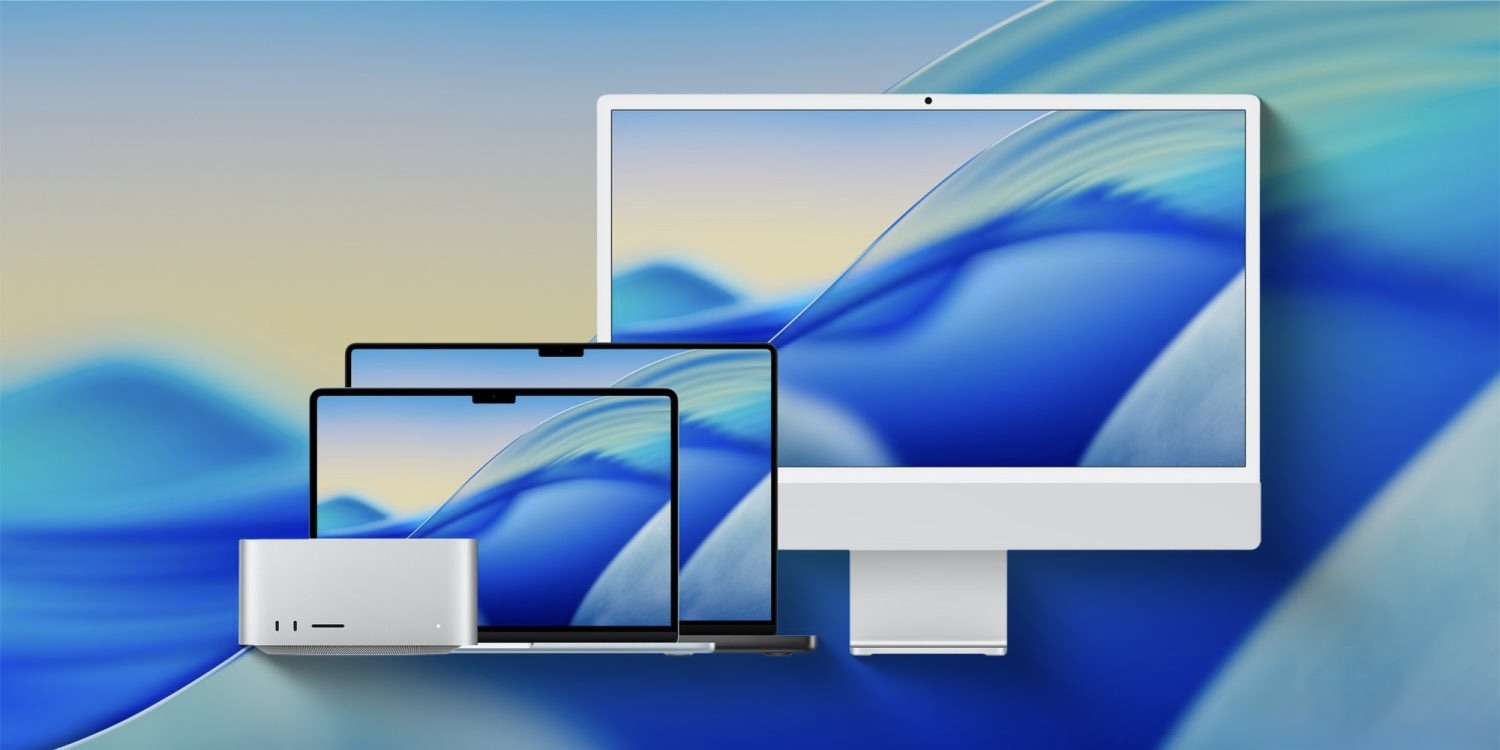
Make sure to update both your iPhone and Mac to the new version. Image: 9to5mac.com
What’s New in macOS Tahoe 26.3.1
The macOS 26.3.1 update can’t be called a major one. It’s a so-called service update primarily aimed at improving compatibility and fixing bugs. Nevertheless, it didn’t appear by accident and is directly related to the launch of the new generation of Apple hardware.
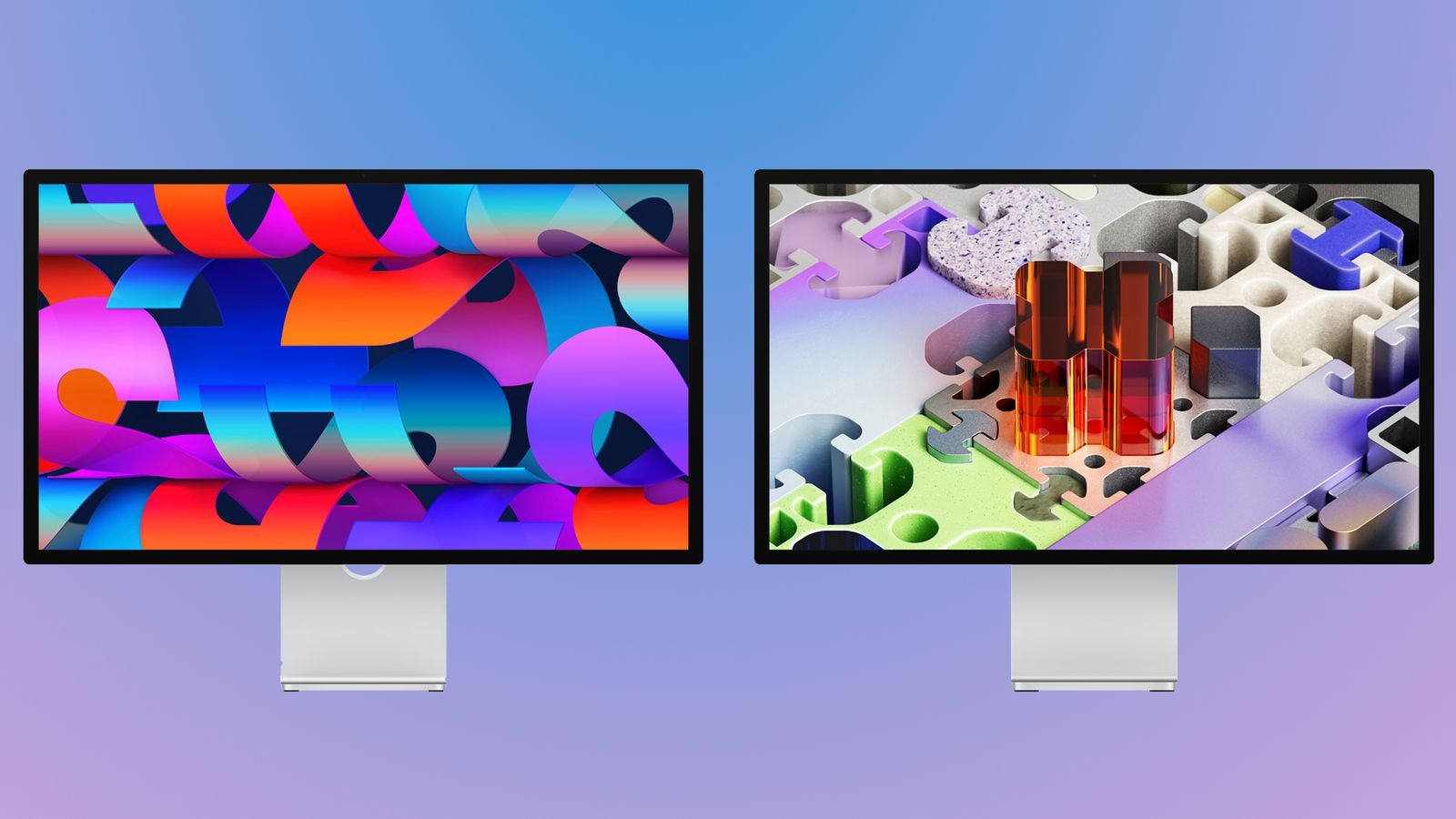
The update is not only designed for proper operation of new devices but also fixes old bugs. Image: macrumors.com
The main change is support for the new Apple monitors — Studio Display (2026) and Studio Display XDR. Now Mac running macOS Tahoe 26.3.1 can properly work with these displays, utilizing all their capabilities. And for the just-released cheapest-ever MacBook Neo, this software version will be the launch version. It will ship with this version installed.
Apple also reports bug fixes and improved system stability. Such changes are rarely disclosed in detail, but they typically involve system services, graphics, accessory connectivity, and power management.
How to Install macOS 26.3.1
The update is already available for all users of compatible Macs. You can install it the standard way through system settings. To do this, you need to:
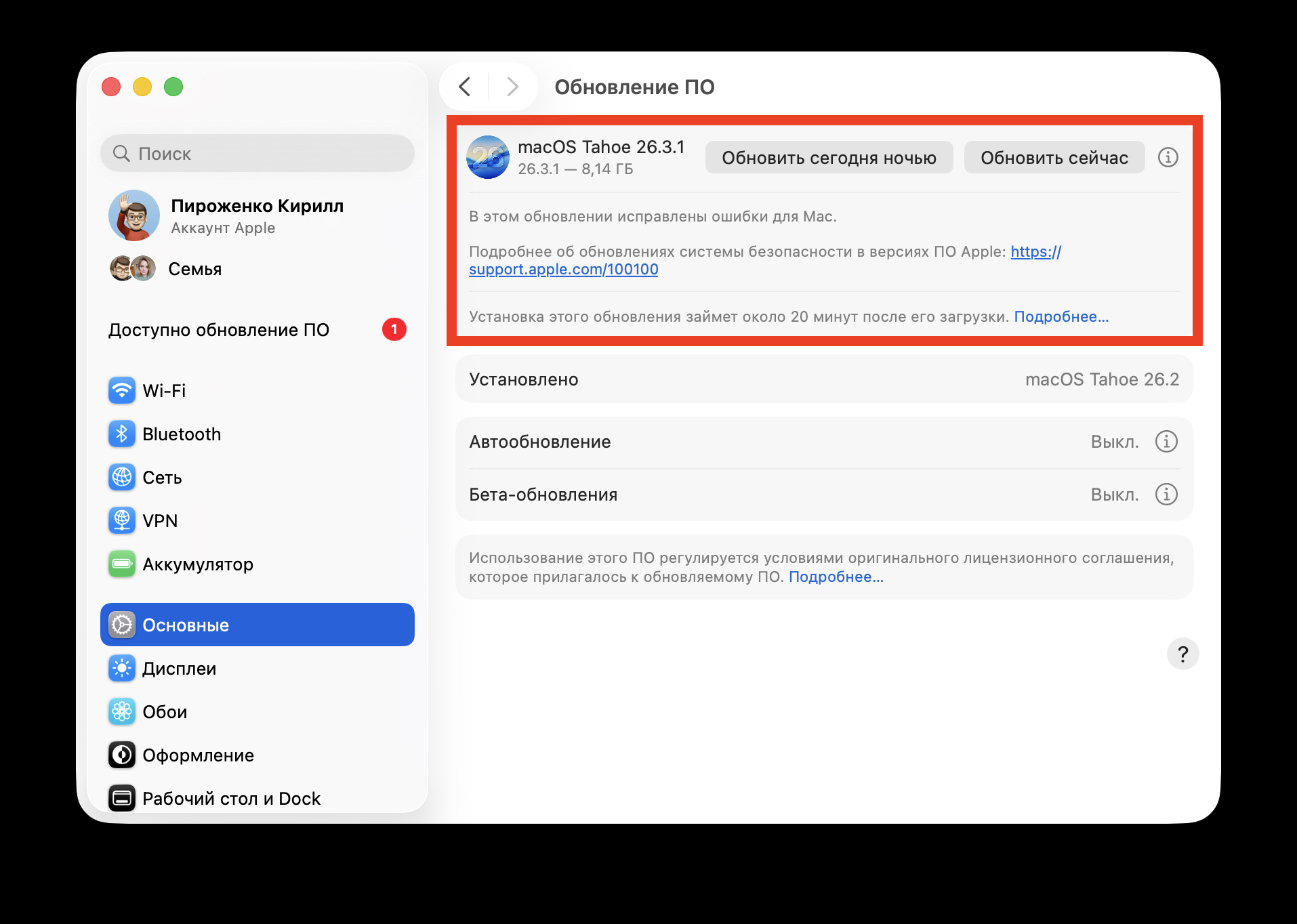
The update is already available in settings
- Open “System Settings”
- Go to the “General” section
- Select “Software Update”
- Download and install macOS 26.3.1
If the update hasn’t appeared yet, it’s worth waiting a bit. Due to heavy load on Apple’s servers, some users may see the update with a slight delay.
Overall, macOS Tahoe 26.3.1 is a small but useful update that prepares the system for the launch of Apple’s new generation of computers and displays. Even if you’re not planning to buy a Studio Display or a new MacBook, installing the update is still recommended, as it contains bug fixes and improves system stability.