When Apple unveiled the MacBook Neo, many immediately focused not on the processor or the design, but on the more than 20 limitations and drawbacks of the new computer. This is quite logical overall — finding flaws in devices is much easier than finding positives. However, the MacBook Neo isn’t called an iPhone in a laptop body for nothing. The thing is, these devices share more than just the A18 Pro processor — there’s something else that most people didn’t even add to their list of drawbacks because they simply didn’t notice it.
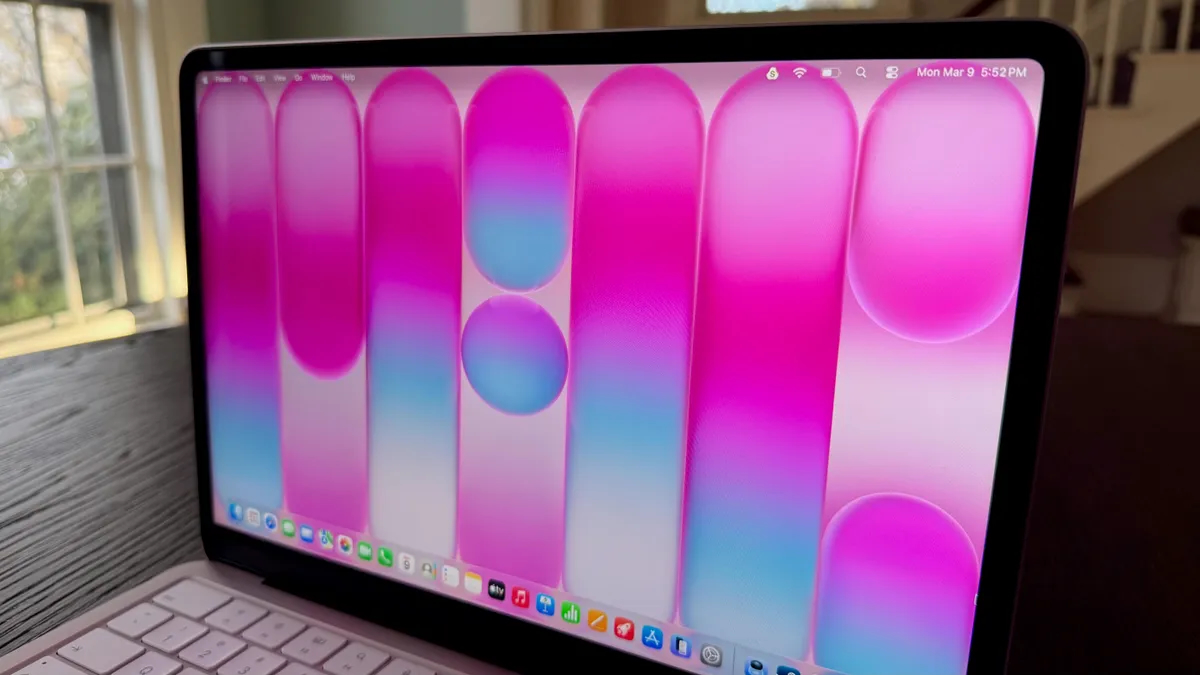
The MacBook Neo has no notch, and along with it, there’s no room for an LED. Image: cnet.com
What Is the Green Dot on the MacBook Neo Screen
Next to the MacBook Neo’s camera, there’s no familiar separate indicator light like on some other Macs. Instead, when the camera is active, a green dot appears on the screen, just like on the iPhone. This raised a perfectly logical question for many: has this made things worse for security? The reason for doubt is understandable. On the MacBook Pro, MacBook Air, and Studio Display, the camera indicator is located right next to the camera itself. It’s a separate light that is directly connected to the camera. The logic is simple: if the camera is working, the light is definitely on. And no software can disable it.
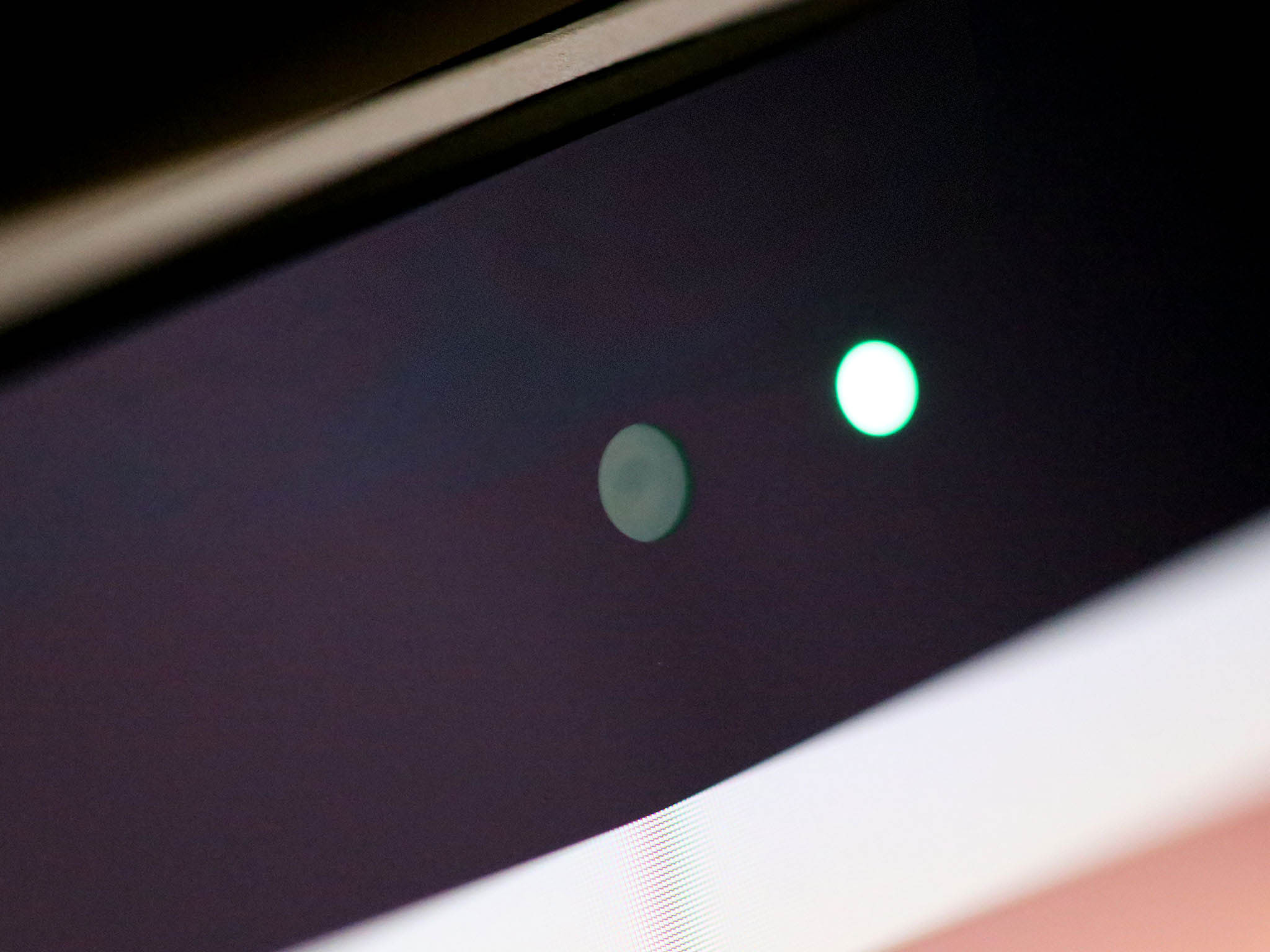
On older and more advanced Macs, the green dot is implemented as a separate LED. Image: imore.com
With the MacBook Neo, everything looks different. Here, the indicator isn’t a separate LED but is drawn directly on the display, just like on the iPhone. That’s why many assumed that malicious software could theoretically just cover up that green dot with something on top, and the user wouldn’t notice the camera was on.
This is exactly why the software indicator initially seemed like a step backward. Because people generally trust hardware more than what appears on screen.
Can You Hide the Green Dot on the MacBook Neo Screen
The key thing here is that the green dot on the MacBook Neo isn’t drawn by a regular part of macOS. It operates in a separate protected area within the A18 Pro chip. Apple uses a system called Exclaves for this, but to put it simply, it’s an isolated part of the device that operates independently from the main system.
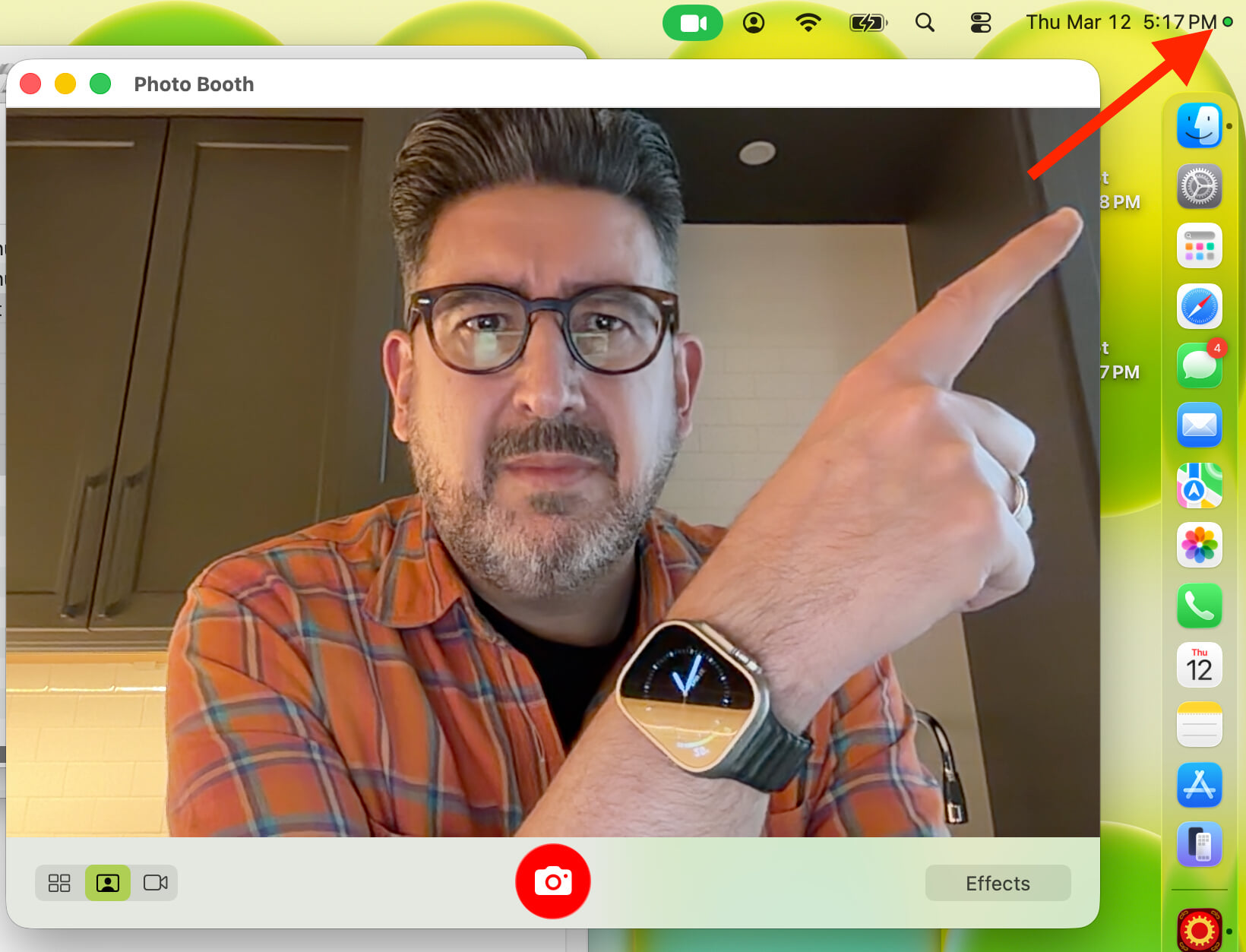
On the Neo, the dot is only on the screen. Image: daringfireball.net
In other words, the camera indicator doesn’t depend on regular applications, doesn’t depend on the desktop, and doesn’t obey anything happening in macOS. Even imagining a very bad scenario where someone gained very deep access to the system, it still wouldn’t be enough to turn on the camera without showing the green dot on the screen.
Simply put, Apple designed it so that a critical part of the security works separately and doesn’t fully trust the main system. That’s precisely why the green dot on the MacBook Neo isn’t just an image that can be easily hidden.
The most interesting part of this story is that the MacBook Neo’s system hasn’t just caught up with the hardware indicator in reliability — in some ways, it has gone further. A regular light next to the camera shows only one thing: the camera is currently active.
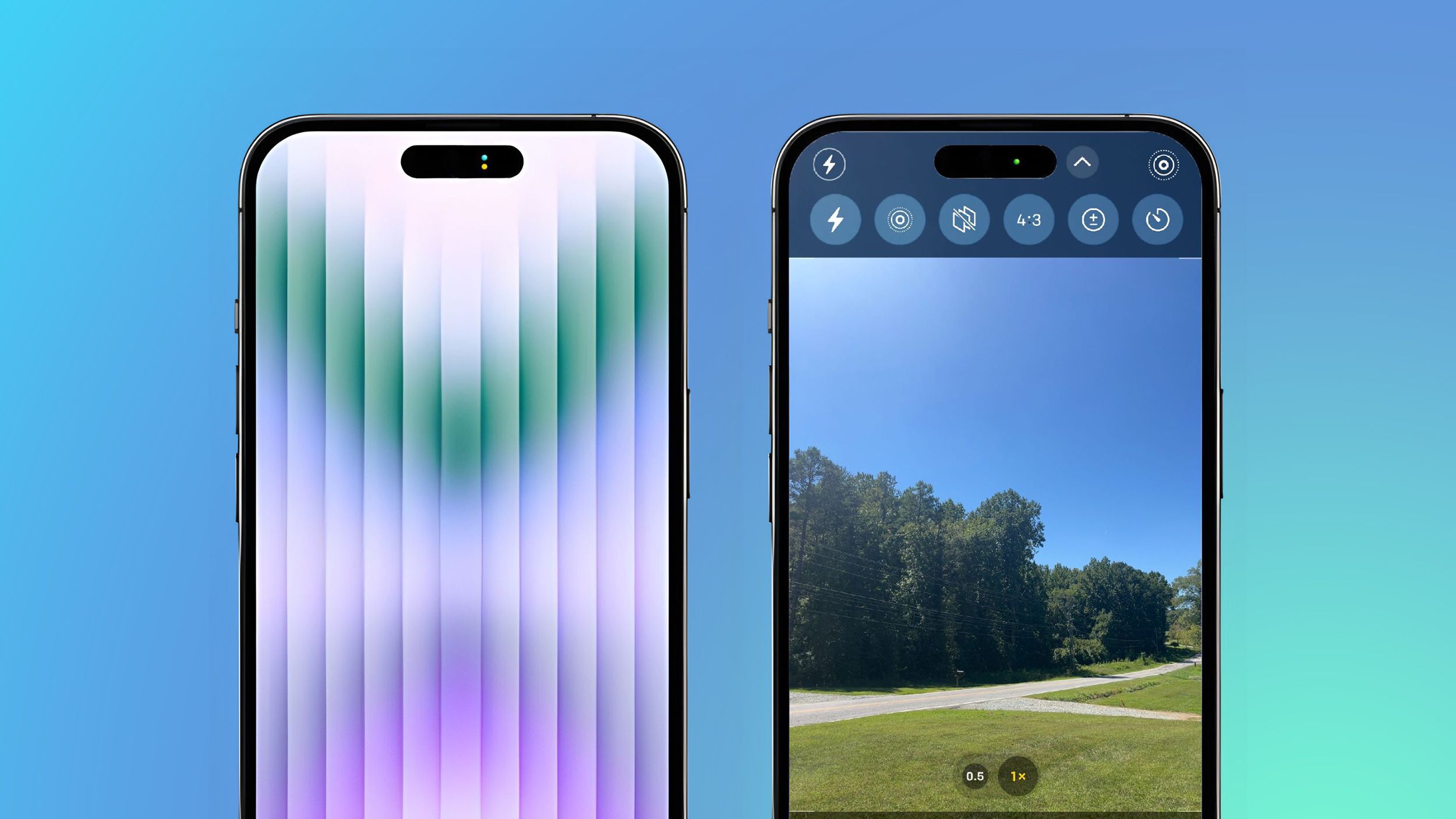
Along with the camera indicator, there’s also a yellow microphone dot. Image: macrumors.com
But the green dot on the MacBook Neo is linked not only to the camera but also to the microphone. This means the user gets a visible warning not only when recording video but also when recording audio. Everything is just like on the iPhone. And this is a very important advantage because covert microphone recording is no less unpleasant for privacy than covert camera activation.
How to Tell If the MacBook Neo Camera Is On
If you look at the situation without unnecessary emotions, there’s no reason for concern. Yes, visually, the green dot on the screen may seem less reliable than a physical light next to the camera. But internally, everything is designed so that hiding its operation is extremely difficult even during a very serious attack.
Moreover, this approach provides an additional bonus in the form of microphone activity protection. As a result, the MacBook Neo doesn’t lose to older solutions in terms of security and in some ways even looks more modern and practical.
So the absence of a separate LED in this model isn’t cost-cutting or simplification. Quite the opposite: Apple moved an important function into a more flexible system that still protects your privacy well. And for those choosing a new laptop, this is definitely not the reason to pass on the MacBook Neo.