After a several-year pause, Apple is once again selling three laptop lineups — MacBook Air, MacBook Pro, and the classic MacBook has been replaced by the MacBook Neo with more than 20 drawbacks and compromises. The price range in the US is from $599 to $7,349, and in Russia — from 70,000 to 520,000 rubles and above. That’s a huge spread, which makes you seriously think about which MacBook to choose.

How MacBook Neo differs from Air and Pro: which one to choose in 2026. Image: appleinsider.com
Which MacBooks Does Apple Sell in 2026
After discontinuing the classic MacBook, Apple had two laptop lineups: MacBook Air as the affordable option and MacBook Pro as the professional one. Simple and clear. Hard to get confused. With the arrival of MacBook Neo, everything shifted again: Neo took the bottom tier, Air became the middle ground, and Pro is the absolute top of the top.
Between the cheapest Neo and the most affordable Air, there’s a significant price gap: $400 in the US, about 60,000 rubles in Russia. This is the first time MacBook models don’t overlap in price in the lower segment. Air and Pro, on the other hand, have many overlapping price points, making the choice between them quite difficult.
Who Is MacBook Neo For
MacBook Neo is the cheapest laptop in Apple’s history. In the US, it starts at $599 for the version with an A18 Pro chip, 8 GB of memory, and 256 GB of storage. For $699, you can upgrade to 512 GB of storage and get Touch ID — and it’s really worth doing, because the base version lacks a fingerprint scanner. You need it at least for convenient system login, and at most for comfortable authentication on websites and in apps.
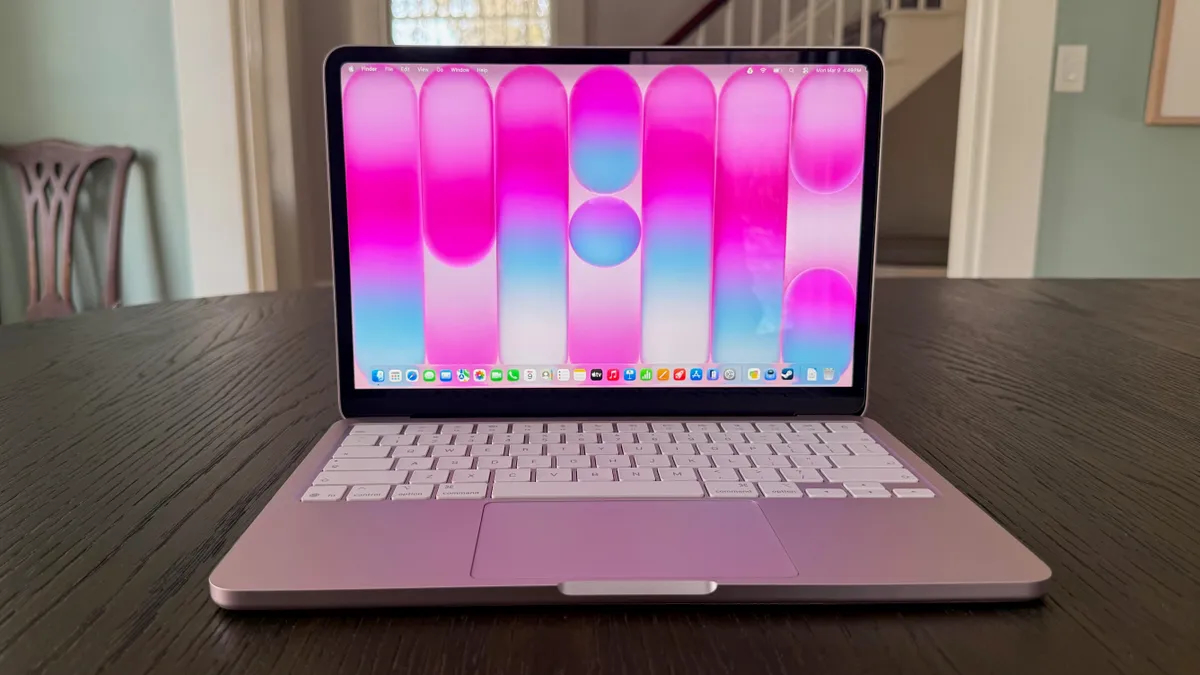
Perhaps the most fun MacBook in terms of design. Image: cnet.com
In Russia, according to M.Video, prices start at 70,000 rubles for the base version (8/256 GB) and go up to 85,000 rubles for the version with 512 GB and Touch ID. That’s on par with a decent Windows laptop, but with macOS and the Apple ecosystem.
The A18 Pro chip is the same one found in the iPhone 16 Pro. In single-core performance, it’s comparable to the M3, and in multi-threaded tasks, it’s roughly on par with the M1. For browsing, documents, video calls, and streaming, that’s enough. For serious video editing or working with large projects — no. Although some people even manage to play quite demanding games on MacBook Neo.
Among the compromises: only 8 GB of RAM with no upgrade option, a keyboard without backlighting, no MagSafe, Wi-Fi 6E instead of Wi-Fi 7, and two USB-C ports, one of which is slow USB 2.0. There’s no Thunderbolt, and you can only connect one external 4K display at 60 Hz.
Neo is a logical choice for students, those who use a laptop for basic tasks, or those who want to enter the Apple ecosystem for minimum money. But 8 GB of memory in 2026 is cutting it close, and in a couple of years, you may start noticing limitations. This is definitely something to keep in mind. But if you know for sure you won’t go beyond a browser with a couple of tabs and basic office work, then you can go for it without hesitation.
Is It Worth Buying MacBook Air M5
The MacBook Air with the M5 chip remains Apple’s most balanced laptop. In the US, the 13-inch model starts at $1,099, and the 15-inch model at $1,299. The base version now comes with 512 GB SSD (previously 256 GB) and 16 GB of RAM. In Russia, according to retailers, MacBook Air 13″ prices start at 130,000 rubles, and the 15-inch model starts at 155,000 rubles. The maximum configuration with 32 GB of memory and 4 TB SSD costs approximately 200,000–225,000 rubles.
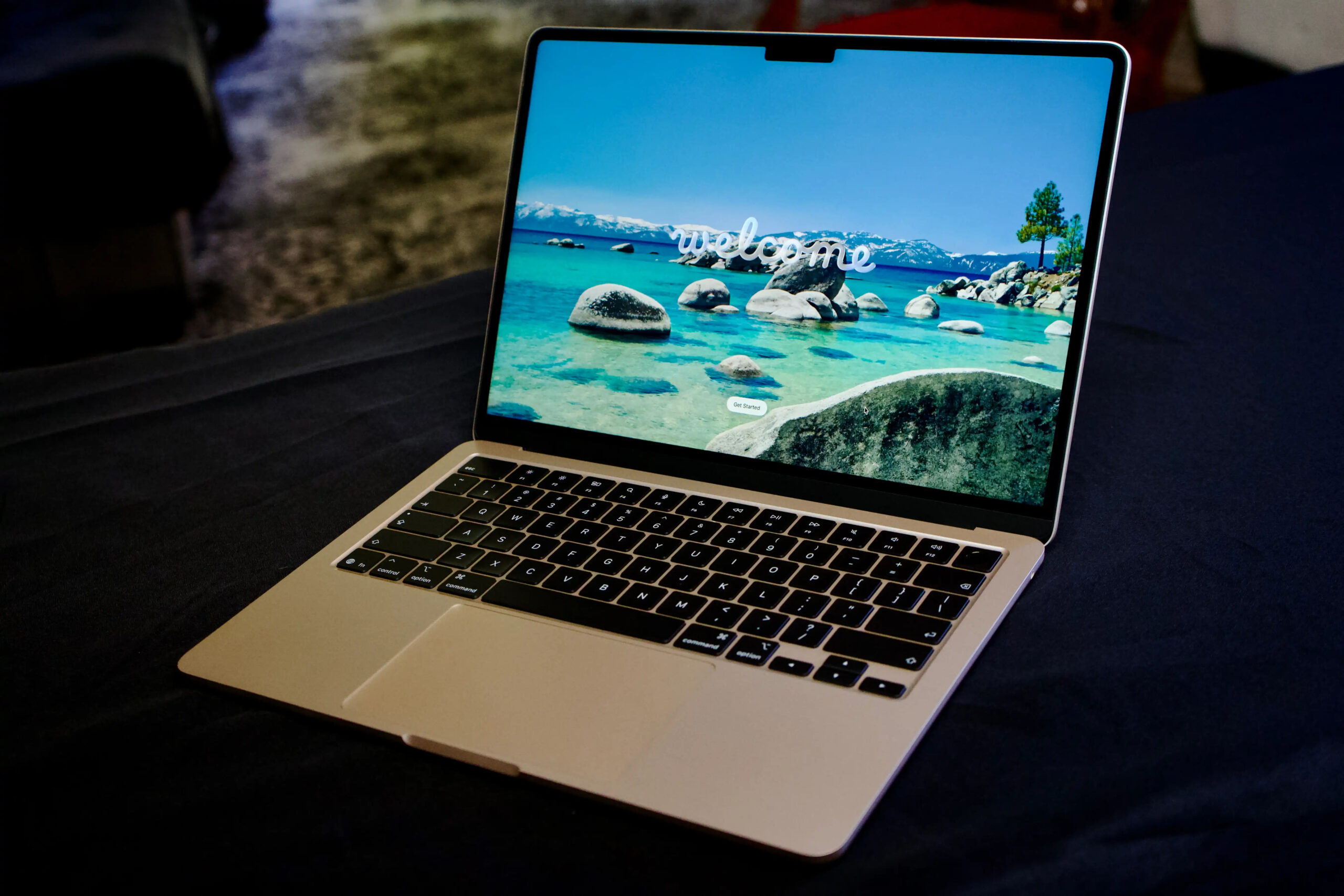
The most versatile device of all in terms of price-to-capability ratio. Image: macworld.com
Compared to the Neo, Air offers a full-fledged M5 chip (significantly more powerful in multi-threaded tasks), up to 32 GB of RAM, up to 4 TB of storage, Wi-Fi 7 via the Apple N1 chip, two Thunderbolt 4 ports, MagSafe charging, keyboard backlighting, and support for two external monitors. Battery life is up to 18 hours. So it’s immediately clear what you’re paying extra for compared to the Neo. The two computers feel like a toy versus a proper work machine.
Air is available in two sizes — 13 and 15 inches. With the same budget, the 15-inch model is a better deal for most people: the screen is larger, and the price premium is relatively small. MacBook Air is a great option for those who plan to use it for everything beyond browsing and office work. Photo editing, light video editing, and developing simple applications — Air handles all of this without any issues.
Tip: when choosing between upgrading RAM and storage, it's better to invest in memory — storage can be expanded with an external drive, but RAM cannot be changed after purchase.
What Tasks Require MacBook Pro
MacBook Pro is available with powerful M5, M5 Pro, and M5 Max chips, in 14- and 16-inch sizes. In the US, the base version with M5 costs $1,699, with M5 Pro — from $2,199 (14″) and $2,699 (16″), and with M5 Max — from $3,599 and $3,899. The maximum configuration of the 16-inch MacBook Pro with M5 Max, 128 GB of memory, and 8 TB SSD costs $7,349. In Russia, the prices are even steeper. According to retailers, the 14-inch MacBook Pro with M5 Pro starts at 270,000 rubles, the 16-inch M5 Pro — from 320,000 rubles, and models with M5 Max — from 460,000 to 520,000 rubles.
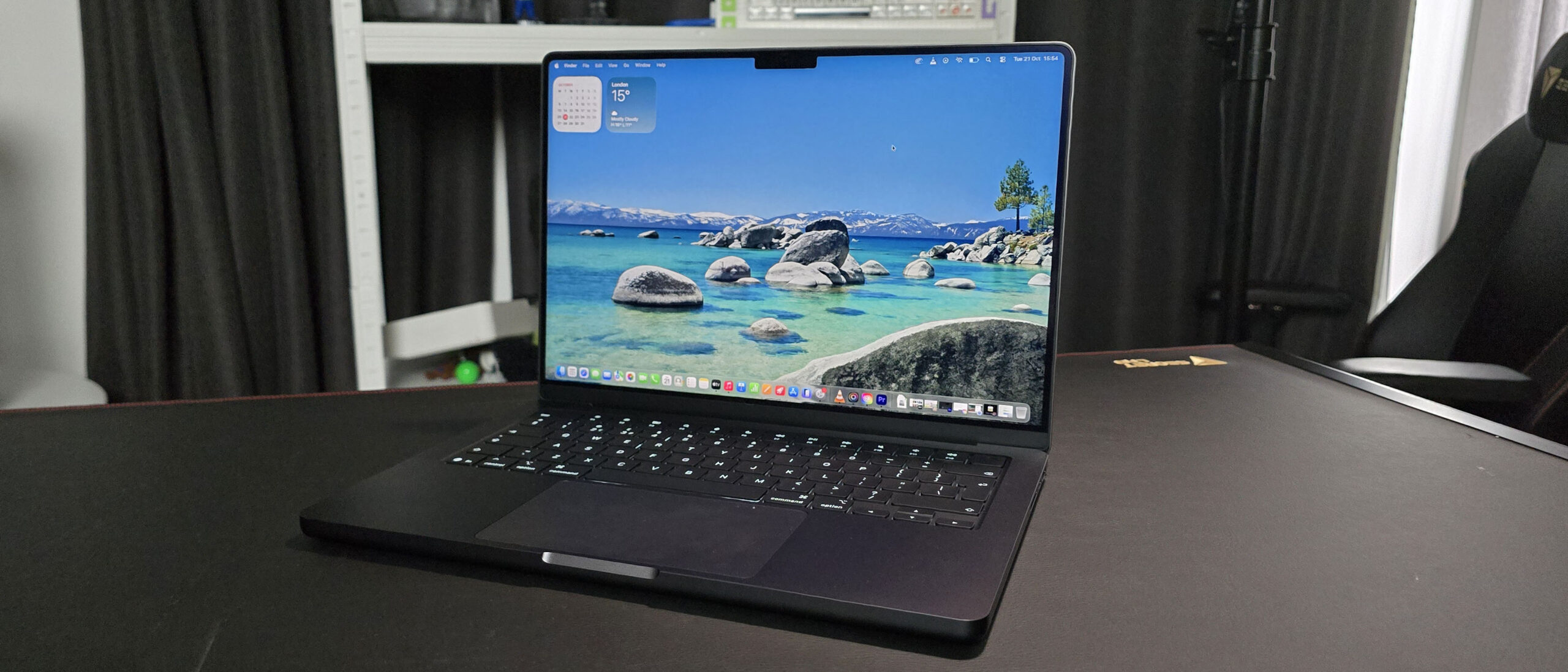
The Pro is the top in performance. Image: techradar.com
Pro is the only lineup with a Liquid Retina XDR display (at 120 Hz), Thunderbolt 5 ports, an SDXC slot, HDMI with 8K support, up to 24 hours of battery life, a 12 MP Center Stage camera, and optional nano-texture coating. The base SSD is 1 TB for M5 Pro models and 2 TB for M5 Max. Just remember that getting the 14-inch MacBook Pro with M5 Max makes no sense due to extreme throttling. The cooling system can’t handle the chip’s heat and aggressively reduces its power.
MacBook Pro with Apple’s most powerful chips is for those who need a truly high-performance computer without any caveats. Complex video editing, heavy 3D graphics, building demanding applications and working with massive codebases, running local neural networks, and much more along those lines.