Apple updates its proprietary processors every year, and usually the formula is simple: take the base chip, add more cores, widen the memory — and you get Pro and Max. But with M5 Pro and M5 Max, things went completely off-script. The company introduced a fundamentally new architecture, applied chiplet design for the first time in “lower-tier” Pro chips, and added a third type of processor core. This is arguably the most significant shift in the Apple Silicon lineup since its inception. Let’s break down exactly what changed and why it matters.
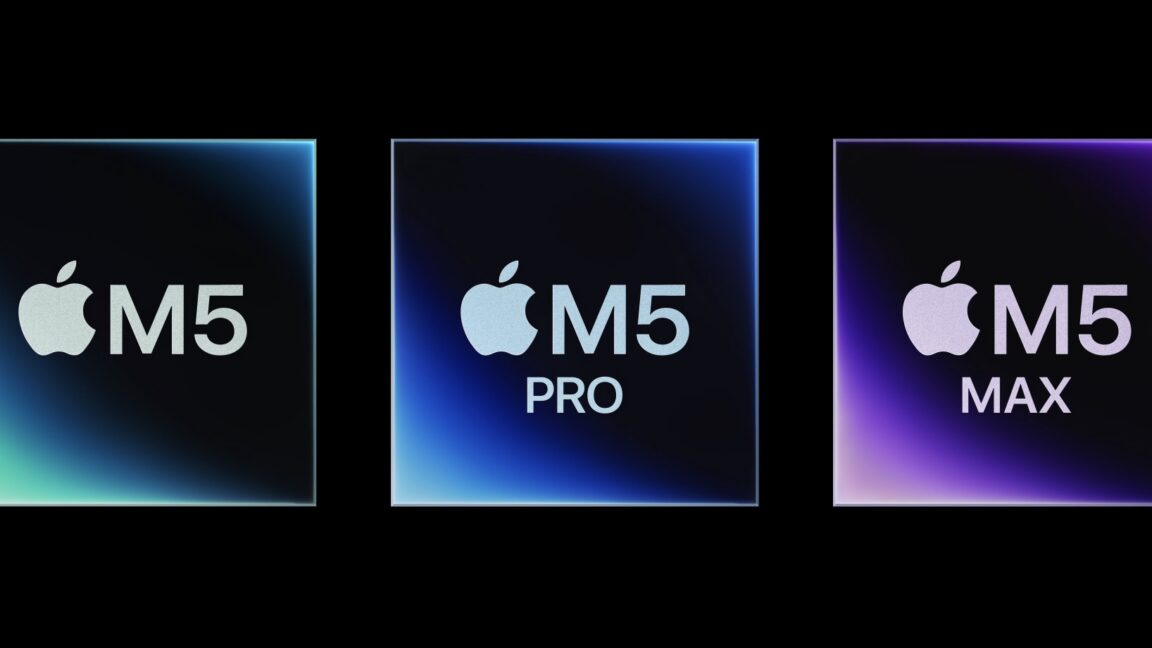
M5 Pro and M5 Max — a revolutionary leap in Apple Silicon development you didn’t expect. Image: arstechnica.com
What’s New in M5 Pro and M5 Max Processors
The main news — M5 Pro and M5 Max are built on an entirely new Fusion architecture that combines two silicon chiplets in one processor. Sounds familiar? Yes, Apple has used a similar approach before, but exclusively for creating Ultra chips — when two Max chips were “welded” together. Now the chiplet design has moved down a tier.
And no, M5 Pro is not two regular M5 chips glued together. It’s more clever than that. The first die handles CPU, Neural Engine, and primary I/O: SSD controllers, Thunderbolt ports, and displays. The second die covers graphics, media engines, and the memory controller. Both chiplets are manufactured on the same TSMC 3nm process.
Actually, the most interesting part here is the unification. The first CPU die is identical in both M5 Pro and M5 Max. The differences lie only in the second chiplet, and this significantly simplifies production for Apple and will most likely have a positive impact on chip yields. A smart move.
How M5 Pro Differs from M5 Max
| Specification | M5 Pro | M5 Max |
|---|---|---|
| CPU Cores | 18 | 18 |
| GPU Cores | up to 20 | up to 40 |
| Neural Engine | 16 cores | 16 cores |
| Memory Bandwidth | up to 307 GB/s | up to 614 GB/s |
| Media Engines | 1 | 2 |
Since the CPU die is identical in both chips — 18 processor cores and a 16-core Neural Engine — the difference lies exclusively in the graphics chiplet.
M5 Pro gets up to 20 GPU cores, one media engine for video encoding and decoding, and a memory controller with bandwidth up to 307 GB/s.
M5 Max is essentially a doubled graphics chiplet from the Pro. It features up to 40 GPU cores, two media engines, and memory bandwidth up to 614 GB/s.
Everything is exactly double — cores, engines, memory. Apple literally bonds two GPU chiplets from M5 Pro to make one M5 Max. Elegant? Elegant. But it’s not all that simple — we still need to see how this affects real-world performance and inter-die latency.
What CPU Cores Are Used in M5 Pro and M5 Max
And here’s where the most unexpected part begins. Apple has introduced three types of processor cores for the first time instead of the usual two. Previously it was straightforward: performance cores and efficiency cores. Now the hierarchy looks like this:
- Super cores — the top of the pyramid, the most powerful cores for heavy single-threaded tasks. In practice, these are renamed “performance cores” from the standard M5 — Apple even retroactively updated the base M5 specifications, replacing “performance cores” with “super cores” in the MacBook Pro description.
- Performance cores — a new middle class used exclusively in M5 Pro and M5 Max. They’re more powerful than efficiency cores and help with multi-threaded workloads, while not being as power-hungry as super cores. The ideal balance for sustained workloads.
- Efficiency cores — classic energy-efficient cores optimized for minimal power consumption. There are still six of them, and they haven’t gone anywhere. They’re what allows the MacBook Air and iPad Pro to operate without fans.
I’d say Apple borrowed the idea from ARM’s big.LITTLE architecture but added another level. A three-tier core system is something Apple Silicon genuinely lacked for flexible workload management.
Why Apple Switched to Chiplets in M5 Pro
Many will ask: why complicate the design at all? Before there was a single monolithic die — and everything worked. There are actually several reasons. First, the chiplet approach radically reduces manufacturing costs. Making two small dies is simpler and cheaper than one huge one: the defect rate is lower, and chip yields are higher. AMD proved this long ago with their Ryzen and EPYC processors.
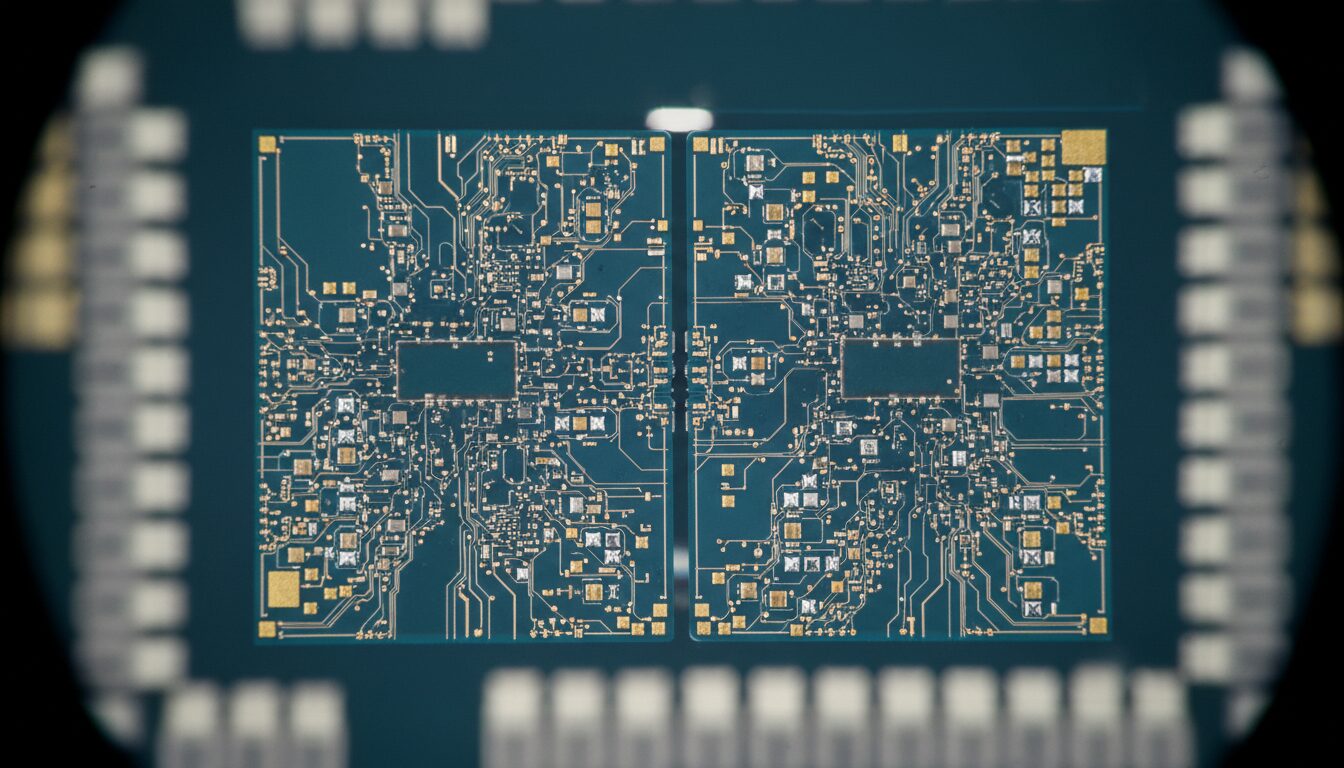
Two dies on one substrate — it looks like the future, because it is
Second, unification. The same CPU chiplet goes into both M5 Pro and M5 Max — Apple simply swaps the second die. This simplifies logistics and accelerates time-to-market. Third, scalability. If M5 Max is a doubled GPU from M5 Pro, then the future M5 Ultra will most likely double the entire M5 Max. And here the chiplet architecture gives Apple virtually infinite flexibility.
There is a caveat though: communication between chiplets is always a potential bottleneck. Inter-die interconnect latency can affect performance in certain tasks. Apple hasn’t disclosed details about interconnect bandwidth yet, and this will be the key question during real-world testing.
What Will M5 Pro and M5 Max Performance Be Like
Right now we don’t have real benchmark results yet — only specifications and Apple’s promises. But we can already make several assumptions. 18 CPU cores is a serious step forward compared to 12 cores in M4 Pro and 16 in M4 Max. And the new three-tier core system should noticeably improve multi-threaded performance while maintaining reasonable power consumption.
Waiting for real benchmarks — they’ll show whether all this hype is justified
In graphics, the situation is even more interesting. 40 GPU cores in M5 Max with memory bandwidth of 614 GB/s — this is territory where Apple is seriously competing with discrete graphics cards. For 3D work, video editing in DaVinci Resolve, and machine learning tasks, this could be a genuine breakthrough.
Meanwhile, the updated MacBook Pro with these chips is already available for order. Apple traditionally promises impressive performance gains — up to several times compared to the previous generation in specific tasks. But we know that marketing numbers and real-world experience are two different things.
Should You Buy a MacBook Pro with M5 Pro and M5 Max
If you’re on an M1 Pro or M1 Max — the upgrade is a no-brainer. The difference in architecture is enormous: chiplet design, three types of cores, significantly more GPU cores, and a modern 3nm process. This isn’t an incremental update — it’s truly a new generation.
If you have an M3 Pro or M4 Pro — things aren’t as clear-cut. Yes, 18 CPU cores instead of 12 sounds tempting, but for most everyday tasks you’re unlikely to feel the difference. It’s a different story if you work with heavy graphics or neural networks — then the GPU and memory bandwidth improvements will be noticeable.
Personally, I believe that M5 Pro and M5 Max represent the most ambitious Apple Silicon update since the transition from Intel. Apple didn’t just add more cores — it reimagined the very architecture of its chips. If real-world tests confirm the promises — and I’m counting on that — we’ll have the best laptop processors on the market. No caveats.
If you have an M1 or M2 — go for it without hesitation. If M3 or M4 — wait for benchmarks and decide based on your workloads. And if you simply enjoy being on the cutting edge of technology — well, you’re probably already placing your order.


