If you’ve scrolled through social media feeds even once in the past month or used a free app without a subscription, you’ve surely seen ads for Last Asylum: Plague. A plague doctor in a mask, dark medieval setting, rats and the sick — this game is literally everywhere. And for good reason: in the first five weeks after release, it was downloaded over 5 million times on Android alone. On Google Play, it has a 4.6 rating and consistently holds a top position in the “Strategy” category.
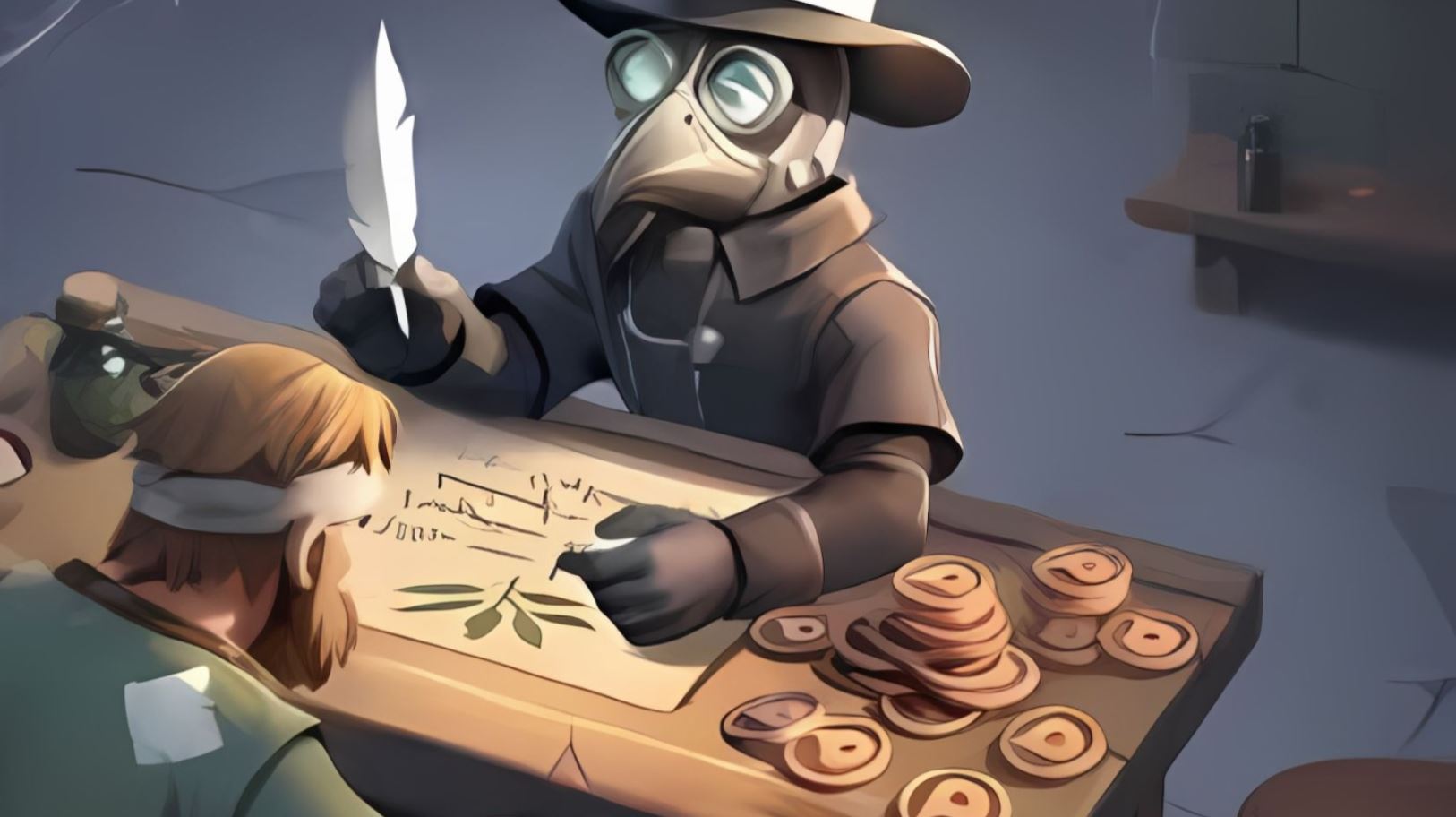
Let’s look at how to play Last Asylum: Plague
Last Asylum: Plague — What Kind of Game Is It and Why Is It Hyped
Last Asylum: Plague is a dark strategy game from publisher 37GAMES GLOBAL. You play as a plague doctor who builds a shelter, treats the infected, crafts medicine, and fights off hordes of rats. Several genres are mixed together here: city-building, tower defense, and turn-based hero battles. You start by treating patients, and an hour later you’re already fighting hordes of rats and their king. Fascinating.
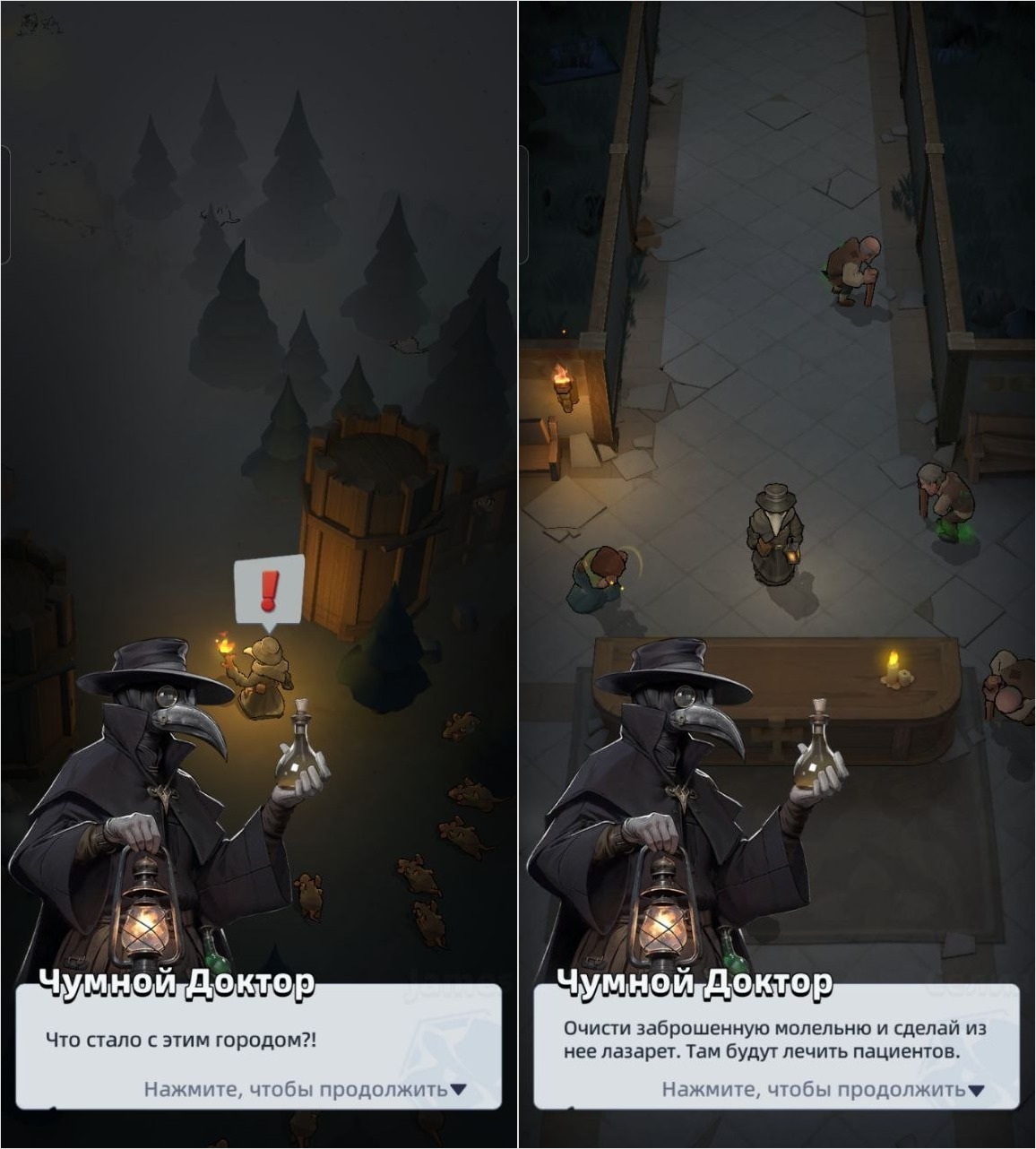
A quite interesting game in the strategy genre
Downloading Last Asylum: Plague on Android for free is definitely worth it: Google Play commenters note that the ads are 100% truthful. That is, everything you see in banners on websites actually exists in the game. This is a pleasant surprise, since some developers use deceptive tactics to lure gamers, only for the game to turn out completely different.
How to Download Last Asylum: Plague on Android for Free
The simplest way is through Google Play. The game is free, there are in-app purchases, but playing without donations is quite feasible. The app is fairly large — about 900 MB, plus after the first launch, additional data of approximately 130 MB will be downloaded. So it’s better to download via Wi-Fi.
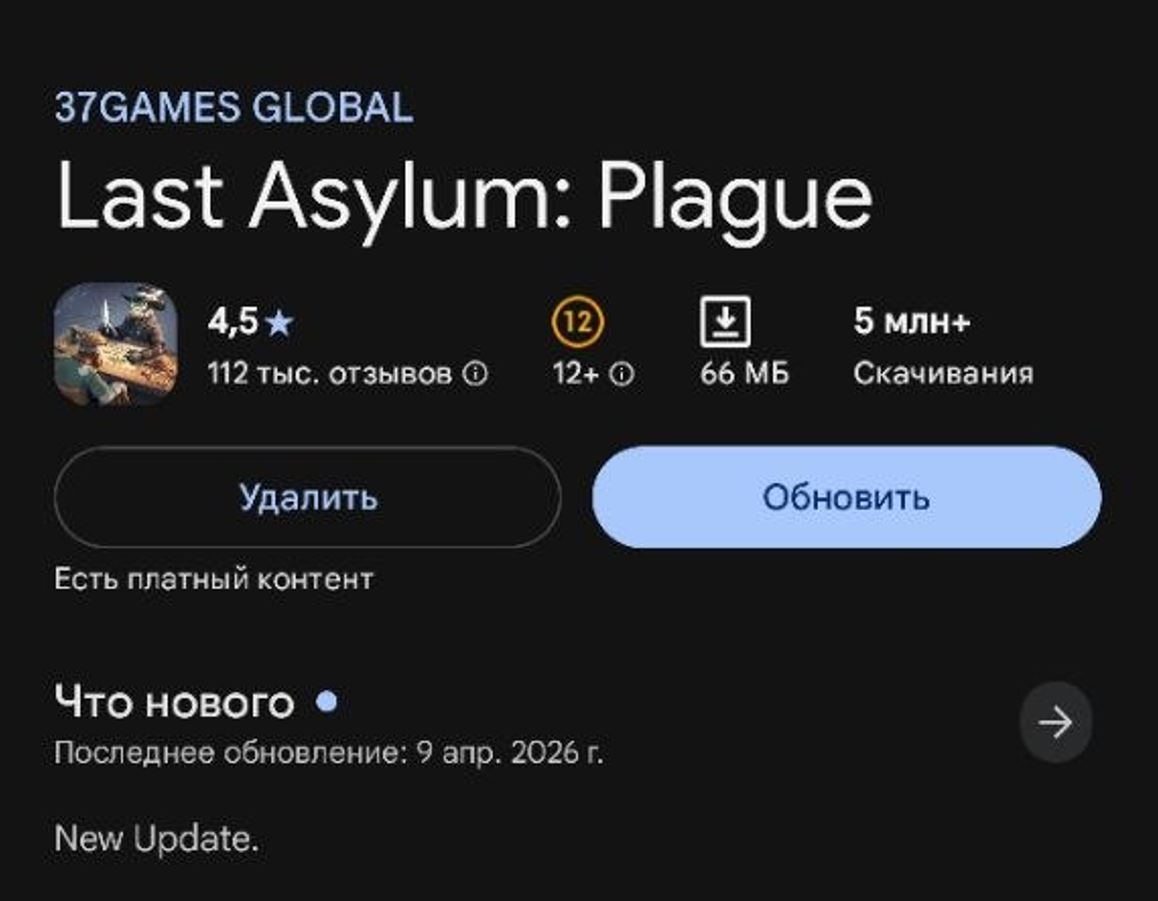
You can download the game for free on Google Play
If Last Asylum: Plague on Google Play is unavailable, you can install the APK file:
- Go to the official game website or a trusted source like APKPure.
- Download the XAPK file of the latest version.
- Allow installation from unknown sources in your Android settings.
- Run the installation through a file manager or the APKPure app.
Important note: it’s better to do the first installation through Google Play, otherwise you may encounter problems with account linking and updates. APK is more of a backup option.
System Requirements for Last Asylum: Plague on Android
The game is not light in terms of hardware load. Here’s what your smartphone needs for Last Asylum: Plague to run without lag:
- Operating system — Android 7.0 and above.
- RAM — from 3 GB (4 GB recommended).
- Free space — at least 1.5 GB including additional file downloads.
- Processor — any modern chip, but very budget models may experience frame drops.
- Stable internet connection, as this is an online Android game.
If your phone was released recently, there won’t be any problems. On flagships like the new Samsung Galaxy S26 or last year’s POCO devices, the game runs smoothly. But on older devices and budget phones with 4-6 GB of RAM, it will be rough.
How to Set Up Controls in Last Asylum: Plague
Good news — the controls are intuitive and designed for touchscreens. No need to struggle with key bindings like in shooters — just swipe your finger across the screen to move around and perform actions. But here are a couple of tips for beginners:
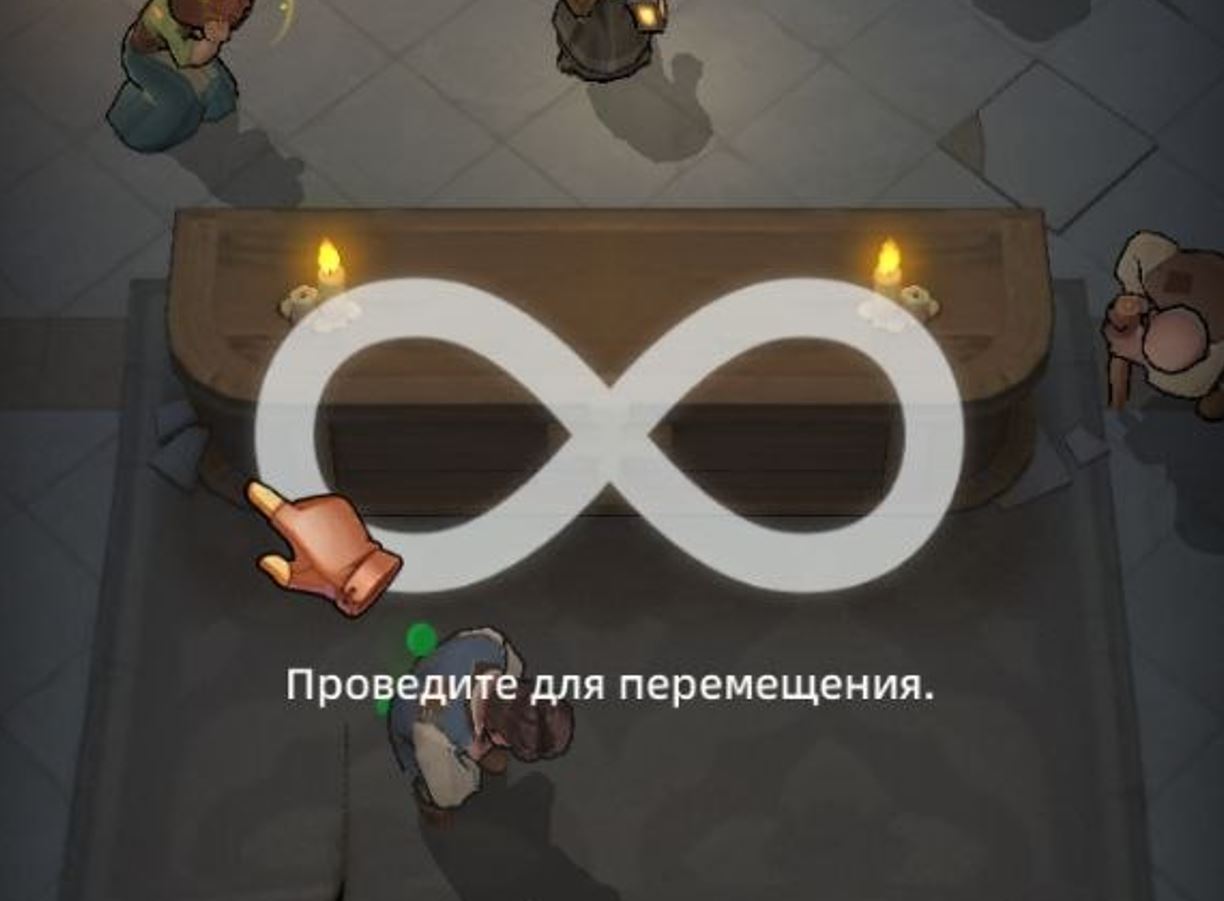
Controls in the game are very simple. Swipe your finger across the screen, collect coins, tap on events
- Quick actions — tap on buildings and heroes to see a context menu with available actions.
- Auto-battle — in turn-based battles, you can enable automatic mode if you don’t want to manage every move manually.
- Notifications — enable them in settings so you don’t miss medicine readiness and construction timers.
Overall, the interface is well-designed. In the first half hour, it may seem like there’s too much on the screen, but the tutorial guides you by the hand and explains each mechanic step by step. However, keep in mind that sometimes the Last Asylum: Plague gameplay becomes sluggish. Reviews note that you perform many actions, but results don’t grow.
Last Asylum: Plague Crashes or Won’t Launch — What to Do
The game is new and updates frequently, so bugs sometimes occur. Here are typical problems and their solutions:
- Black screen after launch — close the game, clear the app cache.
- Crashes on loading — check if you have enough free space. The game needs at least 1.5 GB. Delete unnecessary files or move photos to the cloud.
- Freezes or lags — close background apps, restart your phone. If that doesn’t help — lower the graphics quality in the game settings.
- Error during APK installation — make sure installation from unknown sources is allowed and the file was fully downloaded.
- Won’t update — try deleting and reinstalling the game through Google Play.
How to Update Last Asylum: Plague to the Latest Version
Developers release updates regularly — new events, heroes, balance changes, and bug fixes. To update Last Asylum: Plague:
- Open Google Play, find the game, and tap “Update.”
- Or enable auto-update: in Google Play, go to the app settings and select “Automatic update.”
- If you installed via APK — you’ll need to manually download the new file. Google Play is more convenient: updates arrive automatically.
Updates also load at startup, or during gameplay you’ll receive a notification about the need to download data.
Is It Worth Playing Last Asylum: Plague in 2026
It’s definitely worth trying if you like strategy games and a dark medieval atmosphere. Last Asylum: Plague is not just another clone, but a well-thought-out game with plenty of mechanics. Treating the sick, crafting medicine, defending against rat waves, turn-based battles — there’s plenty to do here. The developers actively support the project: seasonal events, promo codes, and new content.