Today, March 2, Apple released iOS 26.4 beta 3 — the third test build of the operating system. Although the first two beta versions brought a number of new features, the expected Siri AI integration still hasn’t happened. As usual, don’t expect anything groundbreaking from the latest update — changes in the upcoming builds will be mostly cosmetic. What does the new iOS 26.4 beta 3 have in store for us? Let’s break down what changes the developers have made so far and how to download it.
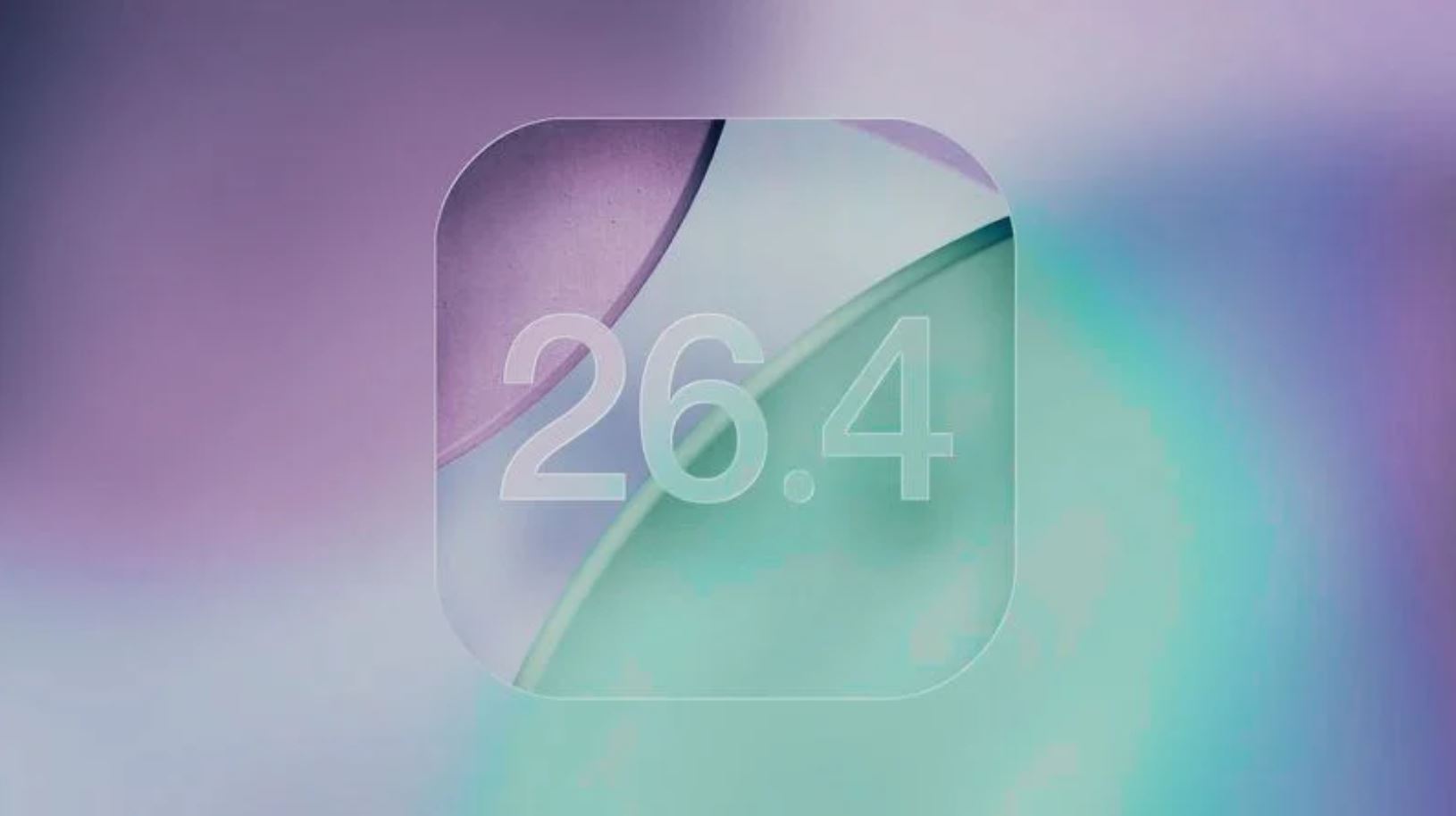
What’s new in iOS 26.4 beta 3. Photo: macrumors.com
What’s New in iOS 26.4 Beta 3
Do you remember what was new in iOS 26.4 beta 2? There were quite a few changes, but they were so minor that they hardly come to mind. Moreover, most of the new features are hidden under the hood — you can find information about them in the developer section. In short, here’s what changed in iOS 26.4 beta 3.
- You can check the status of downloaded data without an internet connection and update it to the latest version;
- A new option to enhance app memory protection has been added;
- Testing of end-to-end encryption for messages between iPhone and Android continues;
- New fields for working with in-app purchases have been added.
- Issues with data loading, external drive connections, and other bugs have been fixed.
And that’s just a brief summary of the changes. Read about them yourself — it’s all at the system level, something an average user would hardly notice. So right now, Apple developers are focused on system optimization. By the way, here’s what appeared in iOS 26.4 a week ago.
- Expanded RCS end-to-end encryption testing.
- A new accessibility option called “Reduce Highlight Effects” to remove shadows around buttons.
- Automatic switch to public beta versions of iOS if you don’t download the Developer Beta within four months.
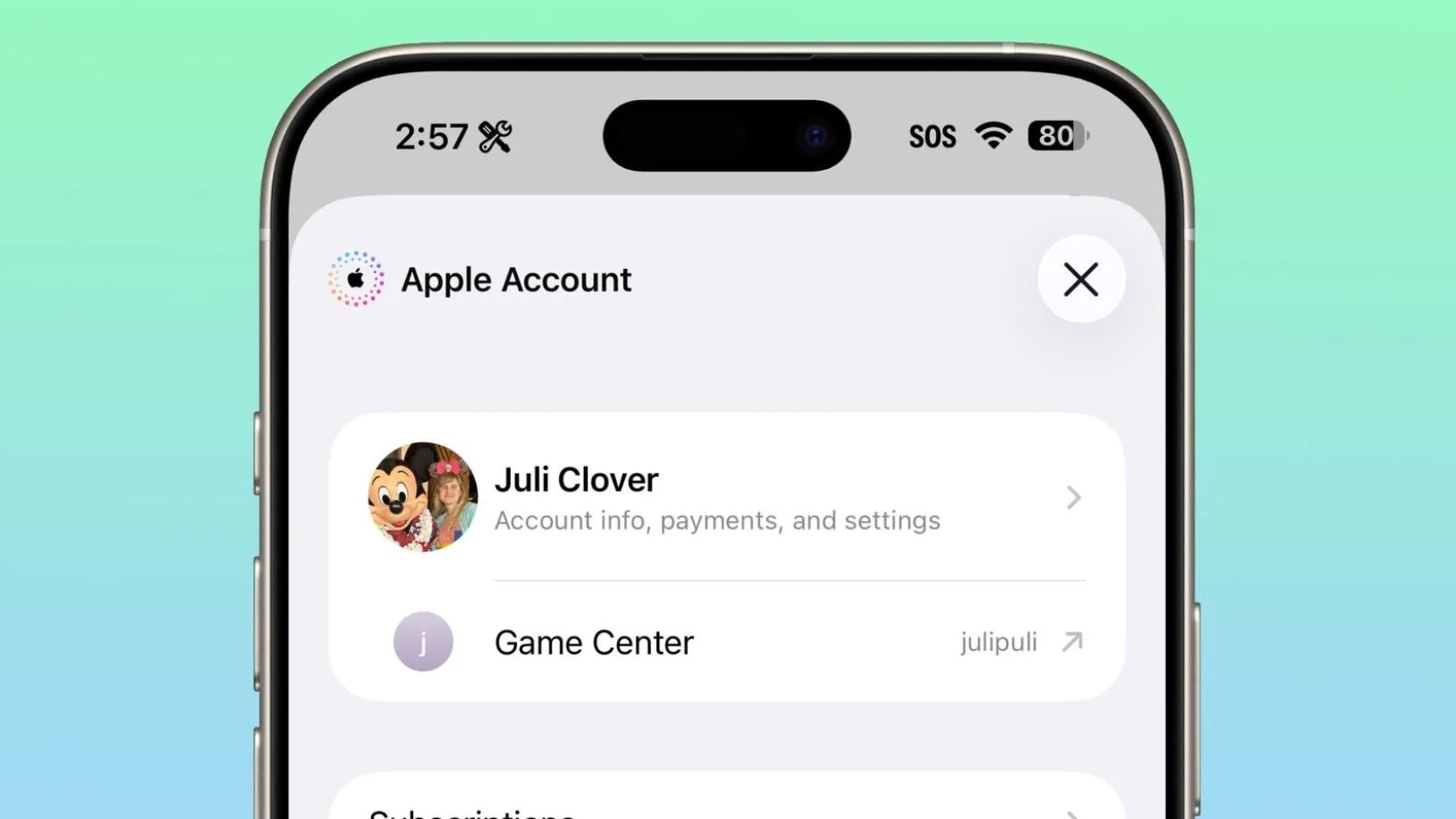
- Interface design changes in the App Store and Apple Account.
- Improvements to Liquid Glass design — menus have become more readable.
New visual effects setting. Photo: macrumors.com
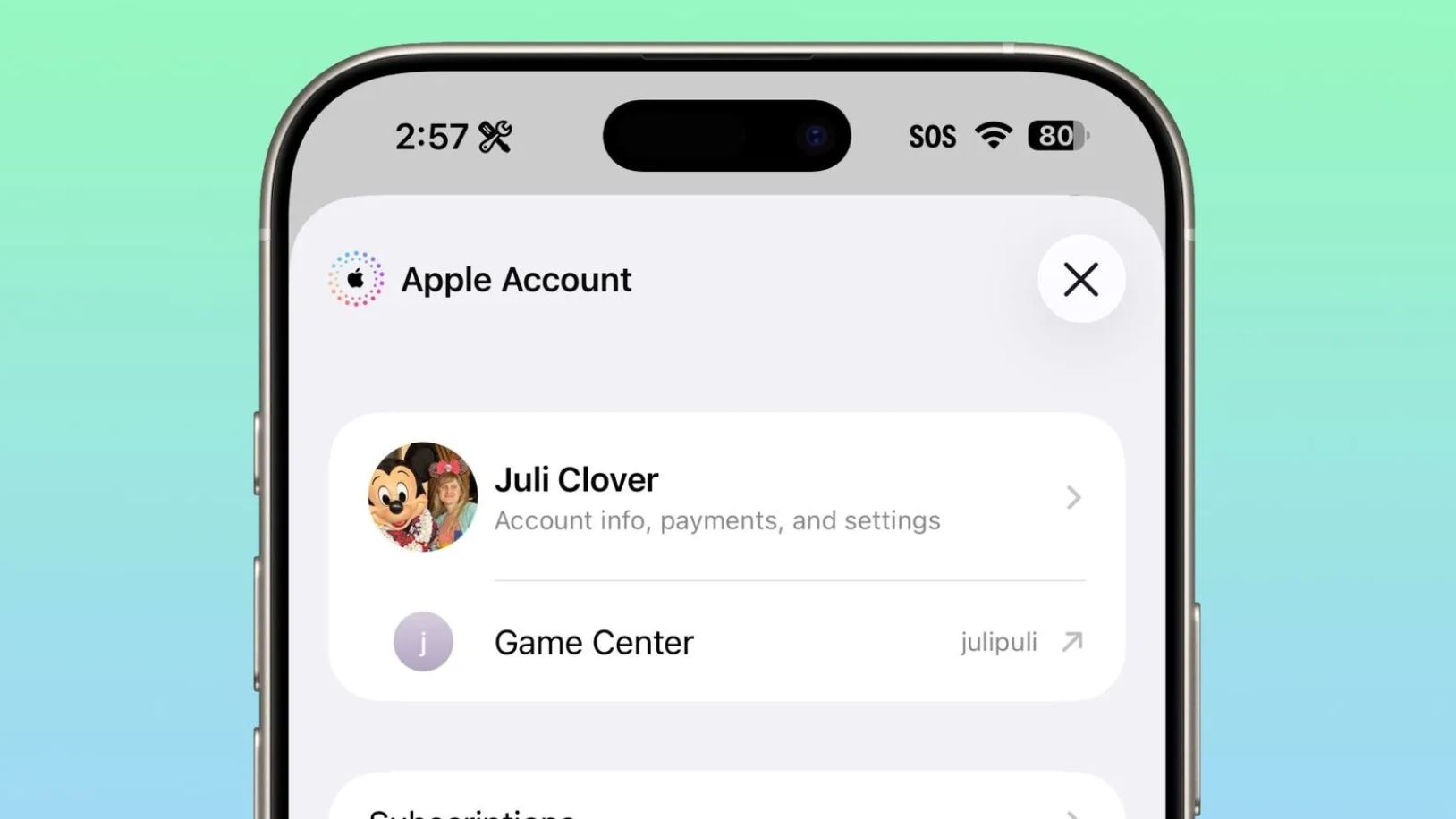
The App Store and Apple Account design has slightly changed
Don’t expect any major new features in iOS 26.4 beta 3 either: if any changes are discovered, they’ll be just as minor. A fair question: is it worth downloading the new beta version on your iPhone?
How to Download iOS 26.4 Beta 3
If you’re not ready — don’t update. That’s exactly what we tell everyone who wants to install the beta on their iPhone out of boredom. At the very least, you definitely shouldn’t risk the stability of your primary device. But if you’ve been using iOS 26 beta for a while, then you should update — this build clearly runs more smoothly than the previous one.
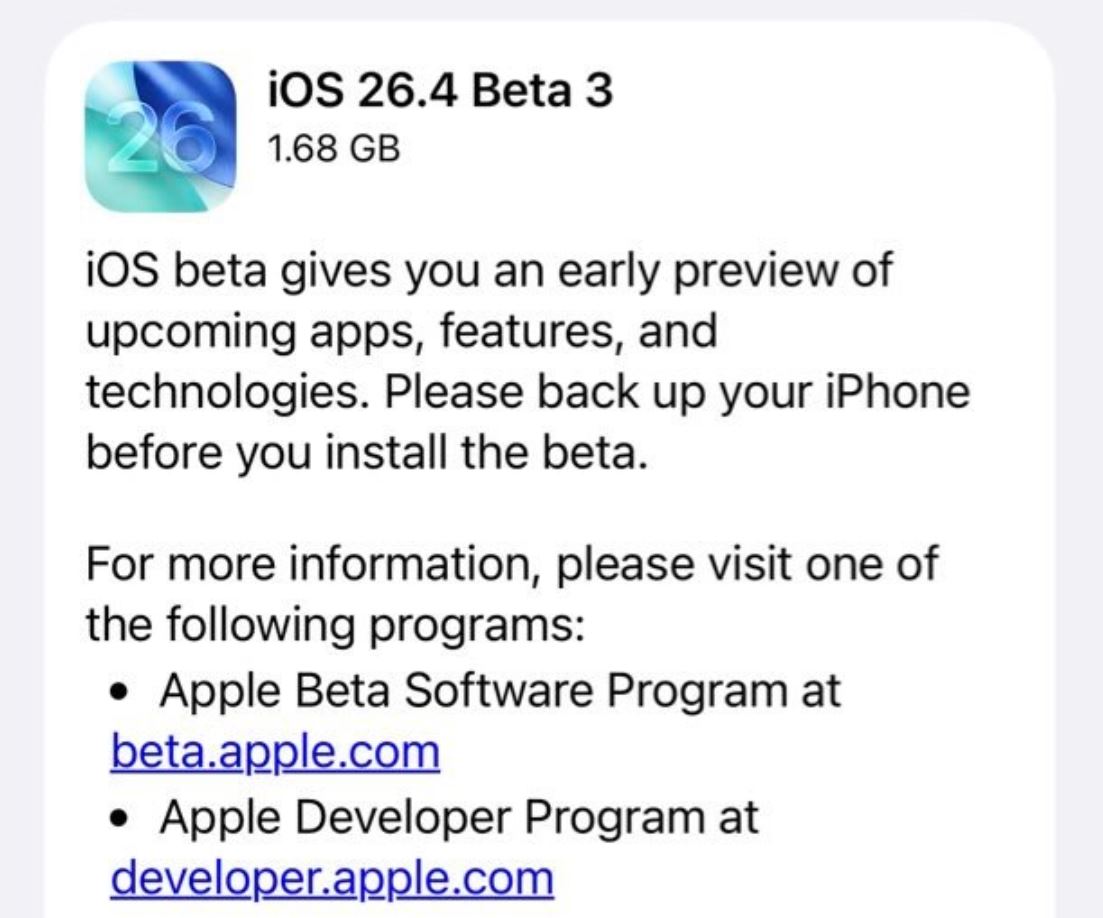
The new version is already available in iPhone settings
- Go to the Apple Developer Program website and sign in with your Apple Account.
- Accept the license agreement and you’ll see a developer registration page where you’ll need to confirm your participation.
- Restart your phone and go to Settings — “General.”
- Open “Beta Updates” and select “iOS 26.4 Developer Beta.”
- Select “Software Update” and search for updates, then install iOS 26.4 beta 3 on your iPhone.