When Google first announced that installing apps on Android would become much harder — new restrictions on installing APK on Android — the internet reacted predictably. Forums buzzed, and the word “sideloading” started appearing in headlines more often than usual. It’s understandable: the ability to manually install an app has always set Android apart from competitors. But if you look at the details, it’s not that scary. Especially since there are ways to bypass this Google block once and for all.
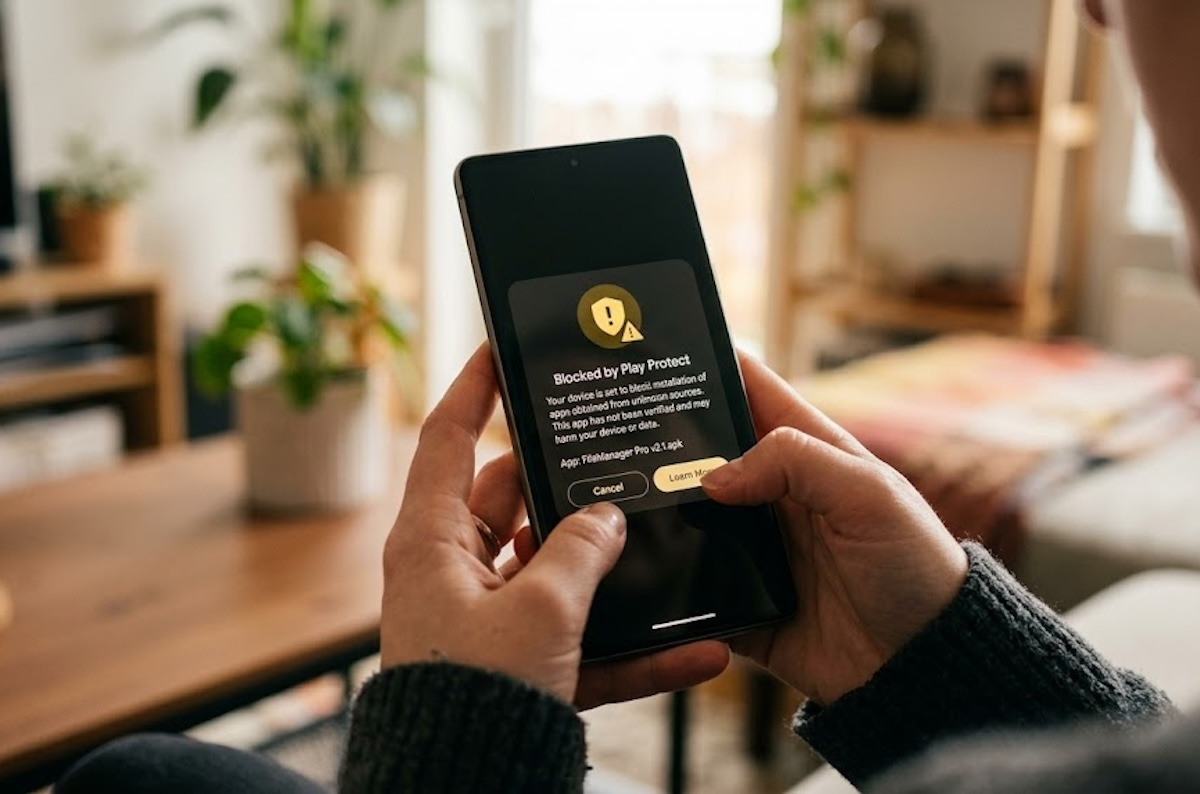
Installing third-party apps on Android will become harder.
How to Install an App on Android Outside of Google Play
Right now, everything is simple. You download an APK file, open it, Android shows a couple of warnings, and you tap “Install.” You might need to allow installation from unknown sources in settings first. In practice, the whole process takes less than a minute, and you can install anything you want this way.
This simplicity is exactly where Google sees the problem. Scammers take advantage of the fact that ordinary users can easily be tricked into installing malicious apps. A call from a “bank,” a link in a messenger, a fake “security update.” Sound familiar? There are a lot of scammers out there, and Google decided to make this path harder — but not equally for everyone.
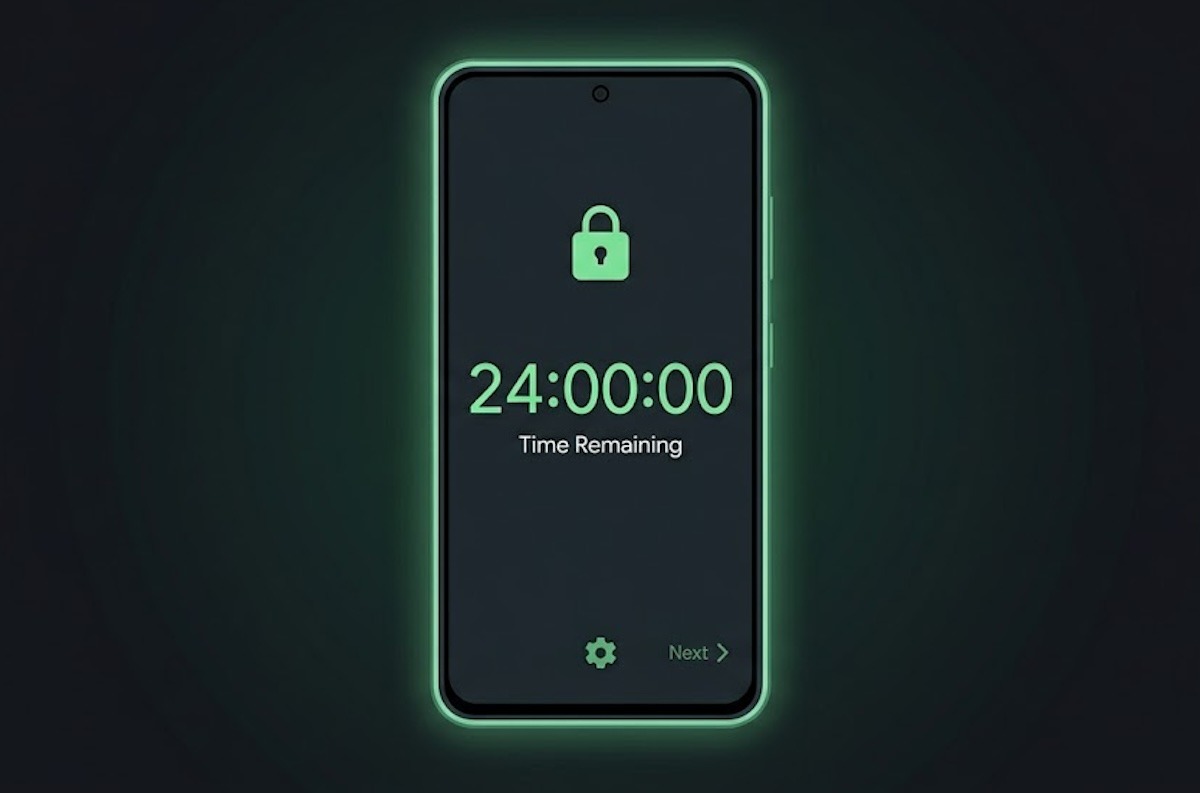
To install apps from unverified developers, you’ll need to wait 24 hours
What Will Change in APK Installation in 2026
Google is introducing a developer verification system. If a developer has confirmed their identity, nothing changes for the user at all. But if the developer hasn’t passed verification, installing an app on Android will require additional steps.
The main innovation is Google’s new idea that apps from unverified developers should take no less than 24 hours to install. The logic is clear: if a scammer calls you and asks you to install something “right now,” the 24-hour pause gives you time to reconsider.
At the same time, nothing changes for those who install apps via ADB from a computer. Connect your phone, enter the command, done. No delay. But this method is much more complicated for an average user and can’t be done with just a couple of taps.
How to Disable APK Installation Restrictions
Now for the most interesting part. Google has provided the ability to completely disable APK installation restrictions. After you go through the 24-hour waiting period once, the system will offer to activate “advanced mode.” In this mode, restrictions are removed permanently.
Honestly, I expected the good news to end there. But just recently, Matthew Forsyth from Google clarified an important detail: advanced mode can be transferred to a new phone. You won’t have to go through the procedure again every time you switch smartphones. In practice, this means an experienced user will encounter the delay exactly once in their life, and then simply transfer the setting along with their other data.
When Will APK Installation Restrictions Take Effect
The new app installation rules will take effect starting August 2026. Google will gradually roll out the update, so not everyone will get it on the same day. But by fall, the changes will affect most users.
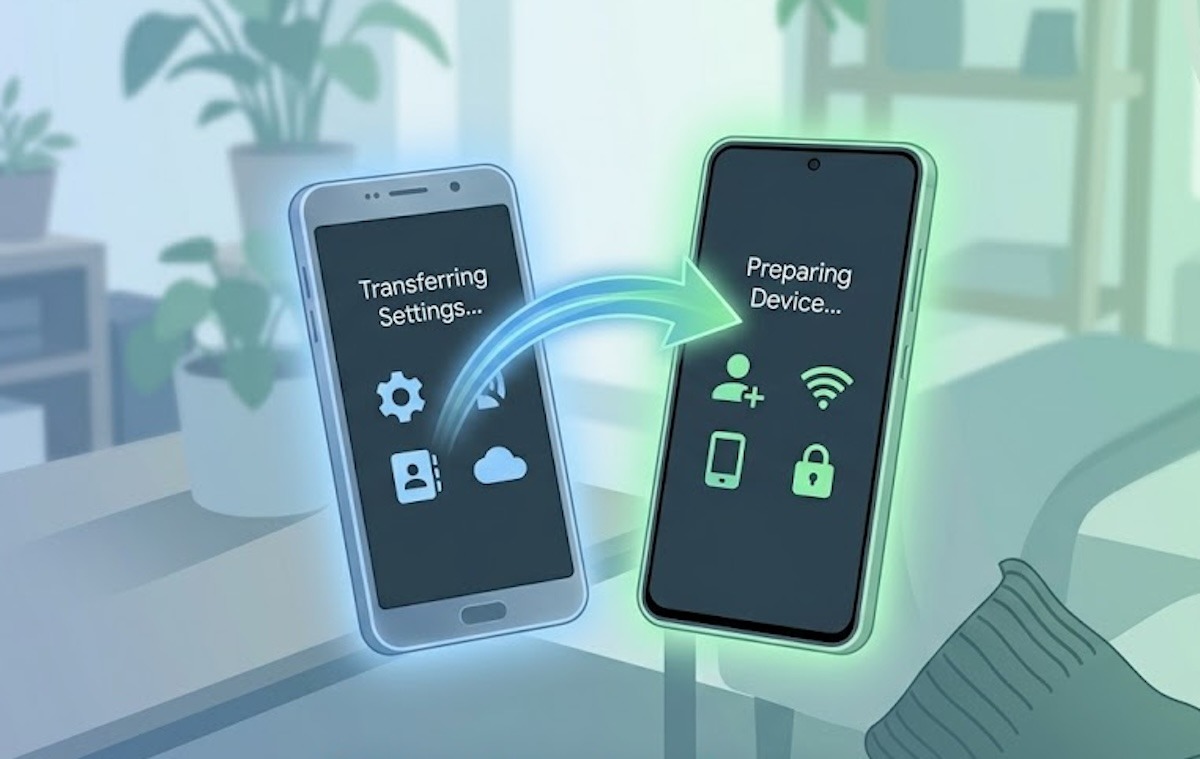
Advanced APK installation mode can be transferred to a new smartphone
Personally, I’d recommend not putting it off: as soon as the update arrives, go through the 24-hour waiting period, enable advanced mode, and forget about this issue forever. Just make sure you don’t fall for calls to install dangerous apps disguised as useful ones afterward.
Should You Worry About Sideloading Restrictions
If you’re a regular user who only installs apps from Google Play, you won’t notice anything at all. If you’re someone who likes to install APKs manually, the inconvenience comes down to a one-time 24-hour pause and a couple of taps to activate advanced mode.
Yes, it would be nicer if Google hadn’t touched anything. But the problem with fraudulent apps is real, and it affects millions of people. The balance between security and freedom that Google has found is quite acceptable. Not ideal, but livable.


