Apple has released iOS 26.4. An update that many were awaiting with a hint of anxiety. You remember how iOS 26.3 broke the camera, Face ID, and notifications? So a logical question arises: will something break again this time? Will the battery drain faster? And most importantly for Russian users: will apps removed from the App Store continue to work? I installed the latest firmware on my iPhone 16 Plus and I’m ready to share my first impressions.
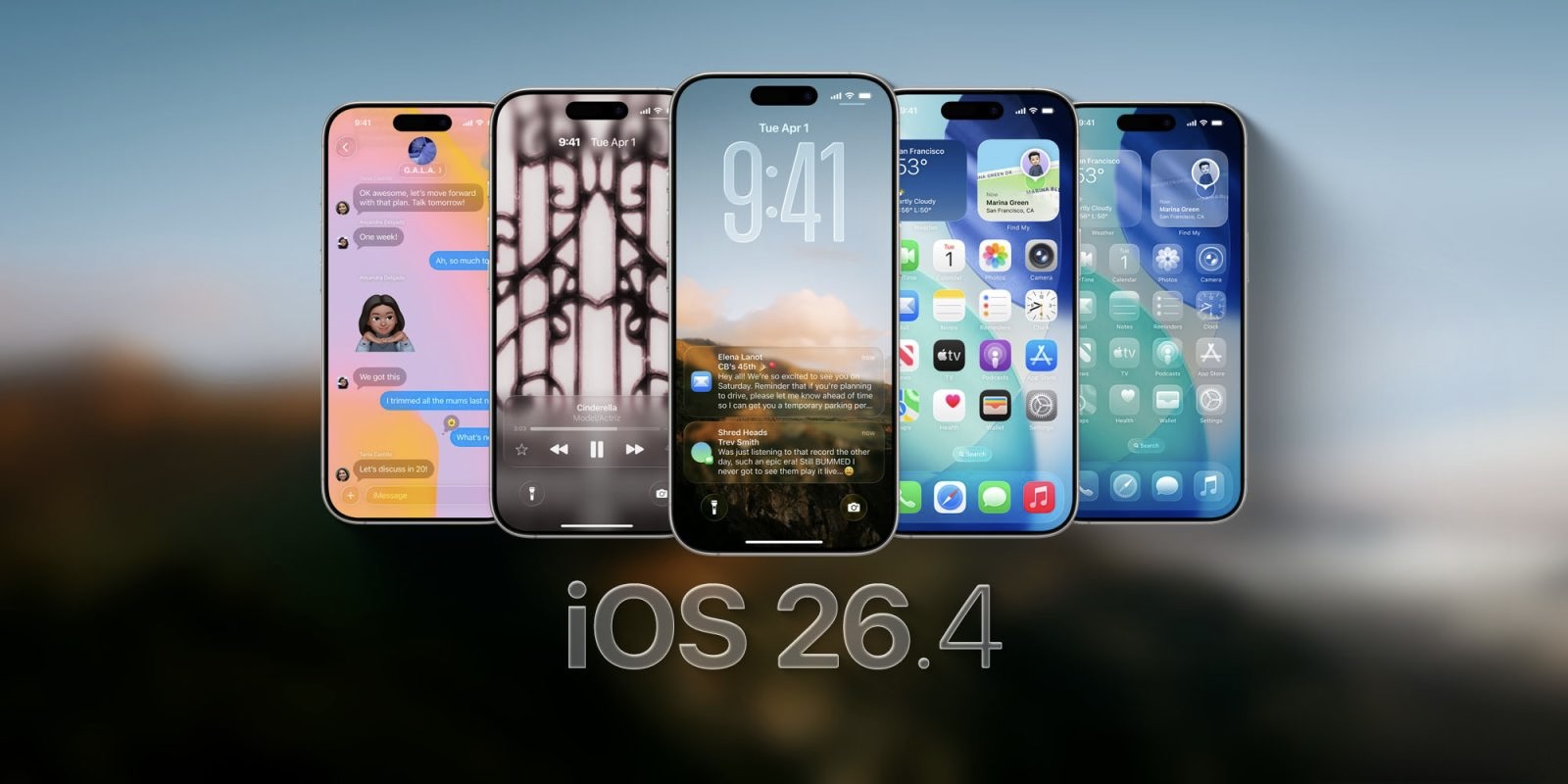
Installed iOS 26.4 and sharing first impressions. Image: 9to5mac.com
All New iOS 26.4 Features for iPhone
The update can’t be called revolutionary. Apple is clearly saving its trump cards for WWDC 2026, where they promise to show us iOS 27 and finally the updated Siri based on Gemini. But some interesting things in iOS 26.4 did appear.
The main new feature: Playlist Playground in Apple Music. The function generates playlists based on text descriptions. You type in a mood or situation, and AI selects tracks, comes up with a name, and even draws a cover. However, for now it only works in English and isn’t available in all regions. In Russia, unfortunately, it’s not available. Apple also added 8 new emoji: an orca, a trombone, a treasure chest, a ballerina, a yeti, and others. A small thing, but immediately noticeable in chats.
Among practically useful additions, I’d note the improved keyboard accuracy during fast typing. If you previously noticed that the iPhone was inserting the wrong letter even though your finger was hitting exactly the right spot, it should be better now. And you know, this isn’t just a line from the release notes. I actually noticed the difference. The standard keyboard on iOS 26.4 has become noticeably more accurate. During fast typing, there are fewer errors — your finger seems to land exactly where you’re aiming. Before, I constantly had to go back and correct words, but now text is typed noticeably cleaner. It’s a small thing, but when you type a lot, you really feel it.
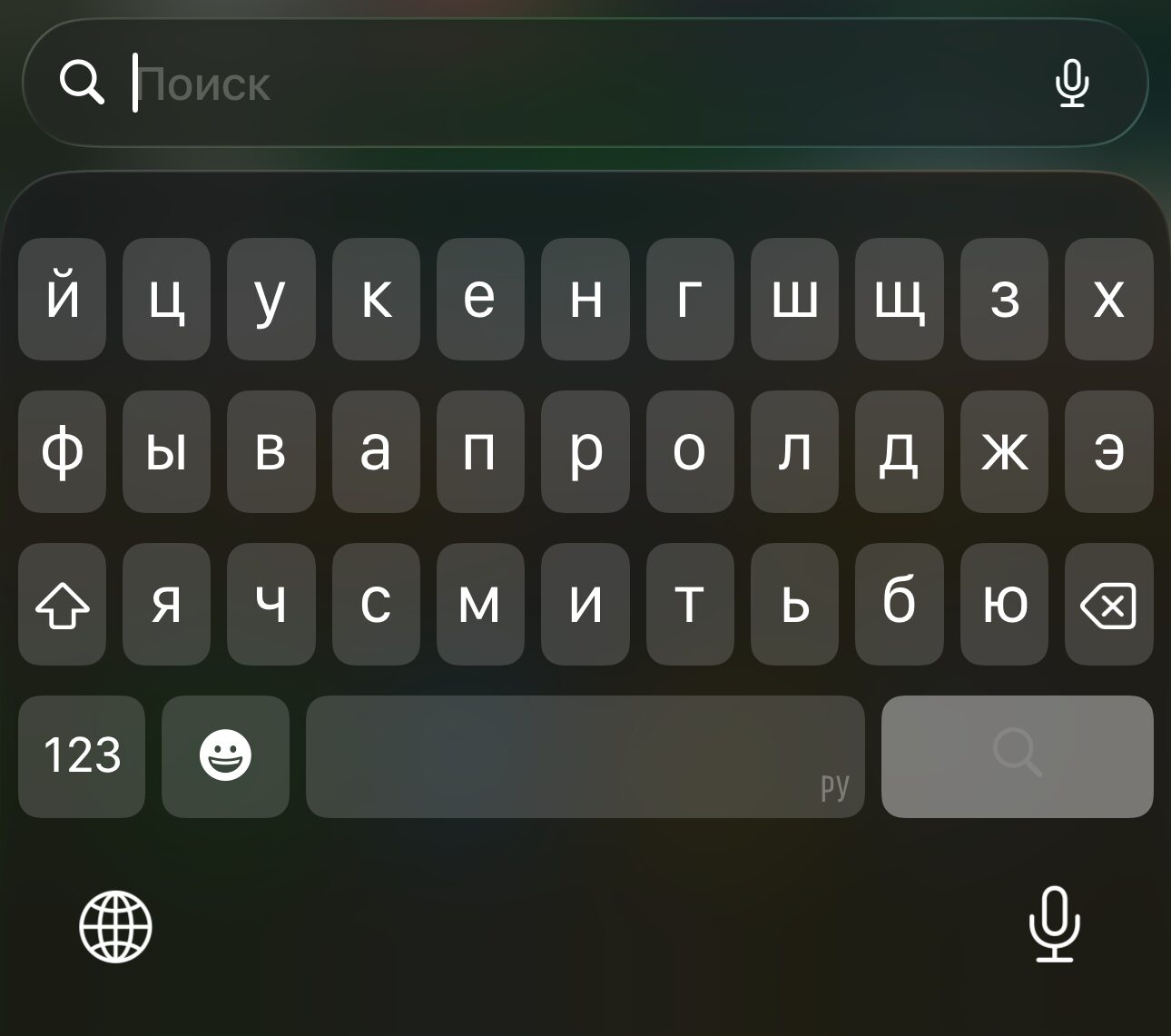
The keyboard really works better now, but typing with Yandex is even more responsive
The Podcasts app now supports video episodes with the ability to switch between audio and video. Stolen Device Protection is now enabled by default. And for those annoyed by Liquid Glass, a “Dim Flashing Lights” setting has been added in the Accessibility section. It removes the intrusive glare and flashes when pressing buttons.
How iOS 26.4 Works on iPhone: Speed and Battery Life
Let’s get to the main point. After installing iOS 26.4 on iPhone 16 Plus, I’ve been using the smartphone for over a day and can say: everything works great. No freezes, no lags, smooth animations, apps open instantly.
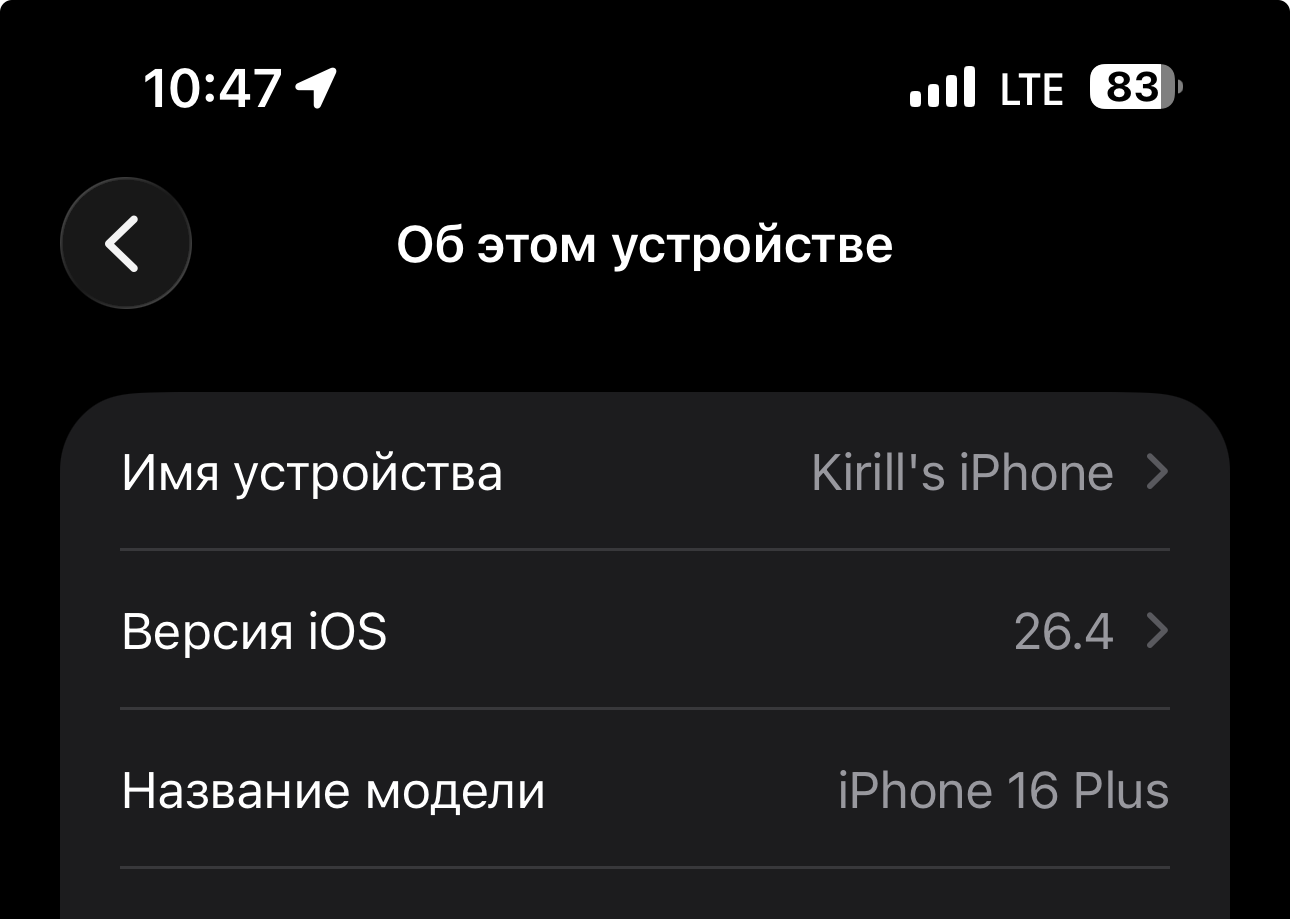
Updated to 26.4 on day one
There’s no battery drain. The iPhone 16 Plus held its charge great on the previous version, and after the update the situation hasn’t changed. By the end of the day with normal usage, roughly the same percentage remains as before. This is important because after major updates, the battery often starts “melting” faster, at least for the first few days. I’m not seeing that here.
The update size, by the way, turned out to be substantial: about 8.5 GB on the iPhone 16 Plus. This is because Apple slightly rebuilt the Apple Intelligence module. So make sure you have enough free space and a stable Wi-Fi connection before downloading.
Do Sberbank, T-Bank, and Alfa-Bank Work After Updating to iOS 26.4
Now about what concerns every Russian iPhone user. Apps removed from the App Store continue to work after updating to iOS 26.4. I checked personally.
- Sberbank. Works. Logs in via Face ID, transfers go through, cards are displayed. No problems.
- T-Bank. Works. Everything is in place: cards, transfers, bill payments. The iOS update didn’t break anything.
- Alfa-Bank. Works. The app launches, all functions are available.
- RuTube. Also works without issues. Videos play, search functions properly.
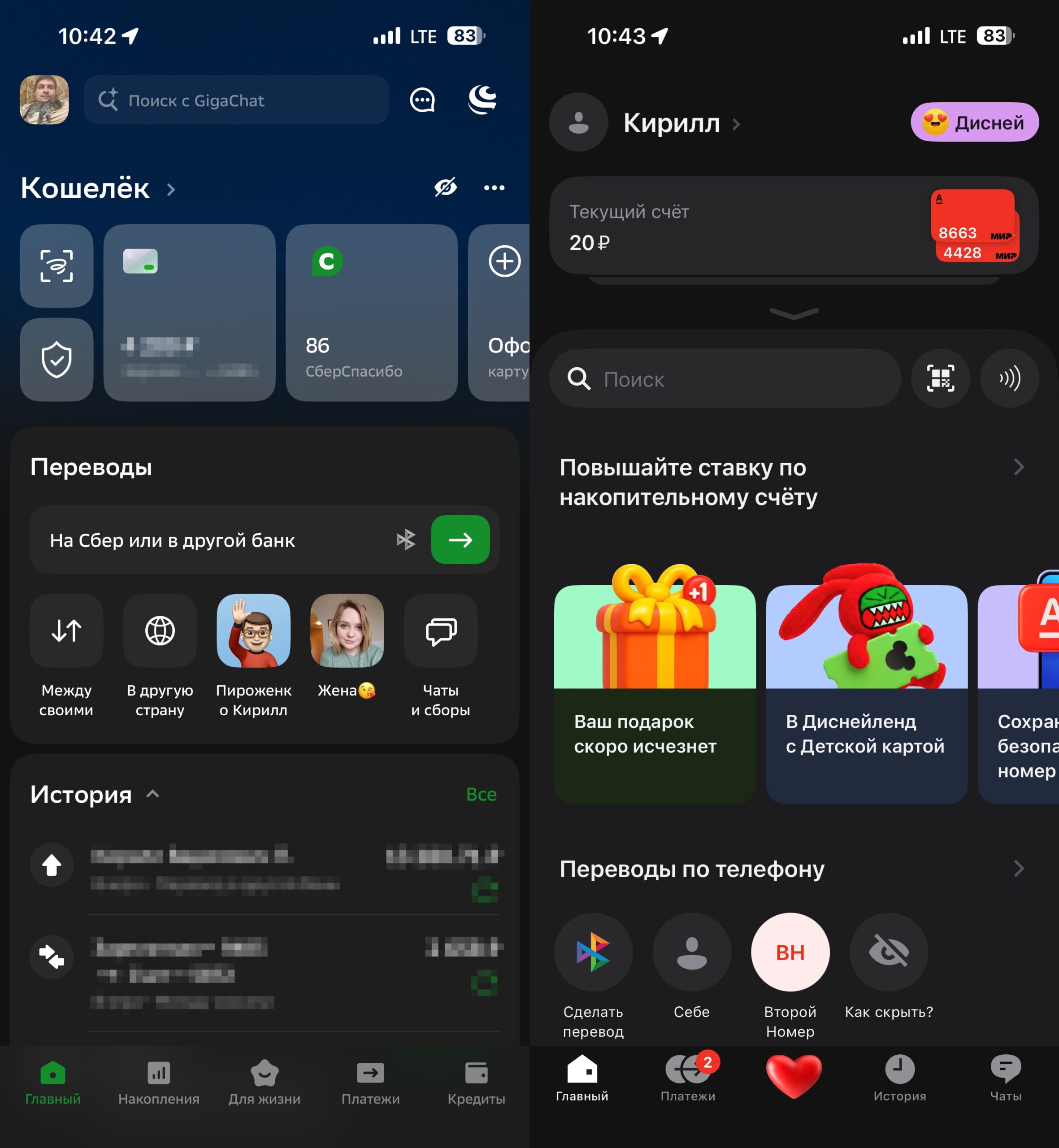
Banks work
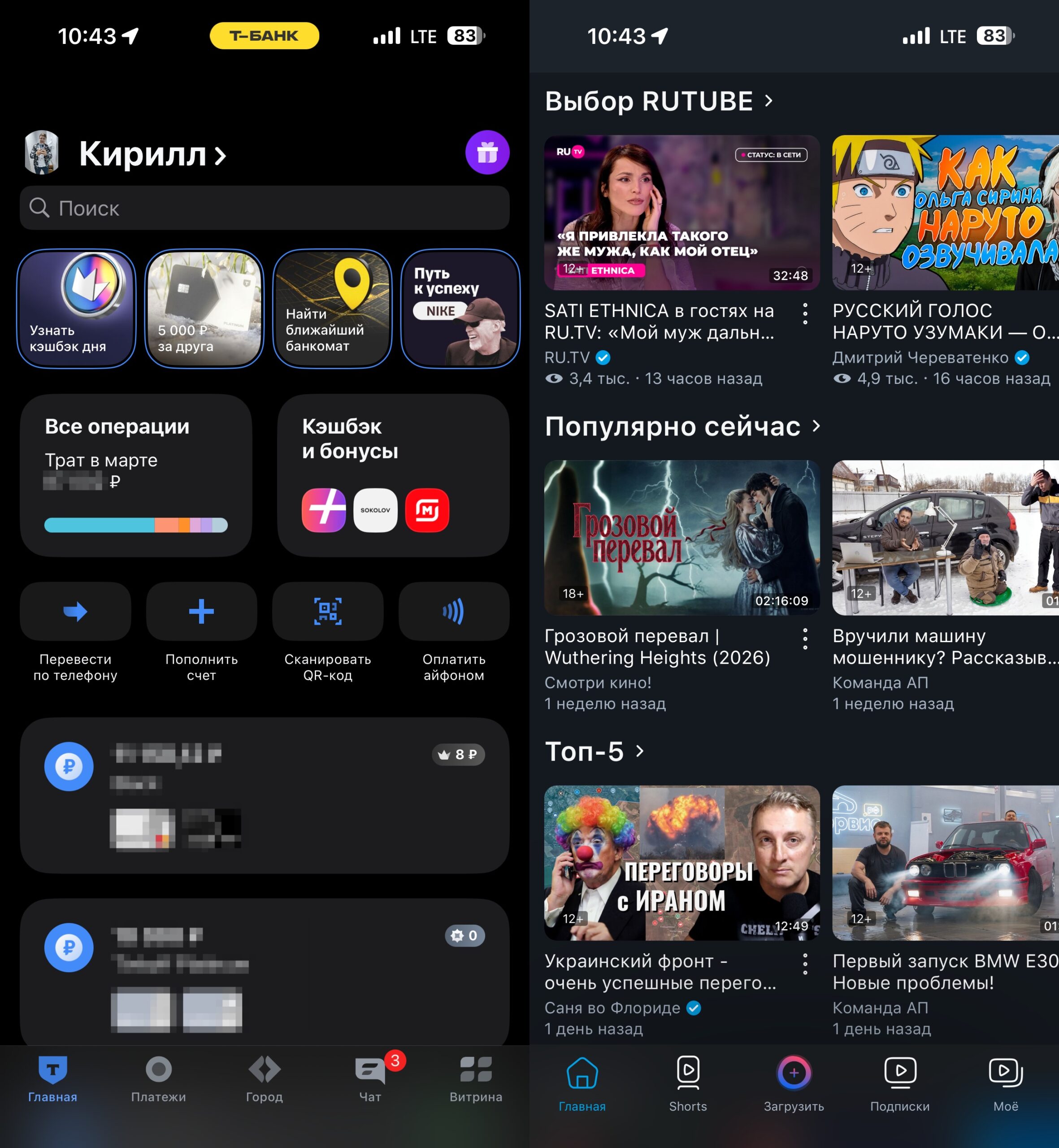
Even the ancient RuTube runs without problems
This is perhaps the most important news for those who are still putting off the update out of fear of losing their usual apps. There’s no need to worry. iOS 26.4 doesn’t delete or block anything. If the app was installed on your iPhone before its removal from the App Store, it will continue to work after the update.
Should You Update Your iPhone to iOS 26.4
Definitely yes. iOS 26.4 turned out to be stable and well-optimized. Performance is top-notch, the battery doesn’t suffer, and Russian apps work. Plus, Apple has patched numerous security vulnerabilities, so from a data protection standpoint, the update is also recommended.
The only thing to keep in mind: the download size. 8.5 GB on the iPhone 16 Plus — that’s significant. Free up space and connect to Wi-Fi. Otherwise, go ahead and update without worry.


