In the code of Android 17 and Google Play Services test builds, traces of a new Tap to Share feature — file transfer by touch — were discovered, which Google positions as an AirDrop alternative for Android. The news spread across tech publications with corresponding fanfare: Google has finally come up with something cool, they said. But Xiaomi owners can afford a condescending smile at this point: Touch to Share on Xiaomi already works right now, and not just between Chinese smartphones.
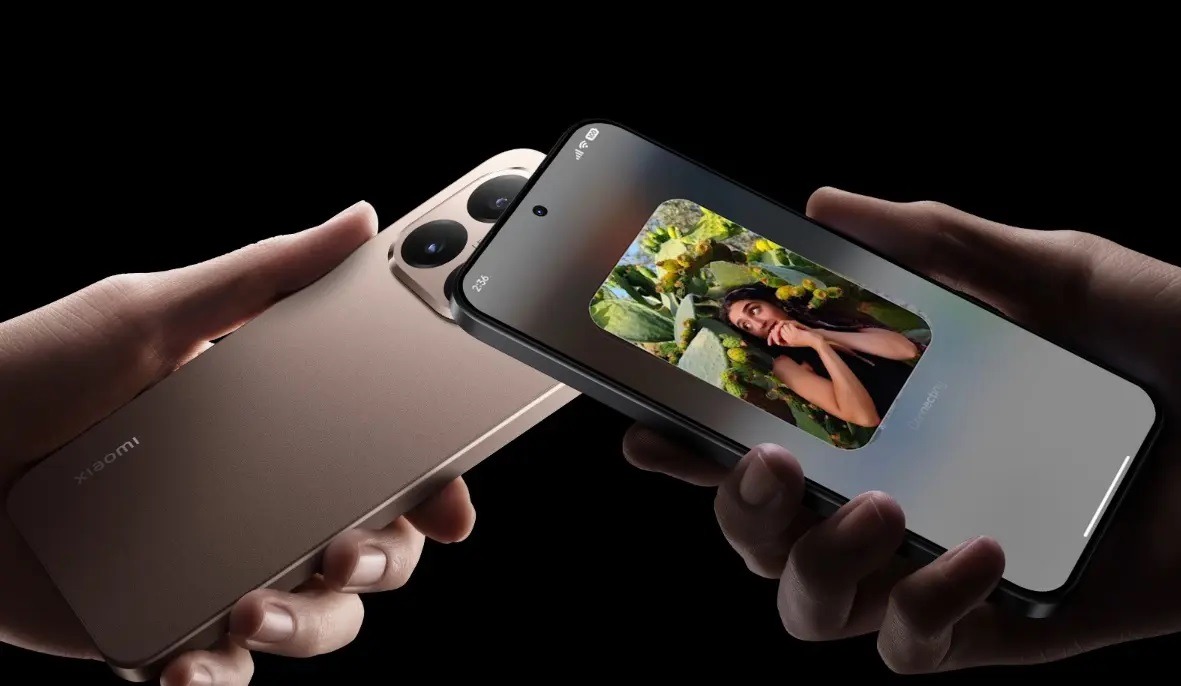
The feature was introduced alongside HyperOS 3 at the Xiaomi 15T presentation last fall. Image: Xiaomi
What Is Tap to Share in Android 17
Android 17 features are being actively studied long before the official release: enthusiasts dig through test builds and find code strings pointing to future capabilities. That’s exactly how the tap-to-transfer feature was discovered — a system service called TapToShare, built into the operating system level and linked to Google Play Services.
The working principle is simple: two Android devices are brought close to each other, an NFC “handshake” occurs, and then the file transfer proceeds via Wi-Fi Direct through Quick Share. Fast, without QR codes, without selecting a recipient from a list. Signs of the feature were found in Samsung’s One UI 9 test builds and in Canary versions of the new system. It appears that Google and Samsung are working on this together, and Samsung devices will be the first to receive Android 17 features related to Tap to Share.
How Touch to Share Works on Xiaomi
While Google is preparing Tap to Share for the Android 17 release, Xiaomi owners are already using a practically identical feature. HyperOS 3 introduced Touch to Share — file transfer by touch via NFC with subsequent high-speed transfer over Bluetooth and Wi-Fi. Photos, videos, documents, Wi-Fi passwords — all of this is sent with a simple touch of the back panels of two unlocked devices.
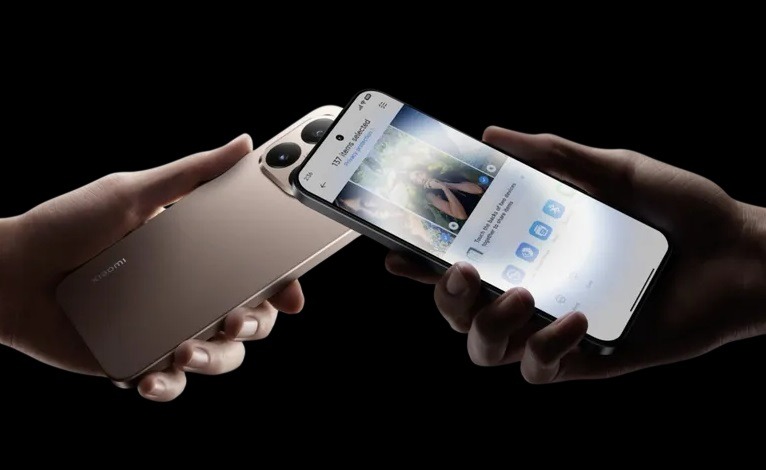
Xiaomi already has the main Android 17 feature. Image: Xiaomi
But there’s a nuance that’s truly surprising. Xiaomi and Apple compatibility in the context of file transfer is not a marketing exaggeration. Touch to Share in HyperOS 3 works with iPhone. Not through third-party apps, not through workarounds, but through native NFC. For this, you need an iPhone 12 or newer running iOS 17 and above, the Xiaomi Interconnectivity app on the Apple side — and that’s it. You bring the phones close to each other and get file transfer between Android and iOS by touch. Google hasn’t reached that point yet.
How to Use Touch to Share on Xiaomi
The Touch to Share feature on Xiaomi is enabled by default if NFC is active on the device. But it’s worth making sure everything is set up correctly:
- Open “Settings” and go to the “Connections” or “Wireless Networks” section.
- Make sure NFC is enabled.
- Go to “Settings” — “Additional Features” — “Touch to Share” and make sure the feature is active.
- Unlock both devices (transfer only works on unlocked smartphones).
- Open the file, photo, or whatever you want to share.
- Bring the top of your Xiaomi to the top of the other device (where the NFC chip is located).
- Wait for the transfer animation to appear and confirm the sending.
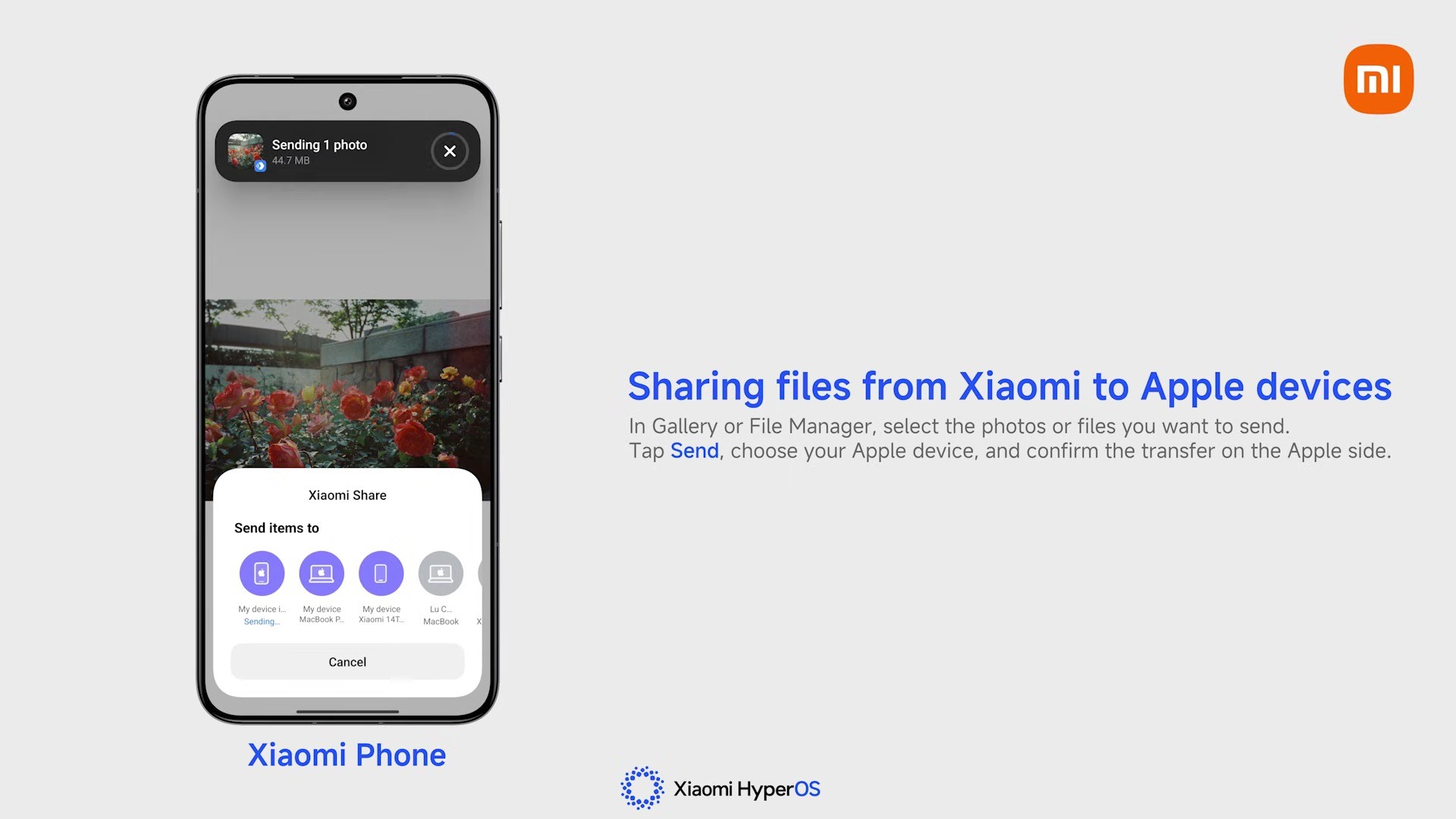
The feature is also available through the “Share” button. Image: Xiaomi
Transferring a file from phone to phone this way takes literally a few seconds. Large files are transferred via Wi-Fi Direct after the NFC connection is established, and the speed is many times faster than regular Bluetooth.
For transferring to an iPhone, the process is slightly different: you need to install the Xiaomi Interconnectivity app from the App Store on the iPhone, after which the touch mechanism remains the same.
When Will Android 17 with Tap to Share Be Released
You can’t download Android 17 in a stable version yet, as the update is still in the beta testing stage. The first Developer Preview builds came out in early 2026, and the stable release is expected in the second half of the year. The Android 17 release is traditionally tied to the announcement of new Pixel smartphones — most likely summer 2026.
We’re expecting the new system to launch this summer. Image: 9to5google.com
Until then, Tap to Share will remain a feature for developers and enthusiasts willing to install test builds. Meanwhile, Touch to Share on Xiaomi works today on devices with HyperOS 3 and newer. This is a good example of how manufacturers with their own custom skins often outpace stock Android by a year or two. Google is catching up — and that’s generally good news for the entire market.


