In January 2025, the Chinese AI neural network DeepSeek overtook ChatGPT in the App Store within just a few days — and this happened worldwide. The reason turned out to be painfully simple: a free neural network that works in Russia without a VPN simply couldn’t fail to take off. Let’s figure out how to install DeepSeek on iPhone and what you can actually use it for.
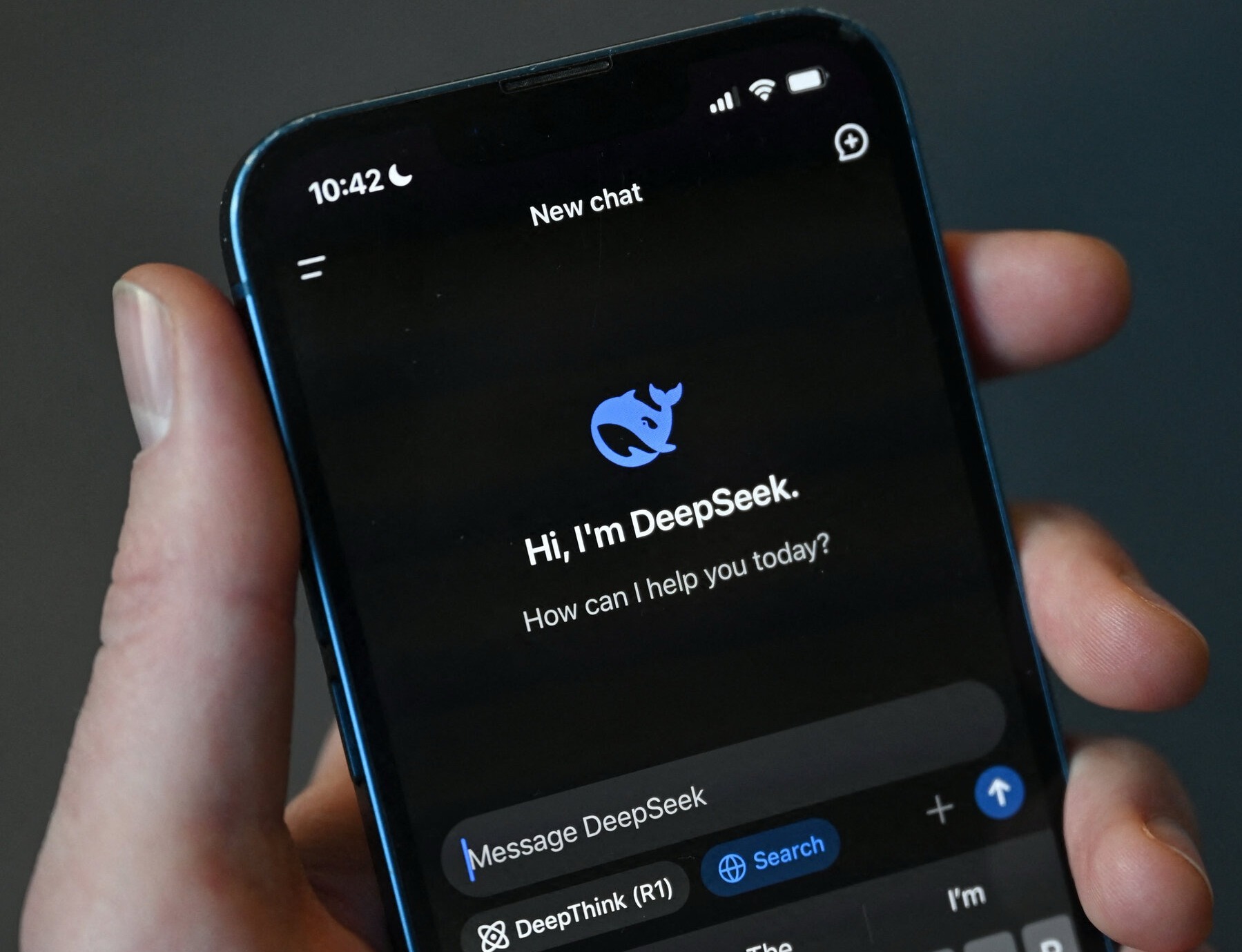
A great neural network available in Russia without workarounds. Image: nytimes.com
What Is DeepSeek: Differences from ChatGPT
DeepSeek is a Chinese neural network that matches the quality of OpenAI’s flagships. The cost — zero. People finally got a powerful tool without subscriptions, foreign cards, or workarounds. That’s exactly what explains the explosive interest. If you compare it directly with ChatGPT, the difference is noticeable, especially for users in Russia:
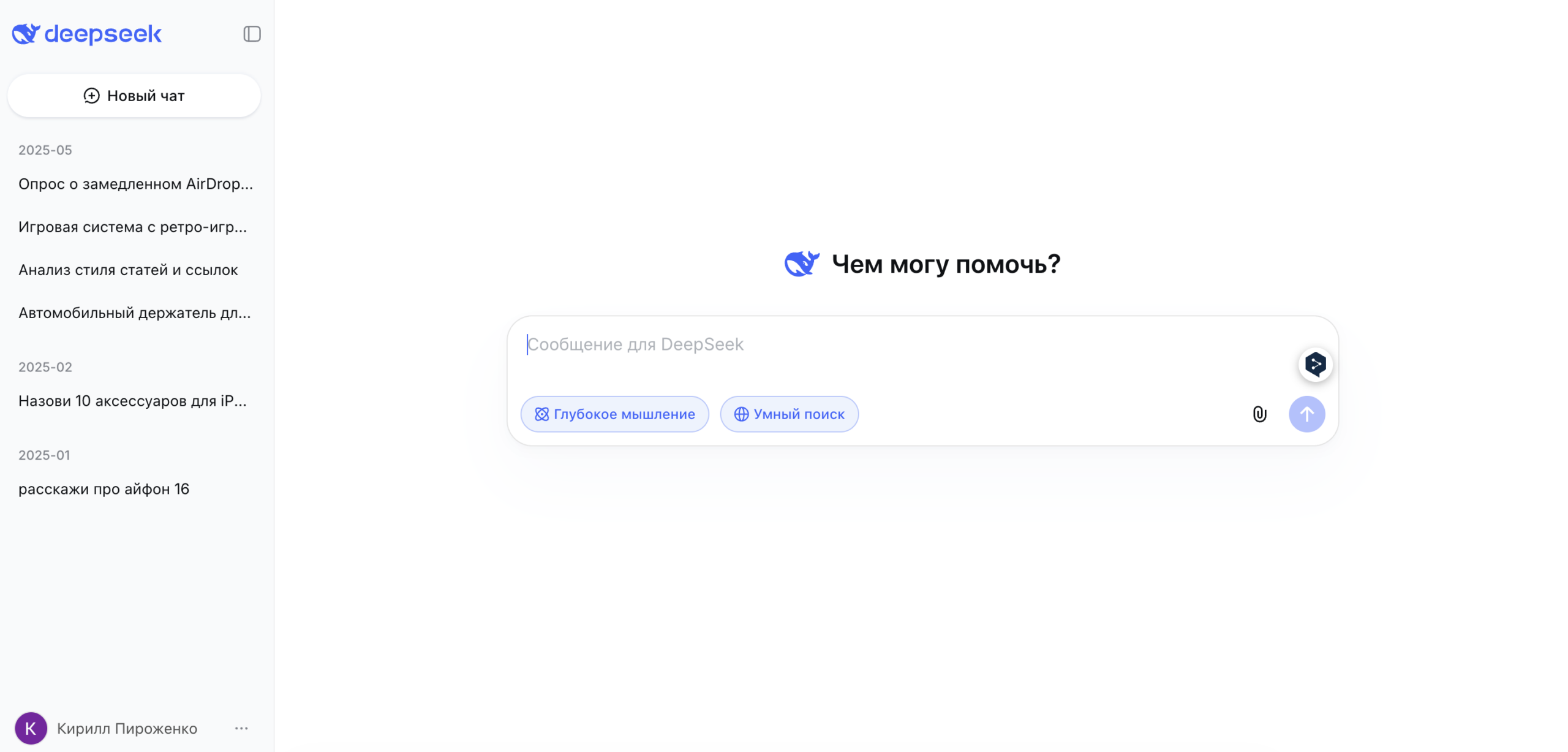
DeepSeek’s interface is the same as other neural networks
- Free and without limits. ChatGPT in free mode limits the number of messages to its powerful model: once the limit is exhausted, it switches to a weaker one. DeepSeek has no such limits.
- No VPN or foreign account needed. ChatGPT is officially unavailable from Russia: you need a VPN or a foreign account. DeepSeek opens directly — both the website and the app in the Russian App Store.
- No foreign card needed. A paid ChatGPT Plus subscription requires a foreign payment method. DeepSeek’s free mode is just as good. No card needed at all.
- There’s a “thinking” mode. DeepThink (R1), or “Reasoning,” where DeepSeek thinks step by step and shows its thought process. Especially useful for code, math, and analyzing complex documents. And all of this is free.
The neural network has two models. The first is DeepSeek-V3.2, which responds quickly: suitable for most tasks — writing text, translating, explaining complex things in simple terms. The second is DeepThink (R1), which is slower but reasons step by step. However, enabling them separately is no longer possible. Everything is done automatically.
How to Install DeepSeek on iPhone
The DeepSeek app is available in the Russian App Store. It’s accessible with a regular account, so you won’t need to switch to another region or link a foreign payment method. Search for “DeepSeek” in the search bar or follow the direct link: Download DeepSeek from the App Store.
After installation, you need to register:
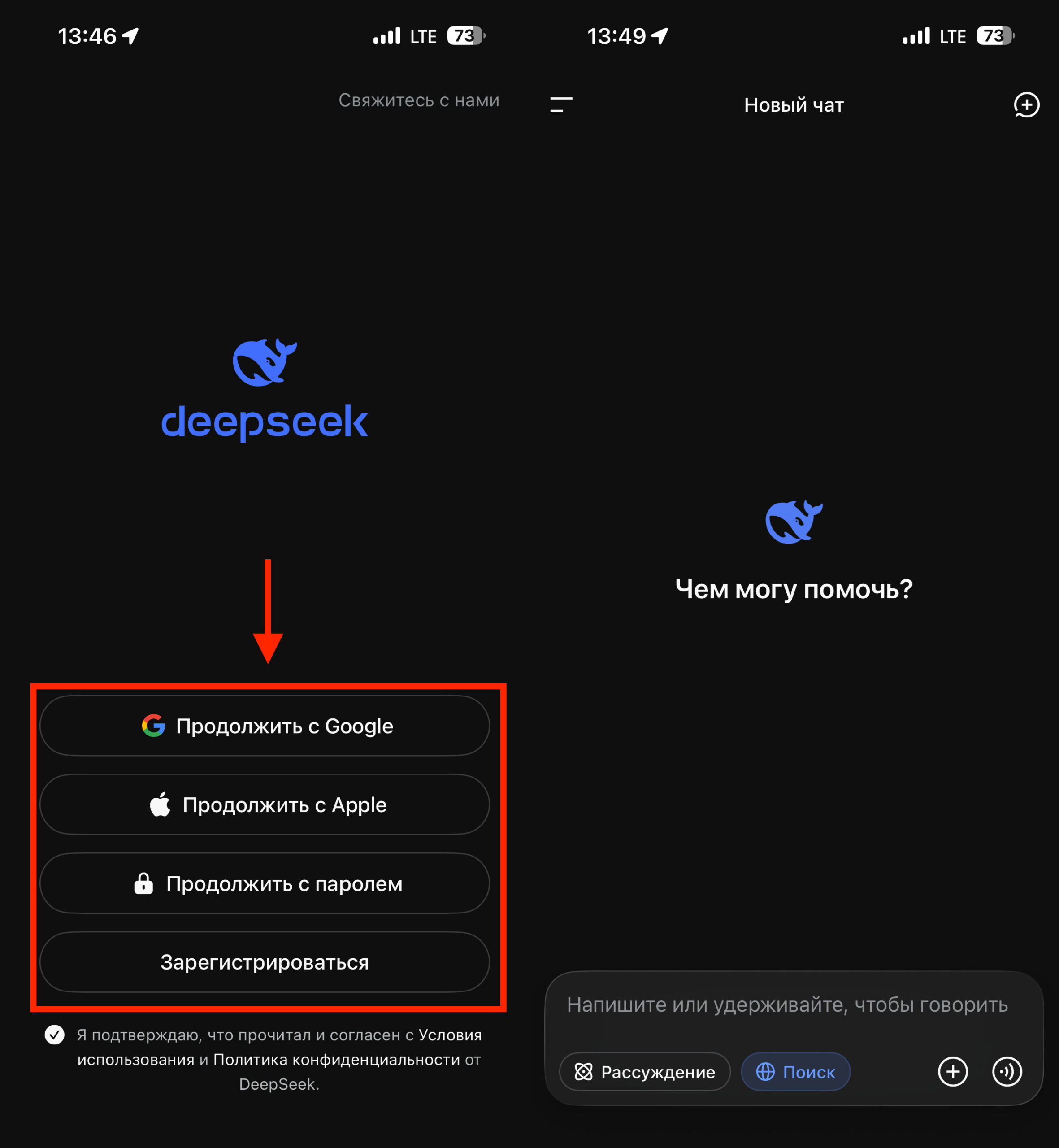
I recommend signing in via Apple or Google. 100 times faster
- Open the DeepSeek app.
- Choose a sign-in method: via Google account or email. Don’t forget to accept the license agreement.
- If you chose email, enter your address and create a password. No phone number required.
- Confirm your email if you receive a verification code.
- Done — you’re in the chat.
After signing in, an empty chat with a message input field at the bottom will open. You don’t need to activate anything extra. Just type your request in Russian (or any language), as if you were asking a real person.
What DeepSeek Can Do: Features and Capabilities
A neural network isn’t a “do everything” button, but for specific tasks, it genuinely saves time. Here’s what DeepSeek does well:
- Write and rewrite text. A social media post, a business email, an explanatory letter, a cover letter. Tell it what you need, and the neural network will suggest a version. Usually the result is good on the first try; sometimes you need to clarify the tone.
- Analyze a document or contract. Paste the text and ask: “explain in simple terms,” “what’s risky here,” “which clauses should be clarified.” DeepSeek isn’t a lawyer, but it will highlight basic risks. Sometimes that alone is enough.
- Help with code. DeepThink (R1) handles code best: checking why a script doesn’t work, writing a formula for a spreadsheet, understanding someone else’s code.
- Translation. Handles technical texts, correspondence with foreign partners, and manuals well — especially from English. The result can be used right away, without editing.
- Prepare for negotiations or a job interview. Ask it to simulate questions or objections. It makes a decent practice tool that doesn’t get tired or offended.
There are no message limits. You can write as much as you want, and you don’t need to pay.
AI Tools That Generate Images for Free
DeepSeek works only with text. There’s no image generation in the chat — neither on the website nor in the app. For images on iPhone, there are several neural networks that work from Russia without a VPN and are mostly free:
- Nano Banana Pro — perhaps the most interesting option for generating images. There’s no app in the Russian App Store, and the neural network itself is paid, but there’s a trick to using it for free.
- Kandinsky — a neural network by Sber, available through the GigaChat app. Free, no VPN needed, understands prompts in Russian.
- Shedevrum — an app by Yandex based on YandexART. Works from Russia, available in the App Store, supports Russian language.
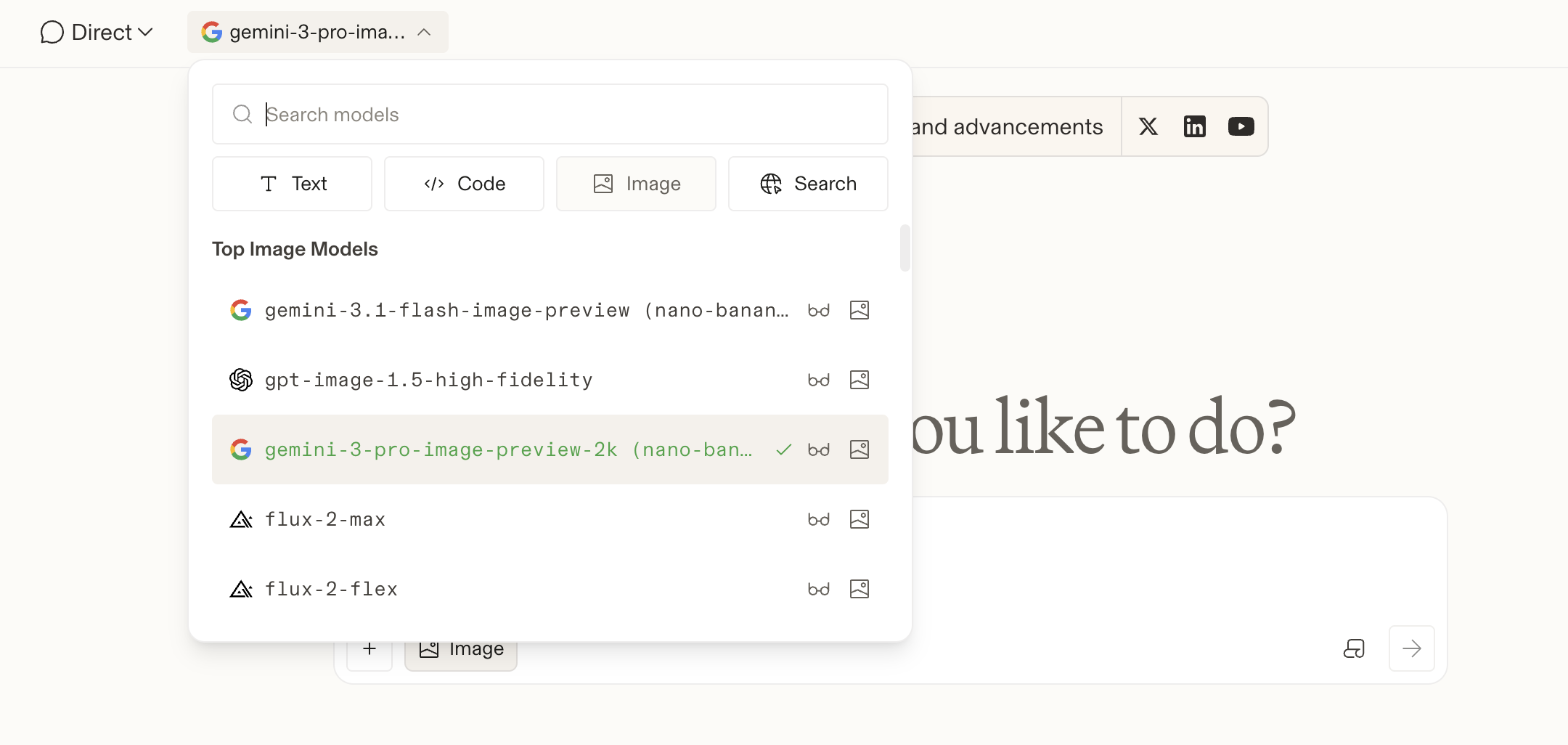
You can get access to Nano Banana Pro — the key is knowing the secrets
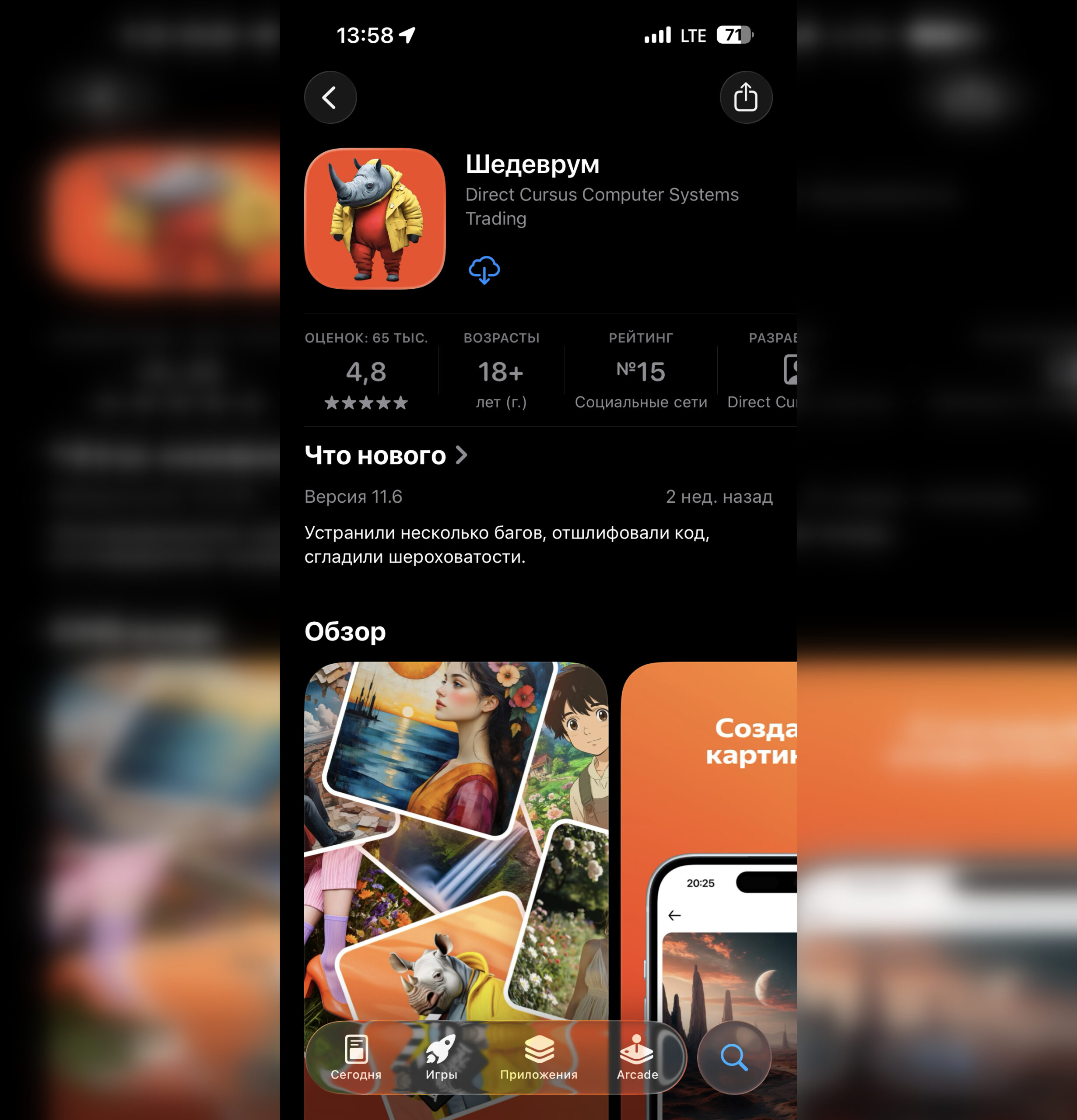
Shedevrum by Yandex is available in the App Store