Anthropic has released Claude Code integration with Telegram and Discord. Now you can connect to a Claude Code terminal session running on a Mac from your iPhone through a regular Telegram bot. The feature is currently in “research preview” status — meaning it works, but is officially considered experimental. In short, this neural network first took up residence on our computer, and now it’s threatening to replace entire development teams. We figured out how it works and explain how to set it all up yourself.

How to use Claude Code via Telegram right from your iPhone
What Is Claude Code and How Does It Work on Mac
Claude Code is a tool from Anthropic that works directly in your computer’s terminal and performs programming tasks using plain language. You write what needs to be done, and the AI reads project files, makes changes, runs tests, and records results on its own. Essentially, it’s an autonomous developer assistant that lives in your Mac’s command line.
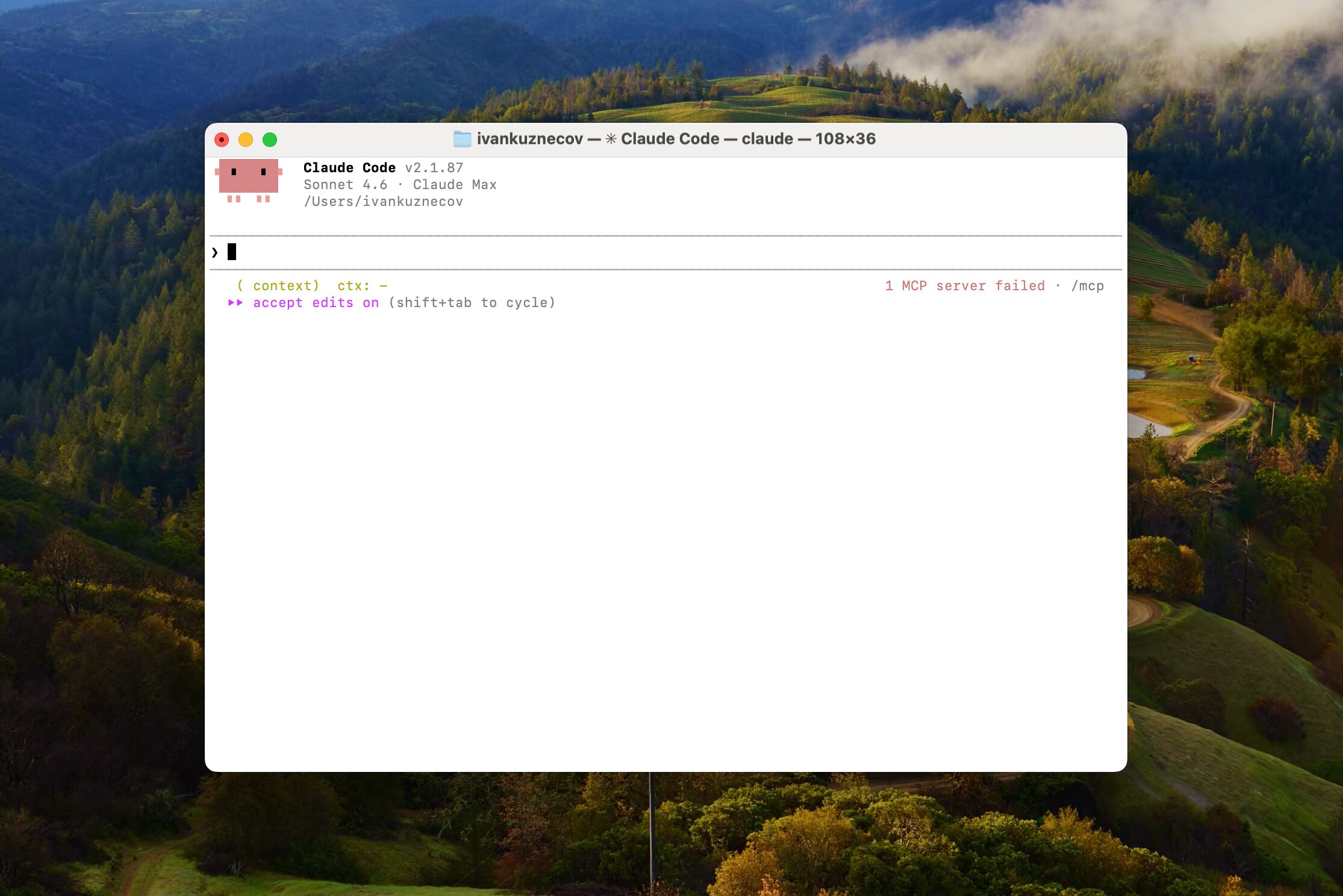
The minimalist interface is deceptive — behind a couple of lines lies the power capable of replacing an experienced software developer
Until now, working with Claude Code required sitting at the computer or using remote terminal access. The new Telegram integration changes the situation: you start a session on your Mac, then control it from your iPhone through a familiar messenger. No special apps on the phone are needed.
This is especially interesting because iOS still doesn’t have a full-fledged development environment like Xcode. The Telegram bot effectively gives access to Mac tools that are simply unavailable on iPhone.
How to Set Up Claude Code in Telegram: Step-by-Step Guide
Setup requires several steps and some patience. Here’s the general sequence:
- Go to @BotFather in Telegram, create a new bot with the /newbot command, set a name (it must end with “bot”), and copy the generated key.
- In Claude Code on Mac, install the Telegram plugin, reload plugins, and enter the Telegram key.
- Send the bot a personal message with a pairing code — this will link the Telegram chat to the terminal session.
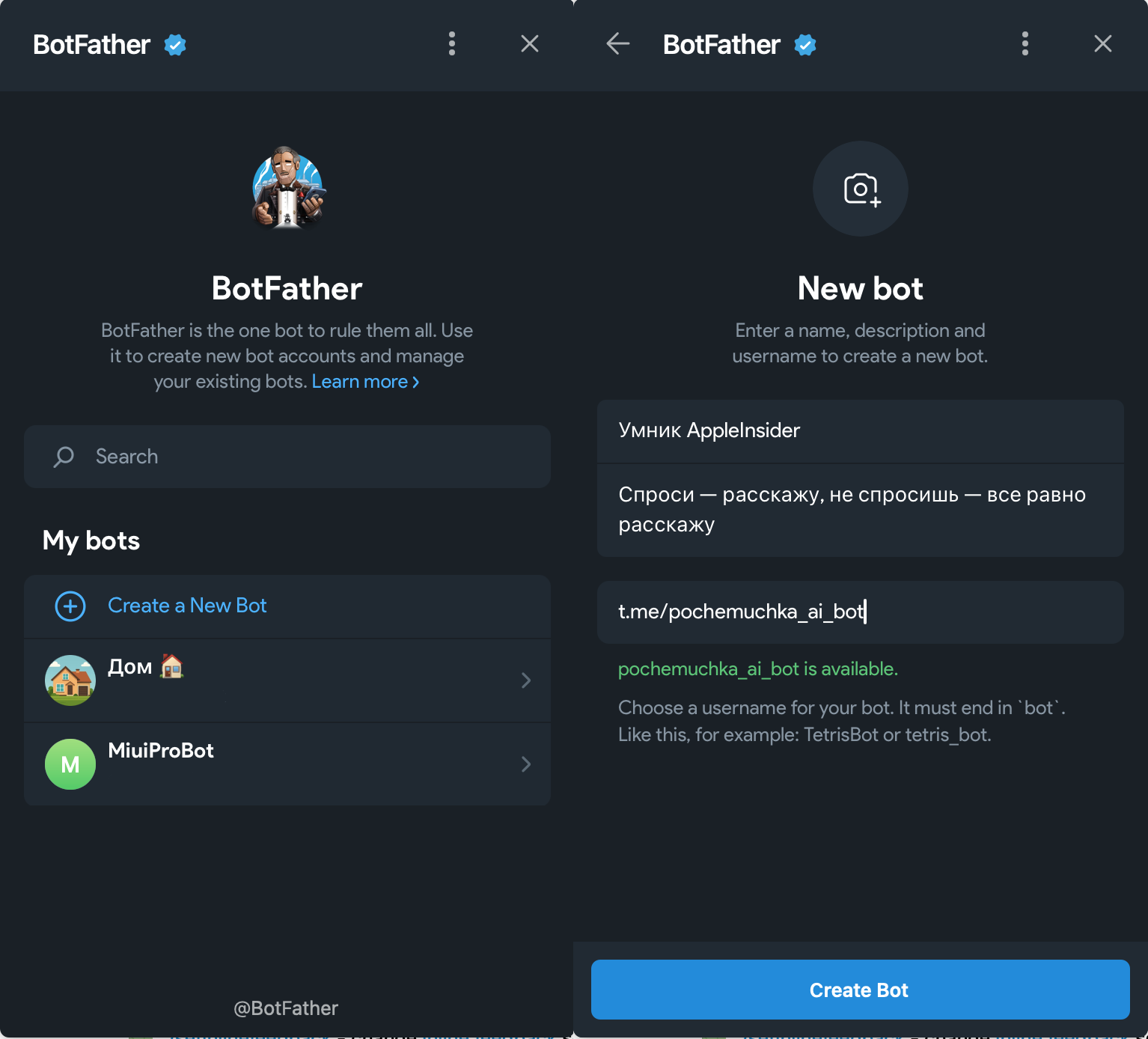
Press start, come up with a name, and get a token — the bot’s code name that other services will use to connect
Detailed commands for each step are published on Anthropic's GitHub. The sequence of steps matters — if you break the order, the setup may not work.
One of the pitfalls: the integration requires Bun — a JavaScript runtime that Anthropic acquired in late 2025. If Bun is not installed on your Mac, the connection won’t work. We ran into this issue but resolved it by installing the library manually. It’s not difficult, you need to:
- Run the Bun installation command: curl -fsSL https://bun.sh/install | bash
- Apply PATH changes: source ~/.zshrc (for zsh)
- Check the Bun version: bun –version
- Create a project and run it: bun create react ./my-app && cd my-app && bun install && bun dev
Of course, it all sounds scary and complicated, but in reality, all you need to do is follow the steps above. And if something is unclear, you can ask Claude in the chat or terminal, and it will walk you through every installation step hand in hand.
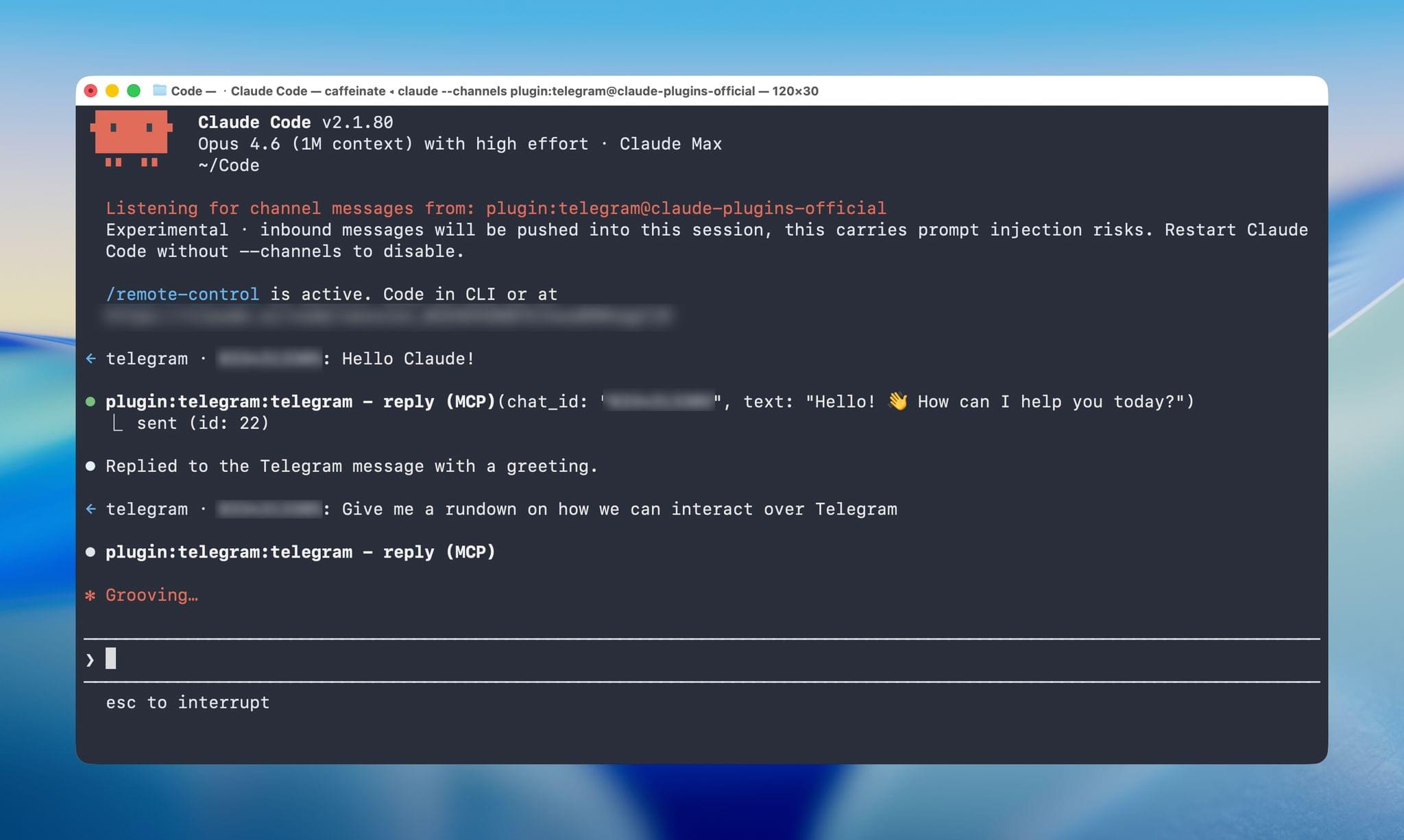
Setting up the Telegram plugin in the Claude Code terminal
After setup, the session is launched with a special command flag:
claude --channels
From this point on, everything you write to the bot in Telegram is forwarded to Claude Code on the Mac — and vice versa.
Claude Code Capabilities via Telegram on iPhone
The capabilities depend on what permissions you’ve granted Claude Code. By default, if the AI needs to perform something requiring confirmation, you’ll have to go to the Mac and press “allow” in the terminal, because Telegram can’t relay those permissions. However, if you launch Claude Code with the flag:
--dangerously-skip-permissions
then the neural network becomes its own boss, and the capabilities become significantly broader.
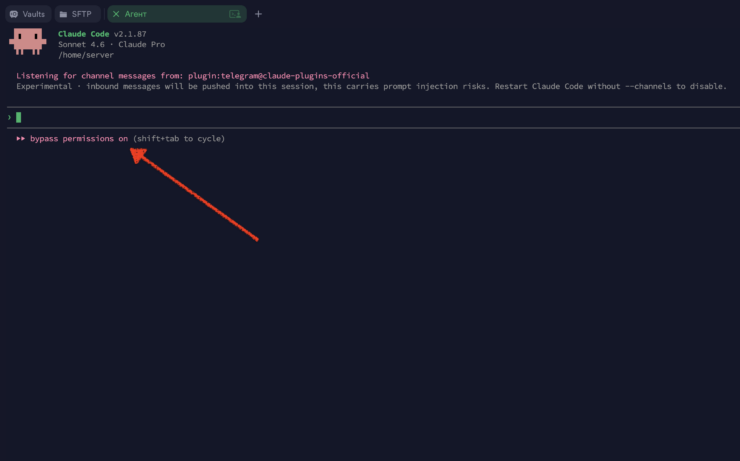
This message means the neural network has permission for system actions
We tested the following scenarios:
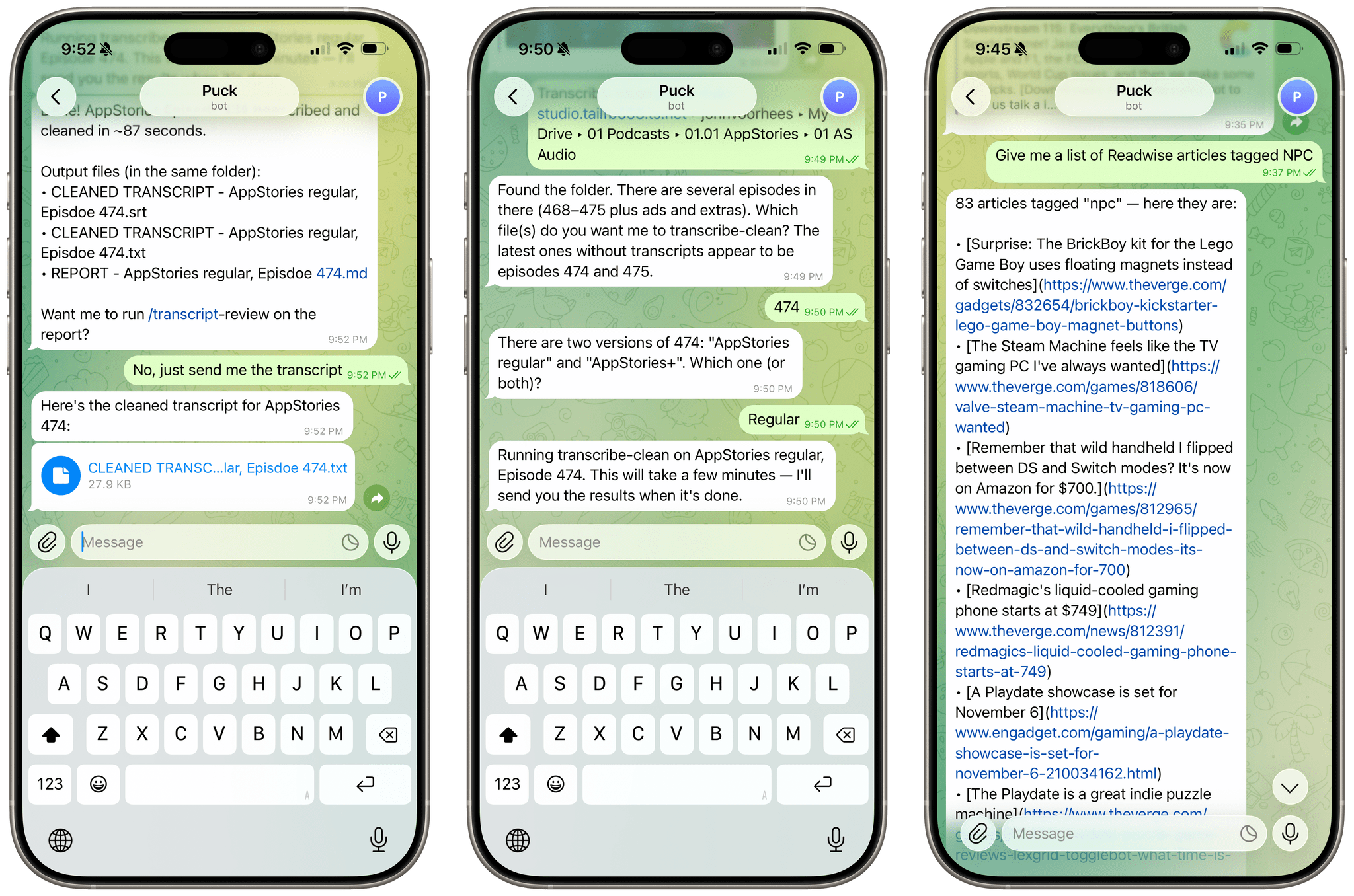
- Building and running an iOS project with wireless app installation directly onto the iPhone from which the chat was running.
- Compiling a list of 83 articles saved in Readwise Reader through its command-line utility.
- Transcribing podcast audio with subsequent delivery of results (text, subtitles, Markdown report) directly to Telegram on iPhone.
All of these are tasks that are usually performed only on a Mac. Through Telegram, they became accessible from anywhere with an iPhone and internet connection.
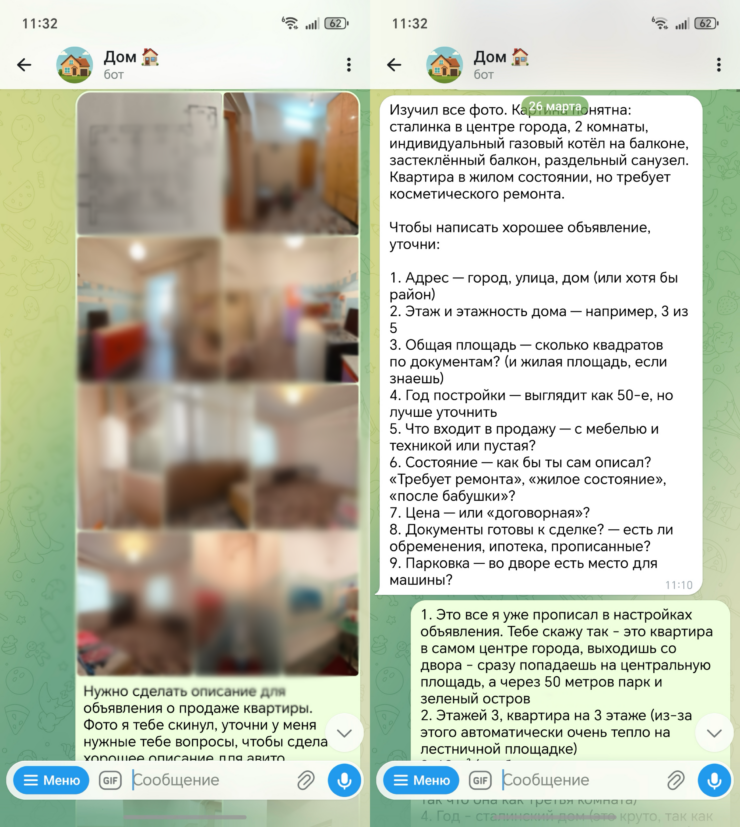
You can also send images in Telegram — for example, a screenshot of a bug in an app so Claude Code can help with debugging. Voice messages are not yet supported
Claude Code Telegram Limitations: What You Need to Know
The integration works, but with caveats:
- Permissions. Without the permission-skip flag, many actions will require manual approval on the Mac. This means that for full remote work, you need to consciously disable the protection — which carries a certain risk.
- Data input. If Claude Code requests input in the terminal (not a permission, but actual text input), you can’t do this from Telegram — you’ll need to go to the computer.
- Voice messages. Not supported. Text and images only.
- “Research preview” status. The feature is experimental. Bugs, changes in functionality, and undocumented limitations are possible.