The MAX messenger has introduced an interesting new feature: a channel recommendation feed in a separate “Channels” folder. The feature simplifies the search for new content — you no longer need to manually search for each channel by name or link. Additionally, all channels you’ve previously subscribed to are collected there, which helps reduce clutter on the messenger’s main page.
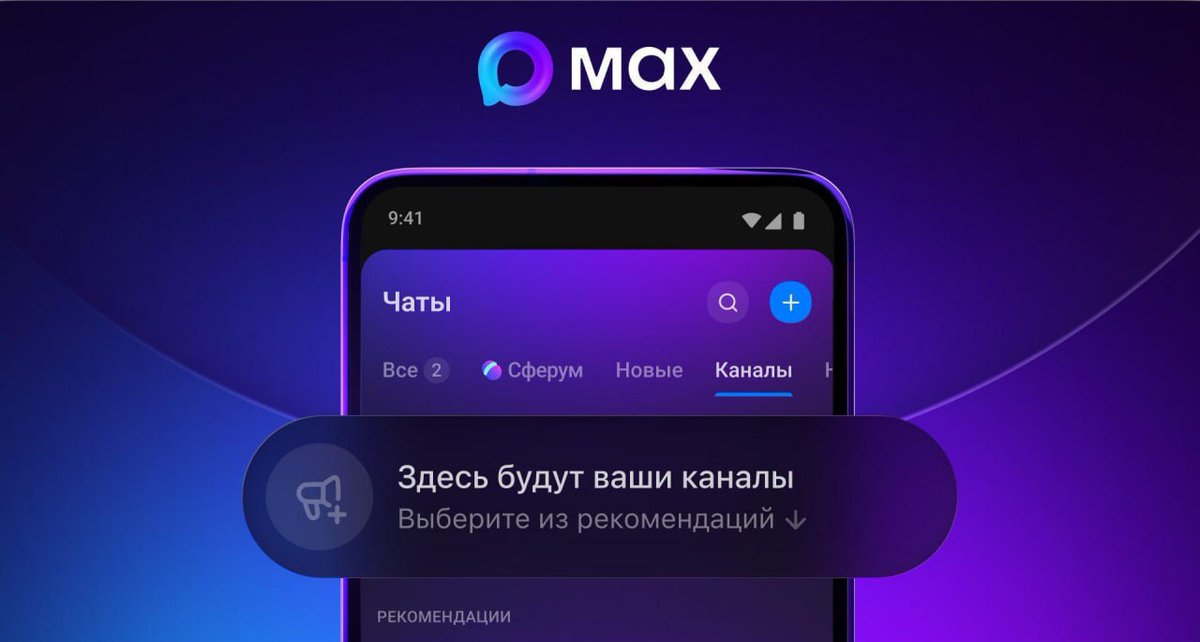
MAX now has a dedicated folder for channels. Image: x.com
“Channels” Folder in MAX: Where to Find It
The new folder is located in the upper right corner of the screen, in the “Chats” section. For it to appear, you need to update the MAX app to the latest version.
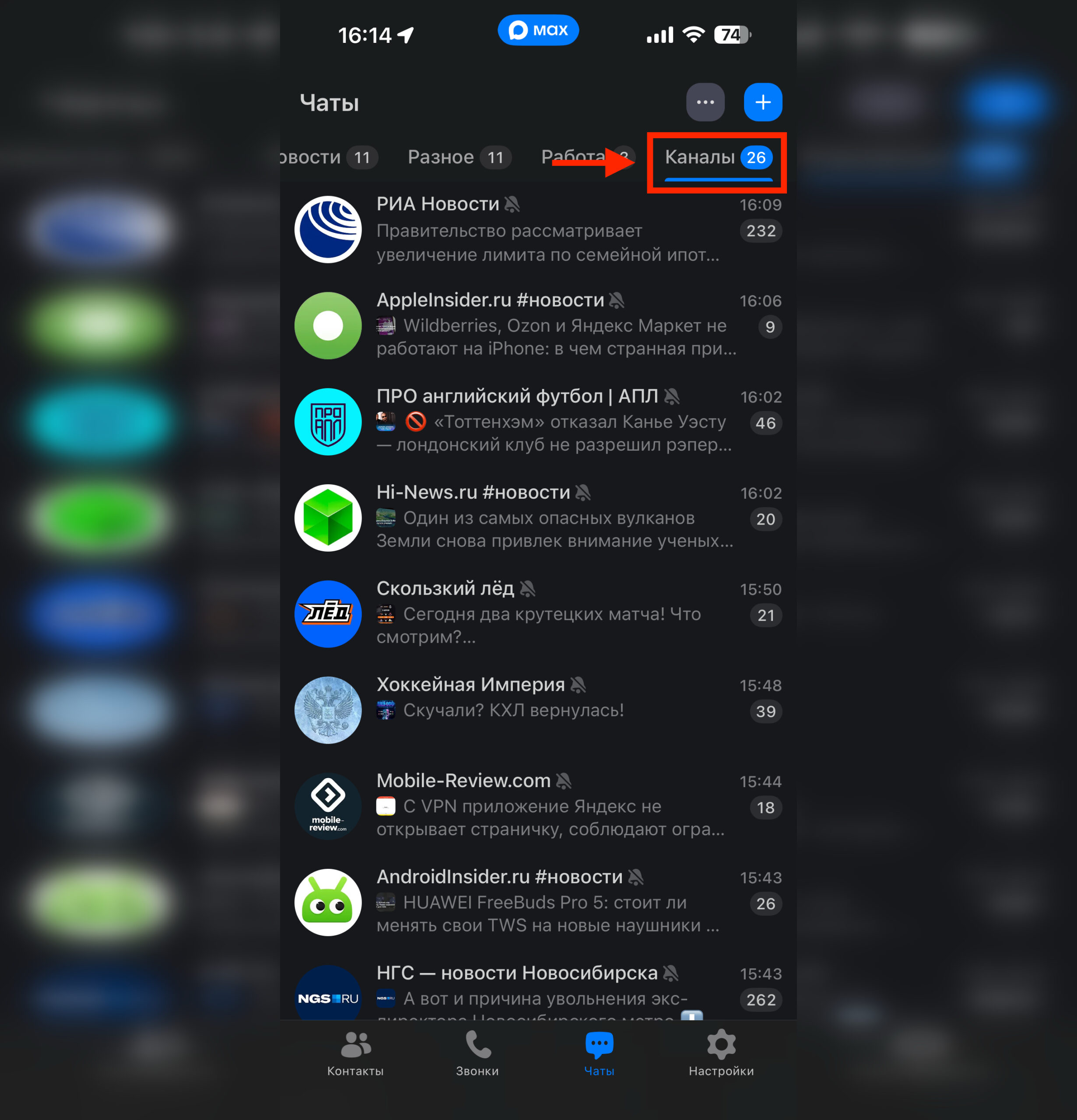
The folder is located at the far right edge
Inside the folder you can:
- browse recommended channels
- read channel descriptions
- subscribe to interesting channels with a single tap of the “+” button
This is more convenient than searching for channels through the search bar, especially if you don’t know the exact name.
Channel Recommendations in MAX: How It Works
The content display logic depends on the number of your subscriptions:
- If you’re subscribed to fewer than 20 channels, the folder will show both your subscriptions and recommendations for new channels.
- If you have more than 20 subscriptions, the folder will only show the channels you’re already subscribed to. Recommendations are not displayed in this case.
This means the recommendation feed is primarily aimed at new users or those who haven’t subscribed to many channels yet. For those who actively use channels and have accumulated more than two dozen subscriptions, the feature is less useful for now — essentially, the folder simply becomes a filter for channels.
Number of Channels in the MAX Messenger

MAX now has plenty to read in your spare time
According to data from early April, MAX has 4.7 million channels — both public and private. Among them are channels from media outlets, bloggers, and opinion leaders. The total number of channel subscriptions has exceeded 245 million.
The numbers are impressive, although it’s worth noting that a significant portion of these channels may be inactive or have few subscribers. Nevertheless, for users looking for an alternative to Telegram channels or wanting to try MAX as a reading platform, the selection is already quite broad.
Searching for a Channel in MAX by Name
If you know the exact or approximate name of the channel or group you need, use the standard search in the app. To do this, open the “Chats” section and use the search bar at the top of the screen — enter the channel name or a keyword.
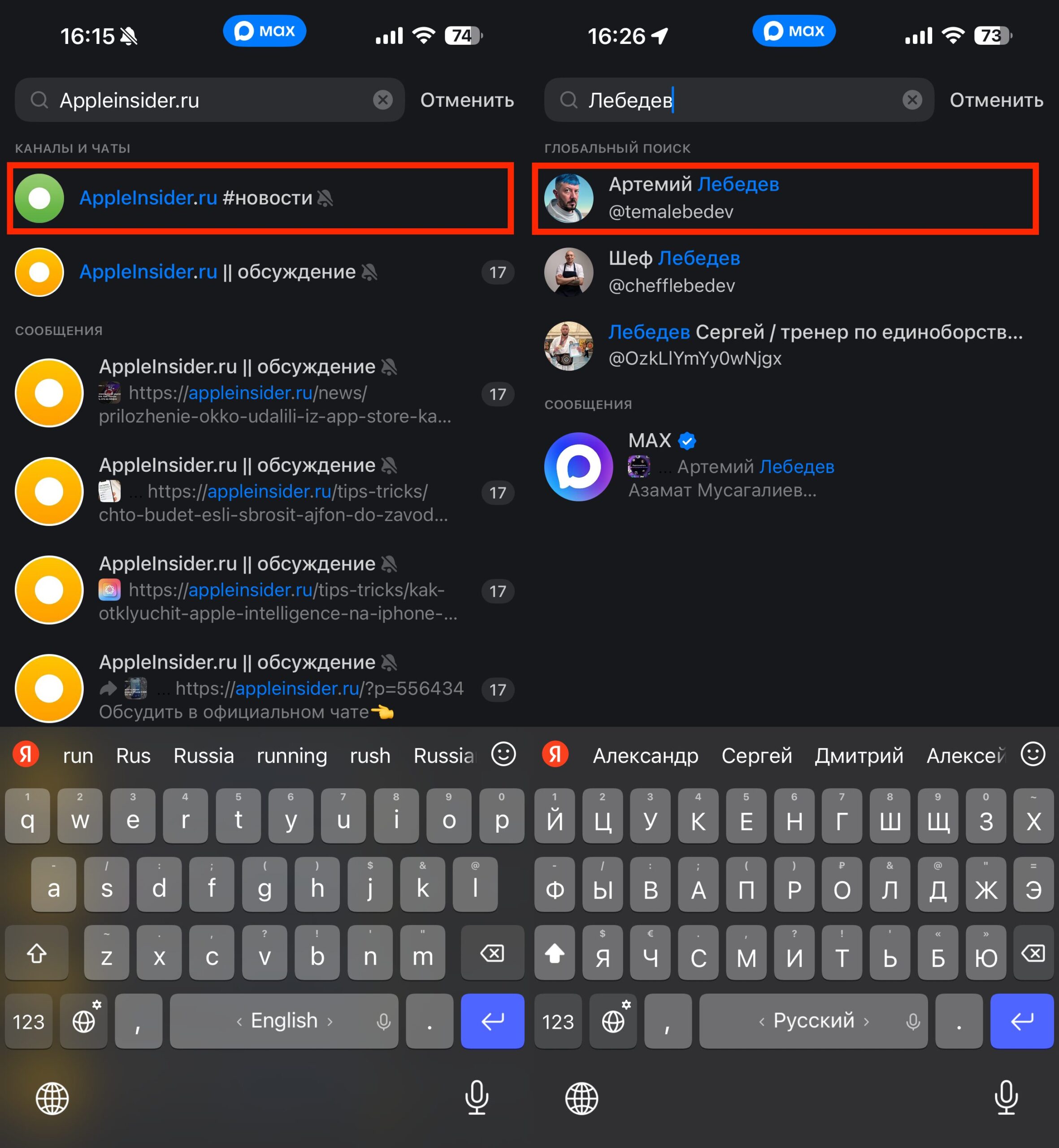
Sometimes it’s easier to search for channels in MAX manually
And if you have a direct link to a channel or group, simply open it — MAX will offer to navigate to the desired chat or subscribe.
The new “Channels” folder doesn’t replace search but complements it: it’s useful when you want to find something new but don’t know exactly what to look for.
Who Will Benefit from the New Channels Folder in MAX
The feature will be useful for those who recently installed MAX and want to quickly find interesting channels without digging through search. If you’re already an active user with dozens of subscriptions, for now you’ll likely get a convenient filter folder rather than a discovery tool.
The main question is how accurate the recommendations will be. If the algorithm serves truly relevant content, it will become a serious argument in favor of MAX as a platform for channels. If not — it will remain just another tab that people rarely check.


