According to RBC, the Ministry of Digital Development has instructed the “Big Four” operators to disable the ability to top up Apple ID from a mobile account starting April 1. The goal is to force Apple to restore removed Russian apps to the App Store. Paying for the App Store via phone remained the last simple way to pay for iCloud, Apple Music, and apps after Russian bank cards were blocked. If the switch is indeed flipped, the consequences will affect millions of iPhone and iPad owners in Russia.
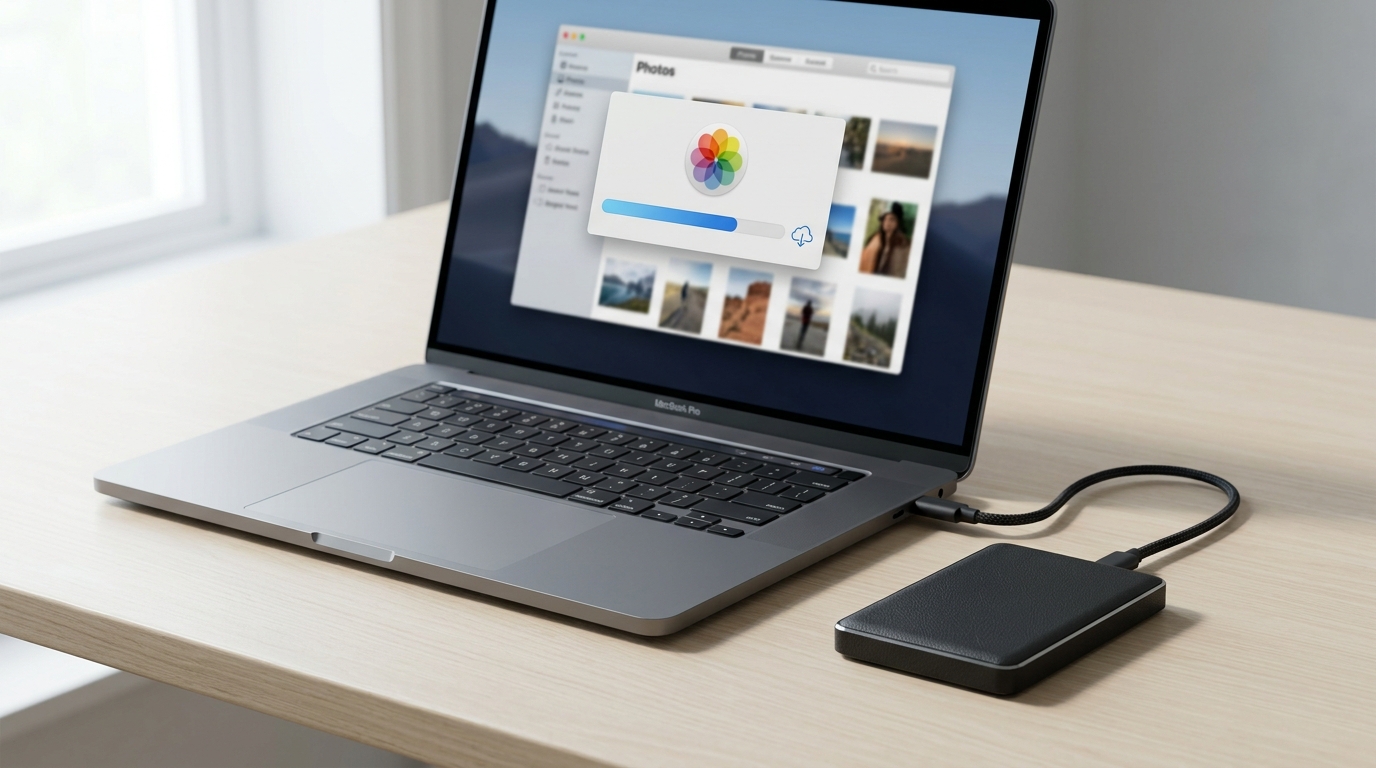
Don’t want to lose your data? Then download it in advance
Why Apple ID Mobile Account Payment Is Being Disabled in Russia
After Russian bank cards stopped working in the App Store, the only mass method to top up an Apple ID balance remained MTS and Beeline — they allowed charges directly from a mobile account. MegaFon and T2 offered the same thing but through intermediaries.
Now, according to RBC and RIA Novosti sources, the Ministry of Digital Development discussed a temporary suspension of this option at a meeting with operators on March 28. The ministry’s logic: if Apple’s cash flow from Russia is cut off, the company will be forced to return Russian services to the store. As an additional reason, operators were told about the need to prevent payment for VPN services through the App Store.
It’s important to understand: for now, this is information from sources, not an official order. But operators, it seems, have already received specific instructions and are preparing for the shutdown.
Will it really be impossible to pay for subscriptions and apps? Image: techcrunch.com
What Will Happen to Apple Music and App Store Subscriptions Without Payment
Let’s say the billing day arrives, but the Apple ID balance is empty and there’s no way to top it up. Here’s what happens immediately:
- Apple Music shuts off instantly. Your entire library — playlists, added albums, recommendations — is deleted permanently. Not frozen, not archived, but deleted.
- Apple TV+ and Apple Arcade also stop working. Access is closed to all movies, series, and games, including already downloaded ones.
- All third-party subscriptions paid through the App Store are deactivated immediately on the day the charge fails. Most of them have no grace period.
At the same time, access to iCloud is formally preserved — but not for long. Your devices will receive a notification: “Unable to charge for the iCloud+ plan. Your plan will be changed to the free plan (5 GB).”
How Many Days Before Apple Deletes Photos and Data from iCloud
If the iCloud+ subscription is not paid, Apple starts a countdown. Here’s how it works:
- From day one of non-payment, synchronization stops. Notes, calendars, and photos stop updating between devices. Nightly iPhone backups are no longer created.
- Within 30 days, you can still access iCloud and download your data. But working comfortably won’t be possible: the “iCloud Storage Full” notification will appear in Settings, Photos, and Mail. If you have storage optimization enabled, some photos and videos on your iPhone will only display in low quality — the originals remain in the cloud, but you won’t be able to download them.
- On day 31, the plan permanently reverts to the free 5 GB. Everything exceeding this limit is permanently deleted by Apple — no recycle bins or hidden archives. The system usually keeps the oldest files or critical system data, while tens of thousands of photos, videos, and documents disappear forever.
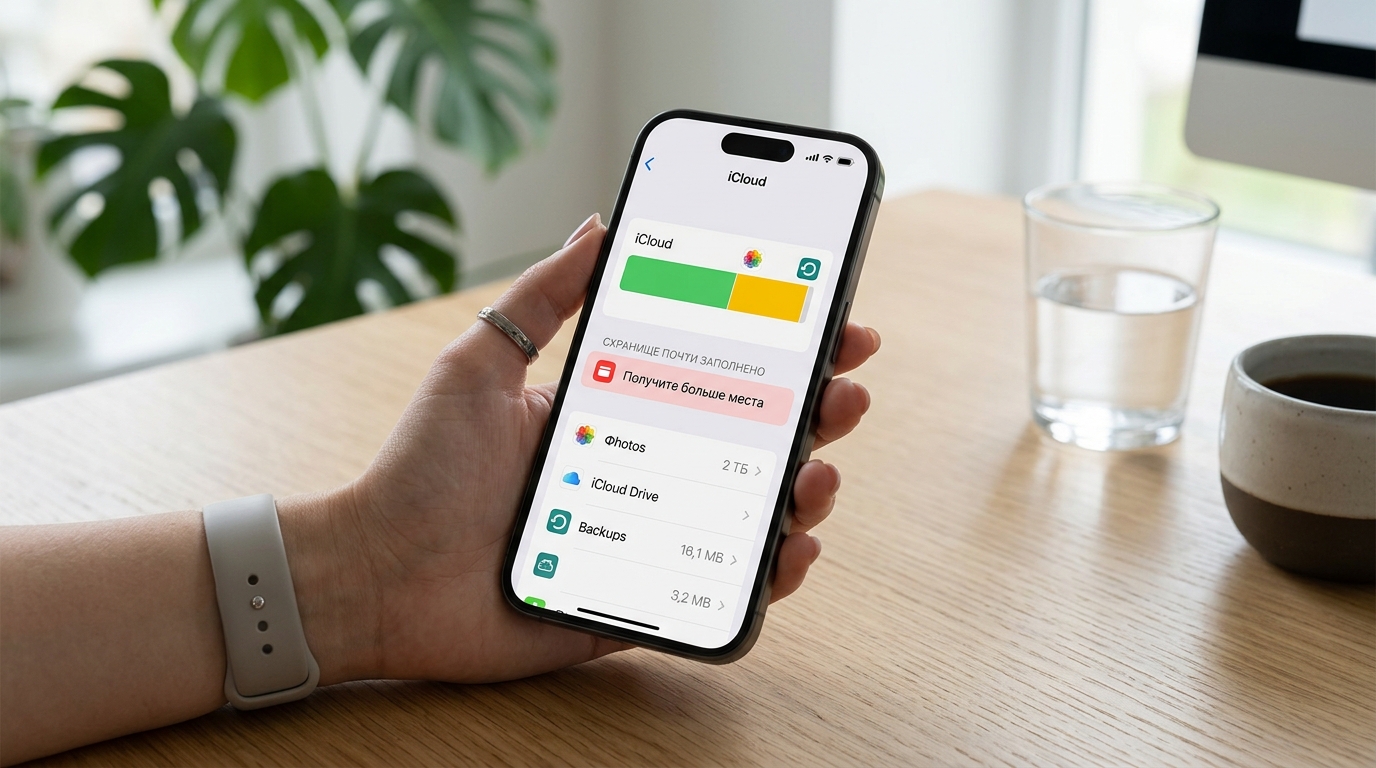
iCloud storage full warning — after 30 days of non-payment, data will be deleted
Thirty days isn’t much if you have hundreds of gigabytes or terabytes of photos in the cloud. Downloading that volume over home internet can take several days.
How to Top Up Apple ID in Russia After April 1, 2026
If mobile account payment is indeed disabled, only workaround methods for topping up Apple ID will remain. None of them are as convenient as before:
- Apple Gift Cards. They can be purchased through third-party services and Telegram bots. Currently, the commission is 15–20%, but according to sources, in a rush it could easily rise to 40–50%. Want to top up 1,000 rubles — be prepared to pay up to 2,000.
- Foreign bank card. If you have a foreign bank card, linking it to an Apple ID is still possible. However, the account must also be foreign, not Russian. And getting such a card from Russia is a separate quest.
That said, an increase in fraud can also be expected. The scheme is obvious: “Give me your Apple ID login and password, I’ll pay with a foreign card.” The result — a stolen account, an iPhone locked via Find My, and a ransom demand. You must never share your Apple ID credentials with strangers under any circumstances.

How many days before Apple deletes photos and data from iCloud
How to Download Photos and Data from iCloud Before the Shutdown
Even if the ban doesn’t take effect on April 1, it’s worth taking precautions now. Personal archives are not something worth risking.
Top up your Apple ID balance with a reserve. If you have MTS or Beeline, load your Apple ID account with enough money to cover at least a year of your iCloud+ plan. Money on the account’s internal balance doesn’t expire and is automatically deducted at each renewal. Do this before April 1.
Download your data from iCloud:
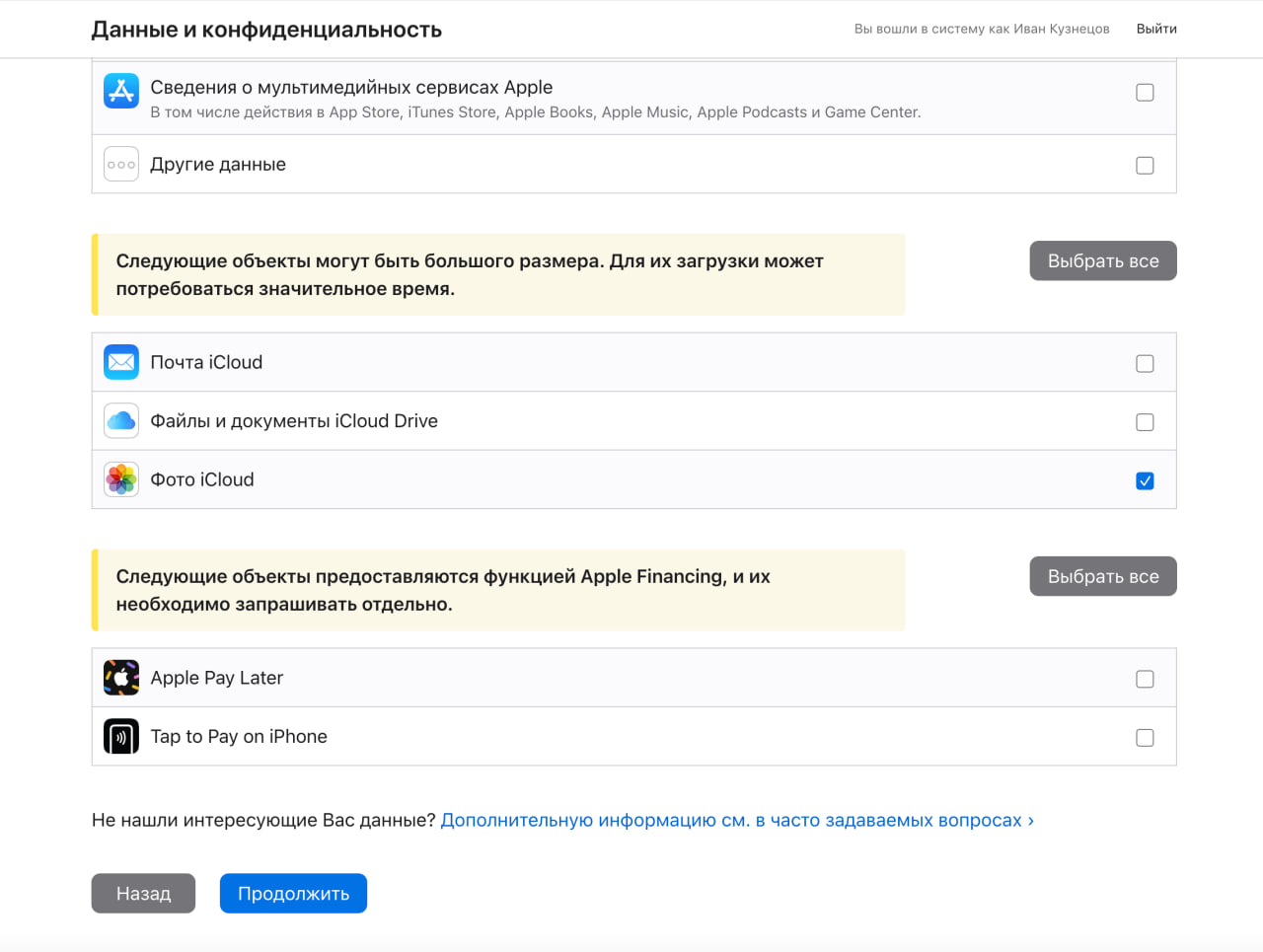
- Go to privacy.apple.com and sign in.
- Click “Request a copy of your data.”
- Select the data you want to save.
- Wait for Apple to prepare it (this usually takes several days).
- Download the archive to a computer or external hard drive.
- Make a local backup of your iPhone and iPad via Finder (on Mac) or iTunes (on Windows) — this will save settings, messages, and app data.
Downloading photos from iCloud to an external drive — better to do it in advance
If you have a lot of data, consider transferring photos to an alternative cloud — Yandex Disk or Google Photos. But keep in mind: the familiar search by faces, places, and objects from Apple’s built-in Photos app works differently or doesn’t work at all in third-party services.
Which Apple ID Users in Russia Should Worry and Which Shouldn’t
If you have a free iCloud plan with 5 GB and you don’t pay for any subscriptions through the App Store, disabling mobile account payment won’t affect you at all. Your Apple ID will continue to work, and your iPhone will function as usual.
However, if you pay for subscriptions through the App Store or use a paid iCloud+ plan, you should take action now to protect your data and ensure continuity of service.


