You can play games right in your browser
When you want to take a little break, you don’t always need heavy games, registration, subscriptions, and endless banners. Sometimes it’s enough to open a tab in Safari or another browser and launch something simple, intuitive, and genuinely engaging. That’s exactly why browser games on iPhone and other devices still work great: they launch quickly, don’t clog up memory, and are perfect even for a short break.
I’ve gathered three websites that fit this scenario well. Here you’ll find sudoku, jigsaw puzzles, and Spider Solitaire. All three options launch right in the browser, require no installation, and are perfect for those moments when you want to engage your mind rather than mindlessly scroll through a feed.
Free Online Sudoku Without Downloading
If you need a game that simultaneously relaxes you and gives your brain a little workout, the best place to start is sudoku. On the website TheSudoku.com, you can launch sudoku for free without registration and without installing an app. The service offers several difficulty levels, from “Easy” to “Master,” so it’s suitable both for beginners and for those who’ve outgrown standard layouts.
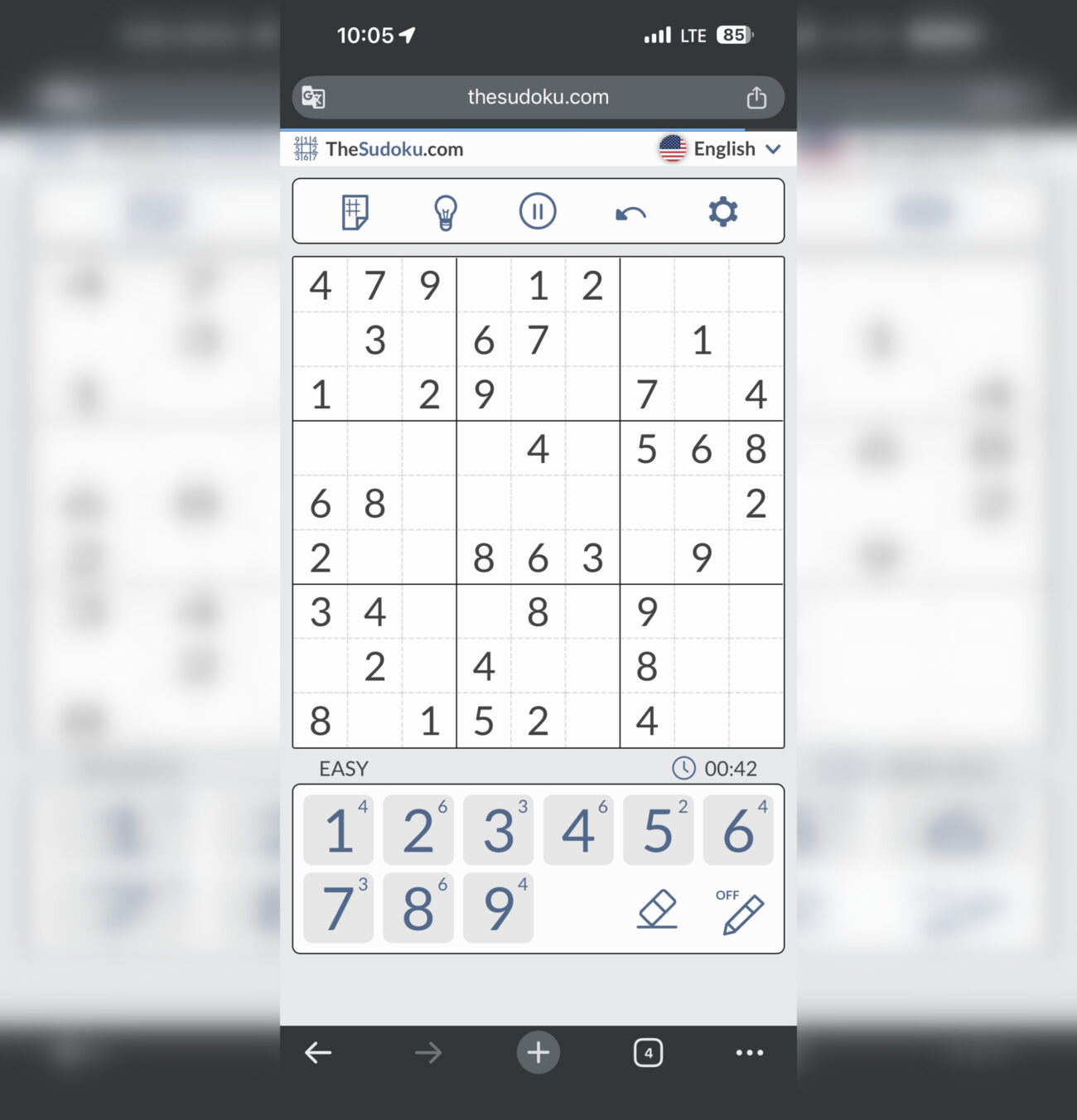
Who doesn’t know sudoku? Now also without installing any programs
What’s especially convenient is that the site doesn’t look like a random page from the 2000s where half the screen is cluttered with junk. Here, everything is built around the game itself. There’s a quick start for a new game, notes in cells, undo, erase, and additional settings that help you keep track of the numbers. For iPhone and iPad, this is especially important because sudoku in the browser needs to be clean and user-friendly, otherwise the enjoyment quickly fades.
Sudoku works great in those moments when you have 5–10 free minutes. You can open it in the morning over coffee, on the go, or in the evening before bed. It’s one of those games that doesn’t require a long warm-up but still gives you the feeling that you’re not just killing time — you’re actually making your brain work.
Free Online Jigsaw Puzzles in the Browser
If sudoku is more of a brain workout, jigsaw puzzles work differently. It’s a calmer format where attention, visual memory, and simply enjoying the process matter most. On the website TheJigsawPuzzles.com, there’s a large collection where you can play puzzles for free right in the browser. The site features numerous categories, a daily puzzle, and a full-screen mode, which is especially convenient on a large Mac or iPad screen. However, playing this game on an iPhone isn’t as comfortable. After all, its display is smaller than tablets and laptops, which imposes certain limitations.
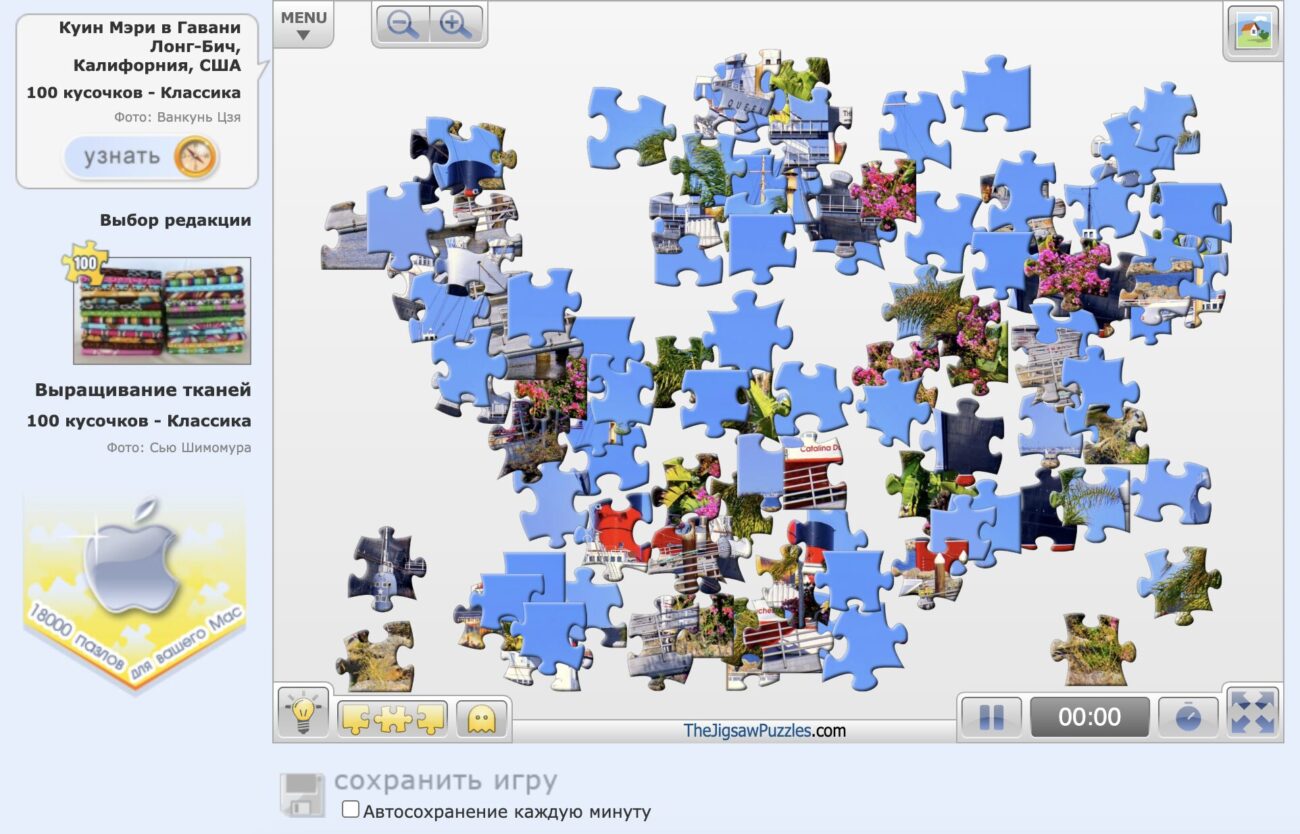
Puzzles are more convenient to play on a computer or tablet
This format has an important advantage over App Store apps. You don’t need to download anything, create an account, or figure out which features are paid. You open the page, choose an image, and start assembling right away. The selection is genuinely large: from animals and landscapes to architecture, food, transportation, and children’s images. That’s why free online jigsaw puzzles remain one of the simplest ways to keep yourself occupied without any fuss.
I like that puzzles in the browser fit various scenarios well. You can launch something simple for a few minutes or assemble a more thoughtful picture when you want to decompress after work. It’s not a competitive experience or a reaction game — it’s a quiet, comfortable way to switch gears.
Free Spider Solitaire Without Registration
There are games that simply never get old, and Spider Solitaire is exactly in that category. On the website TheSolitaire, you can play for free right in the browser, without registration or downloading. The site offers several difficulty options: 1 suit for an easy game, 2 suits for a more thoughtful experience, and 4 suits for those who want a real challenge.
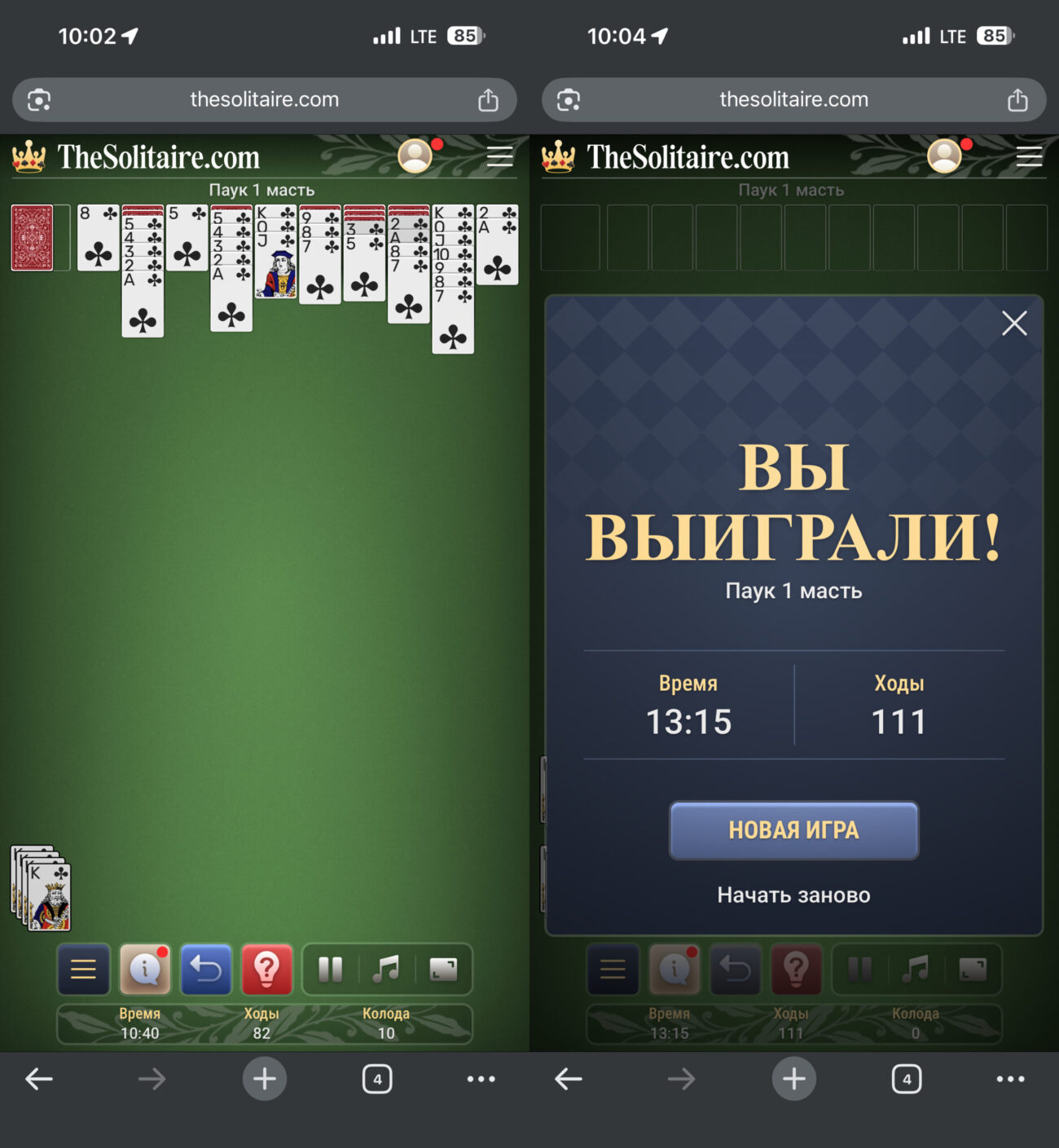
Solitaire is perfectly adapted for mobile devices
This is a great option for those who want not just to pass the time but to settle into a familiar rhythm. Moving cards around, finding the right sequence, planning several moves ahead — it all works almost meditatively. The site also includes useful tools: hints and even an undo step. That’s exactly why Spider Solitaire remains one of the most enduring classic games.
It’s also convenient that Spider Solitaire in the browser doesn’t try to keep you hooked with aggressive mechanics. There’s no feeling that the game is constantly demanding something from you. You simply open a layout, play at your own pace, and close the tab whenever you want. For many people, that’s what matters most today.
Which Browser Games to Choose for Relaxation
If you’re choosing between these three options, it all depends not on which game is better, but on what you want at a particular moment. If you need a quick mental warm-up, online sudoku is the best fit. If you want a calm visual experience without rushing, it makes more sense to open online jigsaw puzzles. And if you’re drawn to a classic you can get absorbed in for half an hour, free Spider Solitaire works best.
The main thing about these sites isn’t even the genre — it’s the approach itself. They let you play immediately, without unnecessary steps, and that’s exactly why they work great not only on PCs but also on mobile devices. On smartphones and tablets, simplicity is especially valued: you open the browser, load the page, and immediately get what you came for. Sometimes that’s more than enough to make an evening a little more pleasant.