Every new Mac traditionally comes with its own signature wallpapers that appear in ads and promotional images. Usually, these images remain exclusive to a specific model for some time, but then Apple makes them available to everyone. That’s exactly what happened with the vibrant MacBook Neo wallpapers, which can now be installed on any Mac thanks to the fourth beta of macOS Tahoe 26.4. New wallpapers are one of the few positives of the MacBook Neo. They do look pretty cool after all.
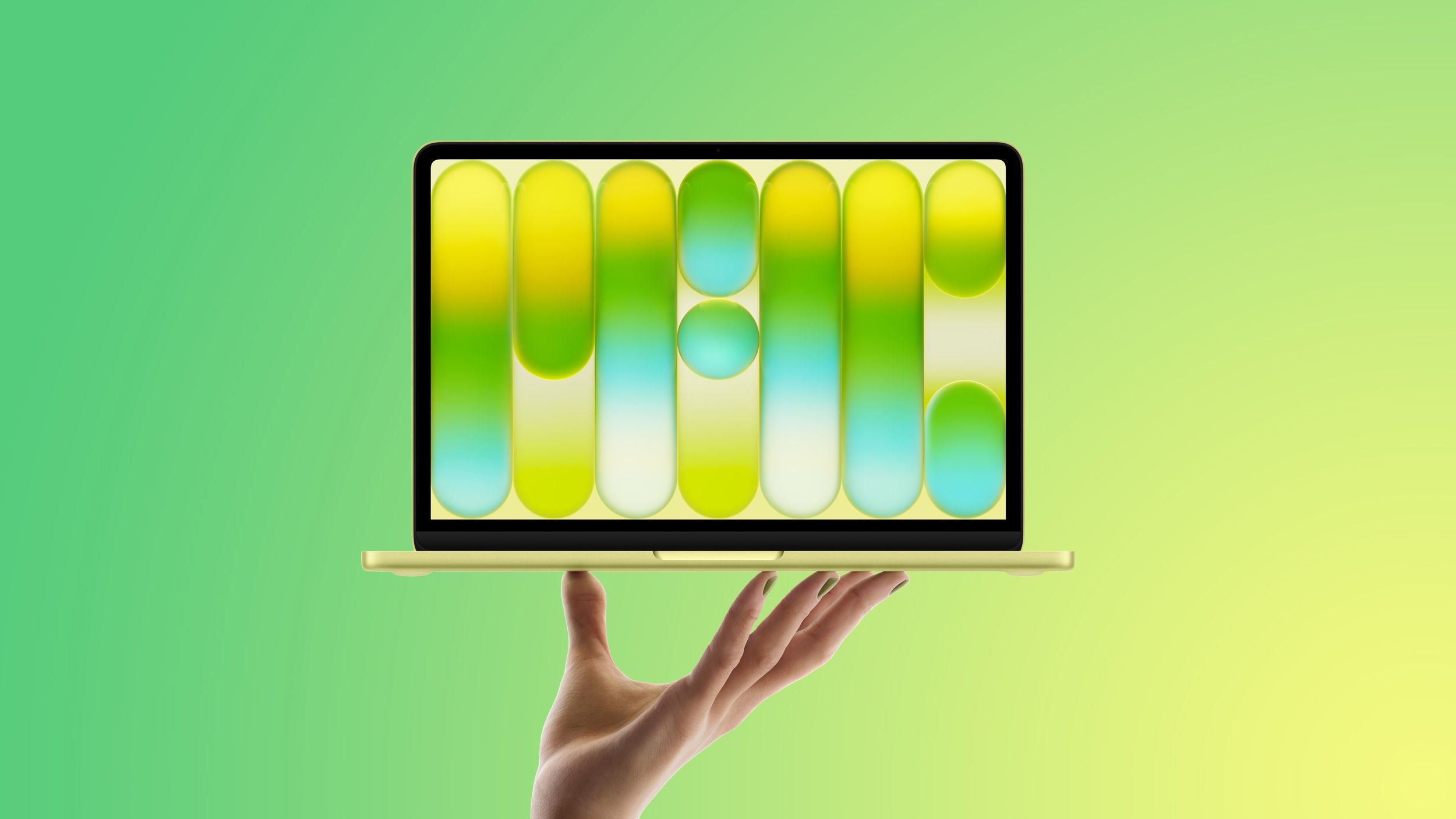
MacBook Neo wallpapers are now available for all Macs in the macOS Tahoe 26.4 beta
What Wallpapers Did the MacBook Neo Get
The wallpapers Apple created specifically for the MacBook Neo feature an unusual style. These are bubble-shaped lines with colorful gradients that form the word “Mac.” It sounds simple, but it looks stunning: vibrant color transitions turn the desktop into something between a neon sign and an art installation.
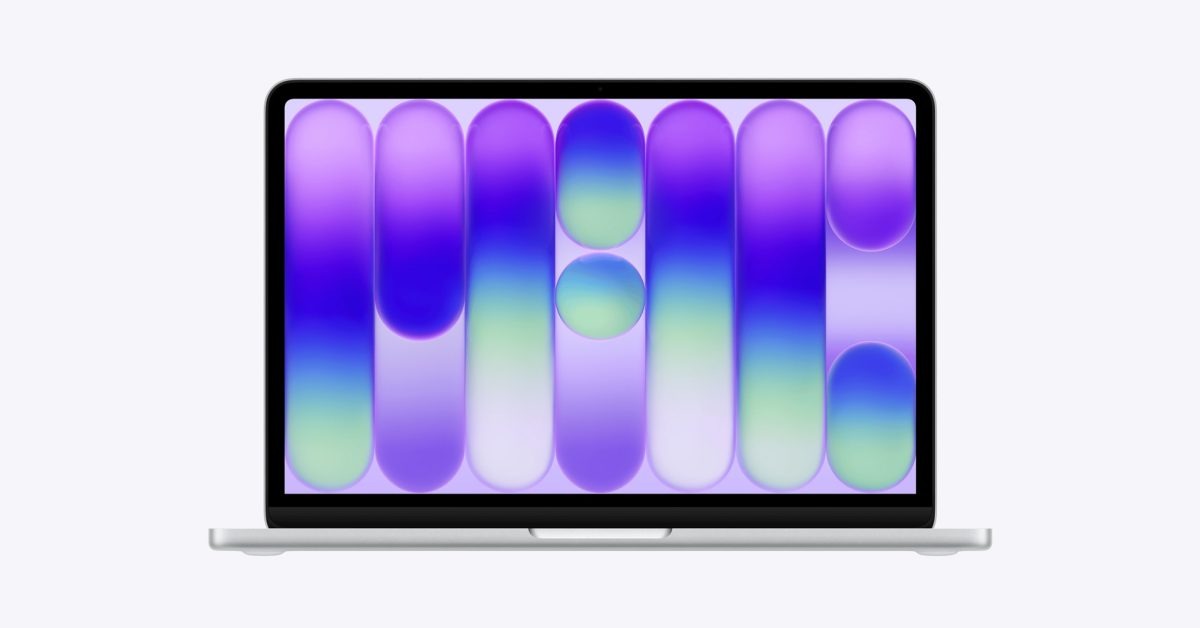
You can find the word MAC inside. Image: 9to5mac.com
The wallpapers are available in four color variants: Mac Purple, Mac Blue, Mac Pink, and Mac Yellow. Each uses its own gradient, but the overall design remains consistent. Essentially, this continues Apple’s tradition of turning wallpapers into a marketing tool that simultaneously pleases the eye and reminds you of the brand. The company’s designers were clearly inspired by neon aesthetics and modern digital art — the result is recognizable yet unlike previous wallpaper collections.
How to Set MacBook Neo Wallpapers on Any Mac
To try the new wallpapers right now, you need to be a member of the beta testing program and install the fourth beta of macOS Tahoe 26.4. The wallpaper installation process is as simple as it gets: open System Settings, go to the Wallpaper section, and scroll down to the Pictures section. There you’ll find all four variants.
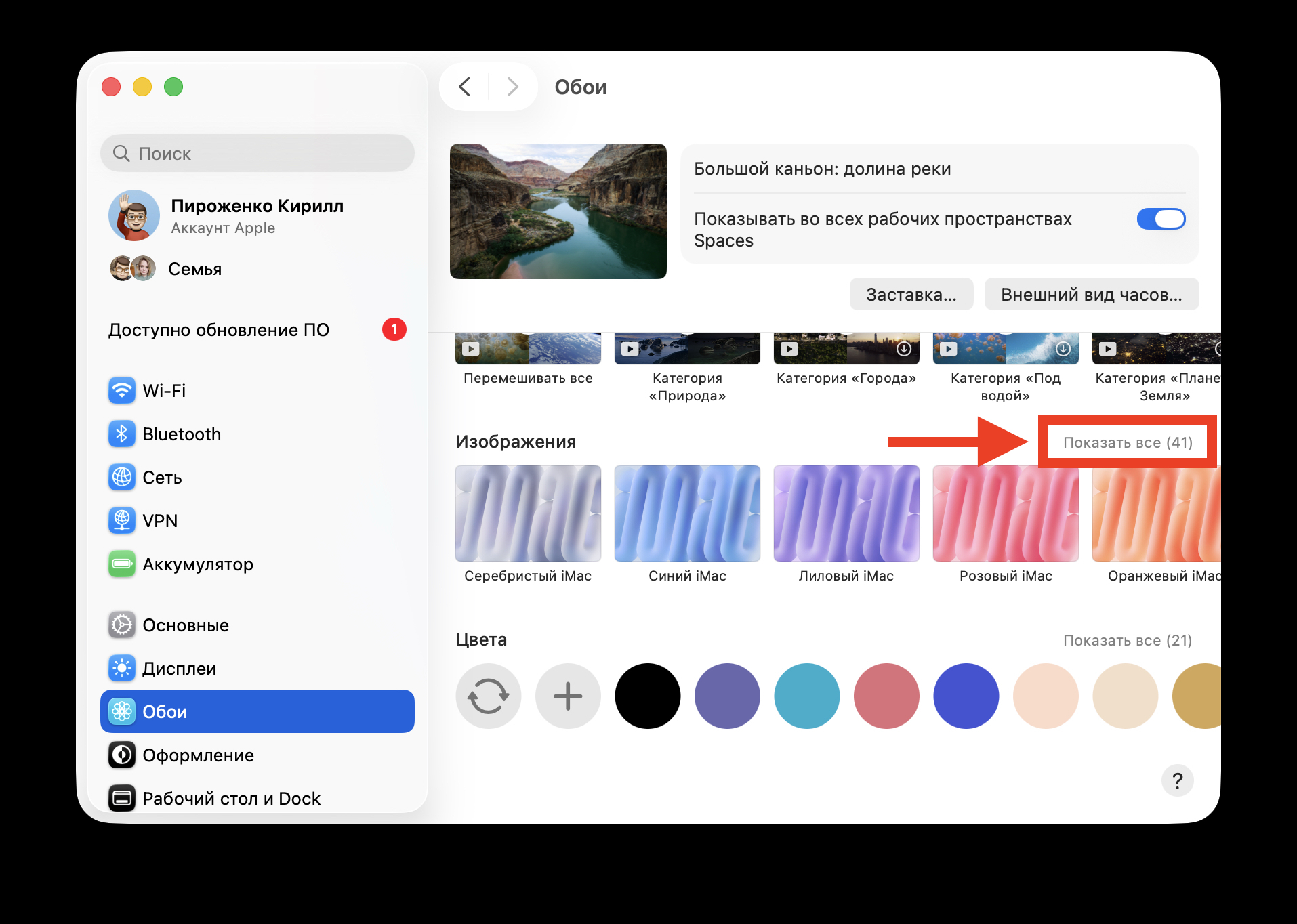
Look for the wallpapers here
Apple traditionally makes wallpapers created for marketing images of specific Mac models available to the entire lineup. This has been the case with MacBook Air, MacBook Pro, iMac, and other device wallpapers. The Neo wallpapers simply joined this collection. Notably, owners of other models previously had to wait quite a long time — sometimes several months — before gaining access to such images. Now Apple appears to be closing that gap.
What’s New in macOS Tahoe 26.4 Beta 4
Wallpapers aren’t the only update in this beta. Along with them, Apple added new emoji symbols, and there’s plenty to see. Among the newcomers: a trombone, a treasure chest, a distorted face, a furry creature, a fight cloud, an orca, and a landslide. The selection is, to put it mildly, unconventional, but that’s exactly why people love emoji updates — they always throw in something unexpected.

Emoji are arguably the main new feature of this version. Image: iGuides
In addition to emoji and wallpapers, the fourth beta includes a number of bug fixes and performance improvements that Apple traditionally doesn’t document in detail in the release notes. Developers participating in testing report more stable operation of certain system features compared to previous betas.
At this point, the fourth beta of macOS Tahoe 26.4 is available only to developers. However, as is usually the case, it should be released to public beta testing program participants in the near future. The final release of the update is expected this spring.
Is It Worth Installing macOS Tahoe 26.4 Beta 4
A question that will surely come up for many: is it worth installing the beta just for new wallpapers? In short — it depends on how much you value system stability. Beta versions by definition may contain bugs, and installing them on your primary work Mac is always risky. On the other hand, if you have a second device for experiments or you’re already participating in the testing program, why not give it a try.
For everyone else, the final version of macOS Tahoe 26.4 will be released this spring, and then the new wallpapers will become available without any risk. Patience is a skill too. In the spring, the wallpapers will become available to everyone, but for now, beta testers are enjoying them on their own.
Apple continues to turn even something as small as desktop wallpapers into a standalone event. And while this is far from the main reason to update your system, it’s nice to know that with each release, the collection of signature images only grows. For fans of the Apple ecosystem, such details add up to an overall picture of care for the user’s visual experience — and that has its own value.