Forgot your number, inserted a new SIM card, or bought a temporary number for a trip — situations where you need to find out your phone number come up regularly. This article covers all working methods for every major carrier, for iPhone, Android, and even messengers. Simply find the section you need and get your answer in a minute.
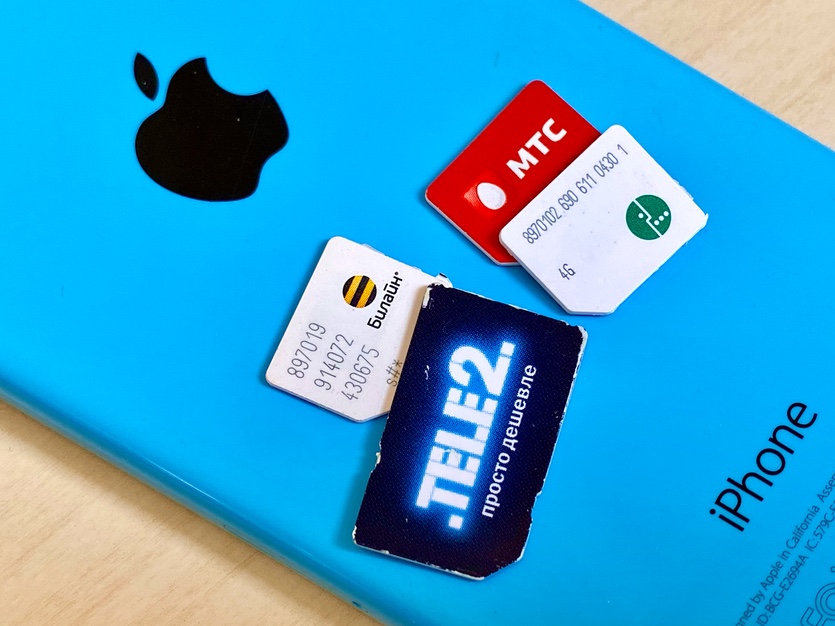
How to find out your phone number
Universal Ways to Find Out Your Phone Number
These methods work with any carrier and don’t depend on your smartphone model. Start with these if you don’t want to deal with USSD commands.
- Check your contract or starter pack. When you signed up, the carrier issued a contract with your number on it. If you still have the plastic card that held the SIM card, the number is printed on it as well.
- Call the carrier’s hotline. Provide your passport details, and the agent will tell you your number. The call is free from a SIM card of the same carrier.
- Call someone. The quickest way — dial a friend or family member. Your number will appear on their screen. If you’re saved in their contacts, ask them to tap your name in the call log — the number will be visible.
- Send an SMS to your other number. If you have two SIM cards, send a message from one to the other — the sender’s number will show up in the inbox.
- Log in to your carrier’s personal account via mobile data (turn off Wi-Fi). Most carriers automatically detect your number and display it on the main page.
How to Find Out Your MTS Number
MTS offers several quick ways to find out your number right from your phone.
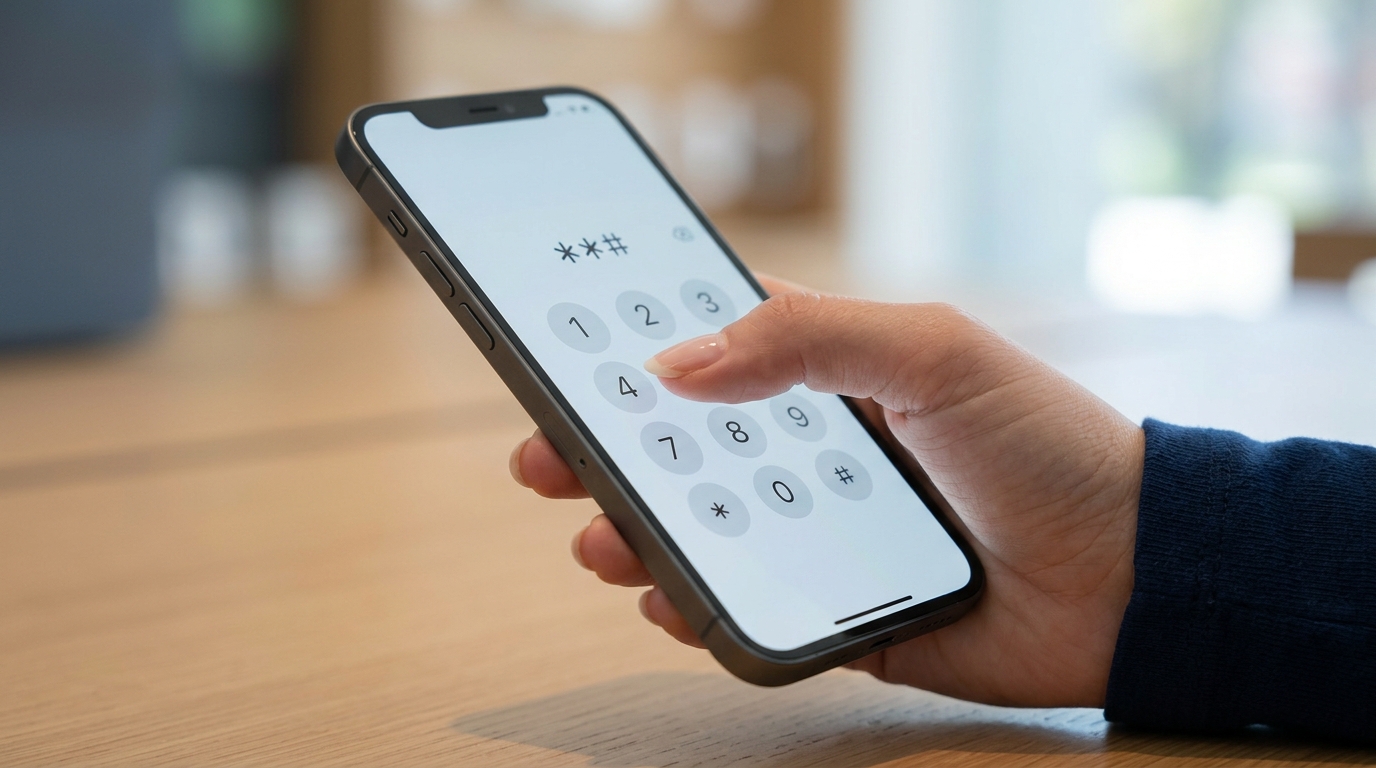
USSD commands are the fastest way to find out your number without internet
- USSD command: dial *111*0887# and press call. Your number will appear on the screen within a few seconds.
- Phone call: call 0887. The automated system will read your number out loud. The call is free.
- “My MTS” app: install the app from the App Store or Google Play, log in — your number is displayed on the main screen.
- Personal account on the website: go to mts.ru via MTS mobile data — your number will be detected automatically.
How to Find Out Your Beeline Number
Beeline offers a standard set of methods, including a separate option for USB modems.
- USSD command: dial *110*10# and press call.
- Phone call: call 067410.
- “Beeline” app: available for iOS and Android. Your number is visible right after logging in.
- For USB modems: open the “USB-modem Beeline” application, go to “Account Management” — “My Number” — “Find Out Number.”
How to Find Out Your MegaFon Number
MegaFon has the simplest USSD command among all carriers — easy to remember.
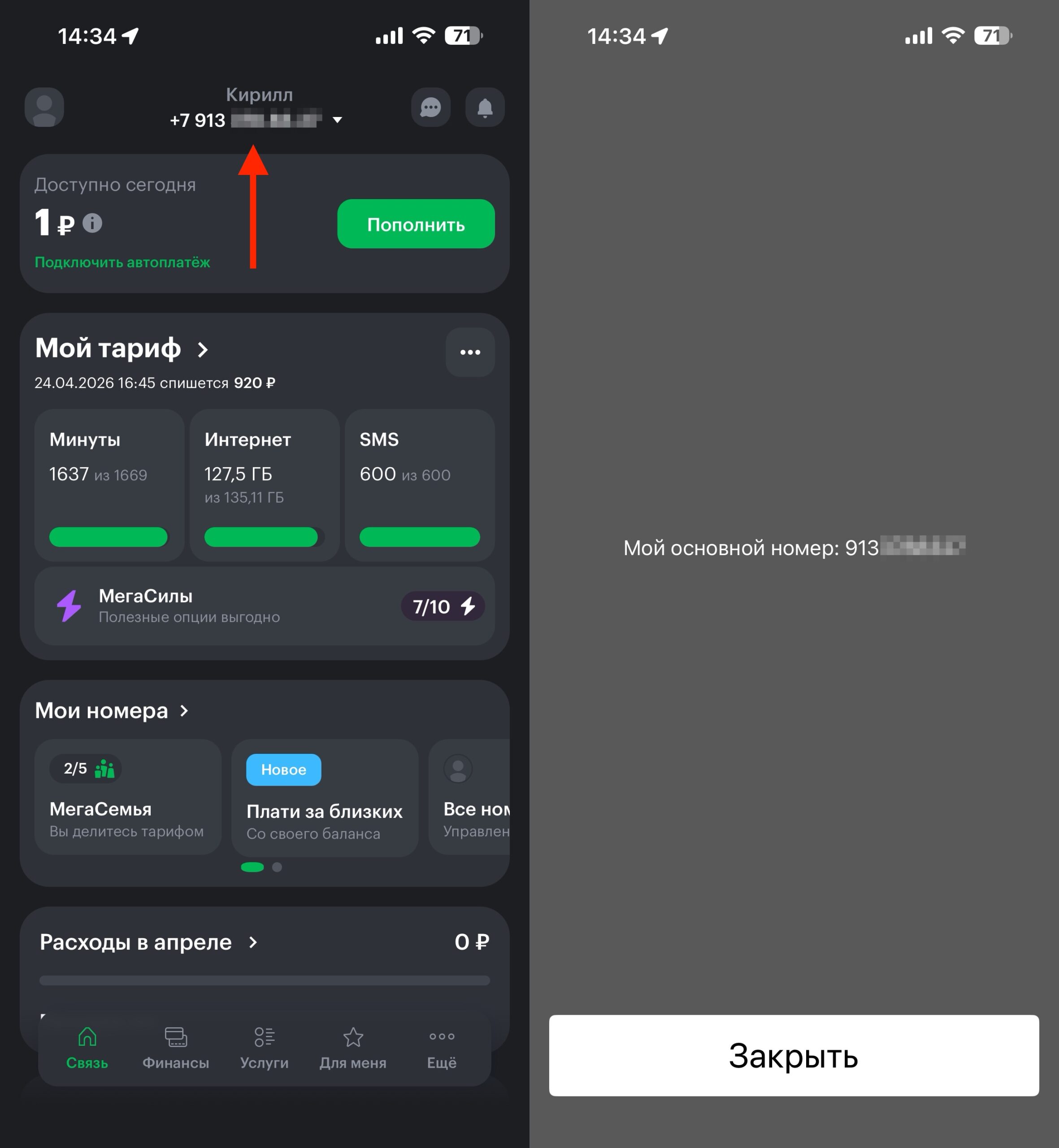
All information is available in the app or via USSD command
- USSD command: dial *205# and press call. Your number will appear on the screen.
- Website: turn on mobile data (turn off Wi-Fi), open megafon.ru. Your number will be displayed at the top of the page or in your personal account.
- “MegaFon” app: download from the App Store or Google Play — your number is visible on the app’s main screen.
How to Find Out Your T2 Number
T2 has just two main methods, but both work quickly and are free of charge.
- USSD command: dial *201# and press call.
- “My T2” app: install the app, log in — your number is displayed on the main screen.
How to Find Out Your Yota Number
Yota operates as a virtual carrier, but it has its own USSD commands.
- USSD command: dial *103# and press call.
- Yota app: available for iOS and Android. After logging in, your number is visible in your profile.
How to Find Out Your Phone Number on iPhone
On iPhone, your number is stored in several places within the system. Check any of the following:
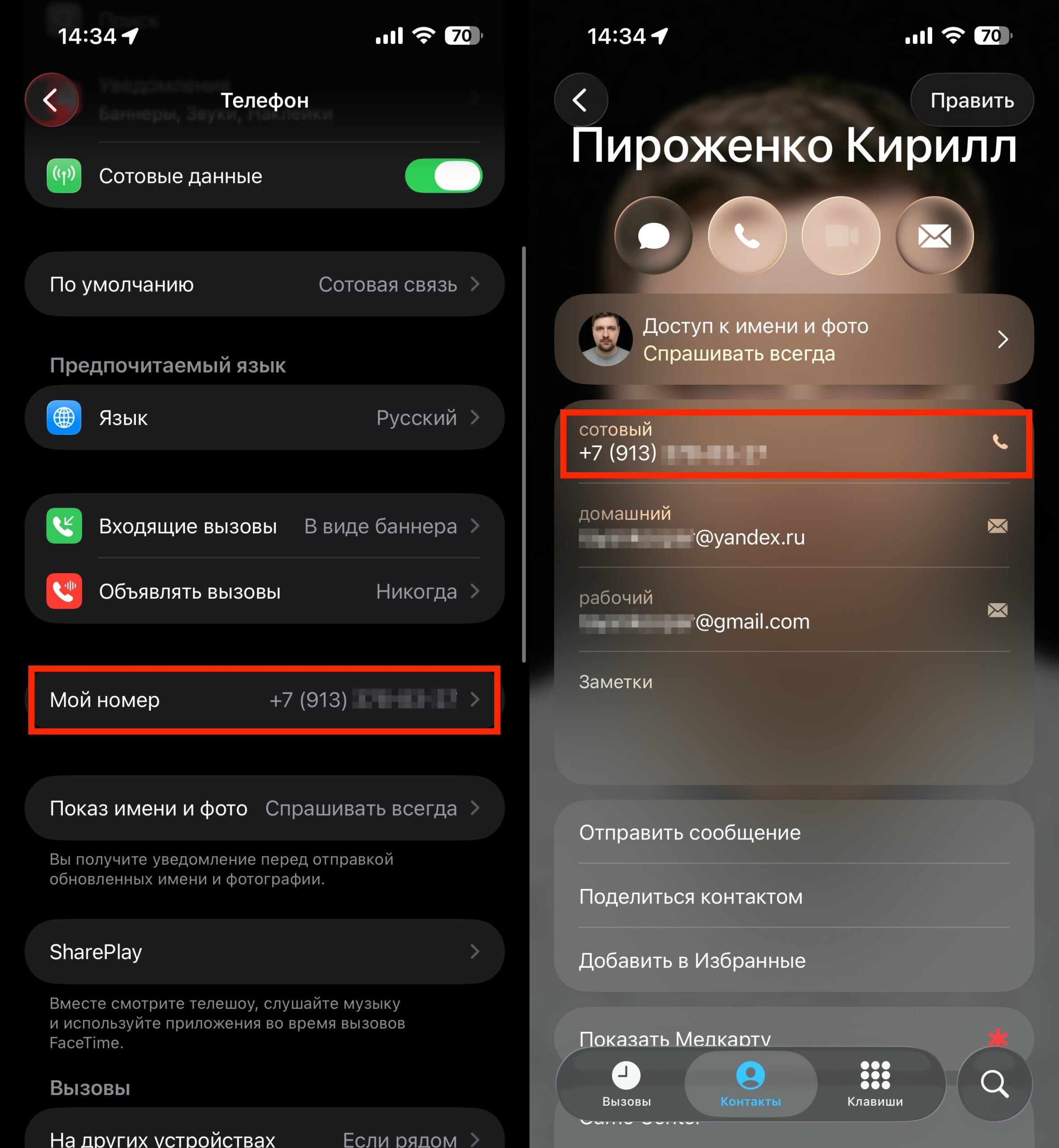
All the information is in the Phone app
- Open “Settings” — “Phone”. At the very top, next to “My Number,” your number is listed.
- Open the “Phone” app on the home screen, go to the “Contacts” tab. Your number is displayed at the top of the list — above all contacts.
- Connect your iPhone to a computer and open Finder (on macOS Catalina and later) or iTunes (on Windows or older versions of macOS). In the device section under the “General” tab, next to the model, you’ll see a “Phone Number” line.
If you have an iPad with cellular support (4G/5G model), the path is different:
“Settings” — the “Cellular Data Number” line.
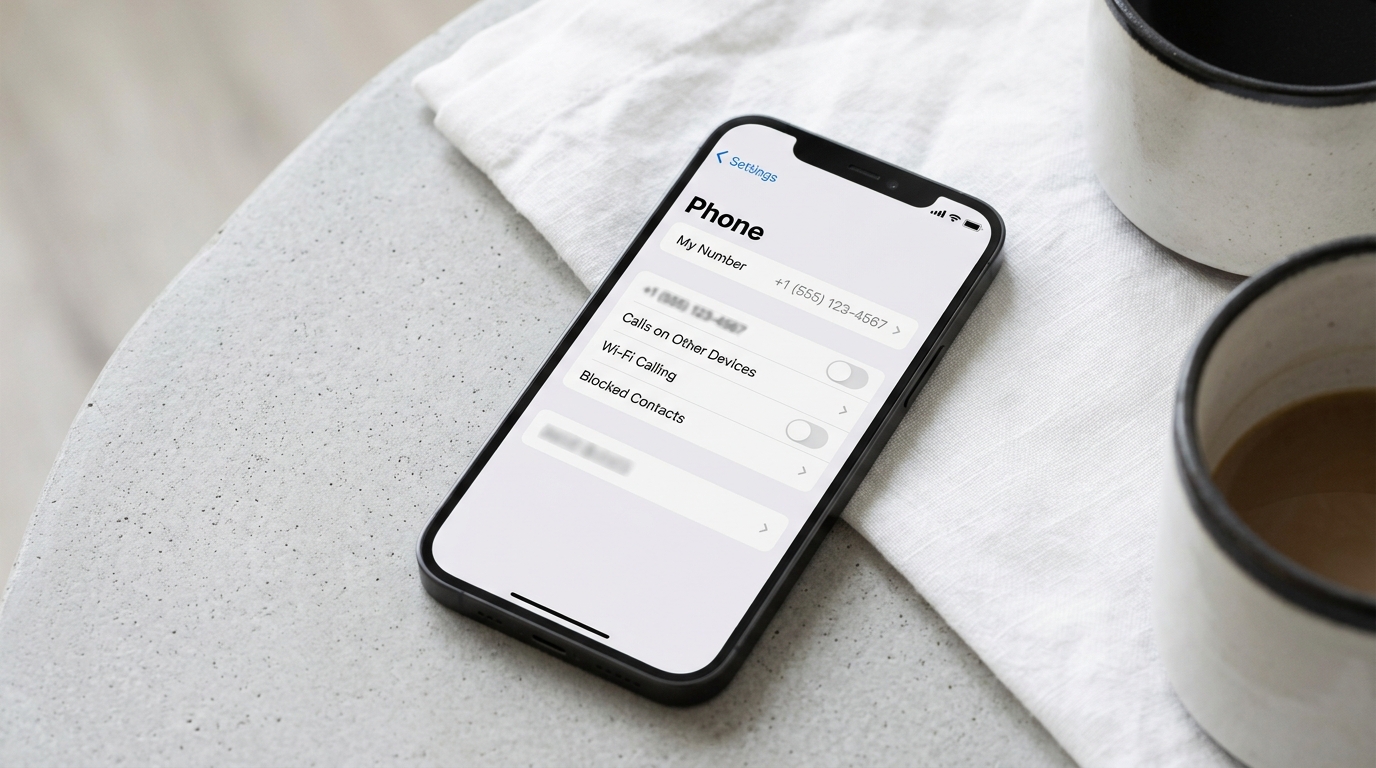
On iPhone, the number can be found in Settings — Phone — My Number
How to Find Out Your Phone Number on Android
On Android smartphones, the path depends on the manufacturer’s UI skin, but the general logic is the same:
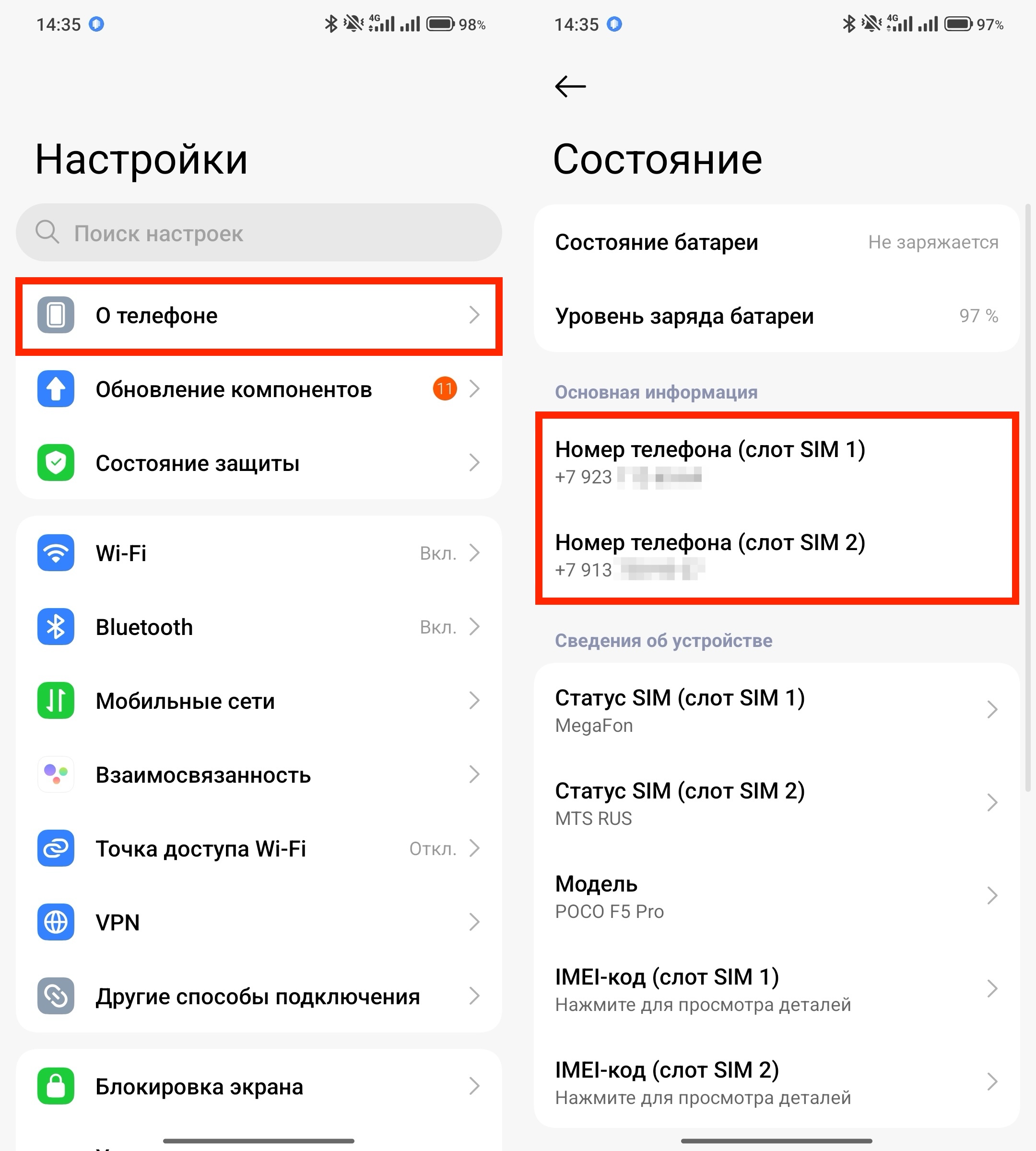
On Android it’s done roughly the same way
- Open “Settings”.
- Go to the “About Phone” section (may be called “About Device” or “Phone Information”).
- Find the “Status” or “SIM Card Status” option.
- Look at the “My Phone Number” line.
In some UI skins (MIUI from Xiaomi, One UI from Samsung, ColorOS from OPPO), the menu item names may differ slightly.


