Telegram continues to slowly but surely transform into a messenger where many things can be done without third-party services. First came AI summaries of long posts and Instant View pages, and now the app has added a built-in AI text editor. It can fix errors, translate messages, and rewrite them in a different style right before sending. The feature officially appeared in the Telegram 12.6 update along with other additions, but not everyone has been able to find it.

The AI message editor is now built right into the text input field. Image: telegram.org
To put it simply, this is not a separate chatbot or a new tab in settings. The AI editor is built right into the message input field. You type your text as usual, and Telegram offers to improve it. The approach is convenient: you don’t need to copy your message into ChatGPT, Gemini, or another service, and then paste the text back into the conversation. Everything is done within the messenger itself.
Capabilities of the AI Message Editor in Telegram
The new feature can do three main things: fix grammar, rewrite text in a different style, and translate the message into another language. Moreover, translation can be combined with a chosen delivery style. Telegram specifically notes that you can not only translate a phrase but also set the desired tone. Among the ready-made styles:
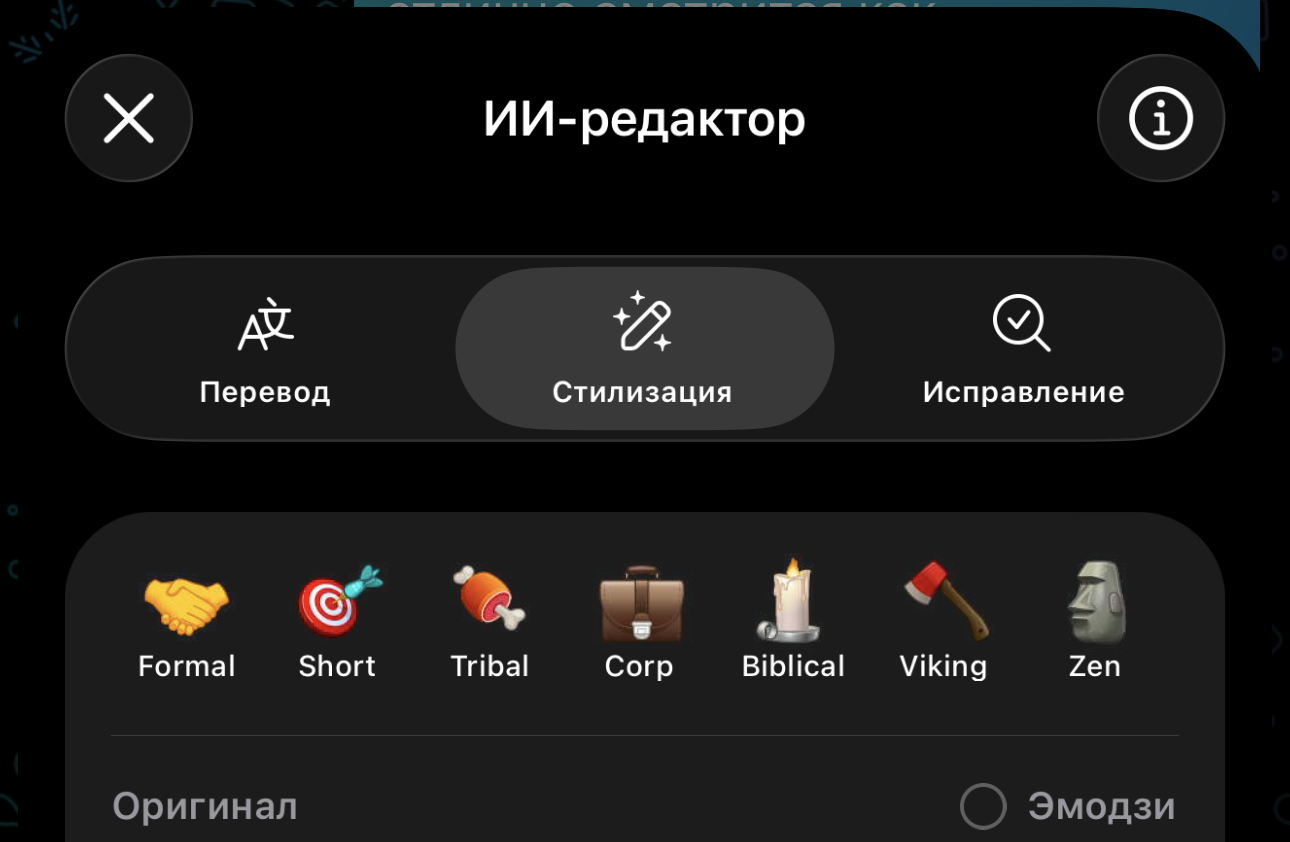
When you launch the editor, you get several options right away
- Formal
- Short
- Tribal
- Corp
- Zen
- Biblical
- Viking
In practice, this means the following. Wrote a long message with errors — the editor will clean it up. The text turned out too heavy or dry — you can ask to make it shorter. Need to send something more official to a boss, client, or stranger — choose a more formal style. And if you just want to have fun, Telegram lets you turn an ordinary phrase into text with a rather strange but sometimes amusing delivery.
Where to Find the AI Editor in Telegram
The most important thing here is that there is no separate toggle for the feature. Telegram states directly: while composing a message, you need to tap the Ai icon that appears above the send button after you type three or more lines of text. You don’t need to manually enable the AI editor in settings — it appears automatically when the message becomes long enough.
So the steps are as follows:
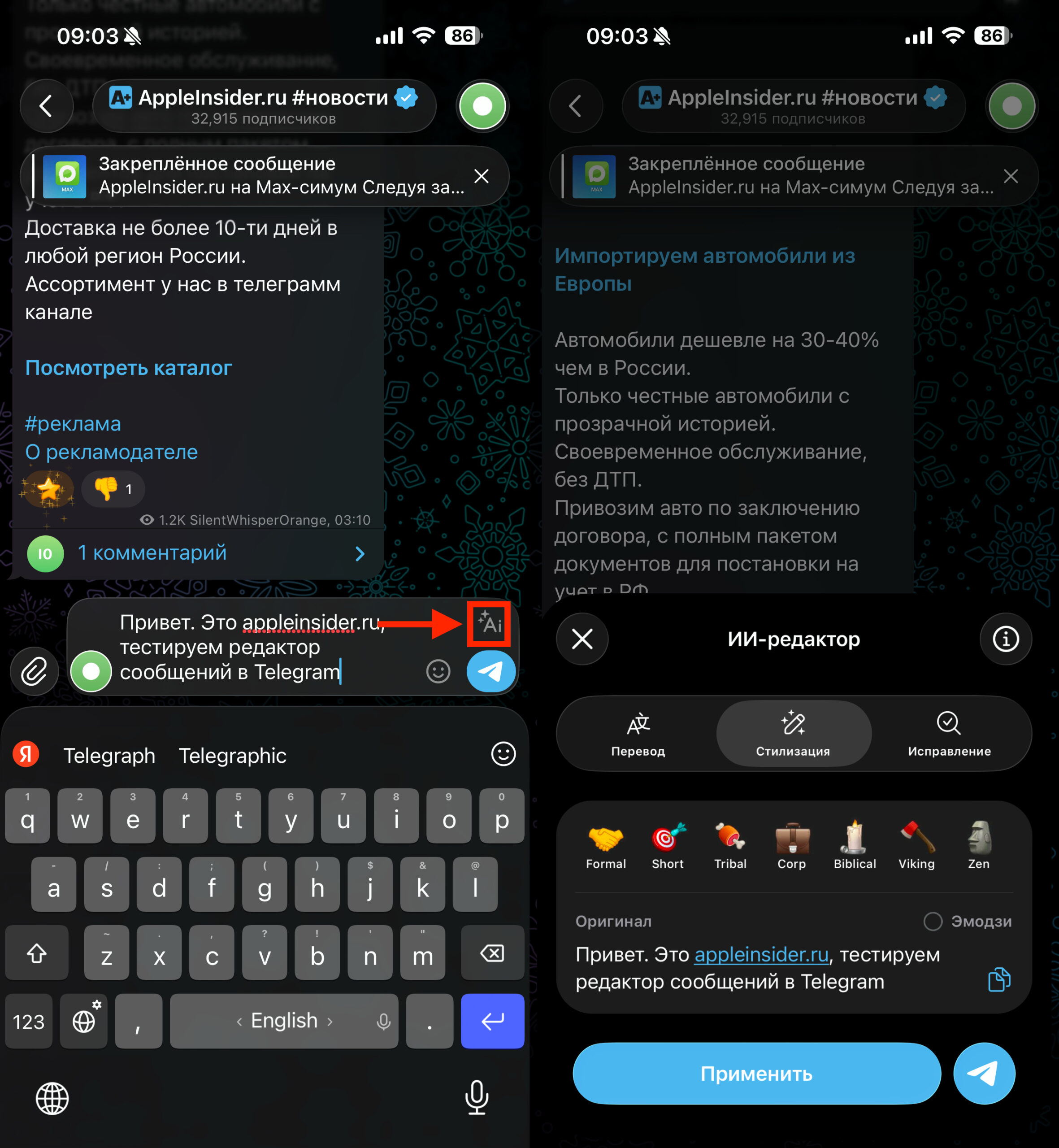
Tap the AI button, and the editor will launch
- Update Telegram to version 12.6 or newer.
- Open any chat.
- Type a message longer than three lines.
- Wait for the Ai button to appear above the send arrow.
Tap it and choose what exactly you want to do with the text: fix it, shorten it, translate it, or rewrite it in a different style. If the button is missing, the issue is almost always one of several limitations, and this is exactly why many people get the impression that the feature wasn’t added or doesn’t work.
Why the AI Editor in Telegram Isn’t Working
The first and most obvious reason is that you have an old version of the app. The feature officially appeared in Telegram version 12.6. If the app hasn’t been updated in a while, you simply won’t see any AI editor.
The second reason is even simpler: the text is too short. Telegram itself states that the Ai button only appears after typing a message longer than three lines. If you typed one sentence or a couple of short replies, the feature won’t show up at all, and that’s normal.
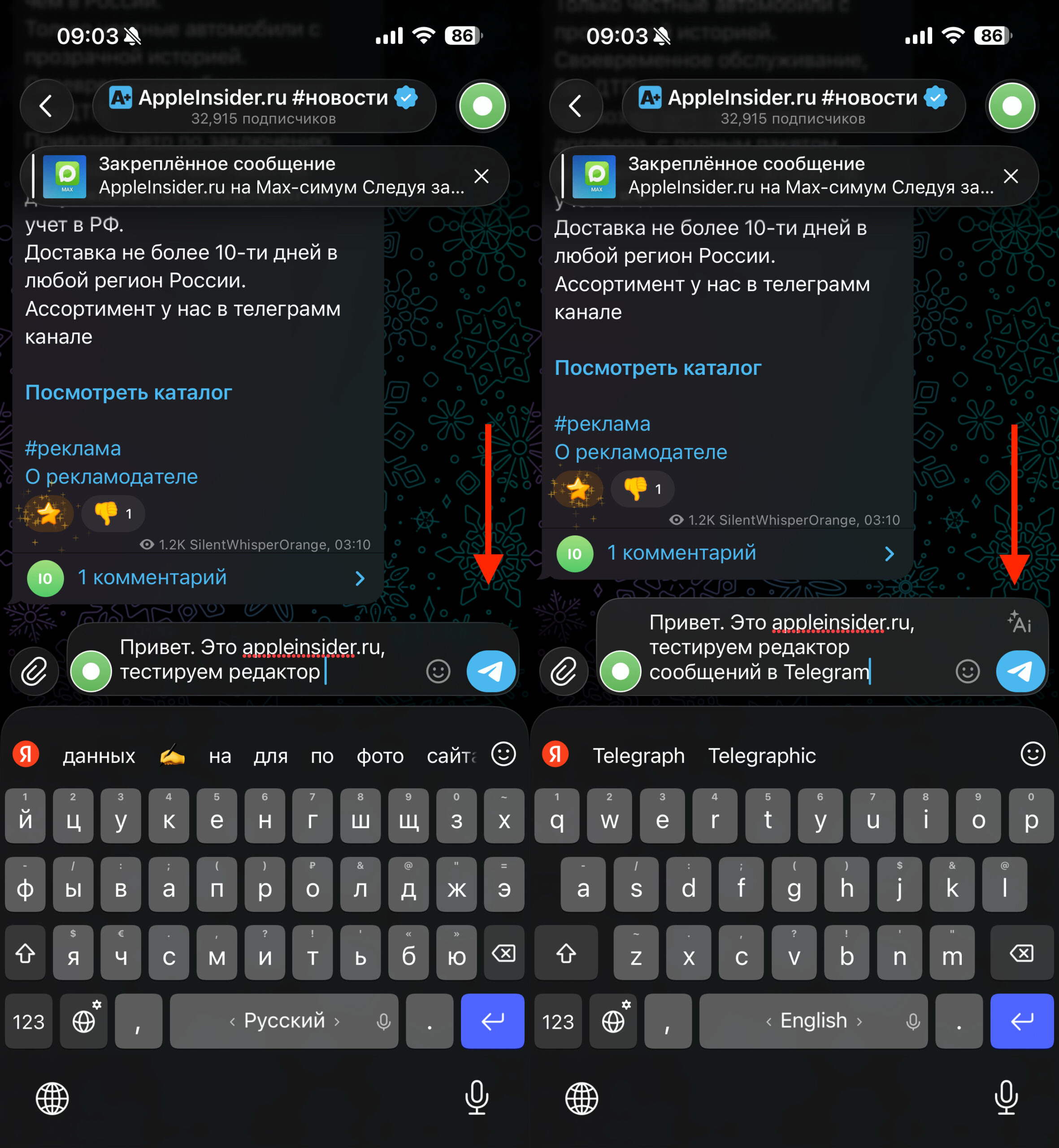
The main reason for the editor’s absence is a short message
The third reason is account limitations. In the announcement, Telegram doesn’t detail the pricing logic, but specialized publications that have already tested the feature report that it’s available to regular users as well, while unlimited access is given to Premium subscribers. In other words, on a free account, the AI editor may either not always work or be limited in the number of requests. Telegram itself phrases this vaguely, so it’s better to rely on practice here: if the feature disappears or behaves unstably, one possible reason is the lack of Premium.
The fourth reason is an unofficial client. In its latest update, Telegram has become noticeably stricter about emphasizing the use of third-party clients, and new features traditionally work properly first in the official Telegram apps for iPhone, iPad, Android, and desktop. If you’re using an unofficial app, delays in getting new features are quite possible. This isn’t a direct statement about the AI Editor specifically, but a logical conclusion based on how Telegram rolls out new capabilities.
The fifth reason is the server side. Telegram often rolls out new features not to everyone simultaneously. A phased launch of the AI Editor hasn’t been specifically mentioned, but this behavior has long been common for major features in the messenger. So it can happen that your app version is already up to date, but the specific feature doesn’t appear in your account right away.
Supported Devices for the Telegram AI Editor
The AI Editor is part of the overall March Telegram update, and the interface translation page for this feature already exists for both Android and iOS. This indirectly suggests that the feature is being prepared at least for all major official clients, not just one specific platform.
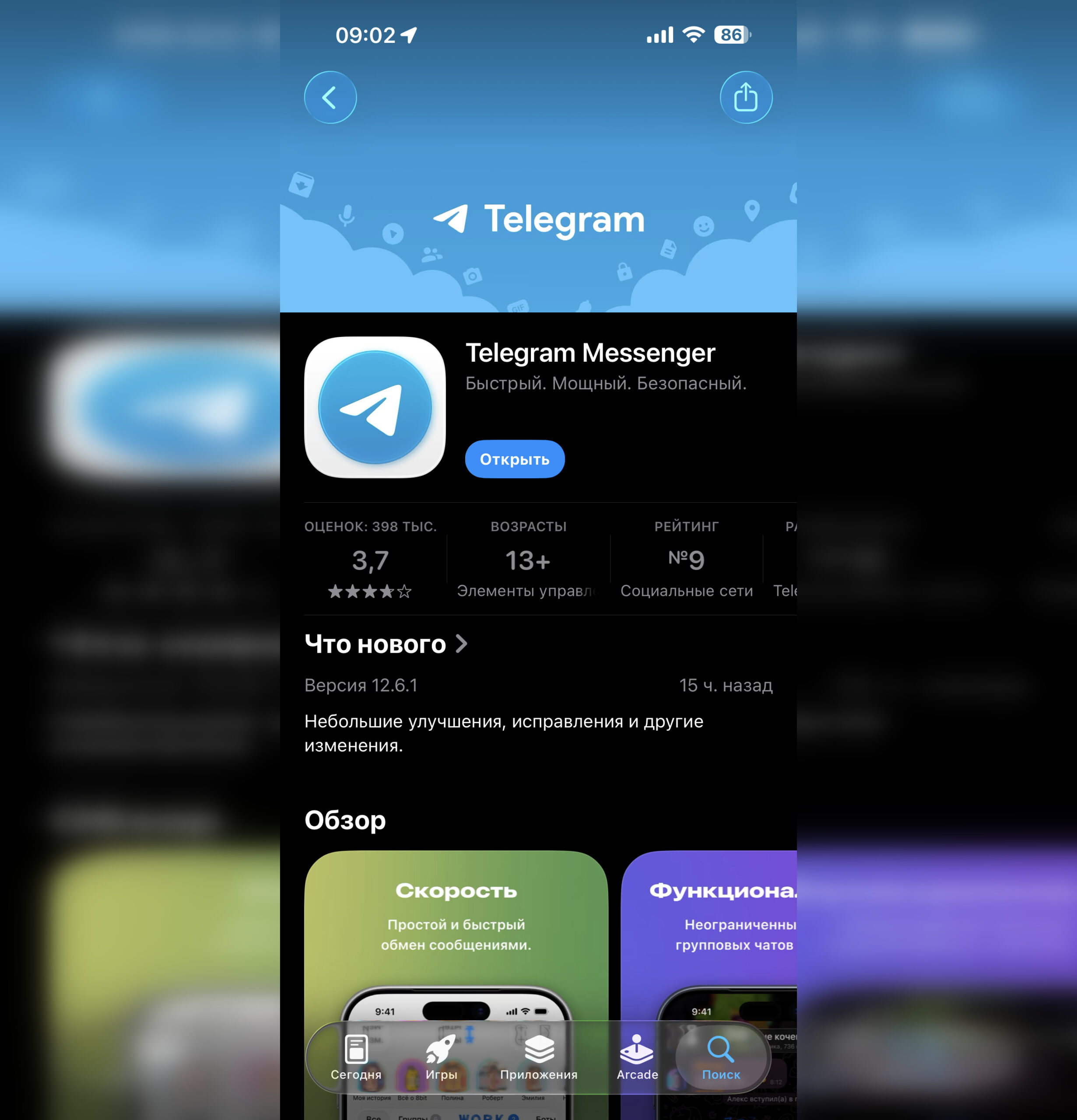
Just update to the latest version of Telegram, and there’s a 99% chance the editor will appear
But on iPhone and Android, it’s still worth looking not at promises but at the actual presence of the Ai button in the input field. If it’s not there even after updating and typing a long text, it means either the feature hasn’t rolled out to your account yet, or one of the limitations mentioned above is getting in the way.
AI Editor in Telegram — Pros and Cons
If you often find yourself rewriting the same message multiple times, this feature is genuinely useful. Especially in cases where you need to quickly make text shorter, more polite, or clearer. On iPhone, this can be more convenient than any third-party apps simply because everything works right in the chat window and doesn’t disrupt the usual communication workflow.
But you definitely shouldn’t expect it to be a full replacement for a neural network. It’s more of a smart overlay on the input field than a universal AI assistant. It doesn’t write long emails from scratch for you and doesn’t replace full-fledged models like ChatGPT. But as a quick editor before sending a message, it looks quite practical.


