SberKids has reappeared in the App Store. However, you won’t find it under its usual name: in the App Store, the app is hiding under the name Smart Quiz — Sber deliberately disguised the children’s bank so that Apple’s moderators wouldn’t remove it on the very first day.
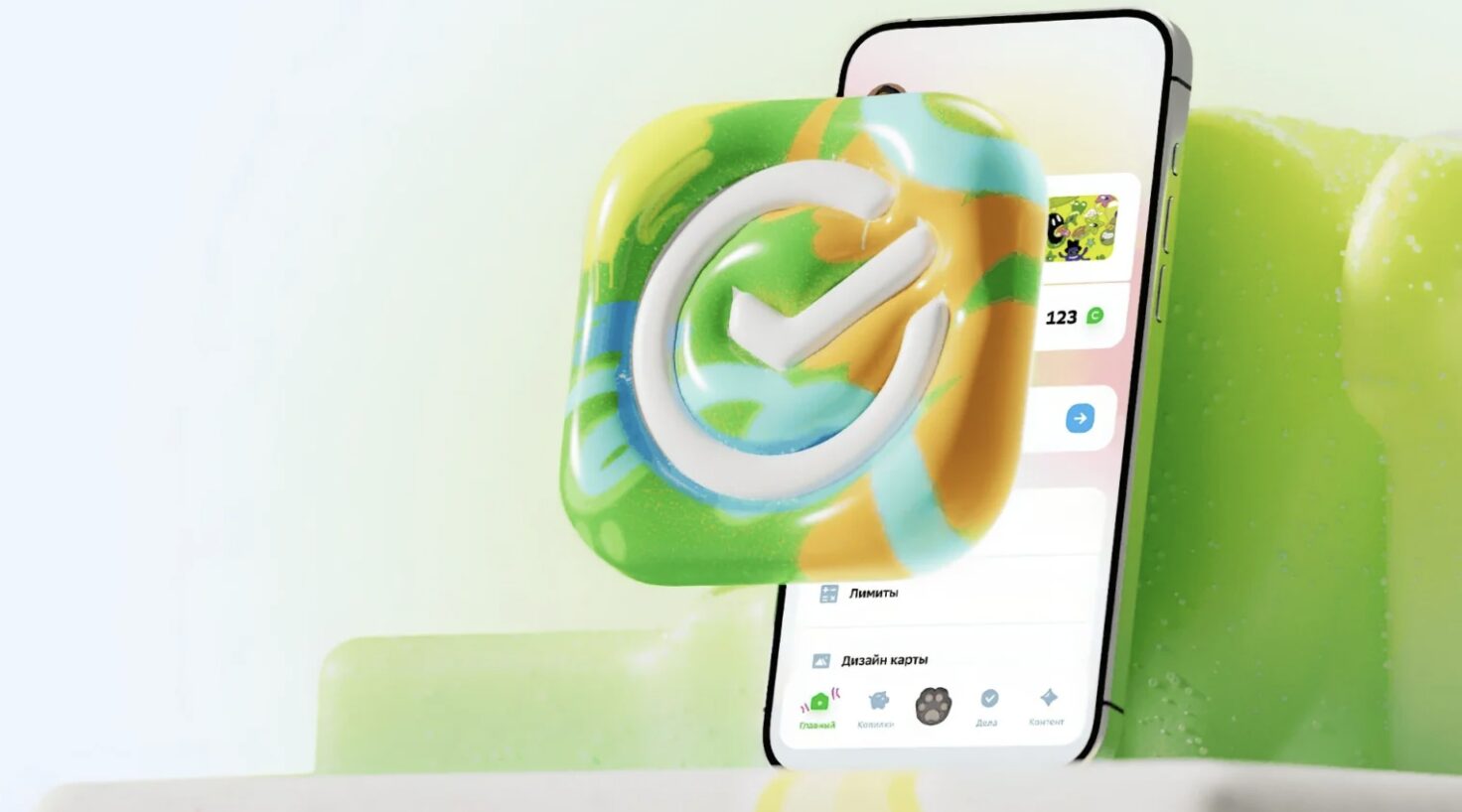
The new SberKids is already in the App Store. Image: Sber
If you missed the previous episodes of this saga: SberKids is a children’s bank from Sber for kids aged 6–13. The child gets their own card, sees the balance, saves up for things they want, pays for purchases, and learns not to blow through their pocket money on the very first day. Meanwhile, the parent calmly monitors everything from the regular SberBank Online app and can cut limits if needed. Until recently, installing SberKids on an iPhone was only possible through the “Return Sber to iPhone” utility, which was, frankly, not everyone’s cup of tea. Now everything is simpler — if you know the right name.
How to Download SberKids on iPhone
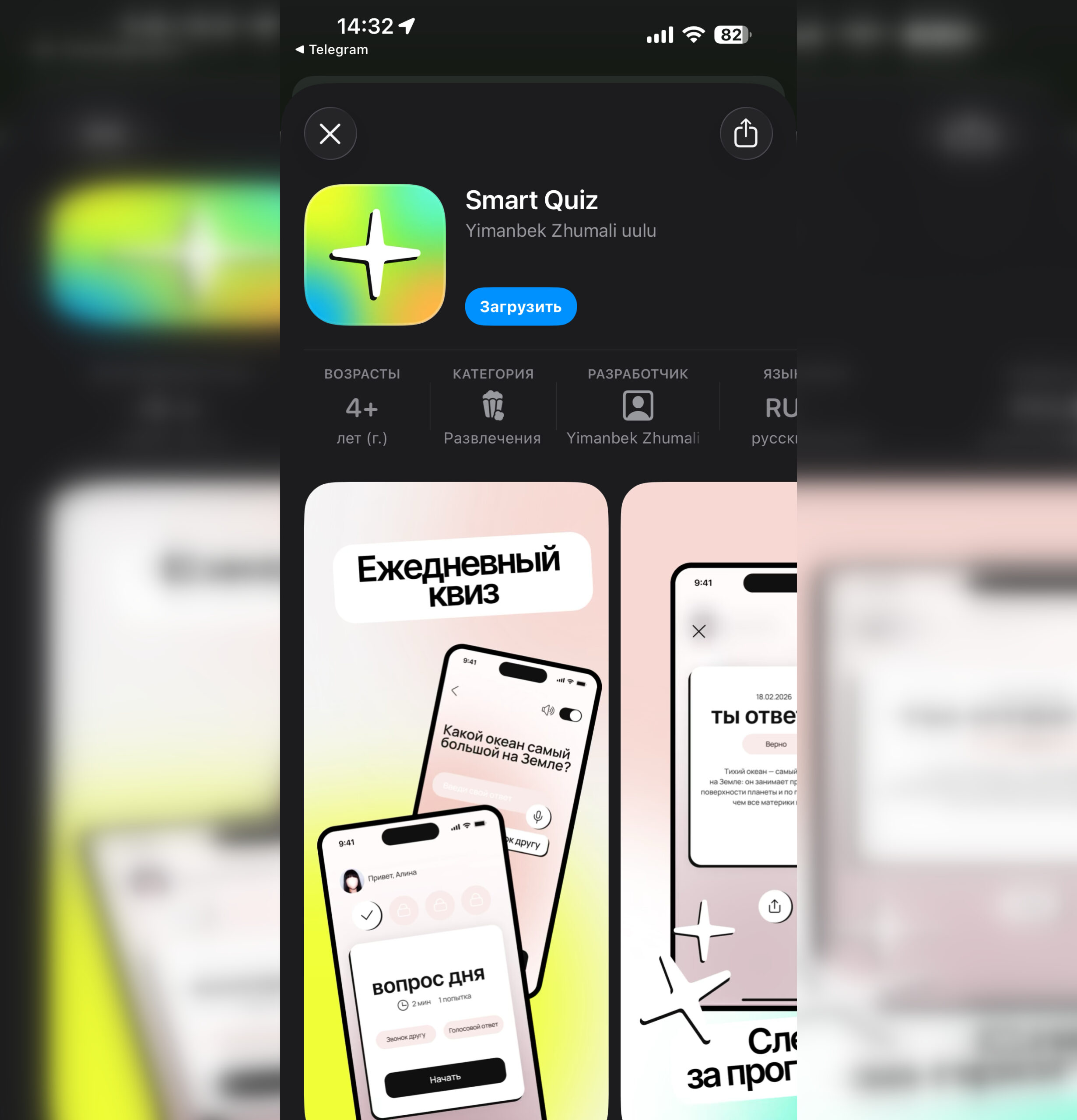
The app is available for download
Open the App Store and type Smart Quiz in the search bar or follow this link. Yes, that’s right: behind an innocent name reminiscent of “smart quizzes” lies a fully functional children’s bank from Sber. This is a well-established approach for Russian fintech apps: officially, the store sees an innocent educational program, but in reality, the user gets a working banking client. Sber has already used the same trick to bring other services back to the App Store.
The app downloads directly, without changing your Apple ID region and without any complicated workarounds involving computer utilities. Based on experience with past disguises, I advise not to delay the installation: as soon as Apple’s moderators figure out that Smart Quiz isn’t actually a quiz app, it will disappear from the store. While it’s still there — install it.
If your child doesn’t yet have a children’s SberCard, you can get one for free in the regular SberBank Online app under the debit cards section. The card is issued for children aged 6 to 13, is linked to the parent’s account, and allows you to set daily and monthly spending limits.
What the New SberKids Can Do
This isn’t the same app that Apple deleted a long time ago. Sber has seriously upgraded its functionality, and now the children’s bank is nearly on par with the adult version in terms of features. Here’s what Sber Kids for iPhone can do:
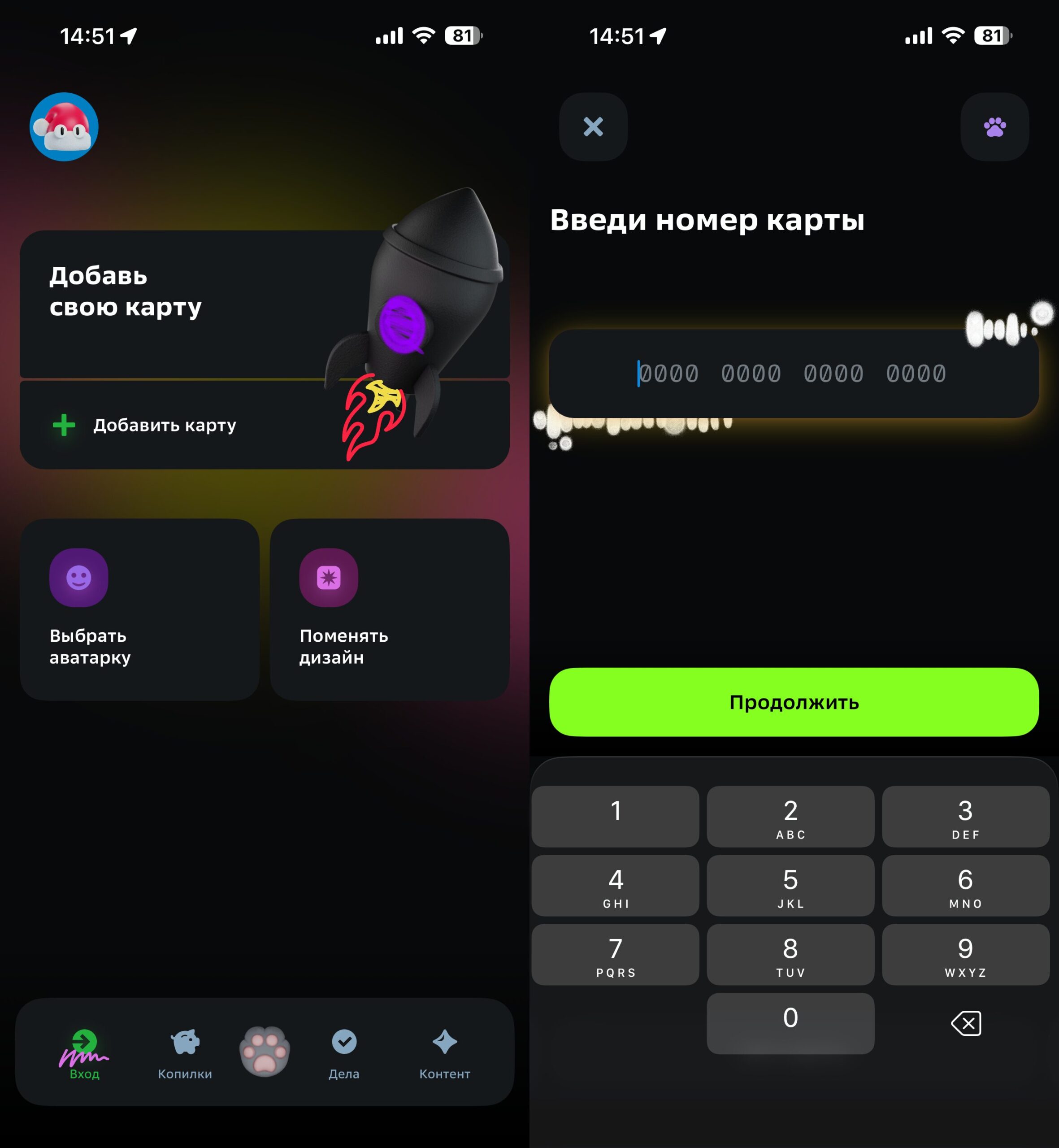
A child-friendly interface without information overload
- Payment via SBP and QR code. The child can pay in stores using their smartphone without a physical card and transfer money to friends at any partner banks, not just within Sber.
- Piggy bank with a 10% interest rate. Kids save money toward a goal, and Sber adds interest on top. A useful way to show children how savings work without lengthy lectures.
- Educational videos. Short videos about money, budgeting, and cybersecurity — a familiar format that won’t bore children.
- AI assistant SberCat. Inside the app lives an assistant powered by the GigaChat 2 Max neural network, which explains what to do if a card is lost, a confirmation code doesn’t arrive, or a password is forgotten. It also answers questions about money and helps with homework.
I want to highlight SberCat separately: for a child, this isn’t just a chatbot tucked away in the corner of the screen, but a full-fledged character that responds to voice commands and comes alive on screen. Previously, a similar feature was only available in the Android version; now it’s being rolled out on iOS as well.
Is It Worth Installing Smart Quiz on iPhone?
If your child is already 6 years old and you’re wondering how to introduce them to money management without the constant “give me 100 rubles for a bun,” SberKids is a solid option. I like the approach: the child learns to manage finances in an app designed for kids, rather than trying to navigate the adult SberBank Online interface with its hundreds of buttons. Plus, the parent can block the card at any time and see where the money went.
The main thing is — don’t wait too long. The pattern with disguising Russian banking apps in the App Store is predictable: sooner or later, Apple figures out that Smart Quiz is actually a banking client and removes it. If it’s available — install it right away. If it gets removed, you’ll have to go back to the “Return Sber to iPhone” utility, and that’s a whole different story.


