A new Alfa-Investments app has unexpectedly appeared in the App Store, and it can still be downloaded on iPhone. Such apps usually don’t last long in Apple’s store, so if you use Alfa-Bank’s investment services, it’s better to install it in advance. Even if everything currently works through the old version or the web version, a backup app can come in handy at any time. We’ll tell you what’s changed in ToRefresh and how to verify its authenticity.
Alfa-Investments is back in the App Store!
Why Alfa-Investments Is Missing from the App Store
After sanctions were imposed against Russian companies, banking apps for iPhone gradually began disappearing from the App Store. And after them — other utilities from the same companies. Alfa-Investments from Alfa-Bank — an app for buying securities — was also affected. Once again, it has been launched under a new name — ToRefresh for iPhone.
As usual, the app is published without mentioning the bank, although it’s easy to recognize by the colors on the icon. On the outside, it has a different description, but inside — it’s Alfa-Investments for iPhone. Apple eventually removes such apps, so they may only be available for a few days. That’s exactly why you need to download them as soon as they appear and not delete them from your iPhone. If the app is already installed, it continues to work even if it disappears from the App Store.
What Is the New Alfa-Investments App Called in the App Store
Currently, the new Alfa-Investments app is distributed in the App Store under the name ToRefresh. From the store description, it’s hard to tell that this is an investment service, but after installation, it becomes clear that inside is the updated broker app. At the same time, the bank has not confirmed anywhere that this is the new Alfa-Investments. Don’t worry — this is normal, it simply helps the utility stay in the App Store longer.
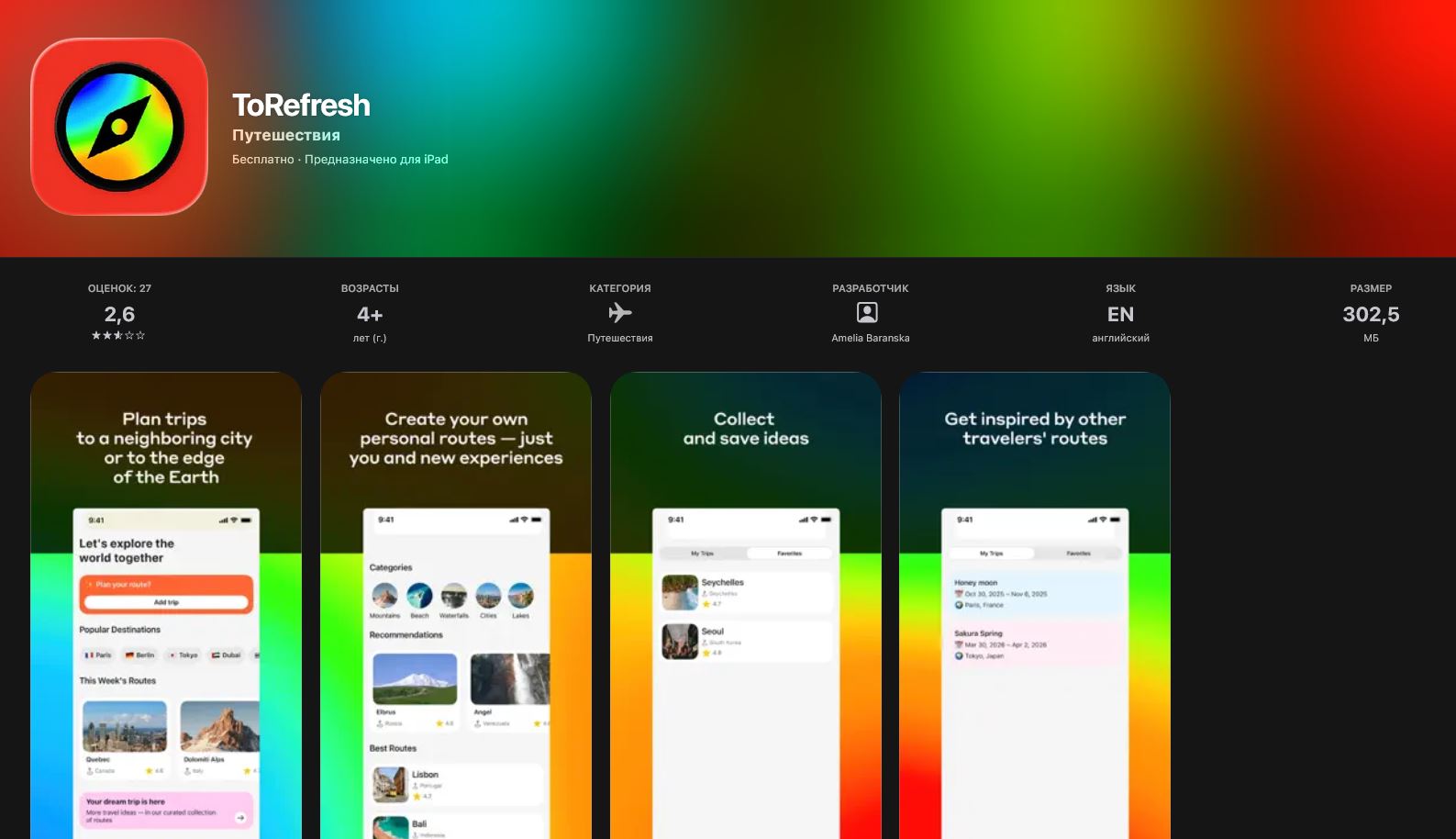
The new app is again only recognizable by its colors
Companies have used this publishing method more than once before. The name, description, and developer name are made as neutral as possible so the app can pass App Store moderation and remain available for download for some time. After logging into your account, the familiar Alfa-Investments for iPhone interface opens with all the main features.
What’s New in the ToRefresh Alfa-Investments App
In terms of interface, the new app is virtually identical to previous versions of Alfa-Investments. You log in with your phone number, and then your account greets you. The familiar home screen, asset list, charts, and operations section are all preserved. The main features are available:
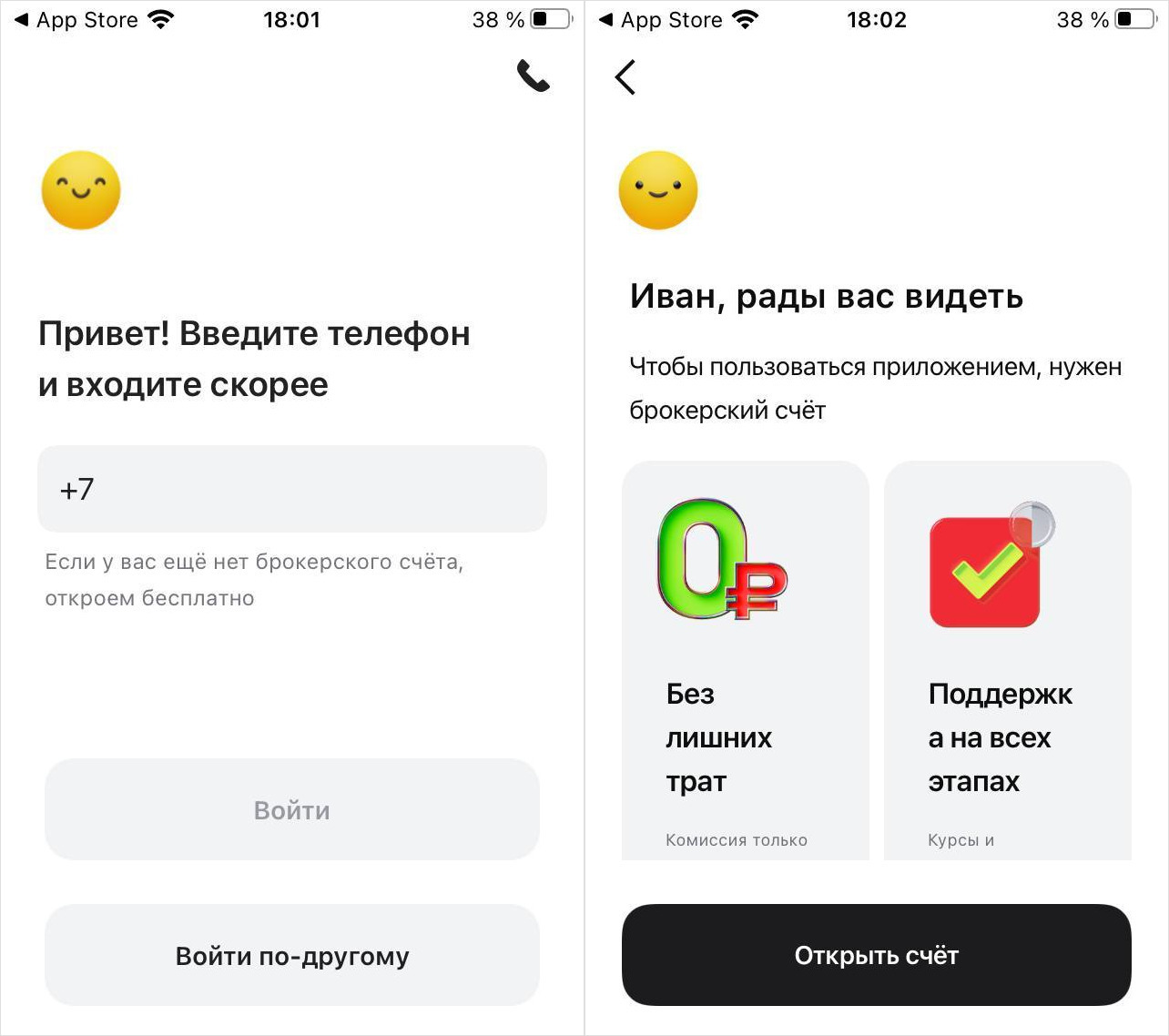
After logging in with your phone number, the regular Alfa-Investments opens
- buying and selling stocks;
- bonds and funds;
- currency operations;
- portfolio overview;
- trade history;
- notifications.
Everything works the same as before, so you won’t need to get used to a new interface. An important reason to download the new app is working notifications in Alfa-Investments. You’ll be able to stay informed about price changes, trades, and other important news in real time.
How to Download Alfa-Investments on iPhone
Downloading the new Alfa-Investments on iPhone with notifications is easy. Here are the instructions:
- Follow the link directly from Safari to download the new Alfa-Investments from the App Store.
- Or open the App Store and find the app manually by searching for “Au.ru объявления” or “Аукцион Au.ru”.
- Tap “Download” — the app is free, no card needed.
- After installation, open the app and log in with your phone number.
- When the system asks about notifications — make sure to tap “Allow”. This permission is exactly why you’ll start receiving push notifications in real time again — just like in the old investments app before it was removed.
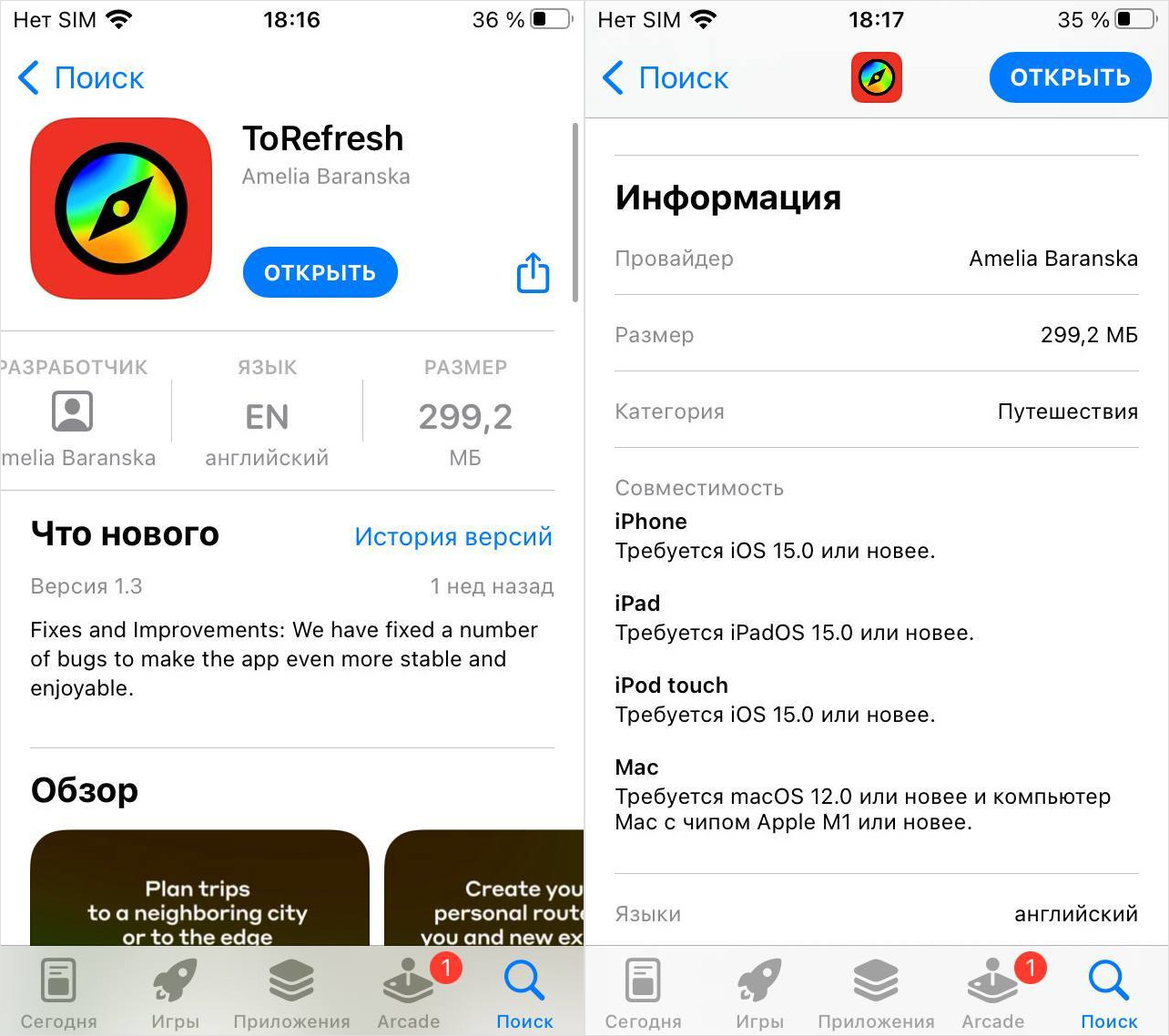
You need to download ToRefresh as soon as possible
Done. The app is only about 300 MB in size and downloads very quickly.
Is It Worth Downloading ToRefresh from the App Store
The Alfa-Bank ToRefresh app can’t be called a must-have app for everyone. It’s not a program without which you can’t use your iPhone. But it’s exactly these kinds of utilities that often come in handy when they’re no longer in the App Store. So download it right away — let it be there. If you use Alfa-Investments, it’s better to install the app in advance. Even if everything works through the old app right now, there’s no guarantee it will continue to be supported. They usually get shut down over time, leaving users with only the web version.
Such versions are usually released as a temporary solution, but in practice, they end up becoming the main ones. So it’s safer to keep an installed copy on your iPhone while it’s available in the App Store.


